
Pattern
Colors
Picture
Art Deco Pattern Maker
Design a 1920s Art Deco pattern in seconds. Pick a motif from the Jazz Age, from scallop fans and rising suns to stepped ziggurats and skyscrapers, choose gold on black, emerald or Miami pastels, and save a seamless repeat or a single poster motif in a stepped frame. Pick an example or a motif, set the tile size, the lines and the colors, and choose Gilded for gold lines or Coloring page to print. Single shows one motif as a poster, Border adds a stepped frame. Save a PNG or an SVG, or open it in the editor as layers.
How it works
- Pick an example such as Gatsby fans, Emerald sunburst, Miami arches or Skyline, or choose one of nine motifs.
- Set the tile size and how many lines each tile has, offset the rows, alternate the colors, and choose a palette and Gilded, Filled, Lines only or Coloring page.
- Add a simple, double or stepped frame, then save a PNG or SVG, or open the pattern in the PictorX editor with the shapes, lines, accents and frame on layers of their own.
Nine motifs of the Jazz Age
Scallop fans with ribs and rings, rising suns, rainbow arches, chevrons, stepped ziggurats, harlequin diamonds, peacock feathers, rings of quarter circles and skyscrapers: the shapes of 1920s and 1930s architecture, posters and fabrics. Each one is a tile that fits its neighbors exactly, so the pattern runs on seamlessly in every direction.
Gold, emerald and Miami pastels
Gilded draws every line in shining gold on a dark ground, as on a Gatsby invitation; Filled colors the shapes in two or three tones; Lines only keeps them thin and elegant; Coloring page gives black outlines to print. The palettes run from gold on black, emerald, navy and burgundy to copper, rose gold and the pastels of Miami Beach.
Posters, invitations and wallpapers
Single shows one motif as large as the picture, like a sunrise or a fan on a 1920s poster, and Border adds a simple, double or stepped Art Deco frame with gems in the corners. Use a pattern as a background for a party invitation, a menu or a website, print it as wrapping paper, or save an SVG for fabric and laser cutting.
Frequently asked questions
Is the Art Deco Pattern Maker free?
Yes. Make as many patterns as you like and save them as PNG pictures, without an account or a watermark. Everything is drawn in your browser. Saving as SVG is part of Premium.
Is the pattern seamless?
Yes. Every motif is a tile that fits its neighbors exactly, so a pattern runs on in every direction. Turn the frame off for a seamless background, wallpaper or fabric.
How do I make a Gatsby-style pattern?
Pick the Gatsby fans example, or choose Fans or Sunburst with the Gatsby palette and Gilded. Add a stepped frame for an invitation, and type your text over it in the PictorX editor.
Can I print it as a coloring page?
Yes. Choose Coloring page and an A4 format: the lines are black on white. Fewer lines and a larger tile size make it easier to color in.
Can I keep editing the pattern?
Yes. The pencil opens it in the PictorX editor with the background, the shapes, the lines, the accents and the frame on layers of their own, so you can recolor the gold or hide the frame. In the editor, Apps ▸ Geometry ▸ Art Deco Pattern Maker adds a pattern to any design.
Related tools
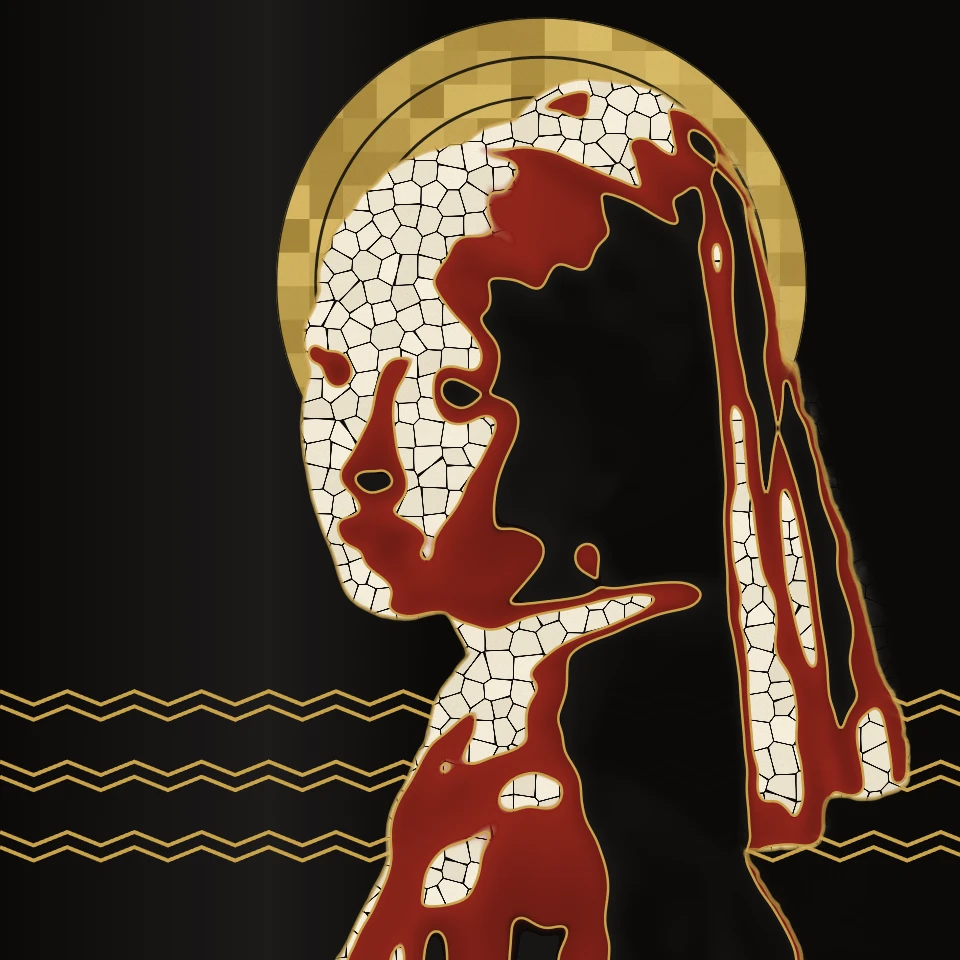
Art Deco photo filter
Turn a photo into Art Deco in your browser: a Cassandre-style poster with sunburst rays, a glossy Lempicka portrait before skyscrapers, Gatsby gold engraving on black, or Streamline chrome, in a stepped geometric frame.
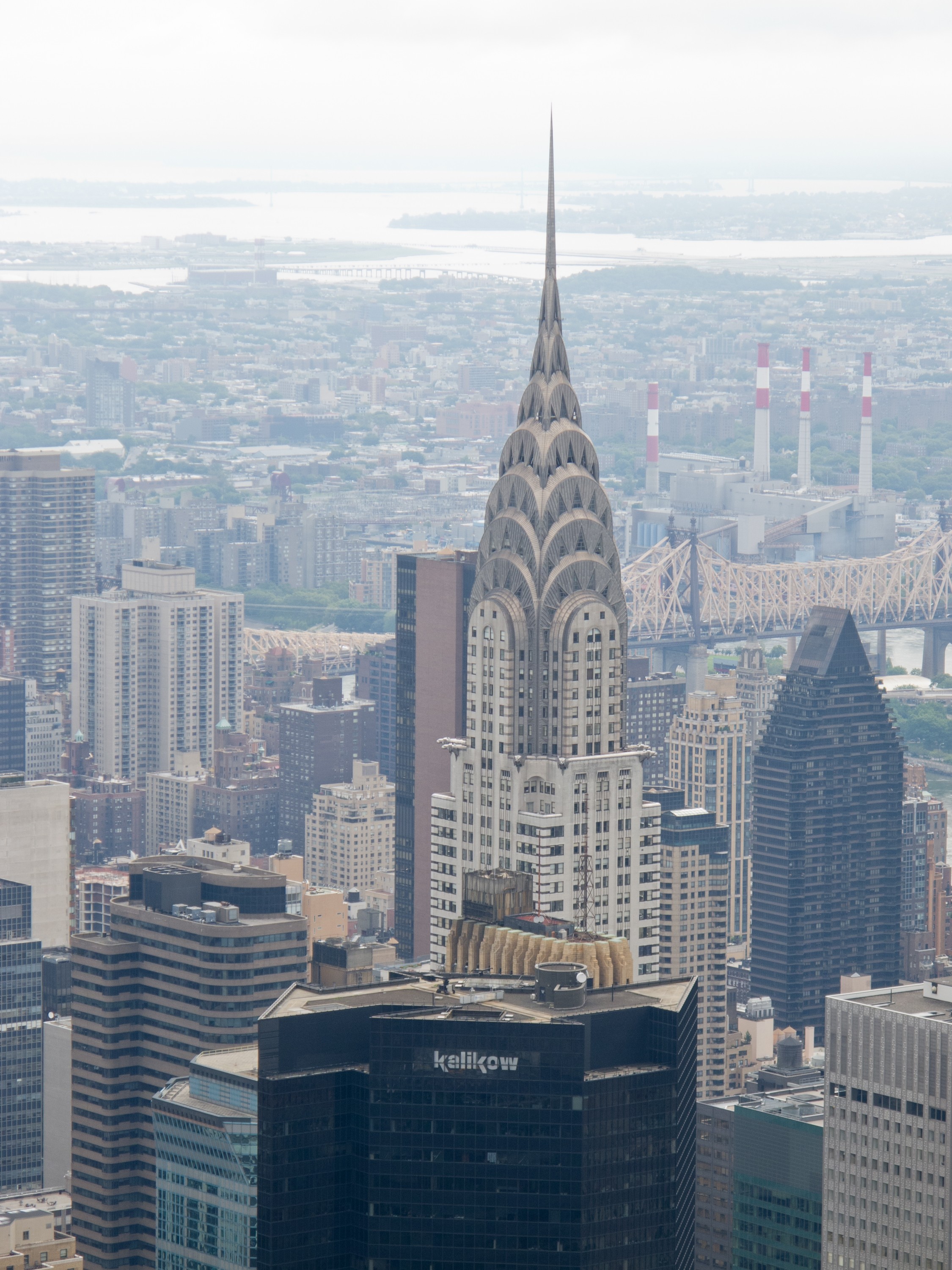
Art Deco
What was Art Deco? The 1925 Paris exhibition and the name, Cassandre's posters, Tamara de Lempicka, the Chrysler Building, Jazz Age luxury, Streamline Moderne.
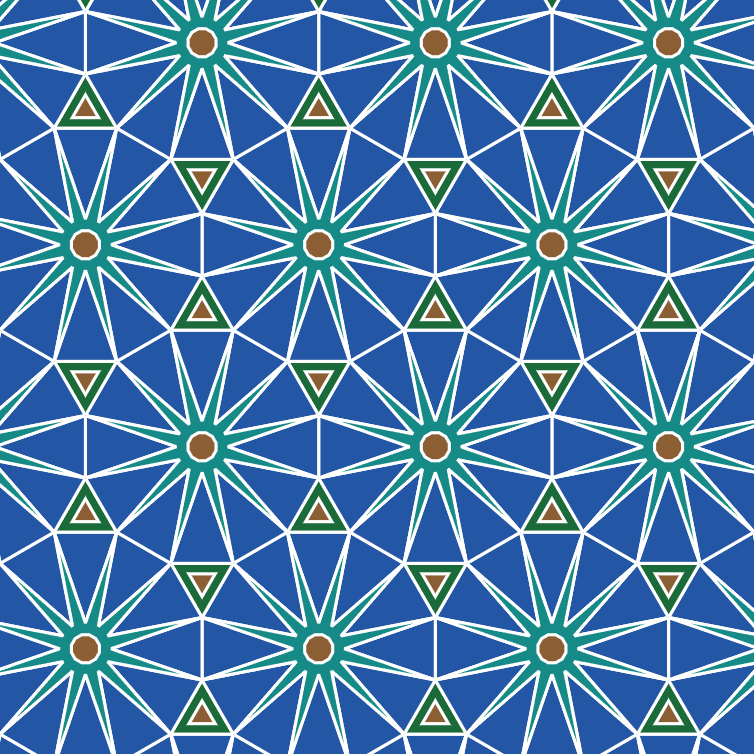
Tessellation maker
Cover the plane with regular and Archimedean tessellations. Tune scale, colours, and warp square edges Escher-style — then save a PNG.
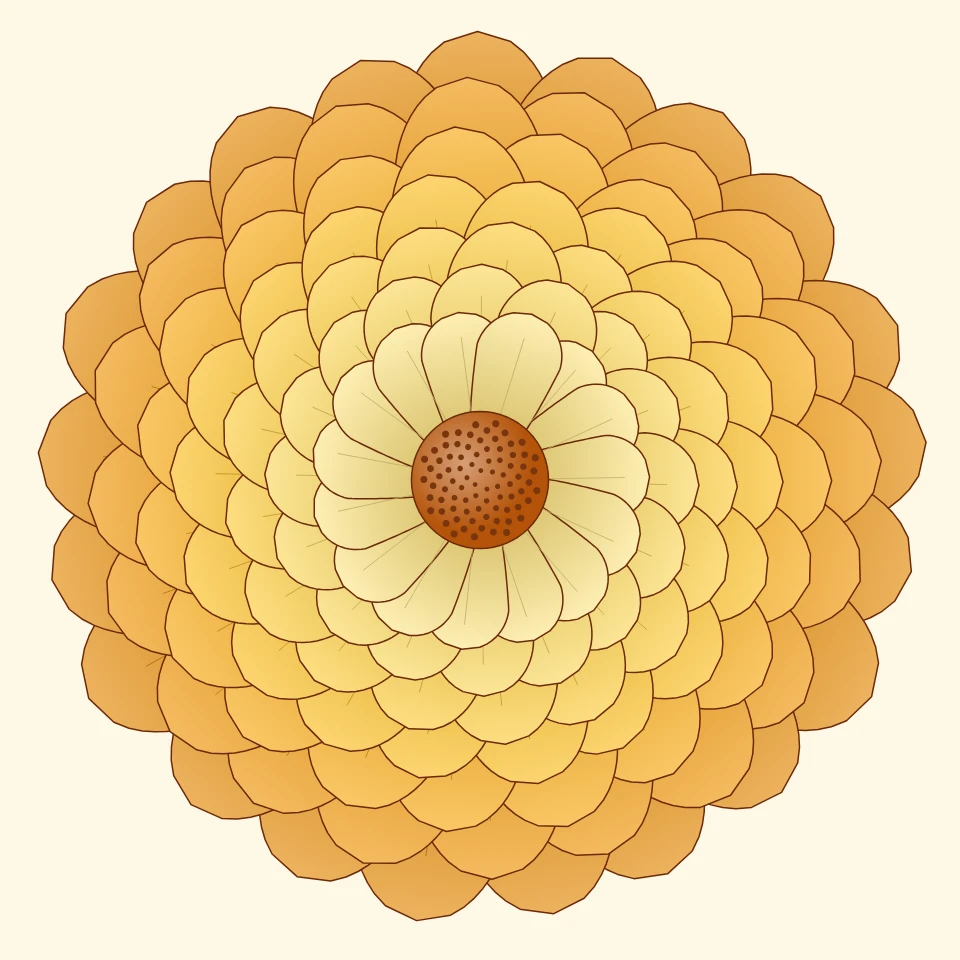
Chrysanthemum Pattern Maker
Make chrysanthemum patterns online: layered blooms of round, spoon, spider or incurved petals, Japanese kiku crests, Fay's chrysanthemum curve, and seamless repeats. Save a PNG or SVG.
Mandala Maker
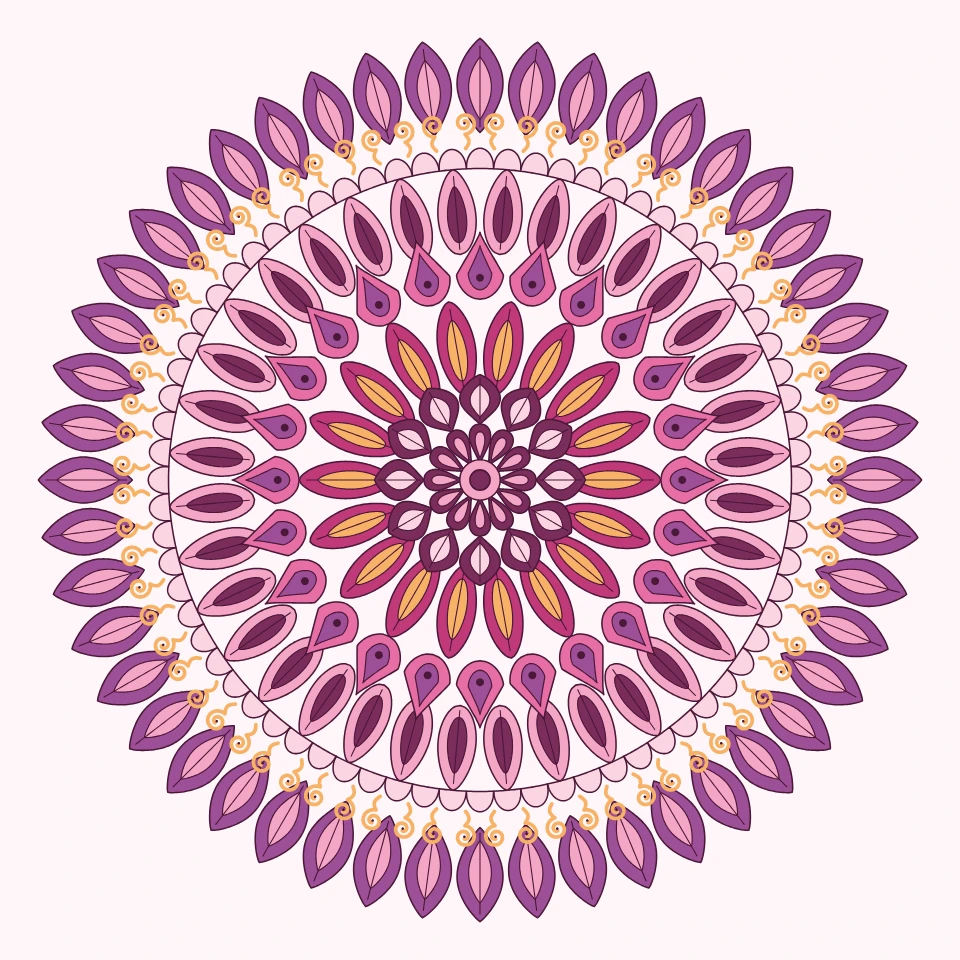
Make a mandala online for free: rings of petals, leaves, hearts, dots and stars around a center, in colors, soft shading, gold lines, neon or as a coloring page. Edit every ring, draw with symmetry, save a PNG or SVG.
Ready to try it?
Open PictorX in your browser — no install, no credit card required to start.
Go to Editor