
The story of time tracking
A time tracker is a running record of where the hours went: one project, one start, one stop. The idea is older than software, and it still earns its keep whenever work has to be planned, billed or simply understood.
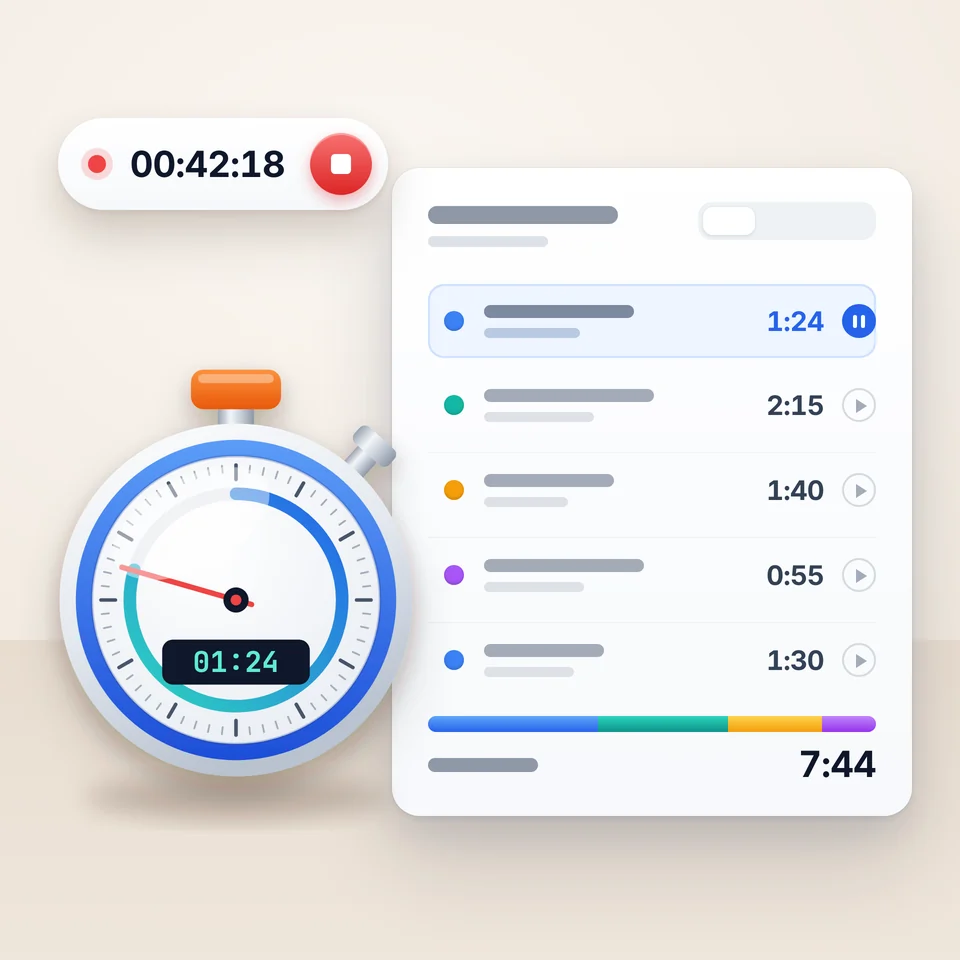
Factory clocks and the timesheet
Nineteenth century factories needed a fair record of who was present and for how long. Mechanical time clocks, often called punch clocks, stamped a card when a worker arrived and left. Those stamps became the timesheet: a daily or weekly grid of hours against a person, a job or a cost centre. The form has barely changed.
Billable hours
In law, accounting, architecture and consulting, time is the product. Firms split work into projects or matters and ask people to record time against them, usually in sixths or tenths of an hour. A good record protects the client as well as the firm: it shows what was done, and it keeps one project's hours from disappearing into another.
One timer at a time
Software made it easy to start a timer and forget it. The cleaner habit is the older one: only one clock runs, and starting work on a new project stops the last. The start time is what matters, not a ticking counter, so a reload or a closed tab does not lose the time already spent.
A private record
A timesheet held in your own browser is enough for personal work, freelance billing and a weekly review. Export it as CSV for a spreadsheet or as JSON to move it to another device. Nothing needs to leave the machine unless you choose to save a file.
Frequently asked questions
Does the timer keep running if I close the tab?
Yes. The tracker stores the start time, not a running count, so when you open the page again the elapsed time includes the hours the tab was closed. Press Stop when you finish, or start a different project to close the last one automatically.
Can I add time I forgot to track?
Yes. Add a manual entry with a date, a start and an end, or a duration such as 1:30. You can edit or delete any entry later, and undo will reverse the change.
Is my timesheet sent to a server?
No. Projects, entries and the running timer stay in the local storage of this browser. Use Save as JSON for a backup, or Download CSV to open the hours in a spreadsheet.
Related tools
Time tracker
A free online time tracker: start and stop a timer on a project, add manual entries, and see a daily or weekly timesheet with totals and a bar chart. Saved in your browser.
Pomodoro timer
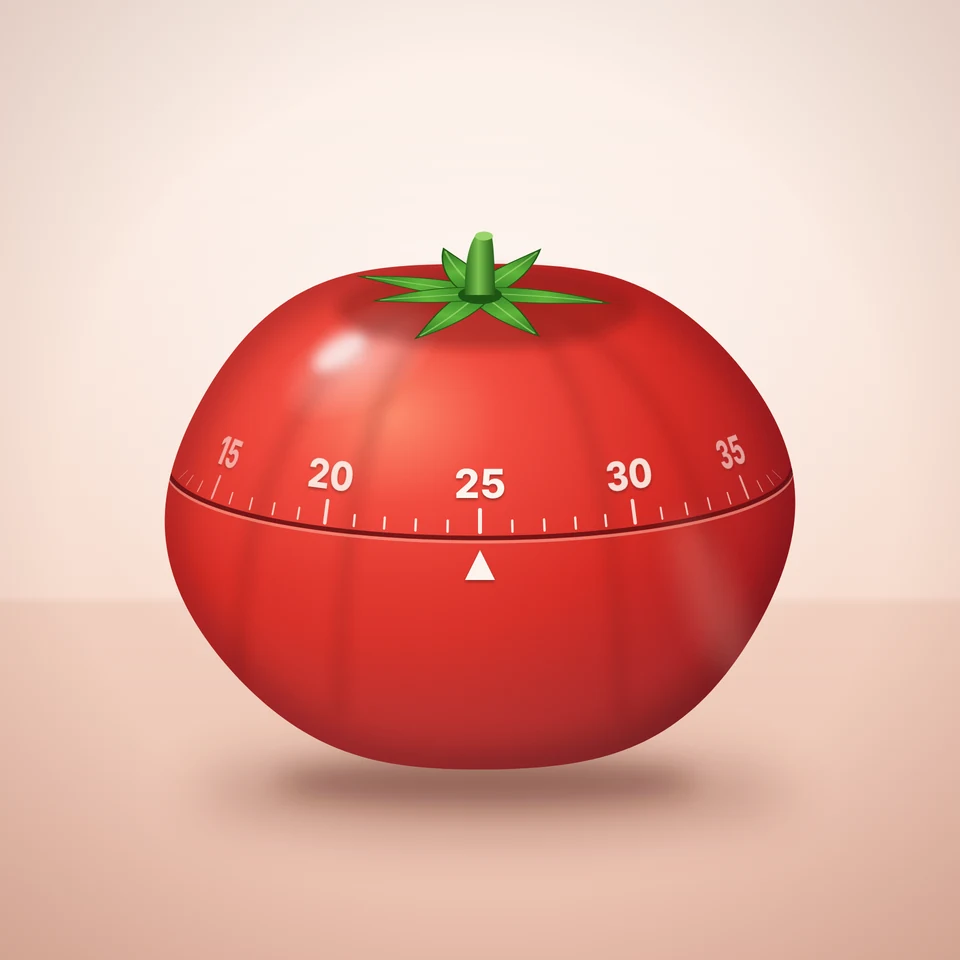
A free Pomodoro timer: 25 minutes of focus, 5-minute breaks and a long break after four sessions, with a progress ring, sound signals, notifications and daily stats.
Countdown timer
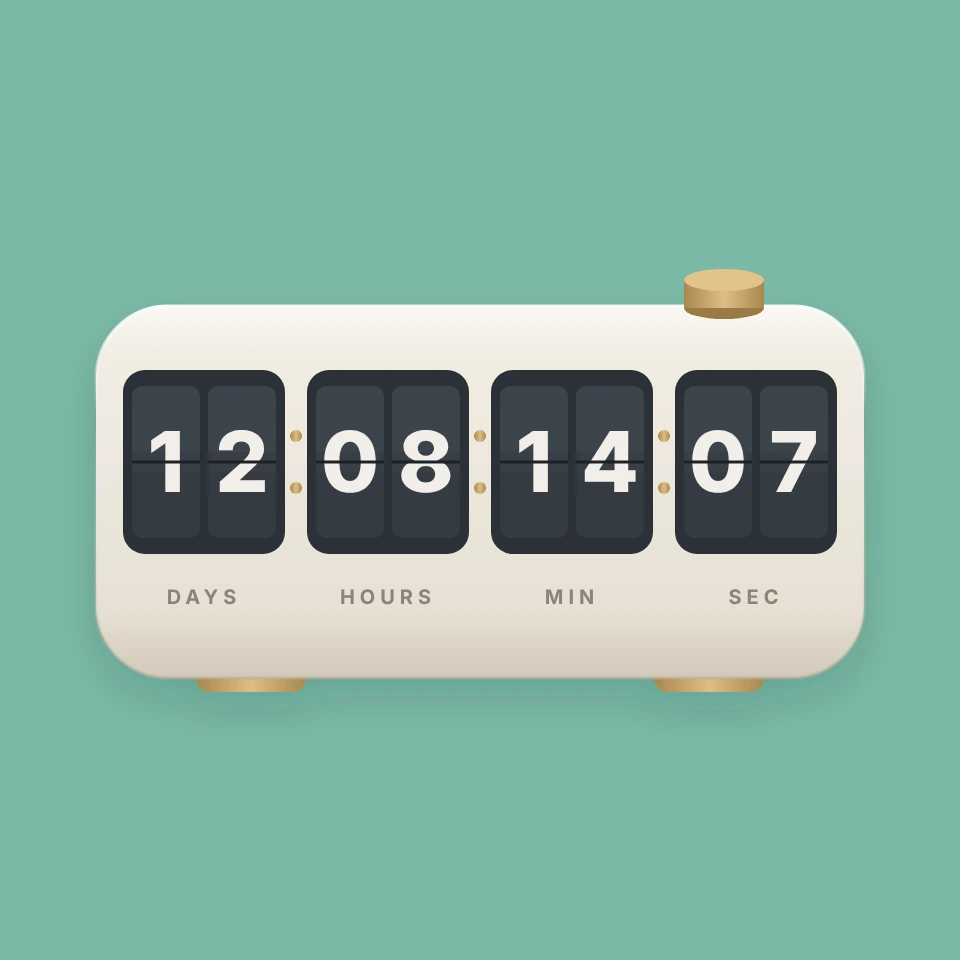
A free online countdown timer: count down live to an event, product launch or the New Year in any time zone, with flip or clean digits, share links, embed code and confetti.

Habit tracker
A free online habit tracker: add daily or weekly habits, tick off days in a week or month grid, and watch streaks, completion and a heatmap. Saved in your browser.
Ready to try it?
Open PictorX in your browser — no install, no credit card required to start.
Open the time tracker