
How text diff works
A diff answers a simple question: what is the smallest set of changes that turns one text into another? The answer drives code review, version control, document comparison and patches. Here is how a diff tool finds it, from the longest common subsequence to Myers' algorithm, and how to read the result.
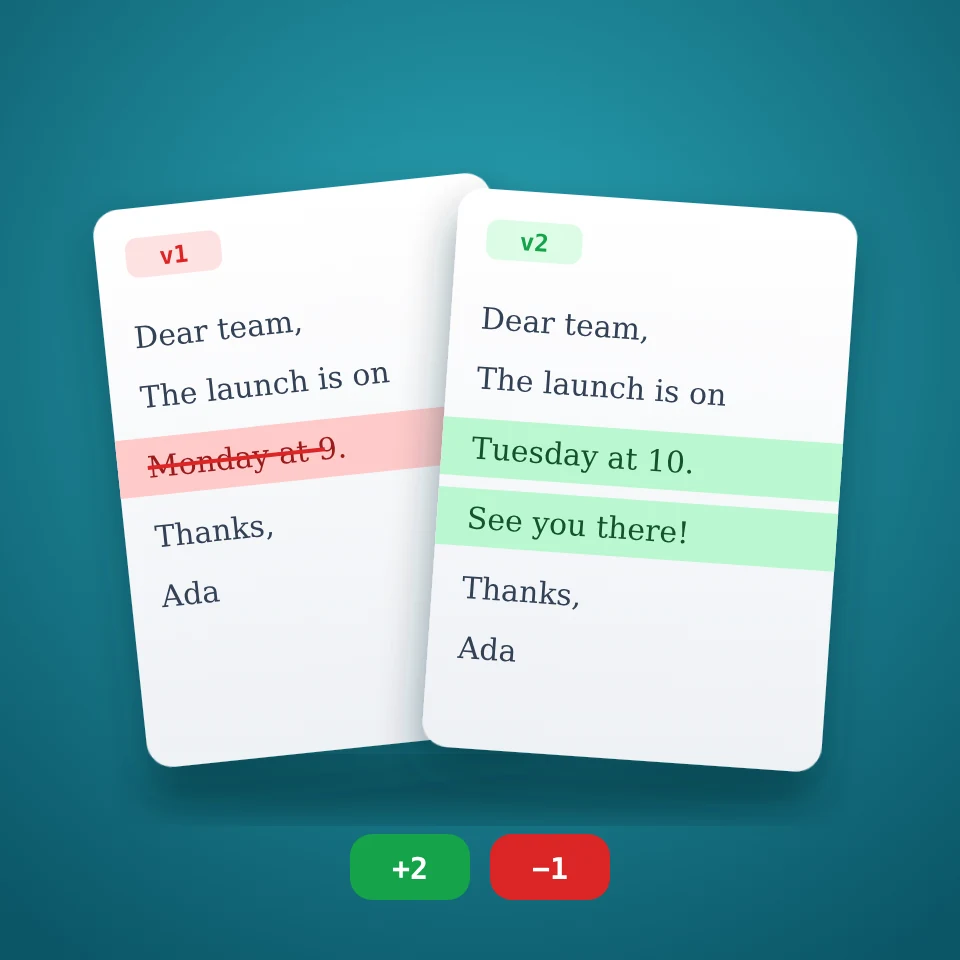
Lines, edits and the shortest edit script
A diff tool splits both texts into lines and treats each line as one symbol. It then looks for an edit script: a list of lines to delete from the original and lines to insert from the new version that turns one into the other. Many scripts work, even deleting everything and inserting it all again, but a useful diff is the shortest one, because it keeps as many lines as possible untouched and so shows only what really changed.
The longest common subsequence
Keeping the most lines means finding the longest common subsequence (LCS): the longest list of lines that appears in both texts in the same order, though not necessarily next to each other. Every line outside it was removed or added. For the letters ABCABBA and CBABAC one LCS is BABA, of length 4, so 3 letters are deleted and 2 inserted; that count of 5 is the edit distance when only insertions and deletions are allowed. The Longest Common Subsequence and Edit Distance apps fill in these tables step by step.
Myers' O(ND) algorithm
The classic LCS table needs time and memory for every pair of lines, which is too slow for long files. In 1986 Eugene Myers showed how to explore only the paths that matter: the search grows one edit at a time and follows runs of equal lines, called snakes, for free, so the work is about (N + M) × D, where D is the number of edits. Similar texts, the usual case, are compared in nearly linear time, and a variant that searches from both ends and meets in the middle needs only linear memory. Git, GNU diff and this checker use it.
Changed lines and word-level highlights
A line diff only knows deleted and inserted lines. When a run of deleted lines faces a run of inserted ones, a viewer pairs the lines that look alike and shows each pair as one changed line. The same algorithm then runs again inside the pair, on words or on characters, to mark exactly what changed: a renamed variable, a corrected number or a missing comma. Word level suits prose and code, character level typos and data.
Ignoring what does not matter
Not every difference is interesting. A diff tool can compare a normalised copy of each line instead of the line itself: in lower case to ignore case, trimmed to ignore indentation, or with all spaces removed to ignore reformatting. Blank lines can be left out entirely. The lines are still shown as they are; only the comparison changes, so a reindented block no longer shows up as changed.
Reading a unified diff
The unified format of diff -u and git diff starts with --- and +++ lines that name the old and the new file. Each hunk begins with a header such as @@ -12,7 +12,8 @@: seven lines starting at line 12 of the old file become eight lines starting at line 12 of the new one. Lines that begin with a space are context, lines with - are removed and lines with + are added. Three lines of context around each change let patch or git apply find the right place even when the file has shifted a little.
Frequently asked questions
Why does a diff sometimes look odd?
Often more than one shortest edit script exists, and the algorithm picks one of them. When similar lines repeat, such as closing braces, the diff may match a different brace than you would, so a change seems to start a line early. The result is still correct and minimal; git also offers the patience and histogram algorithms, which prefer to match unique lines.
Does a diff detect moved text?
Not as a move. A diff only knows deletions and insertions, so a paragraph moved elsewhere appears as removed where it was and added where it is now. Some tools add move detection on top by looking for removed and added blocks that are identical.
What is the difference between a diff and edit distance?
Edit distance is a number: how many single edits turn one string into another, usually counting insertions, deletions and substitutions of characters (the Levenshtein distance). A diff is the list of edits itself, usually of whole lines. Both come from aligning two sequences, and a diff with only insertions and deletions is tied directly to the longest common subsequence.
What is a three-way merge?
When two people change the same file, a merge compares both versions with their common ancestor. Changes in different places are combined automatically; where both changed the same lines, the tool reports a conflict for a person to resolve. A two-way diff like this checker shows the changes between two versions only.
Related tools
Text diff checker
A free text diff checker: compare two texts or files side by side or inline, see added, removed and changed lines with the changed words marked, ignore case or whitespace, and copy a unified diff.
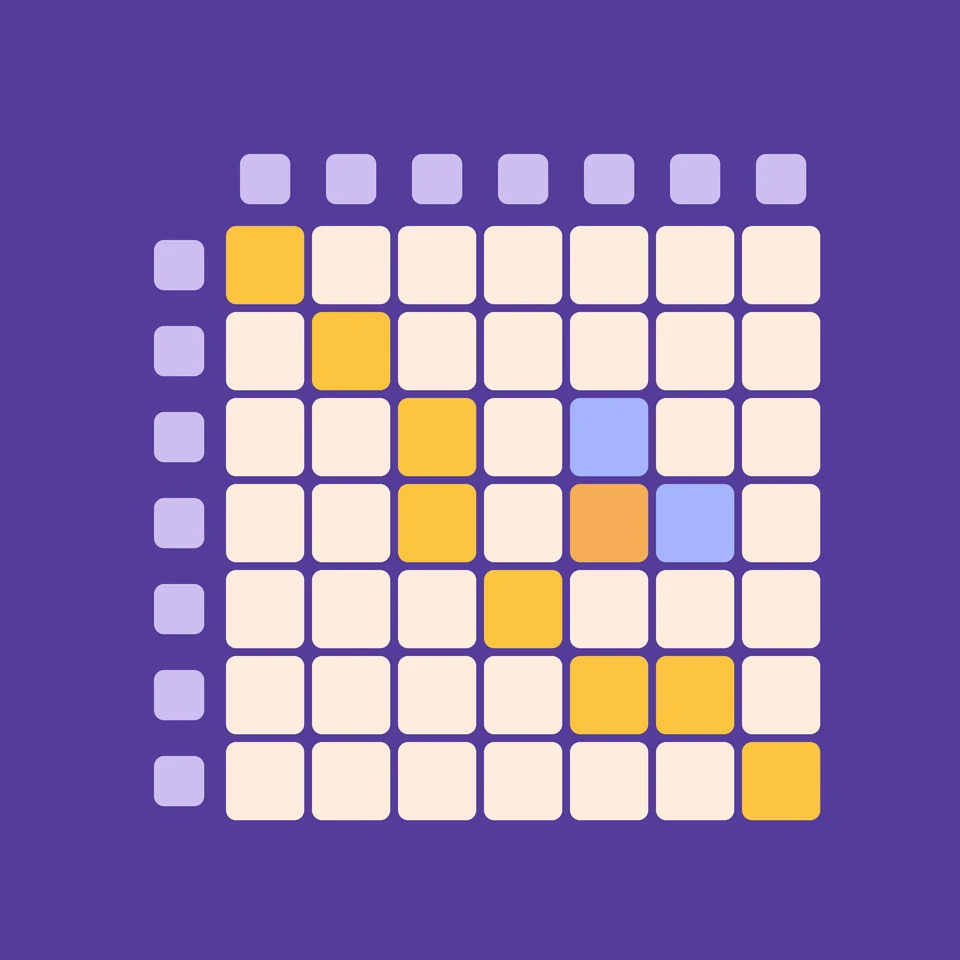
Longest common subsequence (LCS)
Watch the longest common subsequence of two words found step by step. See each cell compare two letters, fill from its neighbours, and trace the shared letters back from the corner.
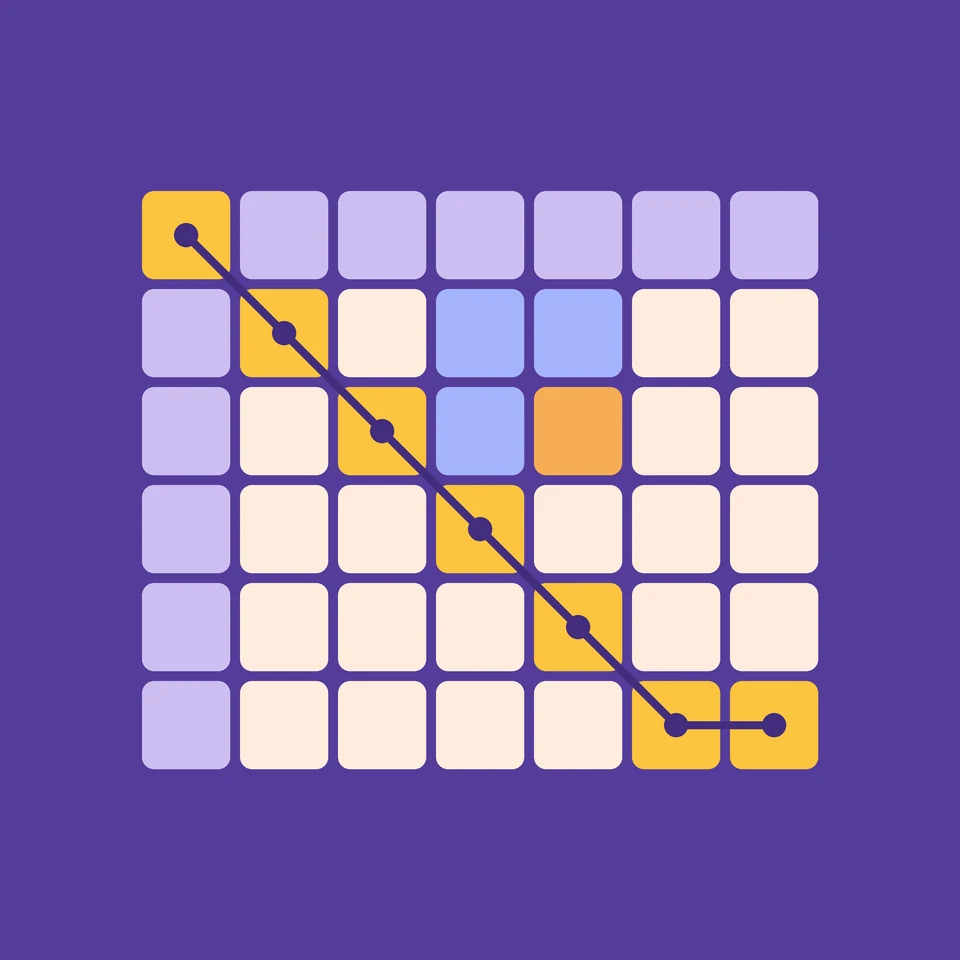
Edit distance (Levenshtein distance)
Find the edit distance between two words and watch the Levenshtein table fill step by step. See each cell choose between insert, delete and replace, and read the edits back from the corner.

Code Snippet Manager
A free code snippet manager in your browser: save snippets with a title, language and tags, search and filter them, read them with syntax highlighting, copy them in one click, and export or import the library as JSON.
Ready to try it?
Open PictorX in your browser — no install, no credit card required to start.
Open the Text Diff Checker