
The story of the resume
A resume is a short account of work you have done, written so a stranger can see the shape of it in a minute. The word is French for summary. The page has stayed useful because it is still the thing you hand over.
A summary with a name
Leonardo da Vinci is often credited with an early letter of this kind: a list of what he could do, sent to a patron. Later the curriculum vitae, the course of a life, grew longer. The resume kept the short form. A name, a role, and the work that supports the claim.
Sections a reader expects
Most readers look for the same blocks: a line about you, where you have worked, where you studied, and the skills you want seen first. Projects belong when they show the work better than a job title does. Dates make the order obvious.
A layout that stays readable
A single column is the safest page to print. A sidebar can hold contact details and skills so the work has the wider column. Colour should mark the headings, not compete with them. Many employers let software read a resume before a person does, and it reads text, not pictures, so upload a copy whose words are text. The words are the resume; the layout only keeps them in order.
A photo, or none
Customs differ by country. In much of continental Europe and in parts of Asia a small portrait at the top of a resume is usual, and some application forms ask for one. In the United States, the United Kingdom, Canada and Australia most employers prefer no photo, so that the first look is at the work. When in doubt, follow the job advert or the custom of the country. A plain background and a head-and-shoulders crop look best.
A private page
A resume held in your own browser is enough to draft, restyle and export, photo included. Save JSON to move it, a PDF or PNG for a copy you can send, or print it for a PDF whose text software can read. Nothing needs to leave the machine unless you choose to save a file.
Frequently asked questions
What is the difference between a resume and a CV?
A resume is a short summary, often one or two pages, aimed at a role. A CV can be a longer record of a whole career. This builder is the short page: profile, experience, education, skills and projects.
Which layout should I use?
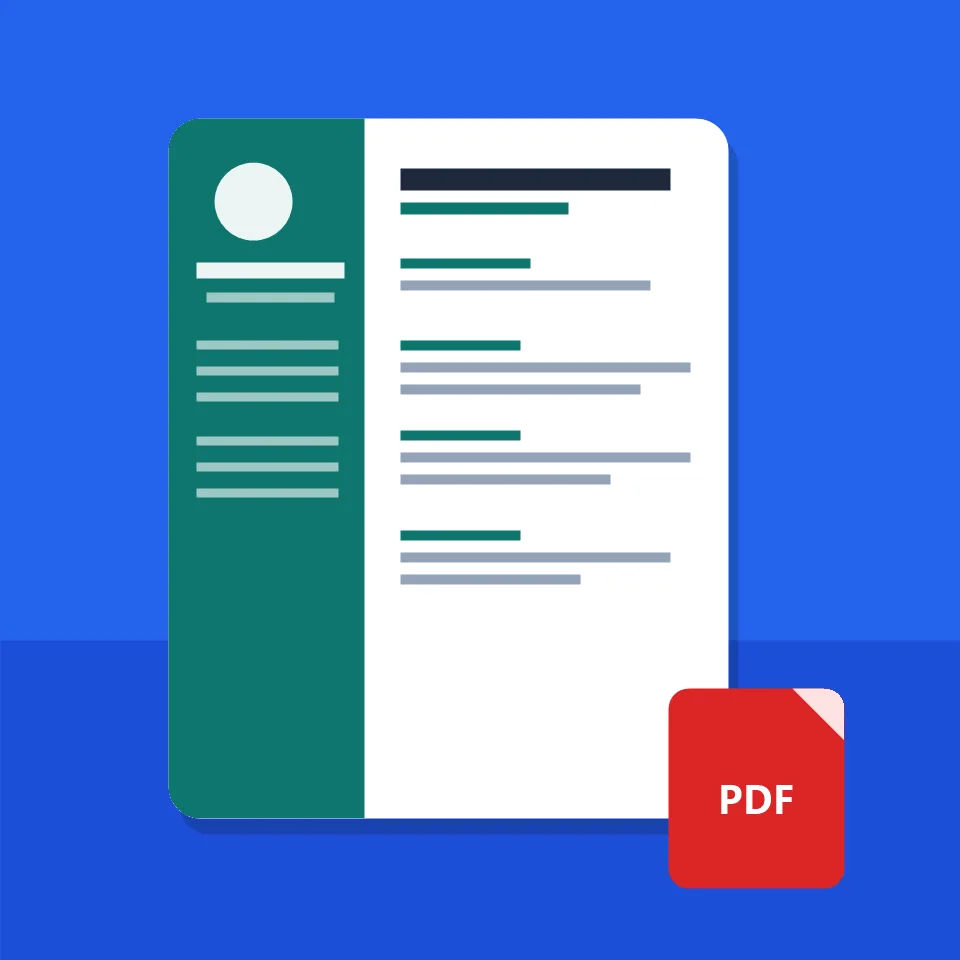
Classic and Compact are a single column, which prints cleanly. Modern adds a colour bar and a rule beside each section. Sidebar puts the photo, contact details and skills in a coloured column so the jobs have the rest of the page.
Is my resume sent to a server?
No. Resumes and photos stay in the local storage of this browser and are saved as you work. Use Save as JSON for a backup, or export a PNG or PDF.
Should my resume have a photo?
It depends on where you apply. A photo is common in much of continental Europe and parts of Asia, and usually left out in the United States, the United Kingdom, Canada and Australia. The builder shows a photo only when you add one, so you can keep one version with a photo and one without.
Related tools
Resume builder
A free online resume builder: write your profile, experience, education and skills, add a photo, pick a layout and an accent, then download a PDF or print. Saved in your browser.
Invoice & quote maker
A free online invoice and quote maker: add line items with VAT and discounts, choose a currency, keep senders and clients, and number each document. Saved in your browser.
Markdown editor
A free online Markdown editor with a live preview: split view with synchronized scrolling, GitHub style tables and task lists, code highlighting, a formatting toolbar, focus mode, word count and reading time, autosave and .md or .html download.
Hourly rate calculator
A free hourly rate calculator for freelancers and employees: hourly rate to estimated net monthly income, target income to required rate, and salary to hourly wage, with a breakdown chart.
Ready to try it?
Open PictorX in your browser — no install, no credit card required to start.
Open the resume builder