
About the Lego mosaic maker - from photo to bricks
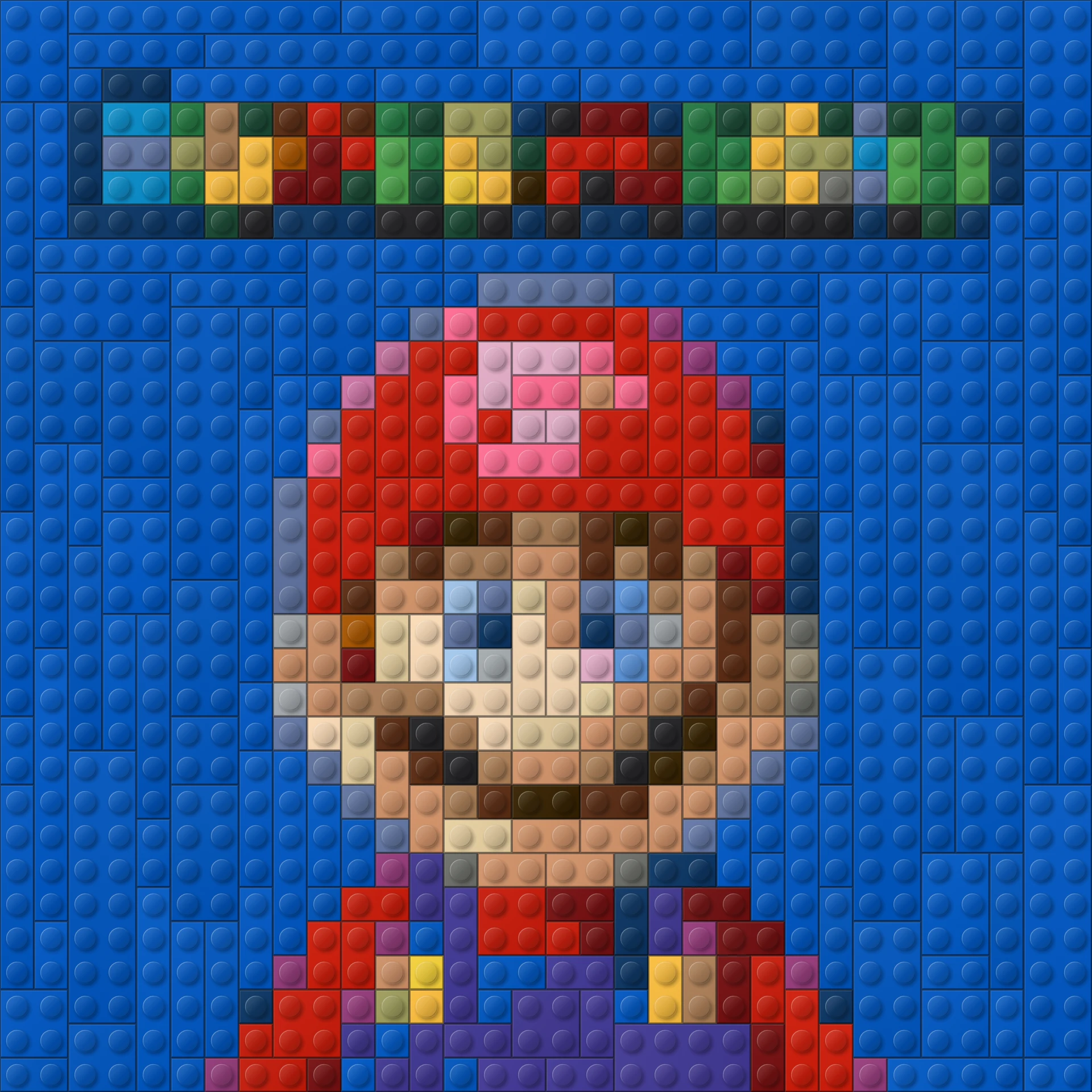
Brick mosaics turn a photo into something you can build and hang on the wall. The Lego mosaic maker shows how your photo looks in real LEGO bricks and gives you the plan and the parts list to build it.
How it works
The photo is shrunk to one colour per stud and each stud gets the closest of 39 current LEGO colours, measured the way the eye sees colour. Neighbouring studs of the same colour are then covered with real plate sizes, from 1 × 1 to 2 × 8, as a builder would.
Tips for a mosaic that reads well
Pick a photo with a clear subject and a plain background, and crop it close. 48 studs across suits a face or a pet; use more studs for a landscape. Fewer colours and dithering off give bold, graphic mosaics; dithering on keeps soft shading in portraits.
Building it for real
Switch to the building plan: every colour has a number, every plate an outline and every 16 × 16 baseplate a red border. The parts list says how many plates of each colour and size you need, and the header gives the finished size in centimetres.
Frequently asked questions
Is the Lego mosaic maker free?
Yes. You can make, save and plan as many mosaics as you like.
Is this an official LEGO app?
No. LEGO is a trademark of the LEGO Group, which does not sponsor, authorise or endorse this app. The colour names are the common names builders use for current LEGO colours.
Does it work on a phone?
Yes. It works in any modern browser on phones and computers, and your photo never leaves your device.
Related tools
Lego mosaic maker - your photo in bricks
Turn your photo into a LEGO mosaic online: choose the size in studs, real LEGO colours and plates or round tiles, see it as real bricks and save a building plan with a parts list. Free.
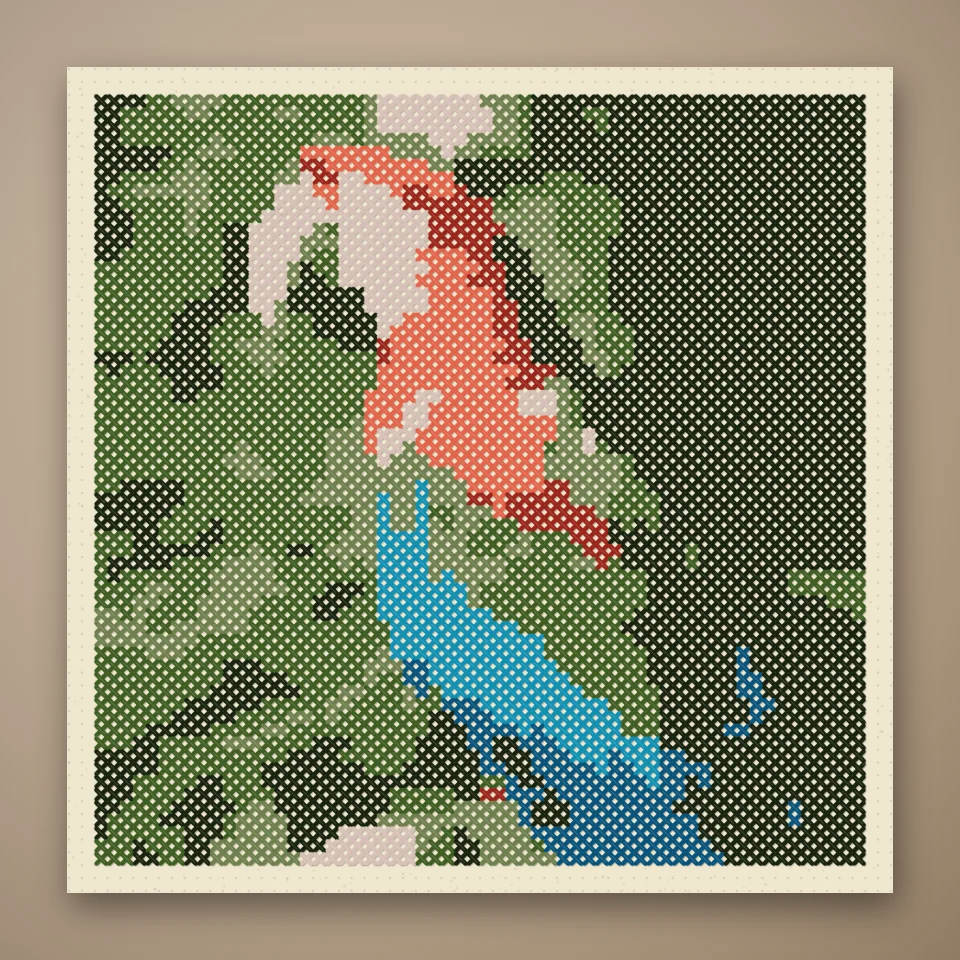
Cross-stitch pattern maker
Turn your photo into a counted cross-stitch pattern online: choose the stitch count and number of colours, see it stitched, and save a printable chart with symbols and a colour key.
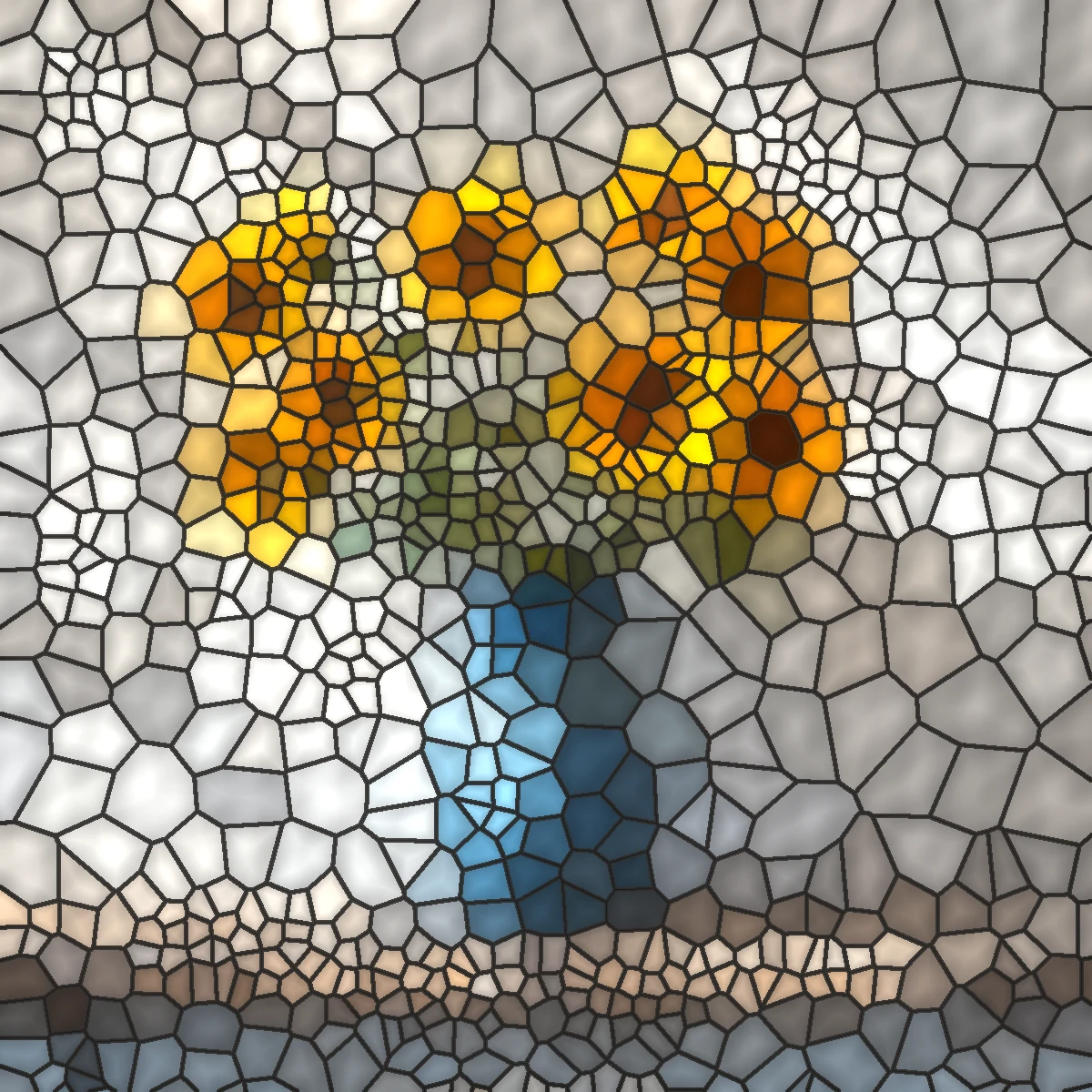
Stained glass maker
Turn your photo into a stained glass window online: Voronoi glass pieces, lead lines and light glowing through. Free to try, nothing uploaded.
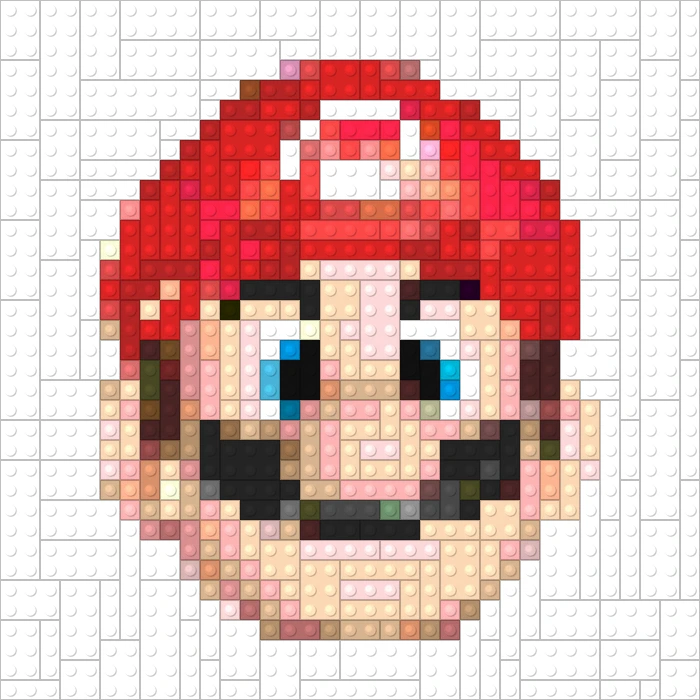
Games
Turn photos into playable looks with Effects → Games—jigsaw puzzle, Lego and Ministeck mosaics, Tetris blocks, and sliding puzzles.
Ready to try it?
Open PictorX in your browser — no install, no credit card required to start.
Make a mosaic