
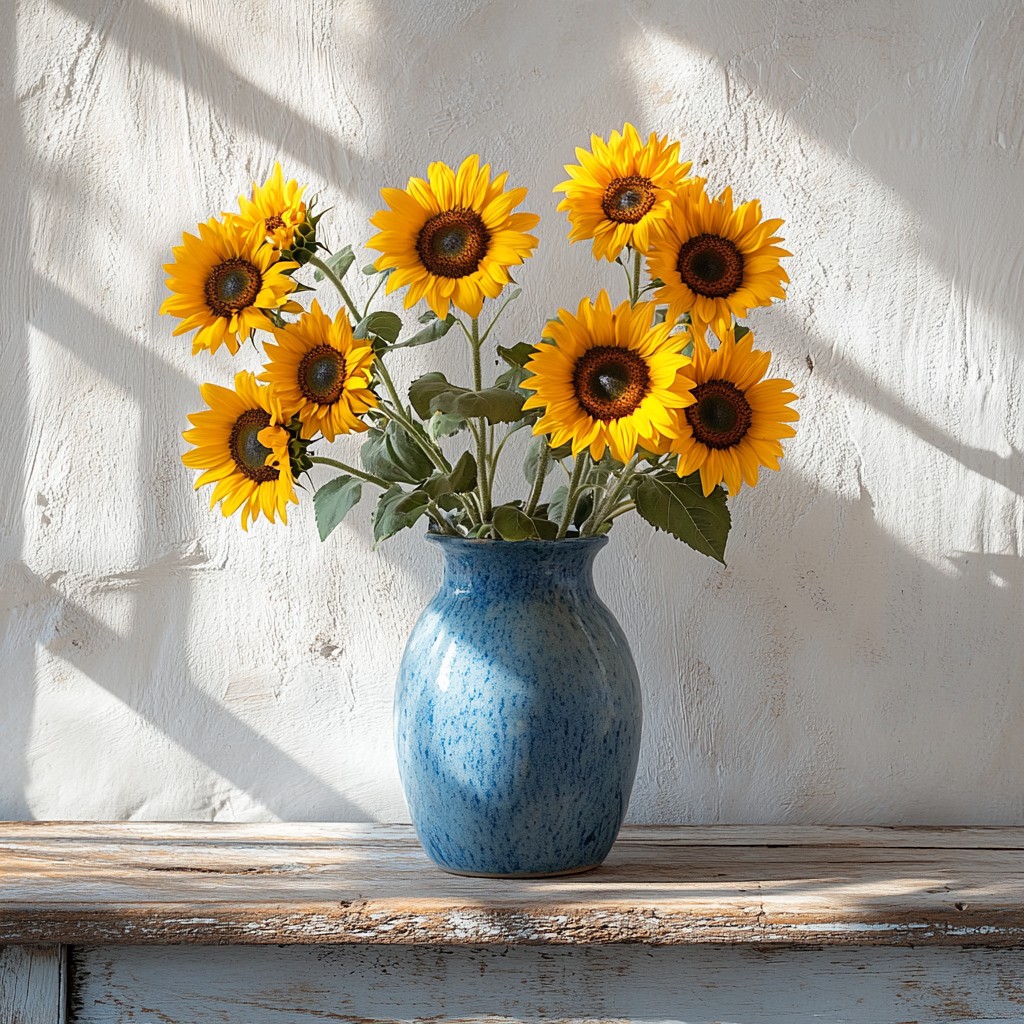
ارسم صورة بضربات فرشاة فان جوخ
Flowing marks follow the forms in your photo, with swirl, density, stroke size, and palettes such as Starry Night or Sunflower. PictorX Vincent van Gogh runs in the browser, then lets you keep editing with layers, text, and other effects. جرّب مظهر فنسنت فان غوخ أدناه، أو افتح صورتك الخاصة.
كيف يعمل
- Open PictorX in your browser and load a photo.
- Choose Vincent van Gogh, then try a preset or adjust swirl, density, brush stroke, and palette.
- Export the painted look, or keep editing with layers and other effects in the same workspace.
Why the swirling brush look works
Landscapes, night scenes, flowers, and portraits with clear structure give the stroke field something to follow. Swirl pushes motion in open areas; denser strokes fill the canvas; palette moods such as Starry Night or Cypress shift colour without erasing your subject.
Stroke, palette, density, and swirl
Brush stroke picks Swirls, Dashes, Impasto, or Ribbon. Palette offers Photo plus Starry Night, Sunflower, Cypress, Ochre, and Irises. Stroke size and density control mark scale and coverage; swirl sets how strongly strokes orbit light and form.
الأسئلة المتداولة
What does the Vincent van Gogh filter do?
It repaints a photo with flowing brush marks inspired by Van Gogh's swirling impasto—not a copy of a museum canvas. Stroke, palette, density, and swirl shape the look.
Is this a real Van Gogh painting?
No. It is a digital homage for your own photos. Authentic works stay in museums and collections.
What photos work best?
Landscapes, night skies, flowers, and portraits with clear forms. Soft, flat photos still work; they become quieter fields of paint.
Can I keep editing after applying Vincent van Gogh?
Yes. Continue with layers, text, other artistic looks, or export from the same PictorX workspace.
الأدوات ذات الصلة
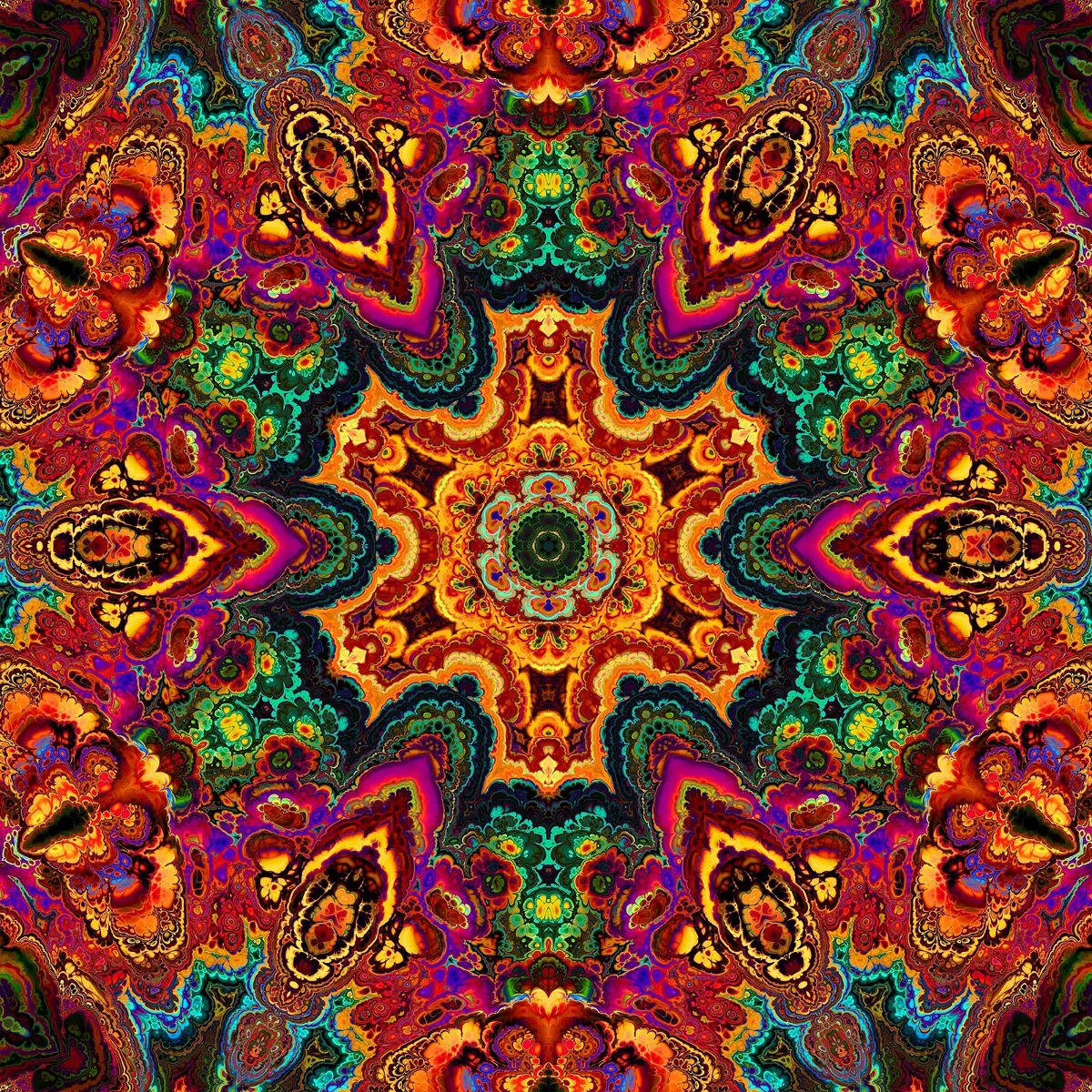
المناظير المشكال
كيف تعمل المناظير المشكال: اختراع بروستر، المرايا المائلة، التناظر الشعاعي، ومرشحات رقمية في PictorX.
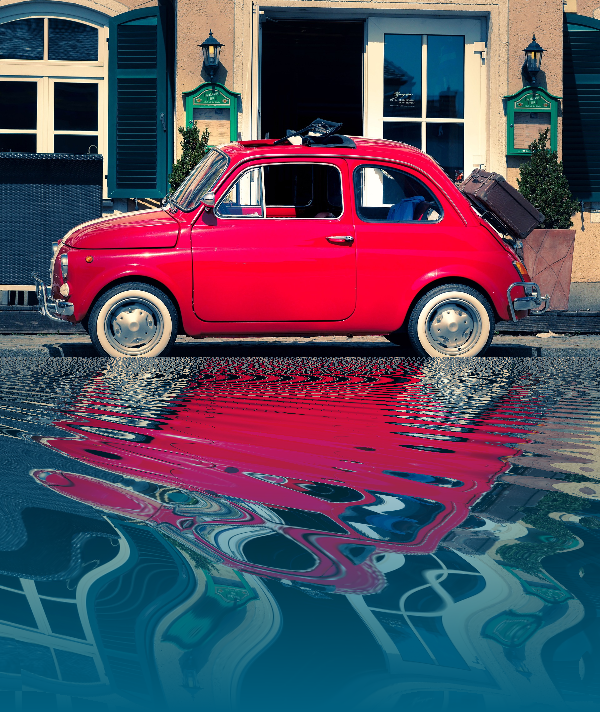
آثار الانعكاس
تبدو المرآة والبلاط والماء والأرضيات الرطبة والمشكال التي تقلب الصورة إلى تركيبة منعكسة.

سبيروغراف
ارسم هيپوتروكويد وإپيتروكويد في المتصفح. اضبط R وr وإزاحة القلم، وحرّك المنحنى وعشوائيته واحفظ PNG.
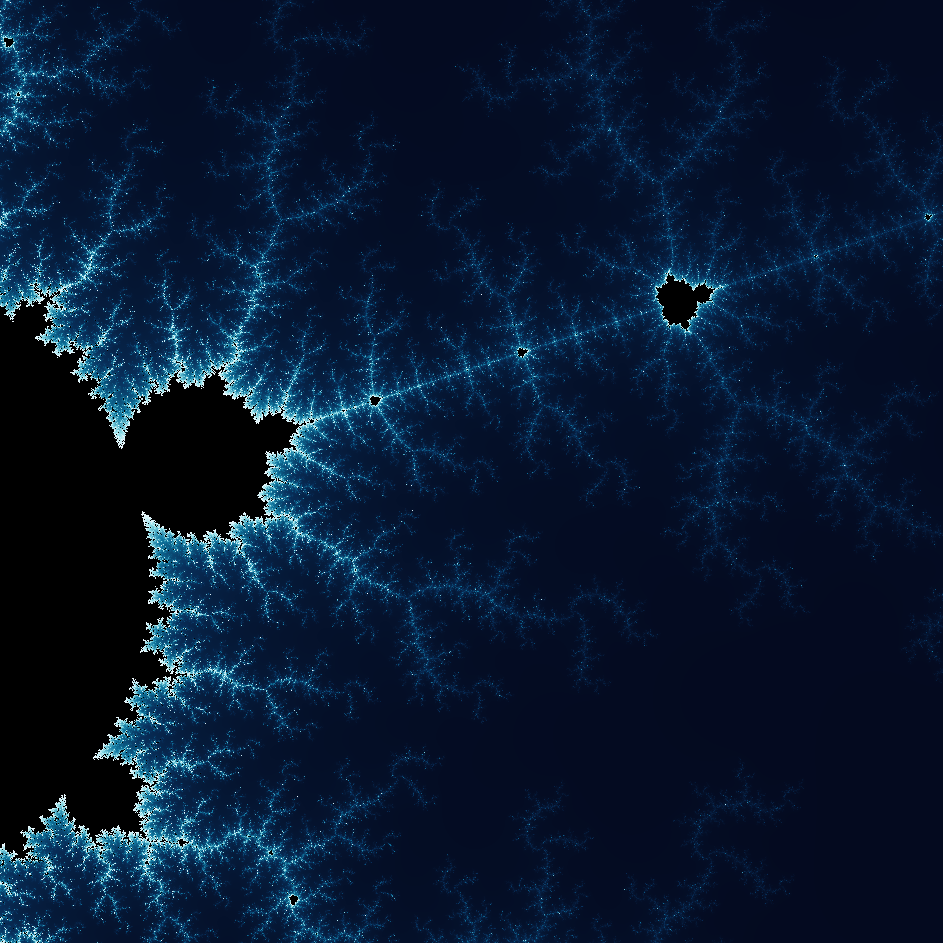
استكشف عالم الكسيريات الرائع
استكشف عالم الكسيريات الرائع. الكسيريات أنماط هندسية معقدة ودقيقة توجد في الطبيعة كلها.
هل أنت مستعد لتجربتها؟
افتح PictorX في متصفحك - بدون تثبيت، ولا يلزم وجود بطاقة ائتمان للبدء.
الانتقال إلى المحرر