
Tạo biển neon
Thiết kế biển neon ngay trong trình duyệt. Nhập chữ, chọn phông neon và màu ống, rồi treo lên gạch, gạch men, gỗ, bê tông, áp phích hoặc ảnh của bạn. Bức tường tối lại và bắt ánh sáng. Lưu PNG — không tải lên. Nhập chữ, chọn màu ống và bức tường, rồi kéo biển hiệu vào vị trí.
Cách nó hoạt động
- Type your text: one word or up to four short lines.
- Pick a neon font, a tube color, and a wall, then drag the sign into place.
- Tune size, tube thickness, glow, and darkness, then save a PNG or keep editing in PictorX.
Glass tubes, not a text shadow
Each letter is drawn as a lit glass tube with a hot white core, a colored rim, and a soft halo. The glow spills onto the wall and follows its texture, so mortar joints, tile grout, and wood grain catch the light. Turn on flicker for a letter with a bad electrode.
Walls, backplates, and details
Choose from sixteen street walls, the painted graffiti wall, or upload your own photo. Mount the sign on clear acrylic with stand-off screws, a dark metal box, or straight on the wall, and add a power cord for a realistic mockup.
Hỏi thường xuyên
What does the Neon Sign Maker do?
It turns your text into a glowing neon sign and mounts it on a wall, so you can preview a custom sign or make a neon-style graphic.
Can I use my own wall?
Yes. Pick My wall in the wall list and open a photo. The photo is dimmed to night and lit by the sign.
Can I make each line a different color?
Yes. Turn on Color per line and every line gets its own tube color.
Do my designs leave my device?
No. The sign is drawn in your browser. Nothing is uploaded to PictorX servers.
Công cụ liên quan

Tường graffiti
Phun sơn, đóng tag và vệt nhỏ trên tường gạch trong trình duyệt. Ngẫu nhiên, hoàn tác và lưu PNG — miễn phí trên PictorX.

Banksy Street Art
Biến ảnh thành street art stencil kiểu Banksy trong trình duyệt. Chọn tường, phun, nhỏ giọt — lưu PNG. Không tải lên.

Trình tạo chữ cái cắt tạp chí
Biến những từ đã gõ thành những chữ cắt tạp chí. Tổng hợp phông chữ hoặc khoá một, ngẫu nhiên hóa màu và kích cỡ, và tải về một PNG. Không có gì được tải lên.
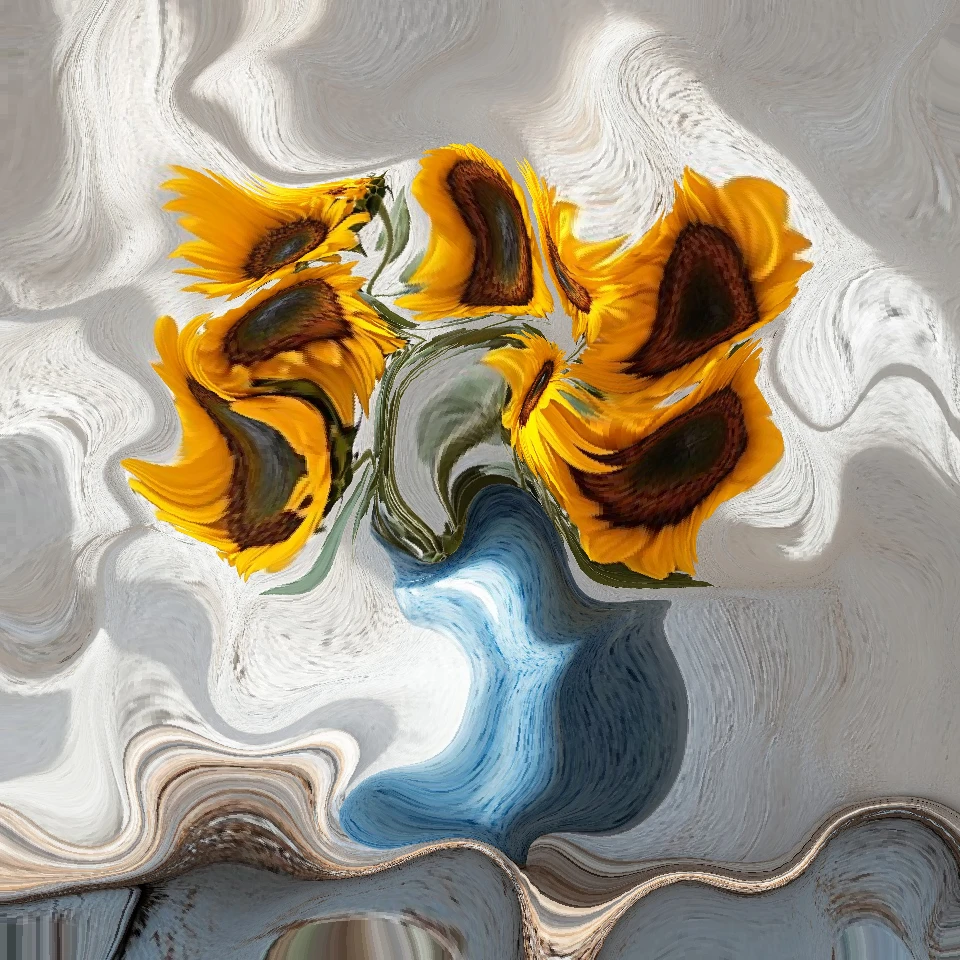
Photo Physics
Nhập ảnh và chạy vật lý ngay trong trình duyệt: hạt, chất lỏng, trọng lực, gió, tinh thể, sét và trường dòng chảy. Lưu PNG. Không tải lên.
Sẵn sàng thử chưa?
Mở PictorX trong trình duyệt của bạn — không cài đặt, không cần thiết thẻ tín dụng để khởi động.
Tới bộ sửa