
Kreator tabliczek i tablic
Umieść własny tekst na tabliczce ulicy. Wybierz styl paryski, londyński lub amerykański, okrągłą niebieską tablicę, grawerowaną mosiężną tabliczkę lub numer domu i zamocuj na cegle, kamieniu, tynku lub zdjęciu własnej ściany. Zapisz PNG — nic nie jest przesyłane. Wybierz styl tabliczki, wpisz tekst i wybierz ścianę, a potem przeciągnij tabliczkę na miejsce.
Jak to działa
- Pick a sign style: Paris, London, or US street sign, blue plaque, brass plaque, or house number.
- Type the main text and the small text, and choose a wall and lighting.
- Drag the sign into place, add weathering and tilt, then save a PNG.
Six sign styles
Blue enamel with a green border, a white London-style sign with a red district code, a green reflective US street sign, a round blue plaque with text around the rim, an engraved brass nameplate, and a glazed house number tile. Each style fits your text to the sign automatically.
Weathered like the real thing
Weathering chips enamel back to dark metal with rusty rims, lets rust run down from the screws, fades the colors, and collects grime at the bottom. Brass tarnishes and grows green verdigris from the edges.
Często zadawane pytania
What can I make with the Street Sign & Plaque Maker?
Street name signs in Paris, London, and US styles, a round blue plaque, a brass nameplate, and a house number tile, each mounted on a wall.
Can I use several lines of text?
Yes. Plaques and nameplates take several lines. Street signs use the first line as the street name and the small text for a district or block number.
Can I put the sign on my own wall?
Yes. Pick My wall in the wall list and open a photo of the wall.
Do my designs leave my device?
No. Everything is drawn in your browser. Nothing is uploaded to PictorX servers.
Powiązane narzędzia

Kreator neonów
Wpisz słowo i zamień je w świecący neon na cegle, płytkach, drewnie lub betonie. Kolor, czcionka, poświata i płyta, zapisz PNG. Nic nie jest przesyłane.
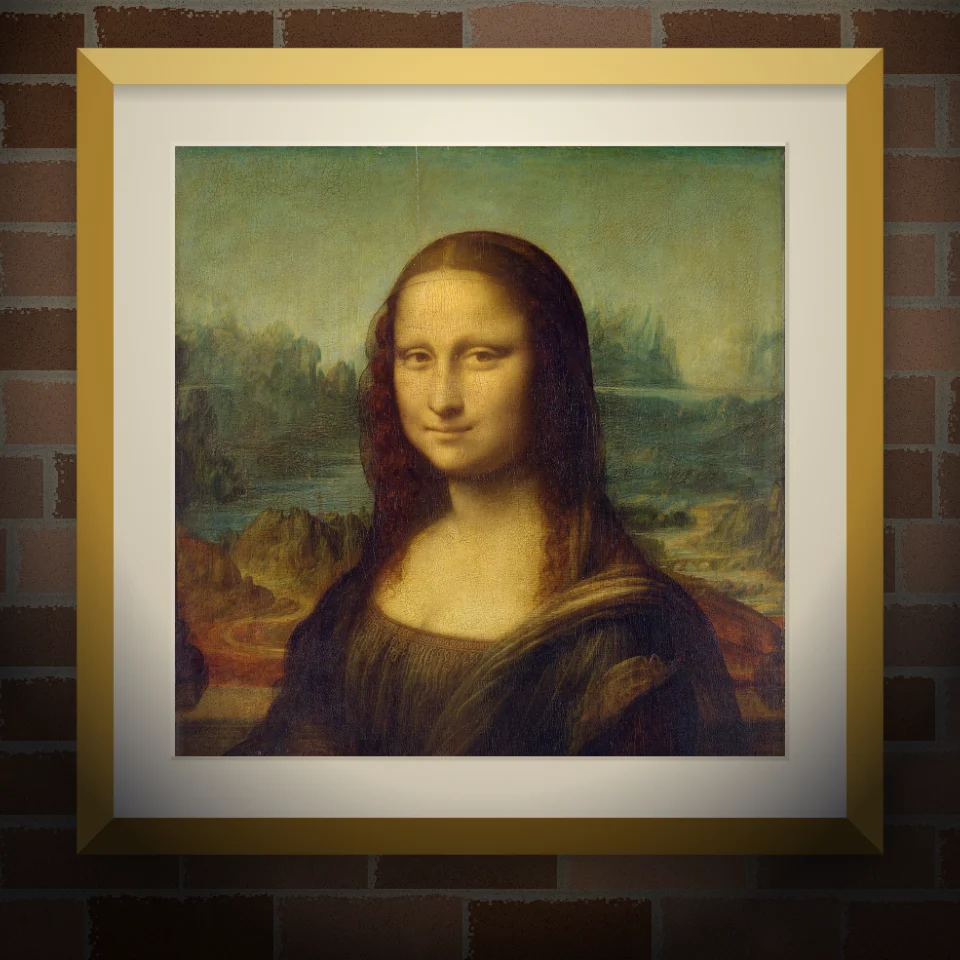
Makieta muralu i plakatu
Umieść zdjęcie lub pracę na realistycznej ścianie jako mural, naklejony plakat lub oprawiony wydruk. Wybierz ścianę i światło, zapisz PNG. Nic nie jest przesyłane.

Banksy Street Art
Zamień zdjęcie w street art szablonowy w stylu Banksy’ego. Wybierz ścianę, spray i zacieki — zapisz PNG. Nic nie jest przesyłane.

Generator liter z wycinanek
Zamieniaj słowa na litery z wycinanek. Mieszaj kroje albo wybierz jeden i pobierz PNG. Nic nie jest wysyłane.
Chcesz wypróbować?
Otwórz PictorX w swojej przeglądarce — do uruchomienia nie jest wymagana żadna instalacja ani karta kredytowa.
Przejdź do edytora