
Kreator neonów
Zaprojektuj neon w przeglądarce. Wpisz tekst, wybierz neonową czcionkę i kolor rurki, i powieś go na cegle, płytkach, drewnie, betonie, plakatach lub własnym zdjęciu. Ściana ciemnieje i łapie poświatę. Zapisz PNG — nic nie jest przesyłane. Wpisz tekst, wybierz kolor rurki i ścianę, a potem przeciągnij szyld na miejsce.
Jak to działa
- Type your text: one word or up to four short lines.
- Pick a neon font, a tube color, and a wall, then drag the sign into place.
- Tune size, tube thickness, glow, and darkness, then save a PNG or keep editing in PictorX.
Glass tubes, not a text shadow
Each letter is drawn as a lit glass tube with a hot white core, a colored rim, and a soft halo. The glow spills onto the wall and follows its texture, so mortar joints, tile grout, and wood grain catch the light. Turn on flicker for a letter with a bad electrode.
Walls, backplates, and details
Choose from sixteen street walls, the painted graffiti wall, or upload your own photo. Mount the sign on clear acrylic with stand-off screws, a dark metal box, or straight on the wall, and add a power cord for a realistic mockup.
Często zadawane pytania
What does the Neon Sign Maker do?
It turns your text into a glowing neon sign and mounts it on a wall, so you can preview a custom sign or make a neon-style graphic.
Can I use my own wall?
Yes. Pick My wall in the wall list and open a photo. The photo is dimmed to night and lit by the sign.
Can I make each line a different color?
Yes. Turn on Color per line and every line gets its own tube color.
Do my designs leave my device?
No. The sign is drawn in your browser. Nothing is uploaded to PictorX servers.
Powiązane narzędzia

Ściana graffiti
Spray, tagi i zacieki na ceglanej ścianie w przeglądarce. Losuj, cofaj i zapisuj PNG — za darmo w PictorX.

Banksy Street Art
Zamień zdjęcie w street art szablonowy w stylu Banksy’ego. Wybierz ścianę, spray i zacieki — zapisz PNG. Nic nie jest przesyłane.

Generator liter z wycinanek
Zamieniaj słowa na litery z wycinanek. Mieszaj kroje albo wybierz jeden i pobierz PNG. Nic nie jest wysyłane.
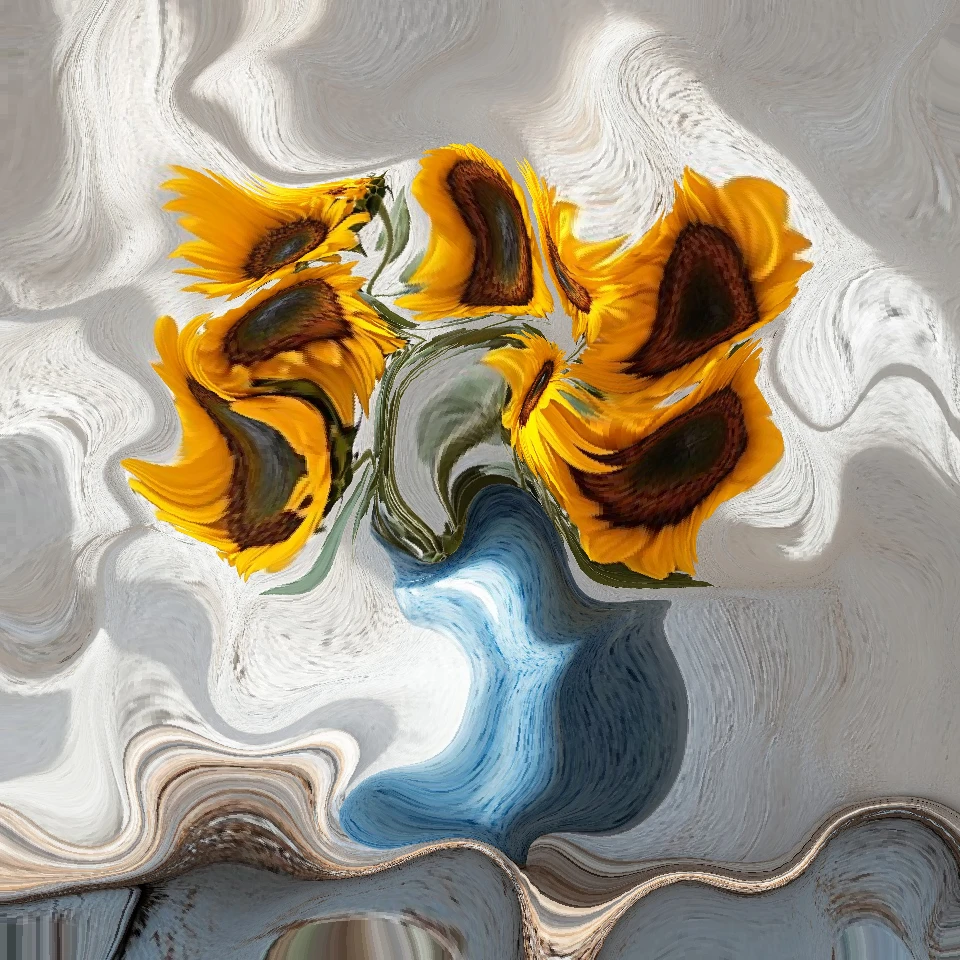
Photo Physics
Zaimportuj zdjęcie i uruchom na nim fizykę w przeglądarce: cząstki, ciecz, grawitacja, wiatr, kryształy, błyskawice i pola przepływu. Zapisz PNG. Nic nie jest przesyłane.
Chcesz wypróbować?
Otwórz PictorX w swojej przeglądarce — do uruchomienia nie jest wymagana żadna instalacja ani karta kredytowa.
Przejdź do edytora