
Hiding
View
JPEG test
Playback
More information about steganography, LSB embedding and how hidden messages are detected
Steganography: a message hidden in the pixels
Cryptography makes a message unreadable; steganography makes it invisible. Change only the least significant bit of a pixel's red, green or blue value and the colour moves by 1 in 255, too little for any eye, yet a photo of 600 × 600 pixels then carries over 100 kB of hidden data. Watch the bits being written pixel by pixel, read the message back from the PNG, look for it in the bit planes and with the chi-square attack, and see a JPEG save wipe it out. Hide a message in a photo where nobody looks for it: in the lowest bits of its pixels. Each bit of the message replaces the least significant bit (or the lowest 2, 3 or 4 bits) of a red, green or blue value; with one bit a colour changes by at most 1 in 255, far too little to see. Play writes the bits pixel by pixel, row by row, and the loupe shows the lowest bits of the pixels round the one being written. A short header in the first pixels (the word STEG, the settings and the length) lets Reveal read the message back without guessing; with a password the pixels are taken in a shuffled order. Choose a photo or use your own, type a message or hide a small picture, and compare the views: cover and stego side by side, the bit planes (one bit of one channel in black and white), the amplified difference, and the histogram with the chi-square attack, which detects the hidden bits. Save image downloads the stego picture as a lossless PNG: open it again with Open a PNG, or in the photo editor (Apps ▸ Science ▸ Computing ▸ Steganography, mode Reveal a message). Saving it as JPEG destroys the message: try the JPEG example.
How it works
- Press Play: the short message is written into the kingfisher bit by bit, the header first, and the loupe shows the lowest bits of the pixels changing round the one being written, while the cover and the stego picture beside it look exactly alike.
- Switch the view to Bit planes or Amplified difference: what the eye cannot see appears, a band of noise where the message lies, or with a password, specks spread over the whole picture.
- Save image downloads the stego picture as a PNG; choose Reveal a message and open it again to read the message back, or try the JPEG example and see the message turn to noise.
- Hide a picture inside a picture, raise the bits per channel to 4 until the change shows, and open the Steganalysis view to see the chi-square attack flag the part of the picture that holds the hidden bits.
Least significant bit embedding
Each colour value of a pixel is a byte from 0 to 255. Its lowest bit decides only whether the value is even or odd, so replacing it with a bit of the message changes the colour by at most 1 in 255. With 1 bit in each of red, green and blue, a pixel carries 3 bits, and a photo of 720 × 480 pixels about 125 kB; with 4 bits per channel four times as much, but the changes of up to 15 levels start to show as grain in smooth areas. The app writes a 12-byte header first (the word STEG, the bits and channels used, whether a password was used, the length and a CRC-16 checksum), so Reveal knows how to read the rest without guessing.
A password, and why lossless matters
Without a password the bits fill the picture from the top in reading order, which is easy to spot in a bit plane. With one, the pixels are taken in an order shuffled by a pseudo-random generator seeded from the password, so the message is spread thinly over the whole picture and cannot be read without it; Encrypt also XORs the bytes with a keystream. None of this survives lossy compression: JPEG converts to YCbCr, takes an 8 × 8 discrete cosine transform of each block and rounds the coefficients, which reshuffles exactly the low bits the message lives in. Save the stego picture as PNG, and do not resize or filter it.
Seeing the invisible: bit planes and the difference
A bit plane shows one bit of one channel for every pixel, black for 0 and white for 1. The high planes look like a posterised copy of the photo; the lowest is mostly noise, but in smooth or saturated regions it has structure, and a message replaces that structure with uniform noise. The amplified difference multiplies |stego − cover| by 2 to the power 8 minus the bits used, so a change of 1 becomes bright. PSNR, the peak signal-to-noise ratio 10 log₁₀(255² / MSE), measures how close the two pictures are: above 50 dB nobody sees a difference.
Steganalysis: the chi-square attack
Replacing the lowest bit with random message bits makes each pair of values that differ only in that bit, 2i and 2i + 1, about equally common, which natural photos rarely are. Andreas Westfeld and Andreas Pfitzmann turned this into a test in 1999: compare the counts of each pair with their mean by Pearson's chi-square statistic and turn it into the probability that the pairs were equalised. Scanning a growing share of the picture from the top, the probability stays near 1 over the part that holds a message written in reading order and falls when the scan reaches clean pixels; a message scattered by a password is far harder to catch.
Frequently asked questions
What is steganography?
Steganography is the art of hiding a message so that nobody suspects it is there, unlike cryptography, which leaves the message visible but unreadable. The word comes from the Greek for covered writing. Herodotus tells of a message tattooed on a shaved head and of wax tablets with the text on the wood beneath; later came invisible inks and microdots. Digital steganography hides data in pictures, sound or video, often in their least significant bits.
How does LSB steganography hide a message in a picture?
Every pixel stores red, green and blue as numbers from 0 to 255. LSB steganography replaces the lowest bit of these numbers (or the lowest 2 to 4 bits) with the bits of the message, so each value changes by at most 1 per bit. A small header at the start records the length and the settings, so the receiver can read the bits back in the same order and reassemble the bytes of the message.
Can you see the hidden message?
Not with the eye: a change of 1 in 255 is far below what anyone can see, and the PSNR between the cover and the stego picture is usually above 50 dB. It shows up in analysis: in the lowest bit plane, in the amplified difference from the cover, and in statistics such as the chi-square attack, which notices that pairs of values have become equally common.
Why does saving as JPEG destroy the hidden message?
JPEG is lossy: it transforms each 8 × 8 block of the picture into frequencies, rounds them according to the quality, and rebuilds the pixels, so nearly every colour value moves by a few levels. The message lived in exactly those lowest bits, so after a JPEG save about half of them are wrong and the message cannot be read. Use PNG, which stores every pixel exactly, and avoid resizing, cropping by fractions of a pixel or filters.
What does the password do?
It seeds a pseudo-random generator that shuffles the order of the pixels the message is written into, so the bits are scattered over the whole picture instead of filling it from the top, and only someone with the password knows which pixels to read. With Encrypt the bytes are also XORed with a keystream from the password. This hides the message well from a casual look, but it is not a substitute for real encryption: for secrets, encrypt the message with a strong cipher first, then hide it.
Can I use the pictures?
Yes. Save image downloads the stego picture itself as a lossless PNG at its own size, ready to be revealed again here or in the photo editor; Save JSON writes the settings and the results, and Record films the bits being written with a soft data chirp. The pencil opens the stego picture in the PictorX photo editor pixel for pixel, with the amplified difference and the bit plane as extra layers. In the editor itself it is under Apps ▸ Science ▸ Computing ▸ Steganography, where it hides a message in your own picture or reveals one. Everything runs in your browser; your photos and messages are not uploaded.
Steganography: how do I record a video?
Press the red Record button in the playback bar: it films what the stage shows. Press it again to stop, and the video is saved to your device. Recording is free; you only need to sign in. Without a subscription the video carries a small PictorX logo in a corner. The button beside Record opens the video options: the shape (as shown, square, story 9:16 or wide 16:9), the length (until you stop, or 5, 10, 15 or 30 seconds for social media) and the file: MP4, WebM or an animated GIF. For the sound, choose the app's own sounds or one of three music tracks: calm, bright or beat.
Related tools
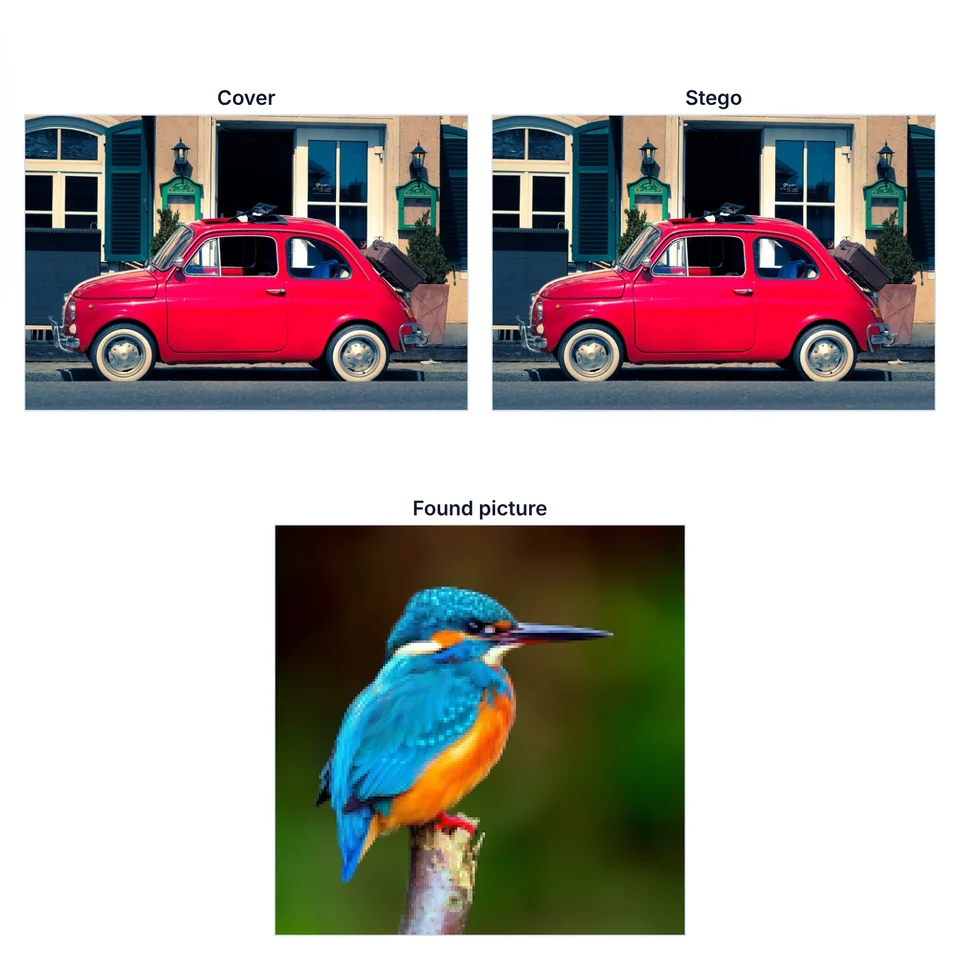
Steganography explained
What steganography is and how it differs from cryptography, how a message is hidden in the least significant bits of a photo, why JPEG destroys it, and how steganalysis such as the chi-square attack detects it.
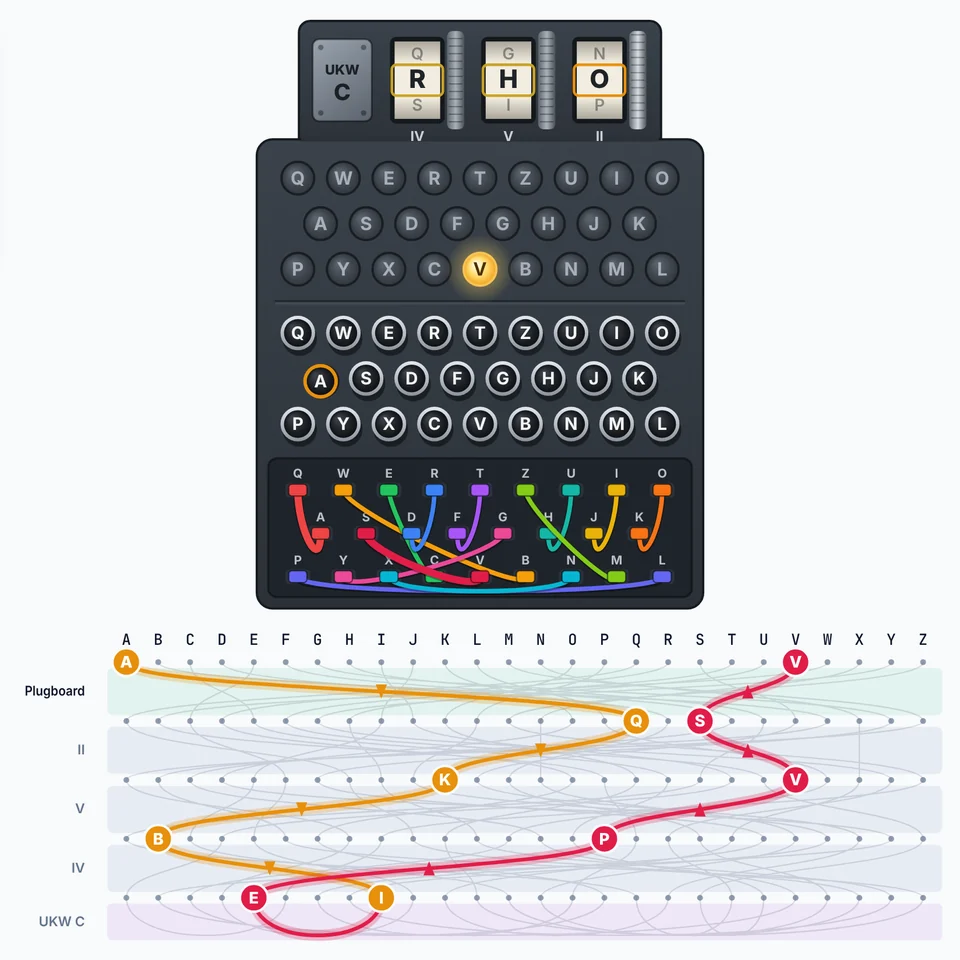
The Enigma machine, key by key
Type on an Enigma I simulator and watch the current run through the plugboard, three rotors and the reflector to a lamp. Rotors I–V, ring settings, start positions, reflector B or C, plugboard cables and the middle rotor's double step.
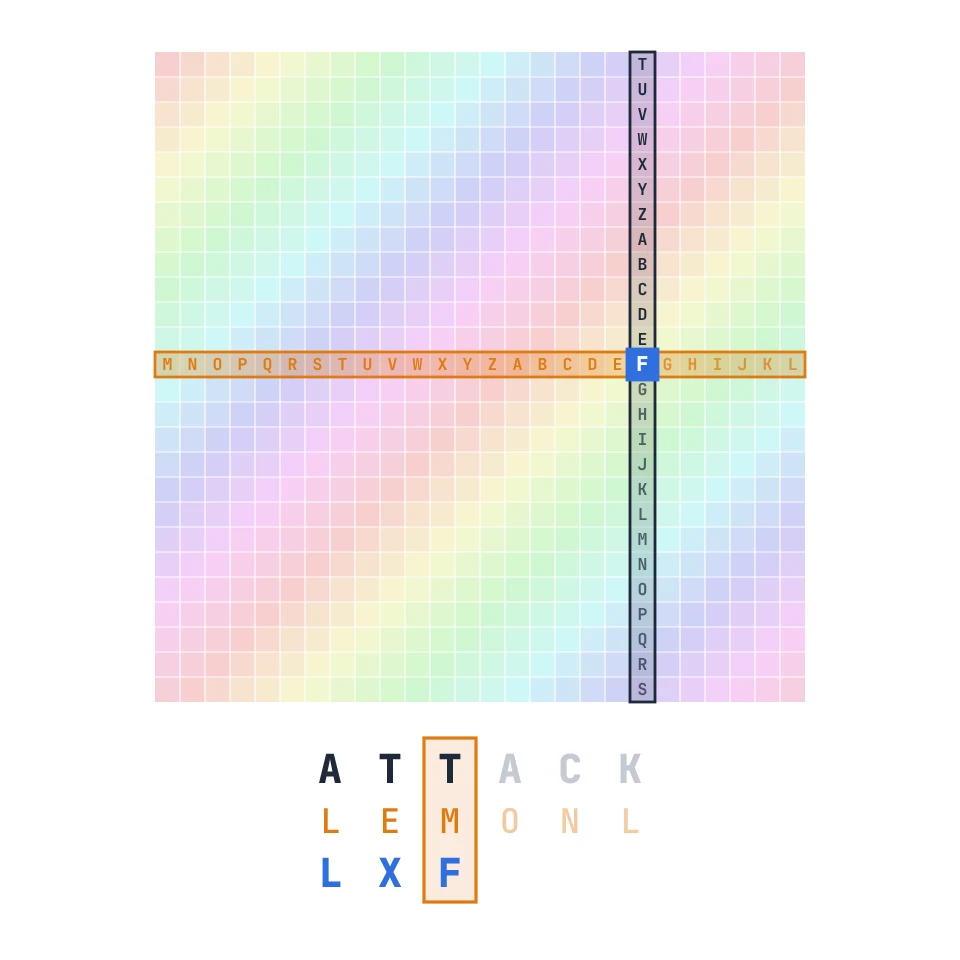
The Vigenère cipher, made and broken
Encrypt and decrypt with a keyword on the tabula recta, letter by letter, with the Vigenère, autokey or Beaufort cipher. Then crack it: Kasiski examination, the index of coincidence by key length and chi-squared on each column recover the key.
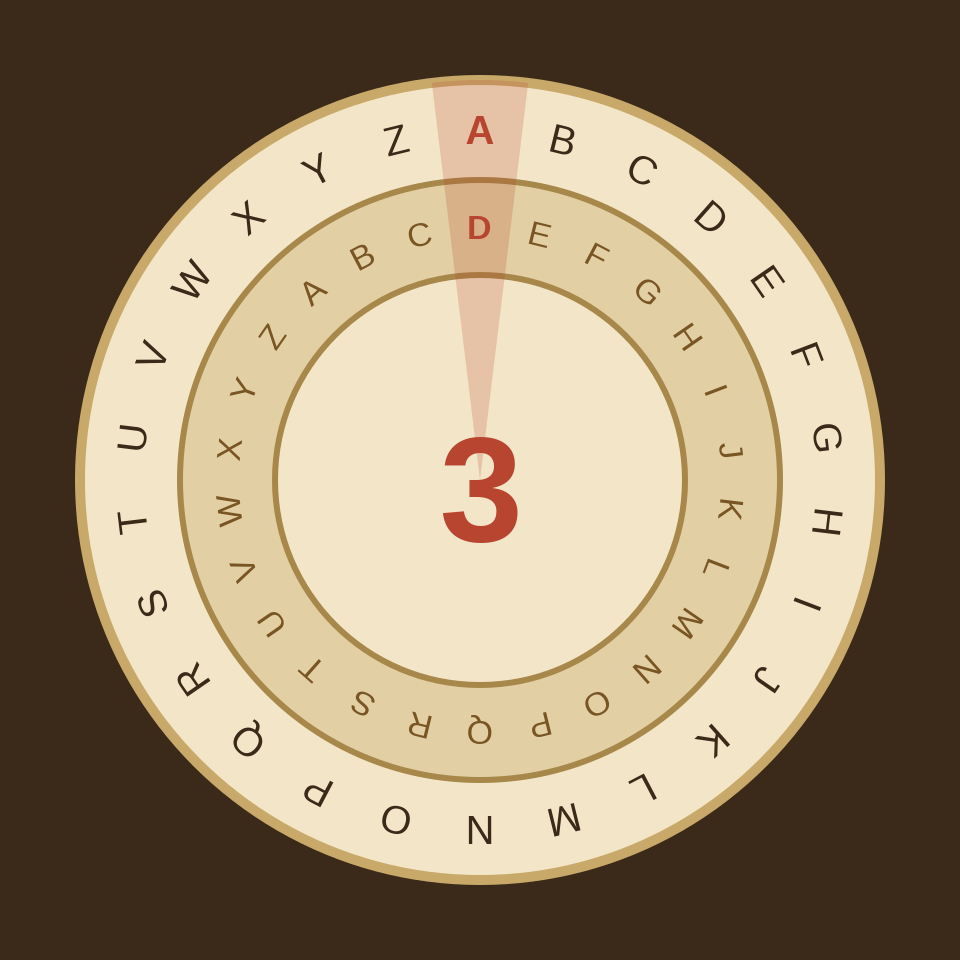
Caesar cipher cracker
Encrypt and decrypt with a Caesar shift or ROT13, turn the cipher wheel, and crack any Caesar message without the key: all 26 shifts ranked by letter frequencies in seven languages.
Ready to try it?
Open PictorX in your browser — no install, no credit card required to start.
Go to Editor