
| Rank | Shift | Score (χ²) | Decrypted text |
|---|
Caesar cipher cracker
Julius Caesar hid his letters by moving every letter three places along the alphabet: A became D, B became E, and Z wrapped round to C. It looks like gibberish, yet the cipher has only 25 keys, and the letters give the key away. Encrypt and decrypt your own messages with any shift, turn the cipher wheel to see the two alphabets line up, and crack a message you have no key for: the app tries every shift and picks the one whose letters look most like real English, German, French, Spanish, Italian, Portuguese or Dutch. Type or paste a text, choose Encrypt or Decrypt and set the shift with the slider or by turning the inner ring of the wheel. To break a message without the key, choose Decrypt and press Crack: the app tries all 26 shifts and picks the one whose letters look most like the chosen language. The chart compares the letters of the result with that language, and the table ranks every shift. Swap puts the result back in as the text to work on.
How it works
- Type or paste a text, or choose an example, and pick Encrypt or Decrypt.
- Set the shift with the slider or by turning the inner ring of the cipher wheel.
- To break a message without its key, choose Decrypt and press Crack, then check the ranked table of all 26 shifts.
How the cipher works
Write the alphabet twice, the second time moved along by the key. Every letter of the message is replaced by the letter below it: with a key of 3, HELLO becomes KHOOR. Decrypting moves every letter back by the same amount. Numbers, spaces and punctuation are left as they are, and capital letters stay capitals. A key of 13 is special: the alphabet has 26 letters, so shifting twice by 13 brings every letter back, and the same operation, ROT13, both encrypts and decrypts.
How it is broken
The first weakness is the tiny number of keys: a shift of 0 changes nothing, so there are only 25 candidates, and trying them all is quick even by hand. The second is that the cipher keeps the letter frequencies of the language, just moved along. In English E is the most common letter, then T and A; in a long Caesar ciphertext the most common letter is very likely an E in disguise. The app measures, for every shift, how far the letter counts of the decrypted text are from the language's usual frequencies with the chi-squared statistic, and ranks the shifts from best to worst fit.
Frequently asked questions
How do I decode a Caesar cipher without the key?
Choose Decrypt, paste the message and press Crack. The app decrypts it with all 26 shifts, scores each result against the letter frequencies of the language you chose, and sets the shift to the best one. The table below lists every shift with its score and the start of its text, so you can check the runner-up if the best guess does not read well.
What is ROT13?
A Caesar cipher with a shift of 13, half of the alphabet. Because shifting by 13 twice gives 26, a full turn, the same operation encrypts and decrypts. It was used on Usenet newsgroups in the 1980s to hide spoilers and punchlines, so a reader had to decide to reveal them; it was never meant to keep anything secret.
Why does cracking sometimes pick the wrong shift?
Frequency analysis is statistics, and short or unusual texts do not follow the averages. A pangram such as "The quick brown fox jumps over the lazy dog" uses almost every letter once, so its letters look nothing like normal English, and a few words may simply happen to contain few E's. Texts of a few sentences are almost always cracked correctly; a single short word may not be.
What do accents and other characters do?
Letters with accents, such as é, ü or ñ, are treated as their base letter: they are shifted as that letter and counted with it for the statistics. Everything that is not a letter, such as digits, spaces and punctuation, passes through unchanged.
Is my text sent anywhere?
No. The encryption, the decryption and the frequency analysis all run in your browser, and your last text and settings stay in this browser's local storage.
Related tools
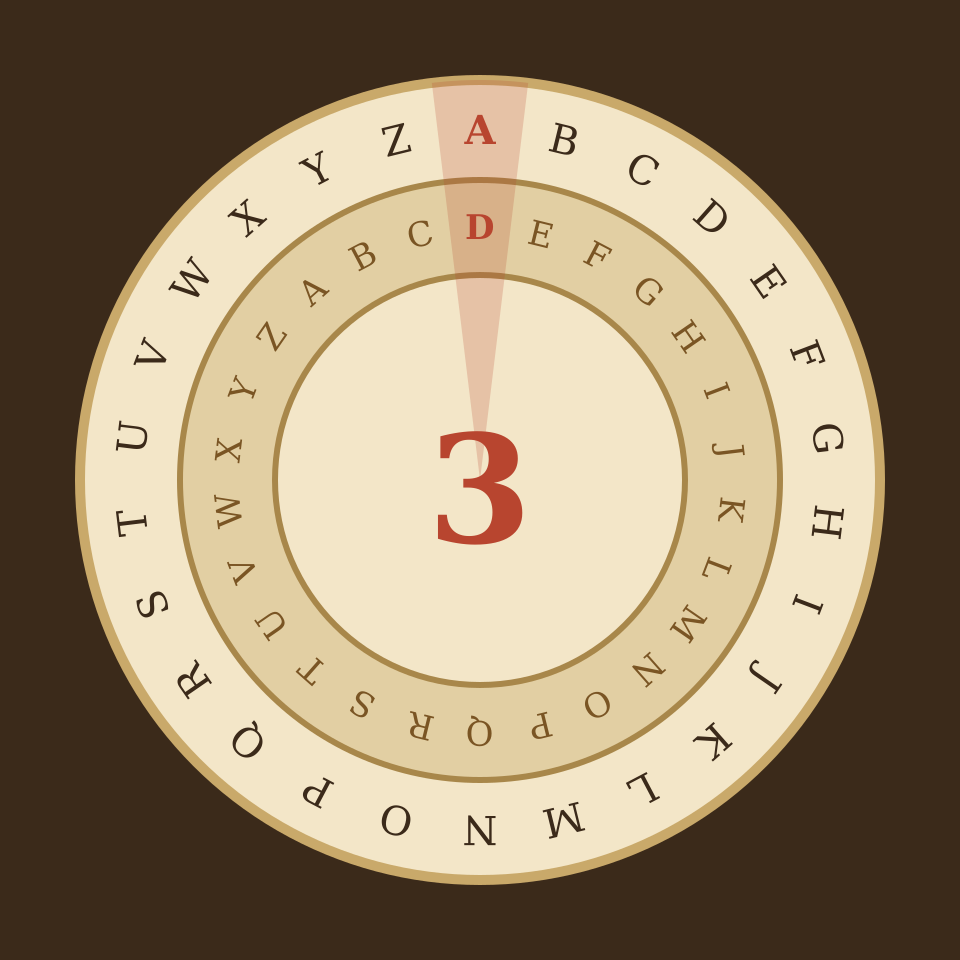
The Caesar cipher explained
How the Caesar cipher shifts letters, why it has only 25 keys, how al-Kindi's frequency analysis breaks it, what ROT13 is, and how the cipher led to Vigenère and modern cryptography.
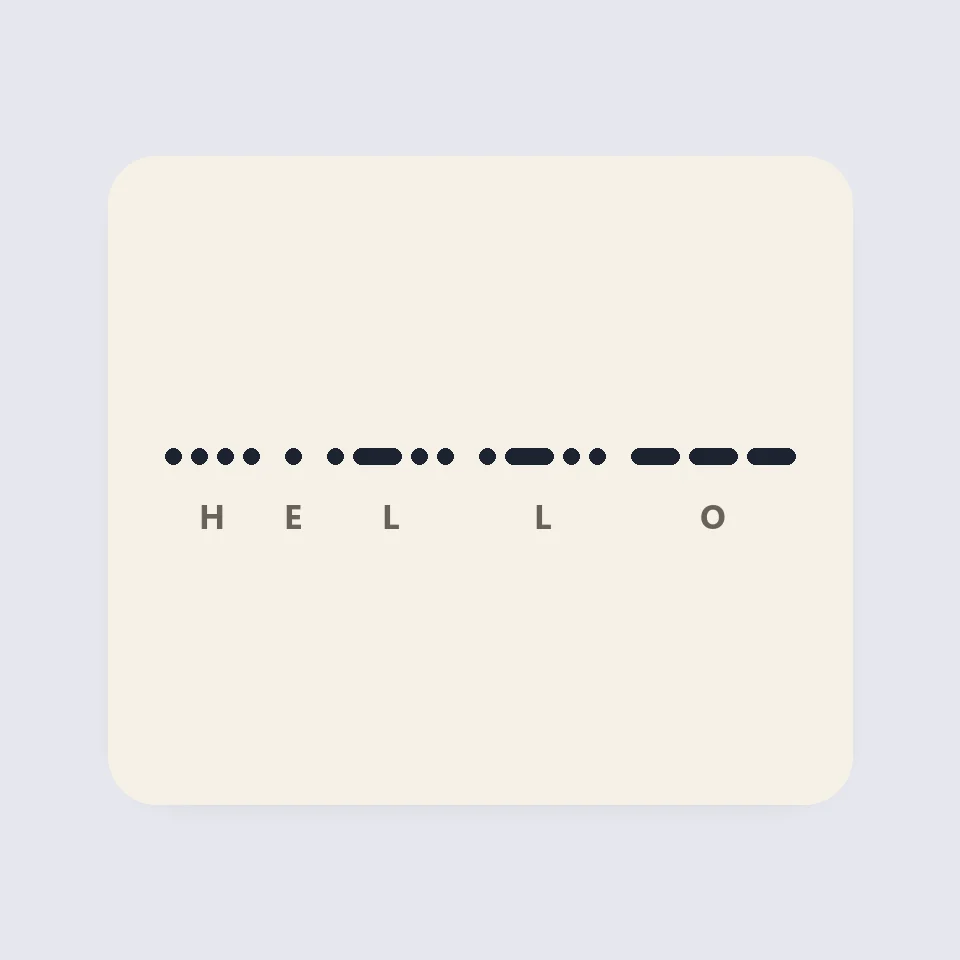
Visual Morse Code
Turn text into a Morse code design of dots and dashes. Play it as a flashing lamp, copy the code, and save a card for a lesson, a note, or a page.
Password generator
Free password generator: strong random passwords and passphrases from crypto.getRandomValues, with length, character sets, look-alike exclusion, bulk generate, entropy, strength meter and crack time. Nothing is saved or sent.
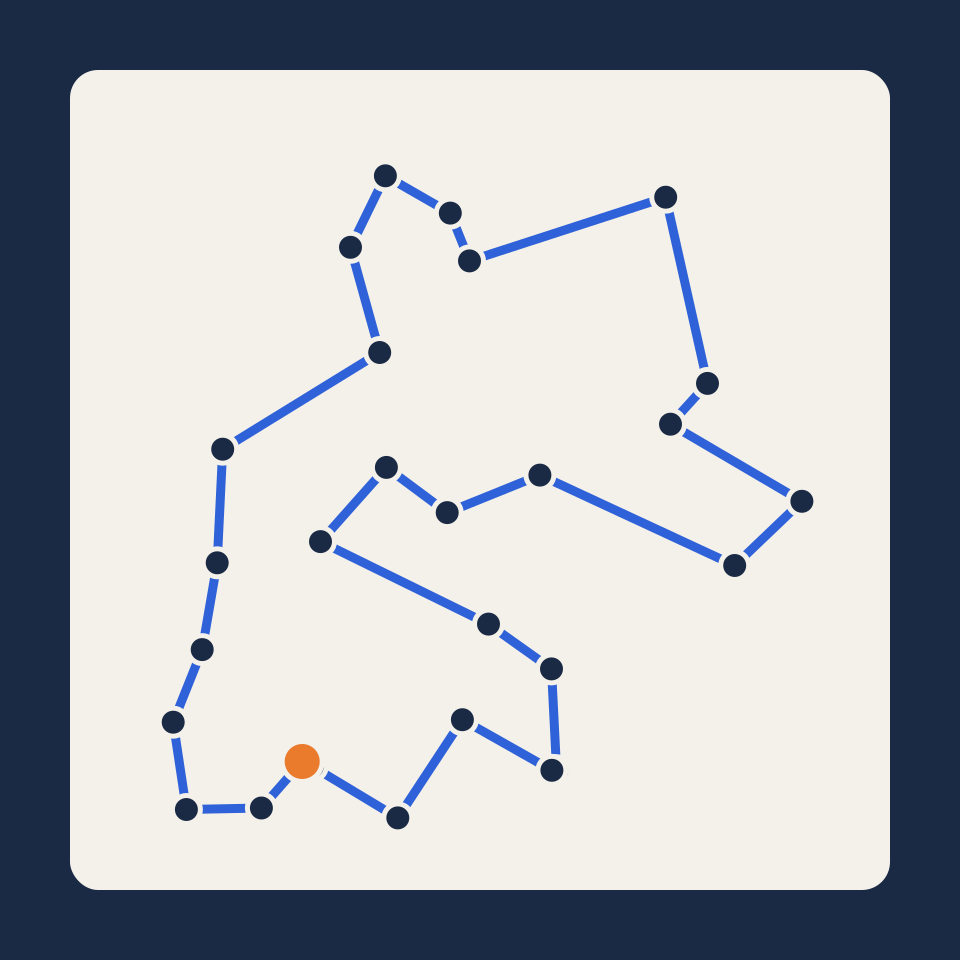
Traveling salesman problem
Place up to 200 cities and watch five methods search for the shortest round trip: nearest neighbour, cheapest insertion, 2-opt, simulated annealing and the exact Held–Karp algorithm.
Modular clock
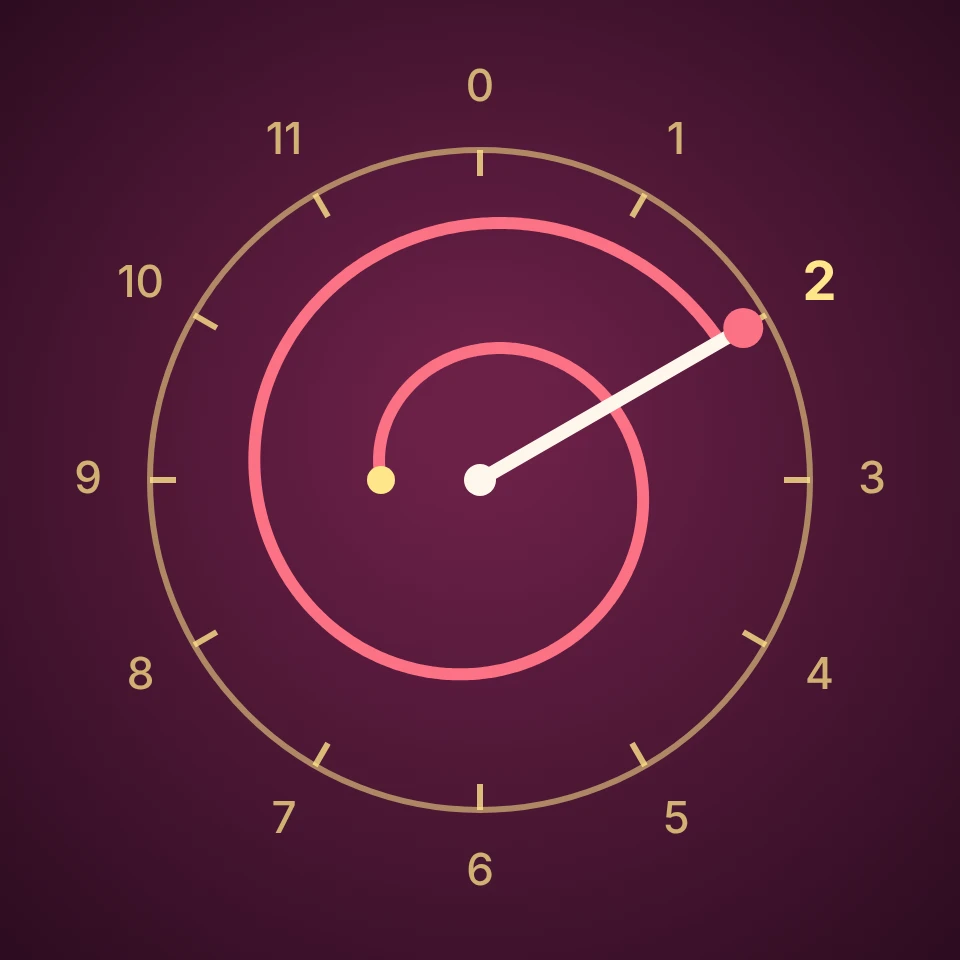
Calculate a mod n, sums, products, powers, inverses and division modulo n, with every step written out, and see the answer travel round a clock with n hours. Negative and 30-digit numbers too.
Neural network sandbox
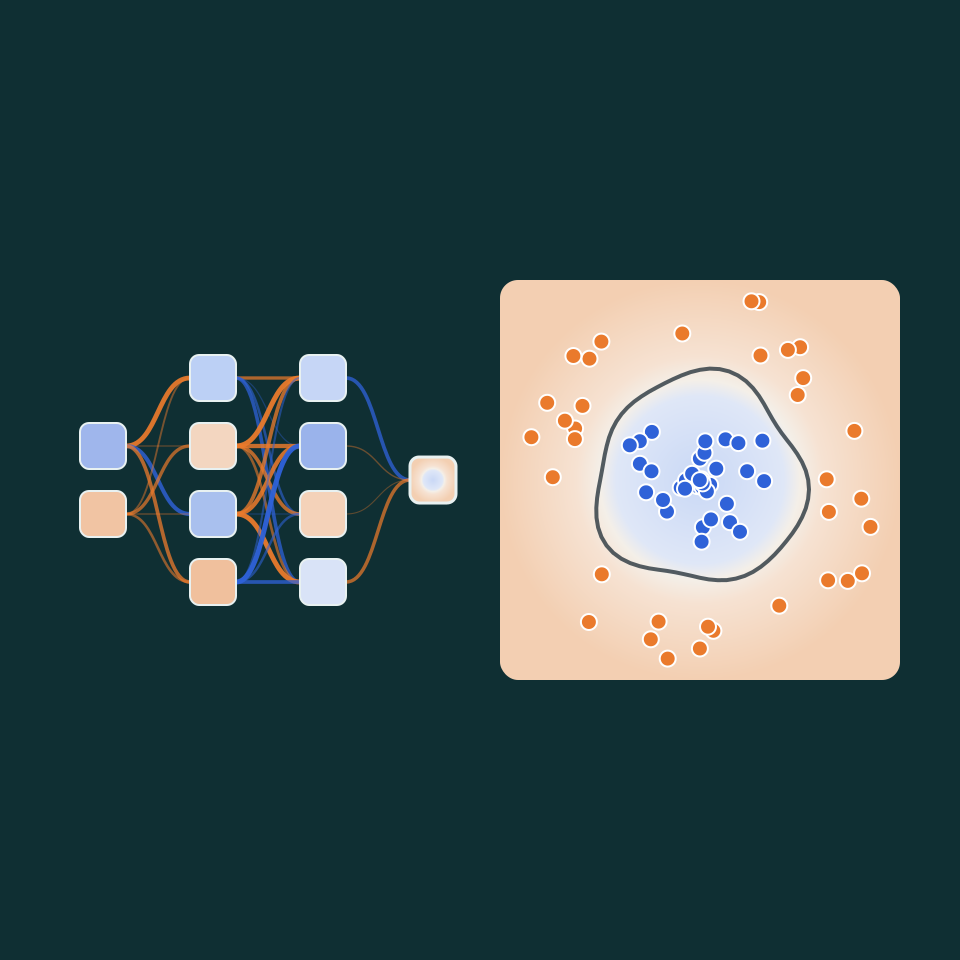
Train a small neural network live and watch it separate two classes of points. Change layers, neurons, activation, learning rate and inputs, and see what every neuron responds to.
Ready to try it?
Open PictorX in your browser — no install, no credit card required to start.
Go to Editor