
Simon
Simon lights up its coloured buttons one after another, each with its own tone. Repeat the sequence by pressing the same buttons in the same order. Every round adds one more step and the game gets faster. One wrong button and the game is over. How long a sequence can you remember? Watch the buttons light up, then repeat the sequence by clicking them or pressing the keys 1 to 6. Each round adds one step.
How it works
- Press Start, the space bar or the centre of the disc. Simon plays the first step of the sequence.
- Repeat the sequence by clicking the buttons or pressing the number keys 1 to 6. With four buttons the arrow keys work as well.
- Each round adds one random step. Keep going as long as you can: your best score is saved for each number of buttons and difficulty.
Difficulty and speed
Easy waits for you as long as you like and speeds up slowly. Medium gives you five seconds per button and Hard only three, and both get faster sooner. Speed sets the basic pace: slow, normal or fast. With five or six buttons the game is harder to follow, because there are more colours and tones to remember.
Tones and colours
Each button has its own tone, made with the Web Audio API in your browser, so you can remember the sequence by ear as well as by sight. You can switch the sound off if you prefer to play in silence.
Frequently asked questions
How is the score counted?
Your score is the number of rounds you completed. The best score is stored in your browser, separately for each number of buttons and each difficulty.
Can I play with the keyboard?
Yes. Press the number keys 1 to 6 for the buttons, starting at the top and going clockwise. With four buttons the arrow keys also work. Space or Enter starts a new game.
Why is there no sound?
Some browsers only allow sound after you click or press a key on the page. Press Start once and make sure Sound is switched on.
Is it free?
Yes. Simon is free, runs in your browser and needs no sign-up.
Related tools
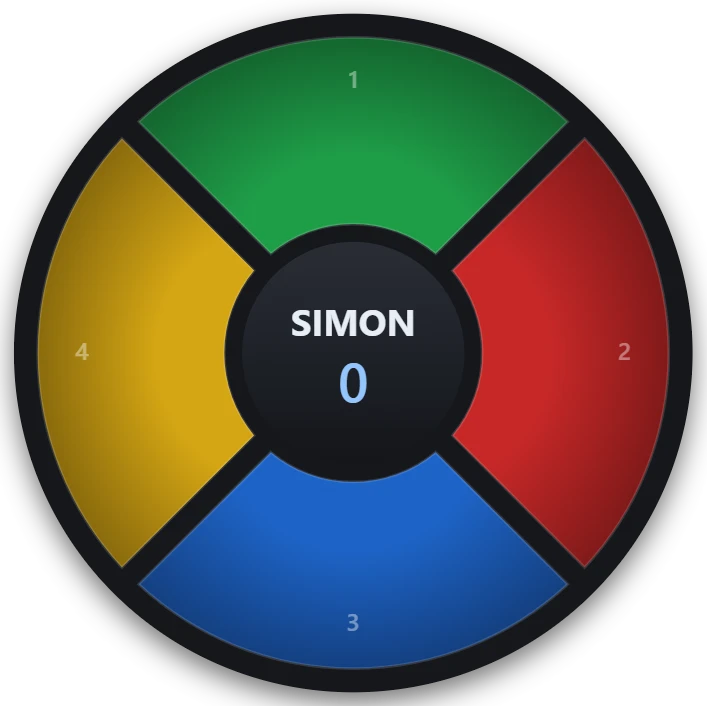
About Simon - the electronic memory game
Where the Simon game comes from, how it trains your short-term memory and tips for remembering longer colour sequences. Then play Simon free online.
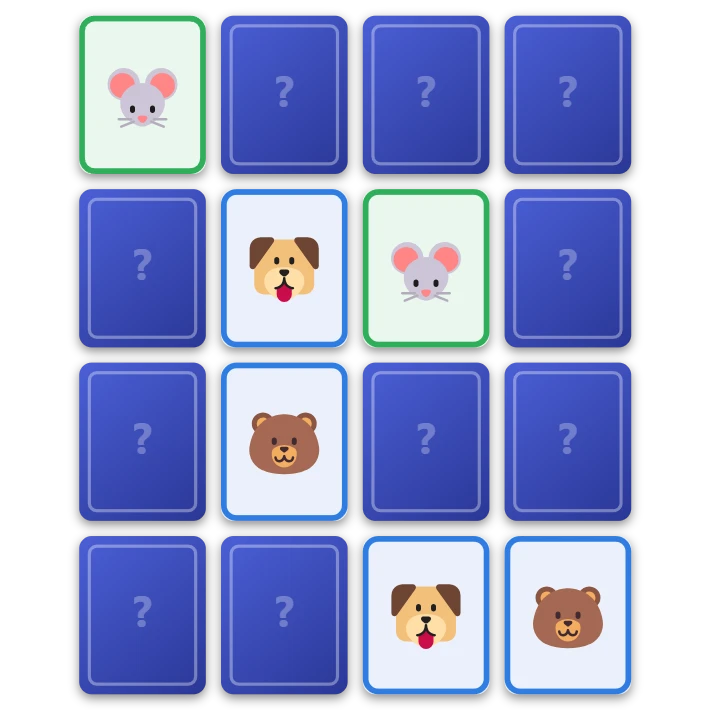
Memory
Play the classic memory card game free in your browser. Turn over two cards at a time and find all the pairs on your own, with a friend or against the computer. Four grid sizes and three picture sets.
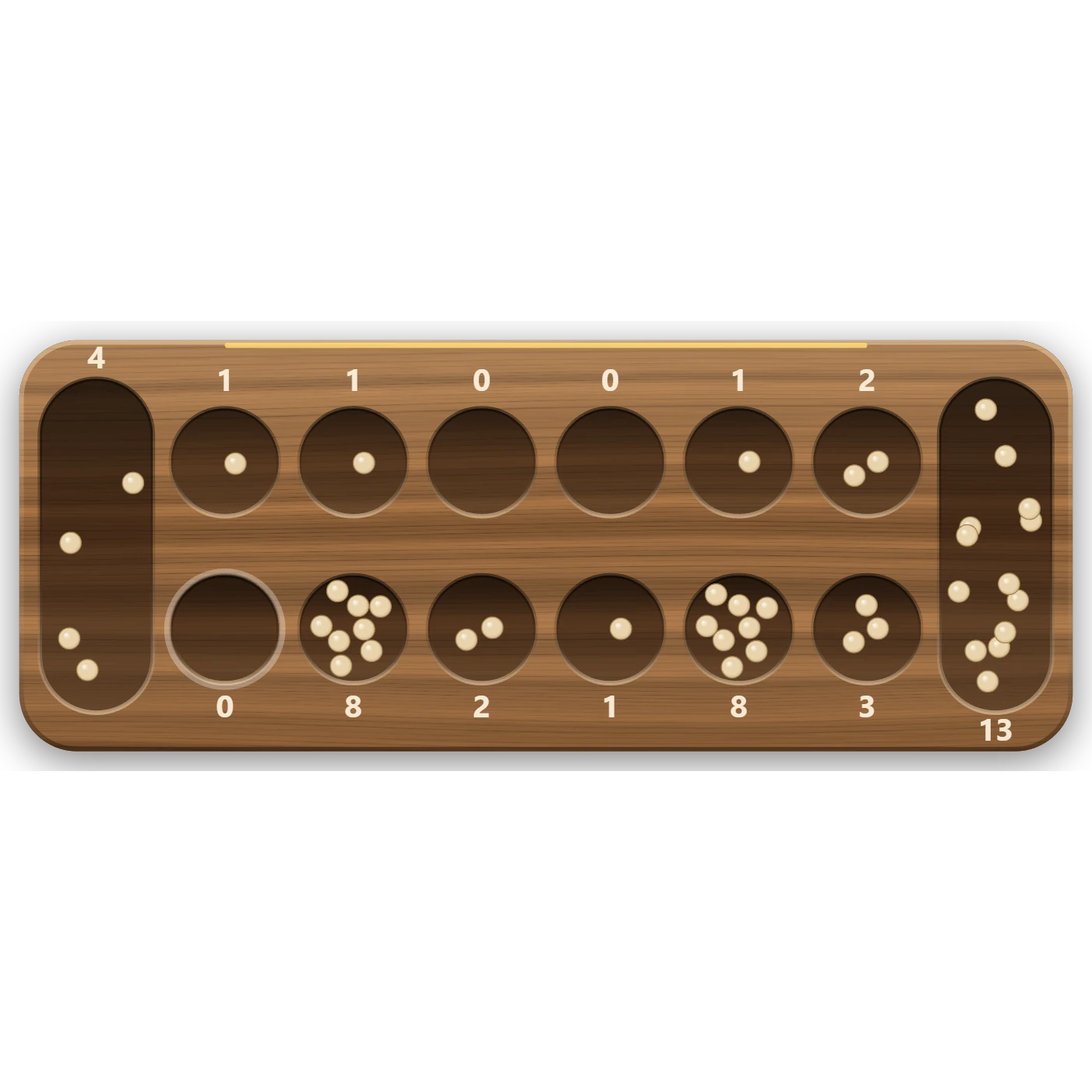
Mancala
Play Mancala (Kalah) free in your browser. Sow the stones round the board, land in your store for an extra turn and capture your opponent's stones. Play the computer on three levels, a friend, or watch two computers.
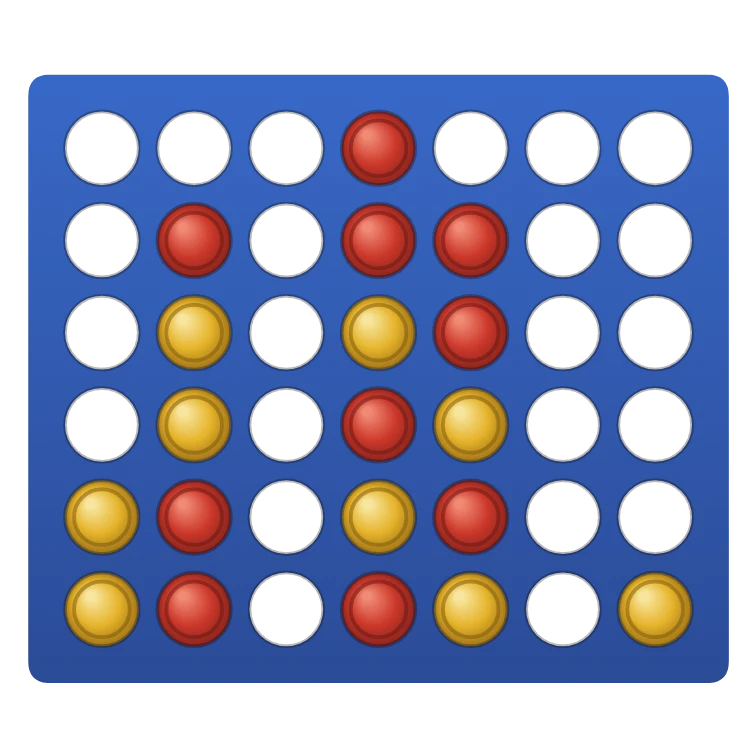
Connect Four
Play Connect Four in your browser: drop red and yellow discs and get four in a row to win. Play a friend on the same screen, or the computer from Easy to Hard. Or watch the computer play itself.
Tic-tac-toe
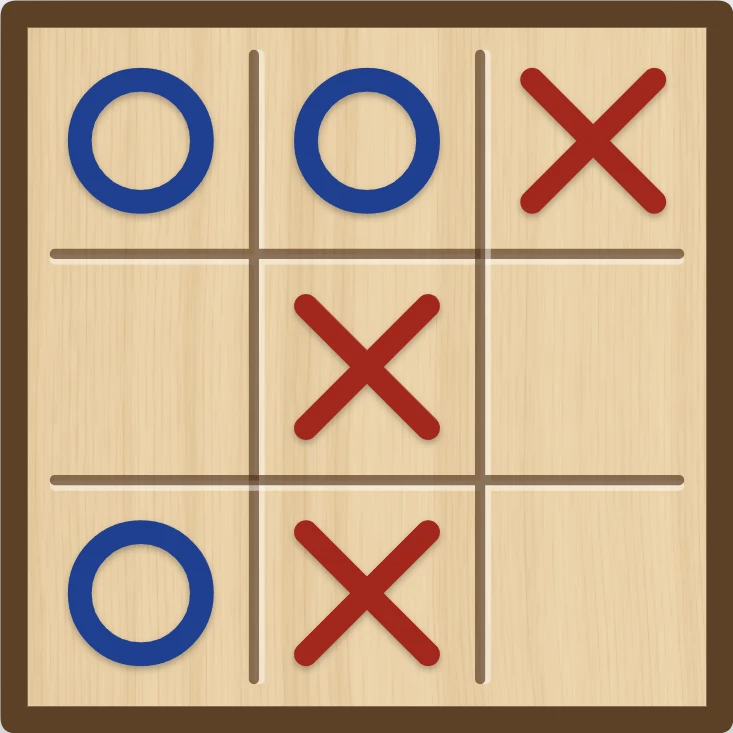
Play tic-tac-toe against the computer in your browser. Pick who starts and how well it plays, from Easy to Unbeatable, ask for a hint, or watch it play itself.
Ready to try it?
Open PictorX in your browser — no install, no credit card required to start.
Go to Editor