
Hulpmiddelen Effecten sjablonen
Rich Filters
Transform photos with creative filters while keeping your original workflow flexible.

Hoe het werkt
- Open PictorX in your browser and start a new project or load an image.
- Use Rich Filters to shape the result, then refine it with the surrounding editor tools.
- Keep editing, export your work, or turn the result into your next design.
How Rich Filters fits your workflow
Transform photos with creative filters while keeping your original workflow flexible. PictorX keeps the feature alongside your photos, layers, typography, and design tools, so you can move from an idea to a finished graphic without switching applications.
Create more with Rich Filters
Start with one focused change, review the result in context, and keep iterating. Combine Rich Filters with other PictorX tools when you need a polished image for social media, a presentation, a print layout, or a personal project.
Veelgestelde vragen
Zijn filters voor altijd ingebakken?
Pas een look toe, maak deze vervolgens ongedaan of blijf bewerken als u een andere behandeling wilt.
Kan ik een filter stapelen met tekst- en AI-tools?
Ja. Filters bevinden zich in dezelfde werkruimte als lagen, typen en AI op het apparaat.
Werken filters zowel op productfoto's als op portretten?
Ja. De sterkte is afhankelijk van contrast en detail in de bronfoto.
Hoe verschilt dit van een telefooncamerafilter?
Dit zijn editoreffecten die u kunt combineren met selecties, lagen en de rest van het ontwerp.
Gerelateerde hulpmiddelen

Patroonfilters
Genereer procedurele achtergronden en texturen via Effecten → Patronen. Gebruik PictorX gratis in je browser, zonder software te installeren.
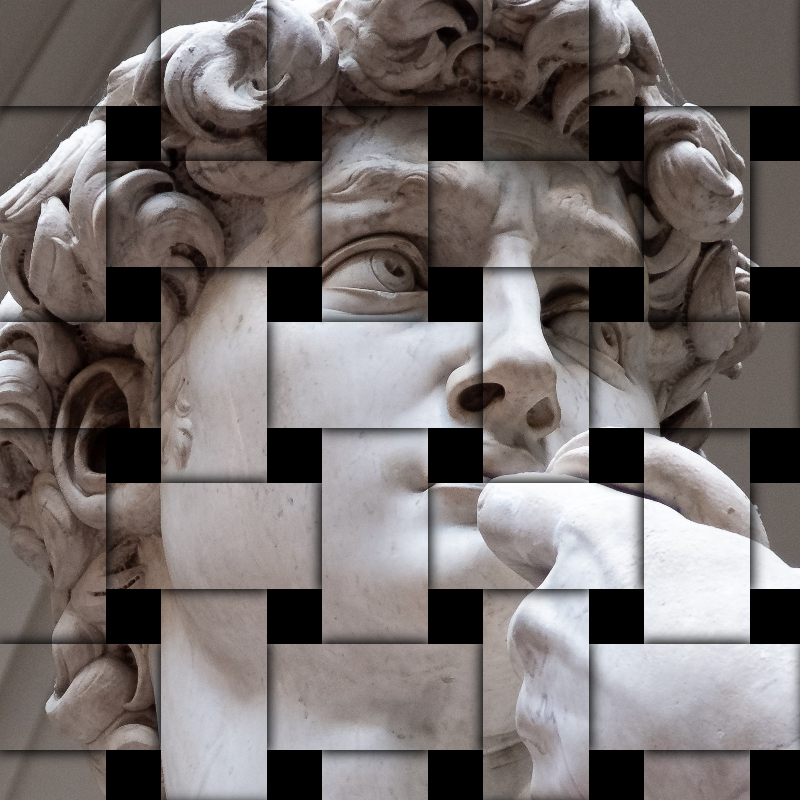
Stileer effecten
Voeg verbrijzeling, glitch, reliëf, vignet en andere studiostijleffecten toe aan foto's. Gebruik PictorX gratis in uw browser en er is geen software-installatie vereist.

Pixelachtige effecten
Verander foto's in mozaïektegels, zeshoeken, kristallen, low-poly kunst, halftoonpunten en retro arcadepaletten. Gebruik PictorX gratis in uw browser en er is geen software-installatie vereist.
Klaar om het te proberen?
Open PictorX in uw browser - geen installatie, geen creditcard vereist om te starten.
Try Rich Filters