
Rich Filters
Transform photos with creative filters while keeping your original workflow flexible.
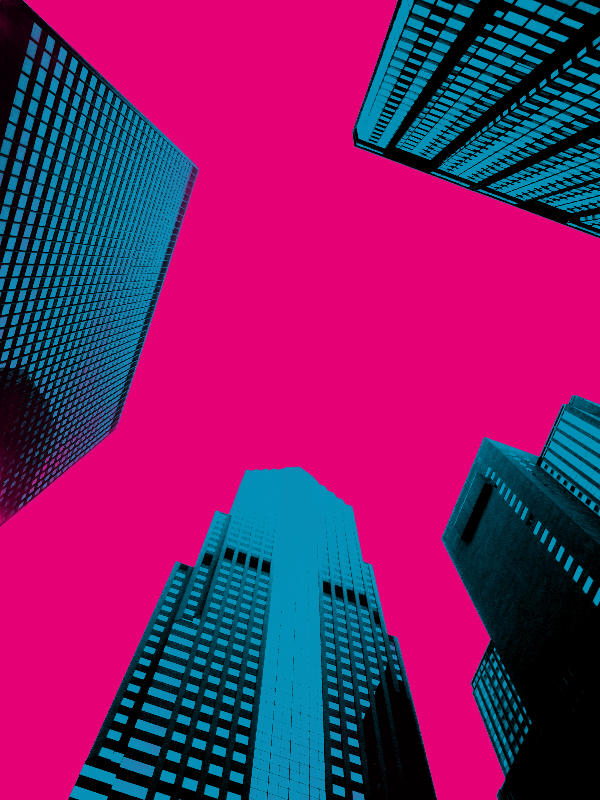
كيف يعمل
- Open PictorX in your browser and start a new project or load an image.
- Use Rich Filters to shape the result, then refine it with the surrounding editor tools.
- Keep editing, export your work, or turn the result into your next design.
How Rich Filters fits your workflow
Transform photos with creative filters while keeping your original workflow flexible. PictorX keeps the feature alongside your photos, layers, typography, and design tools, so you can move from an idea to a finished graphic without switching applications.
Create more with Rich Filters
Start with one focused change, review the result in context, and keep iterating. Combine Rich Filters with other PictorX tools when you need a polished image for social media, a presentation, a print layout, or a personal project.
الأسئلة المتداولة
هل يتم خبز المرشحات إلى الأبد؟
قم بتطبيق مظهر، ثم قم بالتراجع أو استمر في التحرير إذا كنت تريد معالجة مختلفة.
هل يمكنني تكديس مرشح باستخدام أدوات النص والذكاء الاصطناعي؟
نعم. توجد المرشحات في نفس مساحة العمل مثل الطبقات والكتابة والذكاء الاصطناعي الموجود على الجهاز.
هل تعمل المرشحات على لقطات المنتج وكذلك الصور الشخصية؟
نعم. تعتمد القوة على التباين والتفاصيل في الصورة المصدر.
كيف يختلف هذا عن مرشح كاميرا الهاتف؟
هذه هي تأثيرات المحرر التي يمكنك دمجها مع التحديدات والطبقات وبقية التصميم.
الأدوات ذات الصلة

مرشحات الأنماط
أنشئ خلفيات وقواماً إجرائياً من التأثيرات → أنماط. استخدم PictorX مجانًا في متصفحك دون الحاجة إلى تثبيت برامج.
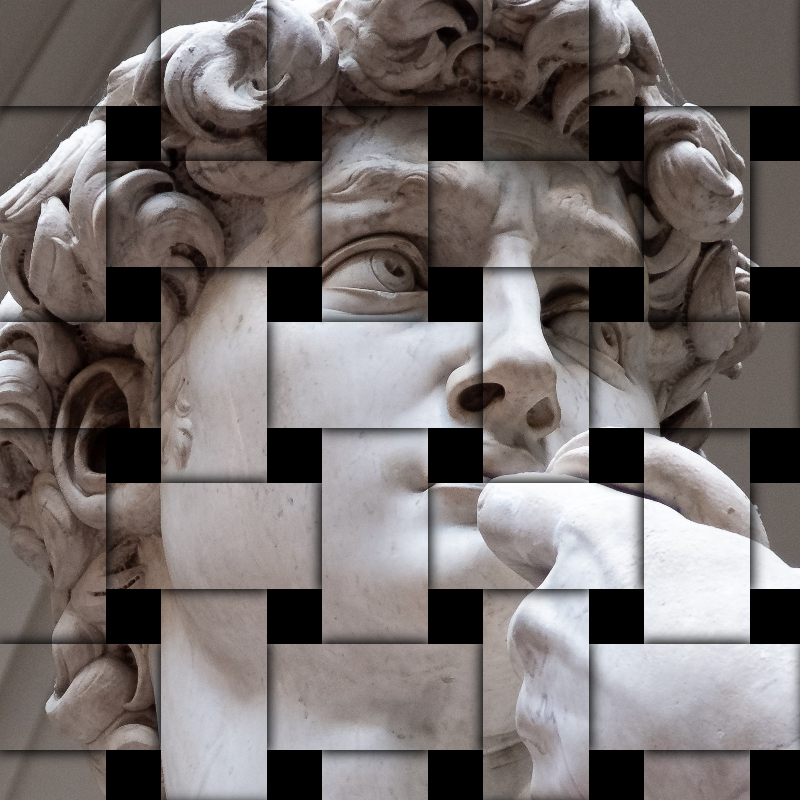
تبسيط التأثيرات
قم بإضافة التحطيم، والخلل، والزخرفة، والمقالة القصيرة، وغيرها من أشكال الاستوديو إلى الصور. استخدم PictorX مجانًا في متصفحك دون الحاجة إلى تثبيت أي برنامج.

تأثيرات البيكسلات
قم بتحويل الصور إلى بلاط فسيفساء وأشكال سداسية وبلورات وفن منخفض البولي ونقاط الألوان النصفية ولوحات أركيد قديمة. استخدم PictorX مجانًا في متصفحك دون الحاجة إلى تثبيت أي برنامج.
هل أنت مستعد لتجربتها؟
افتح PictorX في متصفحك - بدون تثبيت، ولا يلزم وجود بطاقة ائتمان للبدء.
Try Rich Filters