
Herramientas Efectos plantillas
Rich Filters
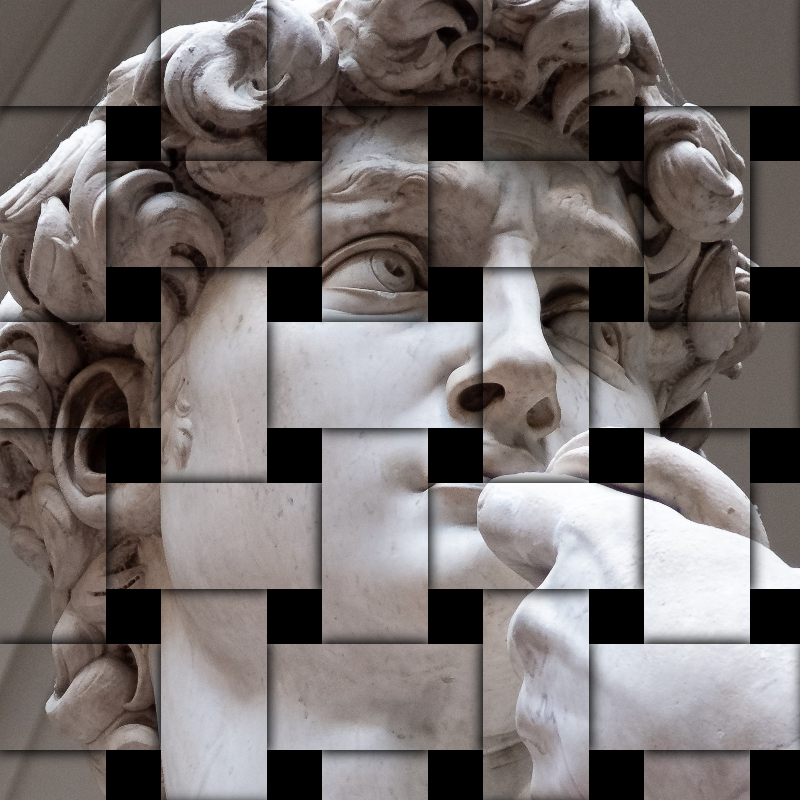
Transform photos with creative filters while keeping your original workflow flexible.

como funciona
- Open PictorX in your browser and start a new project or load an image.
- Use Rich Filters to shape the result, then refine it with the surrounding editor tools.
- Keep editing, export your work, or turn the result into your next design.
How Rich Filters fits your workflow
Transform photos with creative filters while keeping your original workflow flexible. PictorX keeps the feature alongside your photos, layers, typography, and design tools, so you can move from an idea to a finished graphic without switching applications.
Create more with Rich Filters
Start with one focused change, review the result in context, and keep iterating. Combine Rich Filters with other PictorX tools when you need a polished image for social media, a presentation, a print layout, or a personal project.
Preguntas frecuentes
¿Los filtros están integrados para siempre?
Aplique una apariencia, luego deshaga o siga editando si desea un tratamiento diferente.
¿Puedo apilar un filtro con texto y herramientas de inteligencia artificial?
Sí. Los filtros viven en el mismo espacio de trabajo que las capas, el texto y la IA en el dispositivo.
¿Los filtros funcionan tanto en fotografías de productos como en retratos?
Sí. La fuerza depende del contraste y el detalle de la foto original.
¿En qué se diferencia esto del filtro de la cámara de un teléfono?
Estos son efectos de editor que puedes combinar con selecciones, capas y el resto del diseño.
Herramientas relacionadas

Filtros de patrones
Genera fondos y texturas procedurales desde Efectos → Patrones. Usa PictorX gratis en el navegador, sin instalar software.
Efectos de estilizar
Agregue fragmentos, fallas, relieves, viñetas y otros estilos de estudio a las fotos. Utilice PictorX gratis en su navegador sin necesidad de instalar software.

Efectos de pixelado
Convierte fotos en mosaicos, hexágonos, cristales, arte de baja poli, puntos de medios tonos y paletas de arcade retro. Utilice PictorX gratis en su navegador sin necesidad de instalar software.
¿Listo para probarlo?
Abra PictorX en su navegador: no requiere instalación ni tarjeta de crédito para comenzar.
Try Rich Filters