
Free presentation maker
Build slides that look intentional—not default. Open a PictorX presentation template, customize charts and copy, and export visuals for your deck or meeting.
How it works
- Browse presentation templates in PictorX.
- Replace titles, data callouts, and imagery for your story.
- Export slides as images or keep editing page by page.
Pitch decks and internal reviews
Lead with a clear problem/solution narrative. Use consistent title placement, restrained color, and one idea per slide. PictorX dashboard and presentation templates help when you need polished charts without starting from a blank grid.
Visual slides for talks
Keynote-style talks often need full-bleed images and short phrases. Combine photo editing, uncrop, and large type to produce speaker slides that photograph well in a room.
Frequently asked questions
Can I export to PowerPoint?
Export slide images and place them into PowerPoint/Google Slides, or rebuild layouts there using exported assets.
Does PictorX make multi-page decks?
Yes. Use multiple pages or presentation templates so a pitch deck stays in one editable project.
Can I use charts in a slide?
Yes. PictorX includes living charts and dashboard-style templates when you need polished figures without starting from a blank grid.
Is this the same as the presentation wizard?
No. This page is for choosing and editing slide templates. The presentation wizard is a guided, step-by-step flow that still opens in the same editor.
Related tools

A free Canva alternative for photo editing & design
Looking for a Canva alternative? PictorX is a free online photo editor and design studio with AI tools, layers, and templates in your browser.
A free Adobe Express alternative
Looking for an Adobe Express alternative? PictorX is a free browser photo editor and design studio with AI tools, layers, and templates.
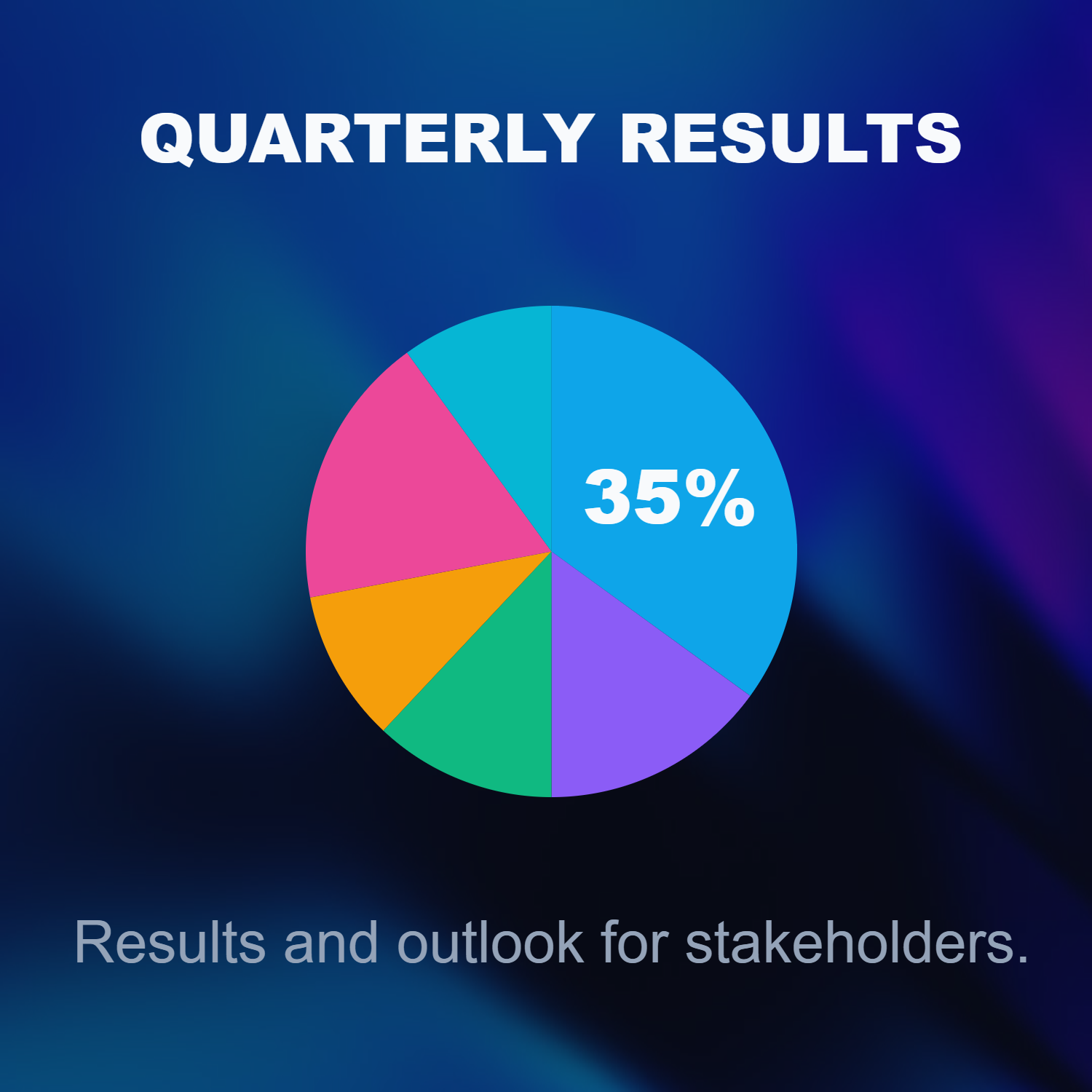
Build a deck with the presentation wizard
Build a deck with PictorX’s step-by-step presentation wizard, then edit every slide in the same browser workspace.
Ready to try it?
Open PictorX in your browser — no install, no credit card required to start.
Open presentation templates