
Percolation
Fill the cells of a grid at random, each with the same chance, and ask whether a path of filled cells runs from the top row to the bottom row. With half the cells filled it almost never does; with two thirds it almost always does. In between the answer flips around a sharp critical share, about 59.27% on the square grid. Slide the share up and down, pour water in at the top and watch it find its way, read the exact share at which this grid connects, colour every cluster, and compare with the chance curve from 200 grids of the same size. Every cell of the grid is filled at random with the chance set by Filled. Find out from which share of filled cells a path of filled cells runs from the top row to the bottom row. Each cell keeps its random number, so moving the slider fills or empties cells one by one. Neighbours chooses whether cells join through their sides only or also through their corners. Press Play to pour water in at the top and watch it flow through the filled cells, Skip to see where it ends, and New run for a new grid. Find threshold raises Filled until this grid just connects. The chart shows the chance that a grid of this size connects, estimated from 200 other grids, and the largest cluster of this grid.
How it works
- Choose the grid size, from 10 × 10 to 250 × 250, and whether cells join through their 4 sides or also through their corners.
- Slide Filled to set the chance that a cell is filled; every cell keeps its random number, so cells fill and empty one by one.
- Press Play to pour water in at the top and watch it spread through the filled cells, or Find threshold to raise Filled until the grid just connects.
- Read the chance curve from 200 grids against the theory, then save the picture or open it in the editor in layers.
A sudden connection
Each cell is filled with chance p, independently of the others. Neighbouring filled cells form clusters, and the grid connects when one cluster touches both the top row and the bottom row. On an endless square grid with 4 neighbours this happens exactly above p_c ≈ 0.592746: below it every cluster is finite, above it one cluster spans everything. With 8 neighbours, corners included, the threshold drops to about 0.407254. The Connects tile tells you whether this grid has a path, and the yellow line shows the shortest one.
This grid's own threshold
Every cell gets a random number u and is filled when u < p, so raising p adds the cells one at a time in the order of their numbers. The app adds them in that order to a union-find structure whose clusters remember whether they touch the top and the bottom, and the u of the cell that first links the two is this grid's threshold: below it no path, above it a path. The Threshold tile shows it next to the theory, and Find threshold animates Filled up to it.
The chance curve gets steeper
A finite grid connects a little earlier or later than p_c. The chart estimates the chance that a grid of this size connects at each p from 200 other grids: it is simply the share of their thresholds below p. For a 20 × 20 grid the thresholds spread over several percentage points; for 250 × 250 the curve is almost a step at 59.27%, because the spread shrinks like L^(−3/4). The orange curve is this grid's largest cluster, which shoots up just above the threshold.
Frequently asked questions
What is percolation?
A model of random connections. Each cell of a grid is filled with chance p, and you ask whether the filled cells form a path from one side to the other. Simon Broadbent and John Hammersley introduced it in 1957 to describe gas flowing through the porous carbon of a gas mask; it now describes coffee filters, oil in rock, forest fires, epidemics and networks.
What is the percolation threshold?
The share of filled cells above which an endless grid has a path from side to side. For the square grid with 4 neighbours it is about 59.27% (0.592746), with 8 neighbours about 40.73%. For bond percolation on the square grid, where the links instead of the cells are open at random, it is exactly 1/2, proved by Harry Kesten in 1980.
Why does my grid connect at a different share than 59.27%?
Because a finite grid's threshold is random. Each grid connects at its own share, scattered around 59.27%; the scatter is wide for a 10 × 10 grid and narrow for a 250 × 250 grid. The chart shows the chance that a grid of your size connects, estimated from 200 grids, and it gets steeper as the grid grows.
How is the threshold of one grid found?
Each cell has a random number and is filled when that number is below p. Adding the cells in increasing order to a union-find structure, the app notes the moment a cluster first touches both the top and the bottom row; the number of that last cell is the grid's threshold. One pass also gives the largest cluster at every p.
What does the water show?
Water poured in at the top flows into every filled cell it can reach, one step further from the top at a time. It shows which clusters touch the top and how long the way down is: when the grid connects, the water reaches the bottom and the yellow line is the shortest path, whose length the Connects tile gives.
Can I use the picture?
Yes. Save gives a PNG, and the pencil opens the picture in the PictorX photo editor in layers: the grid, the clusters, the connecting cluster, the water, the shortest path and the chart's axes, curves, markers and labels each on a layer of their own. Everything is computed in your browser.
Percolation: how do I record a video?
Press the red Record button in the playback bar: it films what the stage shows. Press it again to stop, and the video is saved to your device. Recording is free; you only need to sign in. Without a subscription the video carries a small PictorX logo in a corner. The button beside Record opens the video options: the shape (as shown, square, story 9:16 or wide 16:9), the length (until you stop, or 5, 10, 15 or 30 seconds for social media) and the file: MP4, WebM or an animated GIF. You can add one of three music tracks: calm, bright or beat.
Related tools
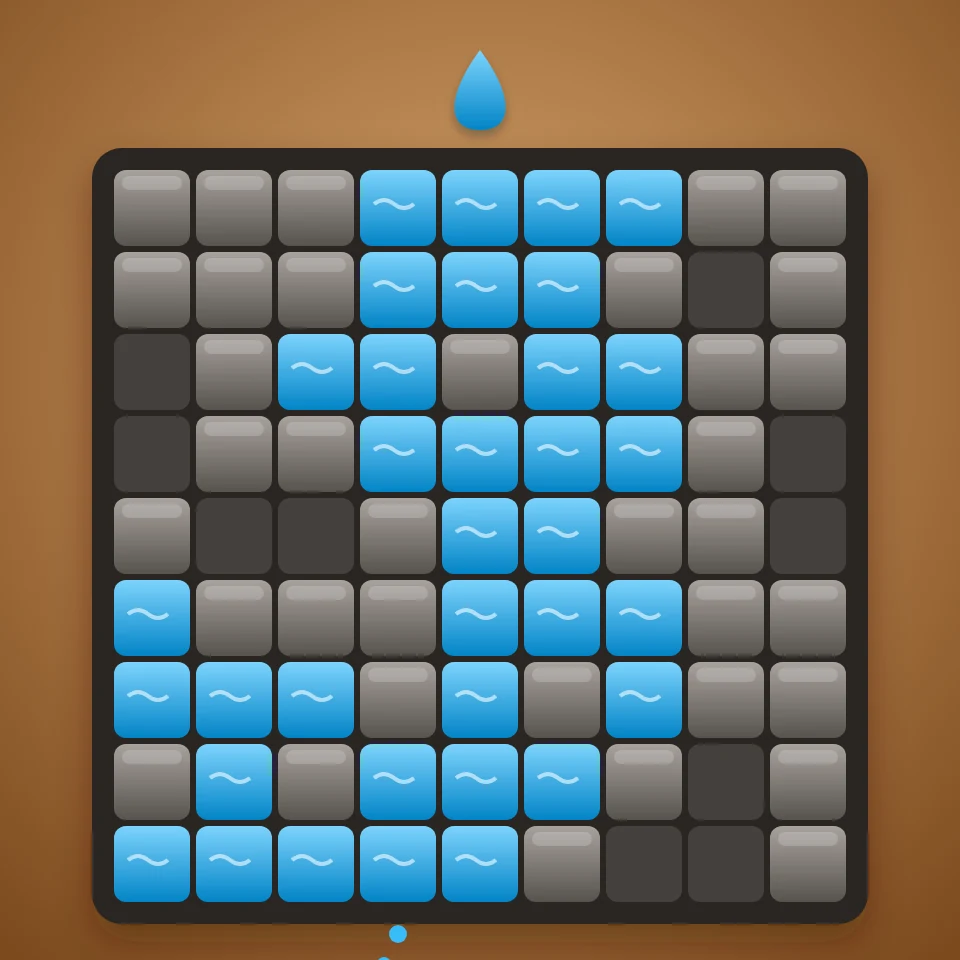
Percolation explained
What percolation theory is, why a random grid suddenly connects at a critical share of filled cells (about 59.27% on the square grid), the difference between site and bond percolation, finite-size effects, fractal clusters and real uses from coffee to epidemics.
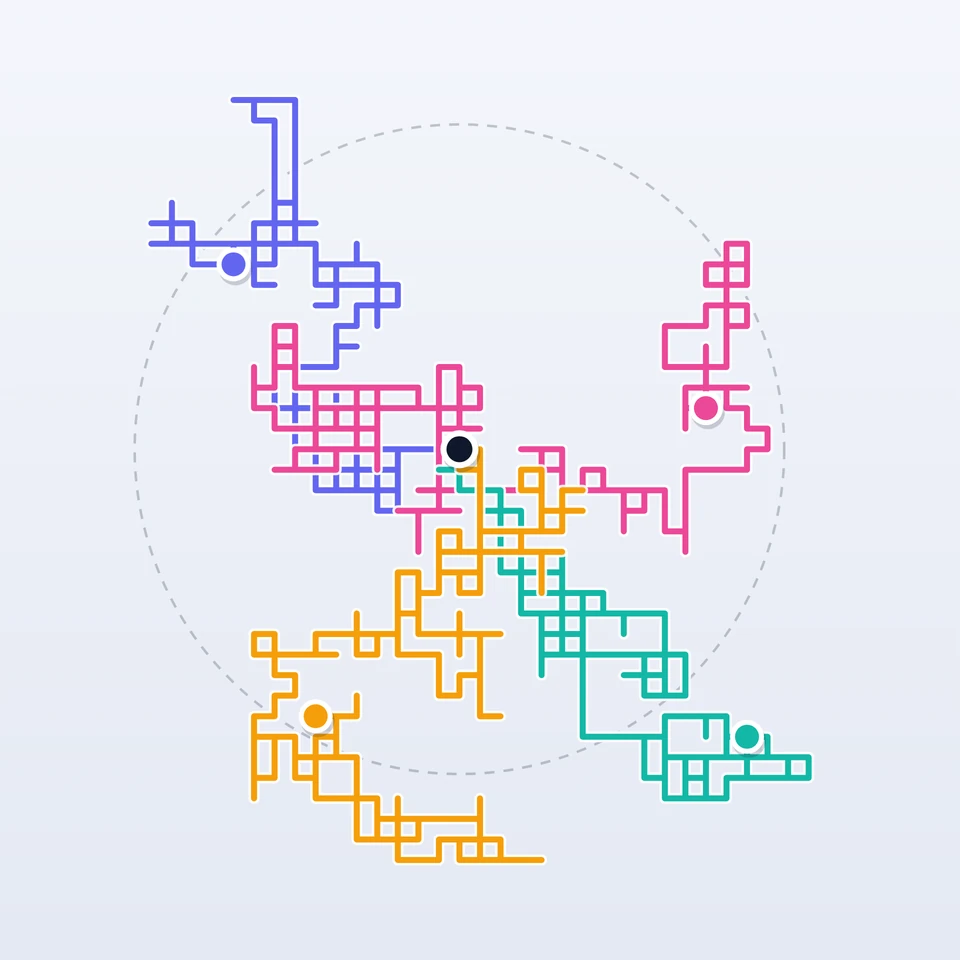
Random walk
Simulate up to 5,000 random walkers taking steps left, right, up or down and see how far they end up from the start. Compare the mean distance, the variance and the √N rule with theory, watch the Rayleigh curve form and count the walkers that come home.
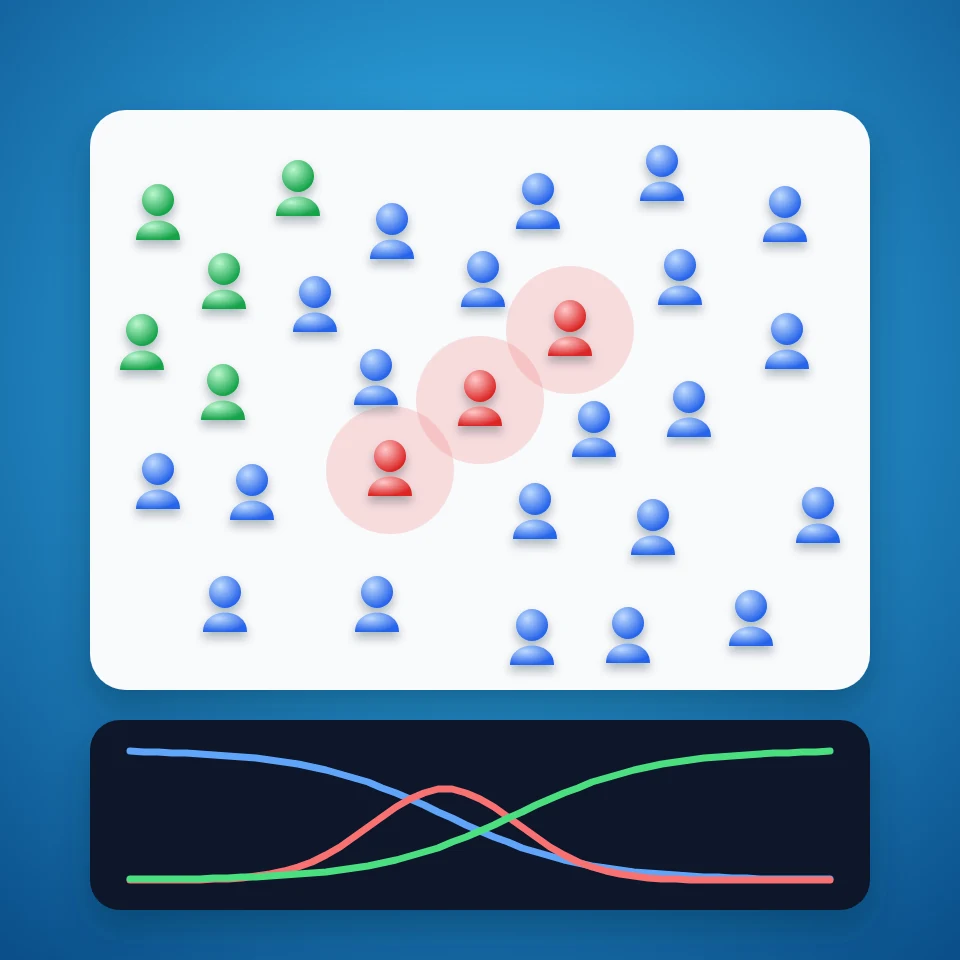
Epidemic simulator
Simulate how a virus spreads through a population of moving people. Change the infection chance, the recovery time, vaccination and staying home, and compare the outbreak with the SIR model: R₀, the peak, exponential growth and herd immunity.
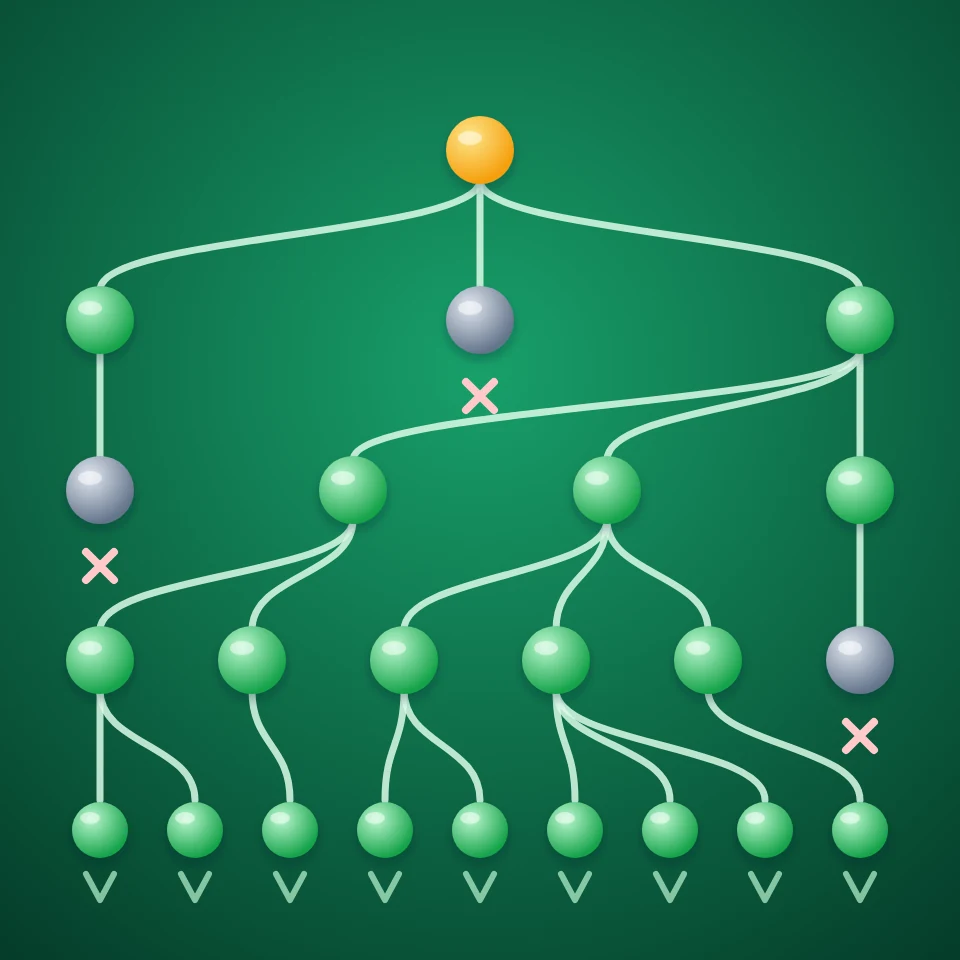
Branching process
Simulate families in which every individual has a random number of children and see which ones die out and which explode. Compare the simulated extinction with the theory q = G(q), watch a family tree grow and follow hundreds of populations on a log scale.
Galton board
Drop balls through rows of pegs and watch a bell curve fill the bins. Change the rows, the bias, and the number of balls, and compare mean and spread with theory.
Monte Carlo π
Throw thousands of random darts at a square with a circle in it and watch the share that lands inside turn into π. Start, stop, and follow the estimate as it converges.
Ready to try it?
Open PictorX in your browser — no install, no credit card required to start.
Go to Editor