

试试下方的艺术效果,或打开您自己的图片。
铅笔素描 effect
Open a photo and apply 铅笔素描 in PictorX. This look is part of 艺术效果—adjust the settings on this page, then keep editing with layers, text, and other effects in the same workspace. 试试下方的艺术效果,或打开您自己的图片。
它是如何运作的
- Open this page and try 铅笔素描 on the sample, or open your own photo.
- Tune the 铅笔素描 settings, or switch to another look in 艺术效果.
- Save the result, or keep editing with layers, text, and other effects in PictorX.
What the 铅笔素描 effect does
铅笔素描 is one of the looks in PictorX 艺术效果. Apply it in your browser, then keep working in the same project—crop, type, or add another effect without starting over.
More looks in 艺术效果
This page opens 艺术效果 with 铅笔素描 already selected. Switch looks on the demo to compare styles, or open the full 艺术效果 page to browse every option in the set.
Looks in this set
相关工具
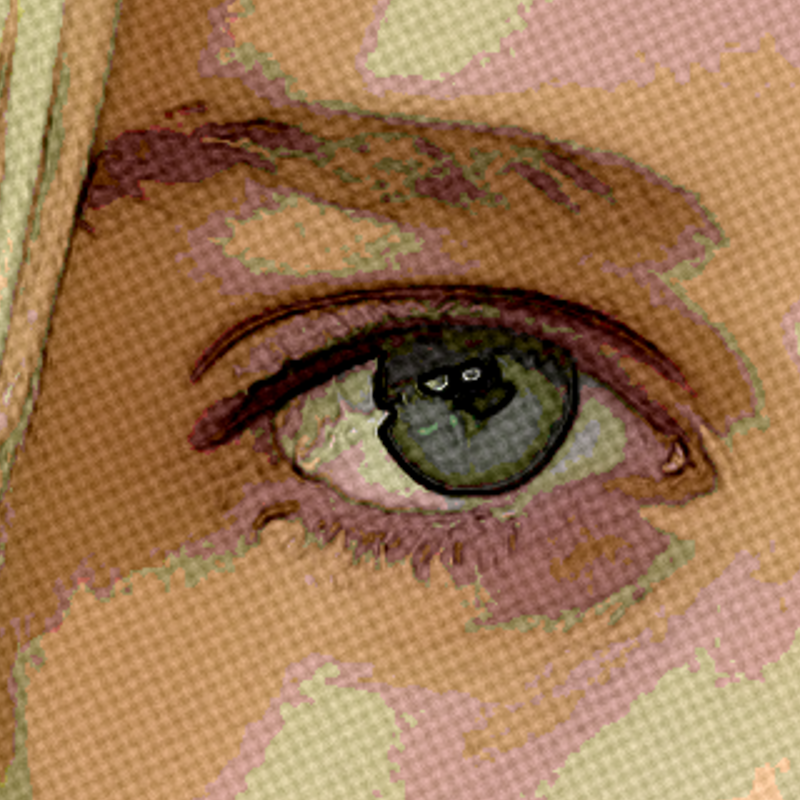
艺术效果
使用油画、水彩、铅笔、漫画墨线、蜡笔、剪纸和其他工作室艺术外观改造照片。
水彩效果
在线把照片变成水彩画。调整湿润度、颜色细节、边缘暗化和纸张纹理,得到柔和的晕染和深色的颜料边缘。
油画 effect
Apply a 油画 effect to photos free in your browser. Open the 艺术效果 tools, tune the look, and keep editing in PictorX. No install.
彩色铅笔 effect
Apply a 彩色铅笔 effect to photos free in your browser. Open the 艺术效果 tools, tune the look, and keep editing in PictorX. No install.
粗糙粉彩 effect
Apply a 粗糙粉彩 effect to photos free in your browser. Open the 艺术效果 tools, tune the look, and keep editing in PictorX. No install.
原住民点画 effect
Apply a 原住民点画 effect to photos free in your browser. Open the 艺术效果 tools, tune the look, and keep editing in PictorX. No install.
文森特·梵高 effect
Apply a 文森特·梵高 effect to photos free in your browser. Open the 艺术效果 tools, tune the look, and keep editing in PictorX. No install.

了解更多万花筒知识
万花筒如何运作?布儒斯特的发明及其希腊语名称、镜子如何形成图案、单元与远景万花筒,以及数字万花筒滤镜。
准备好尝试了吗?
在浏览器中打开 PictorX — 无需安装,无需信用卡即可启动。
前往编辑器