
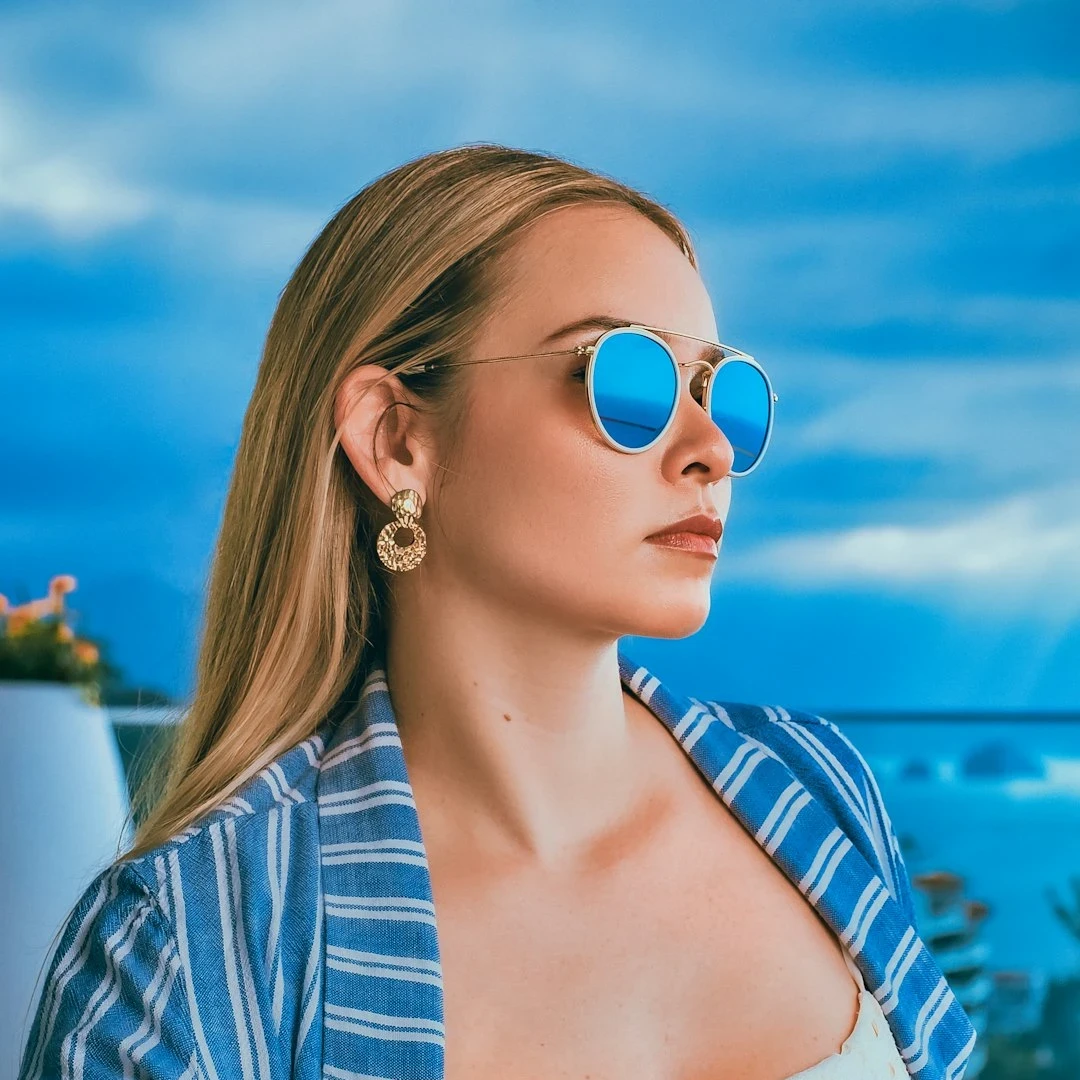
Попробуйте художественный образ ниже или откройте своё изображение.
Карандашный набросок effect
Open a photo and apply Карандашный набросок in PictorX. This look is part of Художественные эффекты—adjust the settings on this page, then keep editing with layers, text, and other effects in the same workspace. Попробуйте художественный образ ниже или откройте своё изображение.
Как это работает
- Open this page and try Карандашный набросок on the sample, or open your own photo.
- Tune the Карандашный набросок settings, or switch to another look in Художественные эффекты.
- Save the result, or keep editing with layers, text, and other effects in PictorX.
What the Карандашный набросок effect does
Карандашный набросок is one of the looks in PictorX Художественные эффекты. Apply it in your browser, then keep working in the same project—crop, type, or add another effect without starting over. Nothing is uploaded for this effect.
More looks in Художественные эффекты
This page opens Художественные эффекты with Карандашный набросок already selected. Switch looks on the demo to compare styles, or open the full Художественные эффекты page to browse every option in the set.
Looks in this set
Часто задаваемые вопросы
Is the Карандашный набросок effect free?
Yes. Open this page in a modern browser to try Карандашный набросок as part of the free PictorX editing workflow.
Can I keep editing after I apply Карандашный набросок?
Yes. Apply Карандашный набросок, then keep using layers, text, and other PictorX tools in the same workspace.
How do I open Карандашный набросок from Художественные эффекты?
This page loads Художественные эффекты with Карандашный набросок selected. You can also open Художественные эффекты and choose Карандашный набросок from the looks.
Сопутствующие инструменты

Художественные эффекты
Преобразуйте фотографии с помощью масляной живописи, акварели, карандаша, комиксной туши, пастели, вырезок из бумаги и других студийных художественных образов. Используйте PictorX бесплатно в своем браузере без необходимости установки программного обеспечения.
Акварель effect
Apply a Акварель effect to photos free in your browser. Open the Художественные эффекты tools, tune the look, and keep editing in PictorX. No install.
Масляная живопись effect
Apply a Масляная живопись effect to photos free in your browser. Open the Художественные эффекты tools, tune the look, and keep editing in PictorX. No install.
Комикс effect
Apply a Комикс effect to photos free in your browser. Open the Художественные эффекты tools, tune the look, and keep editing in PictorX. No install.
Цветной карандаш effect
Apply a Цветной карандаш effect to photos free in your browser. Open the Художественные эффекты tools, tune the look, and keep editing in PictorX. No install.
Пастель effect
Apply a Пастель effect to photos free in your browser. Open the Художественные эффекты tools, tune the look, and keep editing in PictorX. No install.
Аборигенское искусство effect
Apply a Аборигенское искусство effect to photos free in your browser. Open the Художественные эффекты tools, tune the look, and keep editing in PictorX. No install.
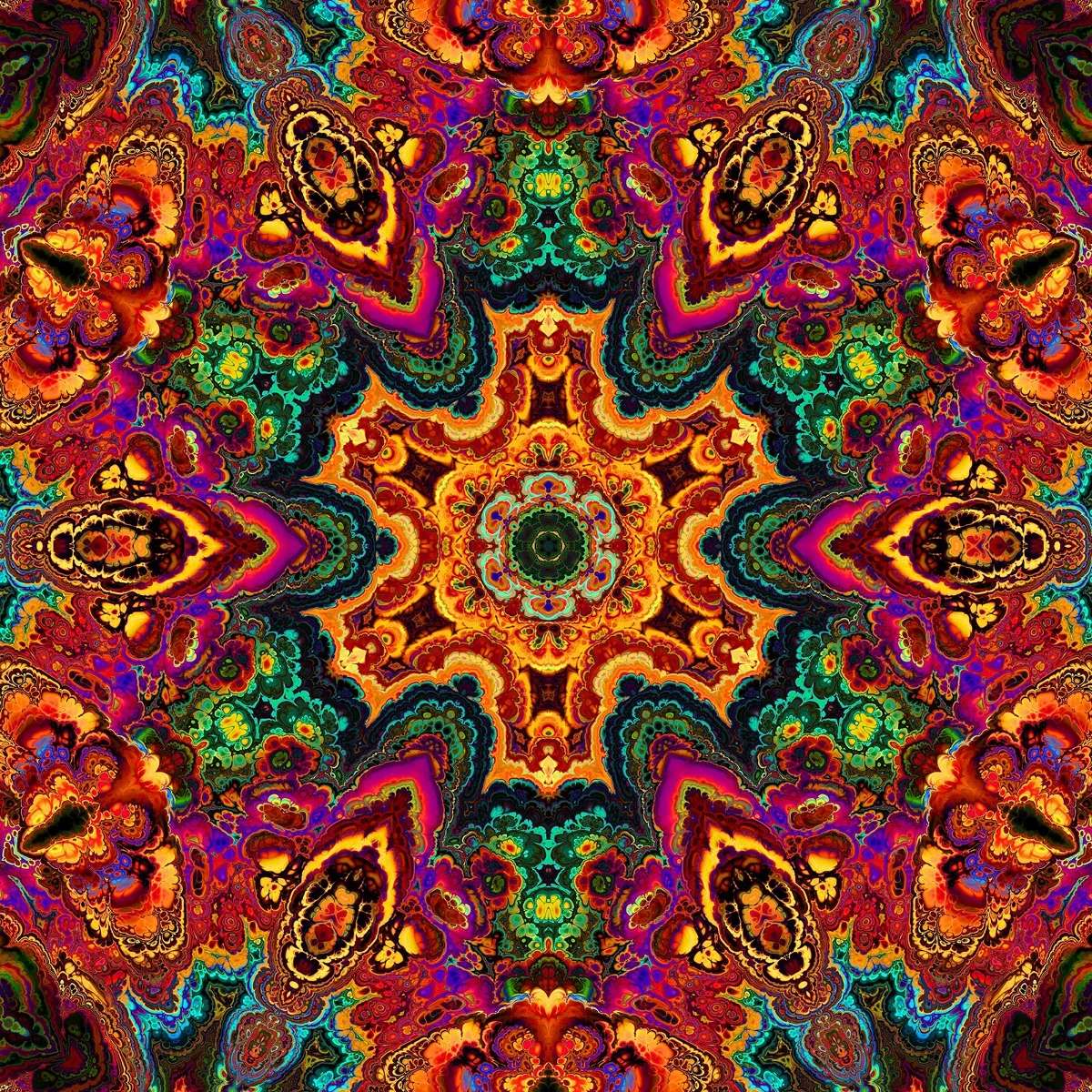
калейдоскопах
Как устроены калейдоскопы: изобретение Брюстера, наклонные зеркала, радиальная симметрия и цифровые фильтры в PictorX.
Готовы попробовать?
Откройте PictorX в своем браузере — установка не требуется, для запуска не требуется кредитная карта.
Перейти в редактор