
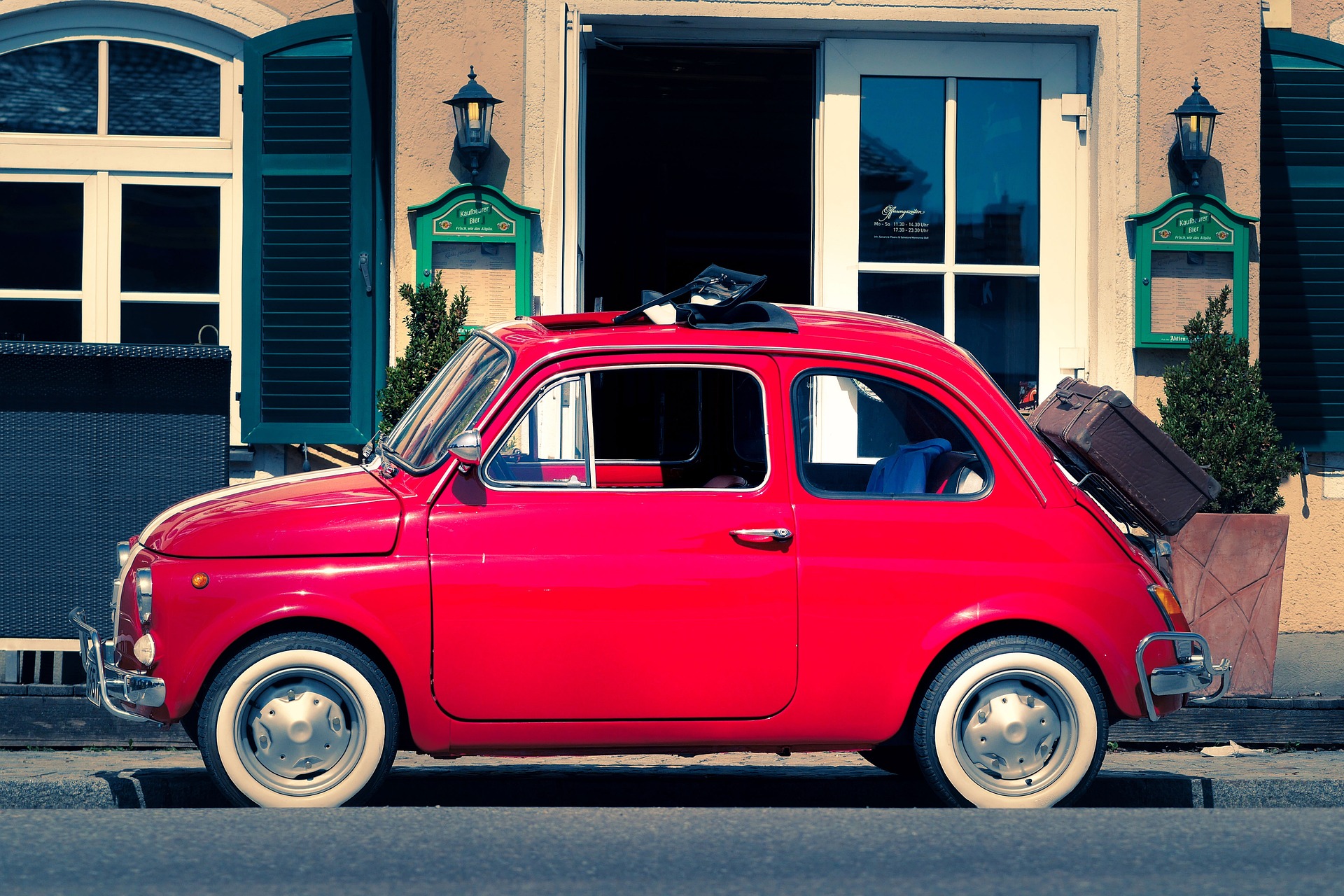
Try a reflection look below, or open your own picture.
Mirror effect online
Open a photo and apply Mirror in PictorX. This look is part of Reflection effects—adjust the settings on this page, then keep editing with layers, text, and other effects in the same workspace. Try a reflection look below, or open your own picture.
How it works
- Open this page and try Mirror on the sample, or open your own photo.
- Tune the Mirror settings, or switch to another look in Reflection effects.
- Save the result, or keep editing with layers, text, and other effects in PictorX.
What the Mirror effect does
Mirror is one of the looks in PictorX Reflection effects. Apply it in your browser, then keep working in the same project—crop, type, or add another effect without starting over.
More looks in Reflection effects
This page opens Reflection effects with Mirror already selected. Switch looks on the demo to compare styles, or open the full Reflection effects page to browse every option in the set.
Looks in this set
Frequently asked questions
What does the mirror effect do to a photo?
It takes one half of the photo, flips it and places it next to the original half, so the image becomes perfectly symmetrical. With Type set to Horizontal, the left half is reflected onto the right; with Vertical, the top half is reflected onto the bottom. It is used for symmetrical faces, landscapes and abstract patterns.
How do I mirror a photo online?
Open your photo on this page; Mirror is already selected. Click Properties, choose the Type (Horizontal or Vertical) and set the Offset, then click Save as image.
What does Offset do in the mirror effect?
Offset (-50 to 50%) moves the mirror line. At 0 it is in the middle of the photo. Positive values move it to the right (or down), so more of the photo is kept and the result gets wider (or taller). Negative values move it to the left (or up) and make the result narrower.
How do I mirror the right side of a photo instead of the left?
The effect always keeps the left half (Horizontal) or the top half (Vertical). To mirror the other side, click Edit, flip the photo first with Flip horizontal or Flip vertical (under Flip & rotate in the editor), and then apply Mirror.
Is the mirror effect the same as flipping a photo?
No. Flip horizontal turns the whole photo into its mirror image, like a selfie camera, without making it symmetrical. The Mirror effect keeps one half and reflects it, so both halves match. For a reflection below the subject, use Water Reflection or Wet Floor Reflection in the same set.
Related tools
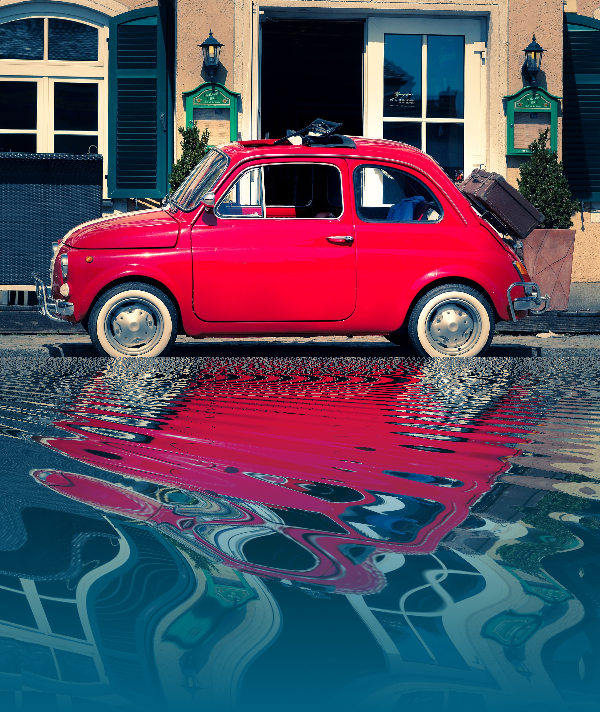
Reflection effects
Mirror, tile, water, wet-floor, and kaleidoscope looks that flip a photo into a reflected composition.
Tile Reflection effect
Apply a Tile Reflection effect to photos free in your browser. Open the Reflection effects tools, tune the look, and keep editing in PictorX. No install.
Water reflection effect
Add a water reflection to a photo online: a rippled, flipped copy below the image that fades into water. Set Distance, Frequency, Distort and Color.
Wet Floor Reflection effect
Apply a Wet Floor Reflection effect to photos free in your browser. Open the Reflection effects tools, tune the look, and keep editing in PictorX. No install.
Kaleidoscope effect
Apply a Kaleidoscope effect to photos free in your browser. Open the Reflection effects tools, tune the look, and keep editing in PictorX. No install.

Kaleidoscopes
How does a kaleidoscope work? Brewster's invention and its Greek name, how the mirrors make patterns, cells and teleidoscopes, and digital kaleidoscope filters.
Ready to try it?
Open PictorX in your browser — no install, no credit card required to start.
Go to Editor