
Mind map
Start from a central topic and grow branches. Add children and siblings, drag nodes, collapse a branch, and export PNG, SVG, PDF, JSON or an outline. Everything is saved in this browser. The central topic is in the middle. Press Tab to add a child, Enter for a sibling, and F2 or double-click to edit. Drag the canvas to pan, and use the wheel to zoom. Everything is saved in this browser.
How it works
- Start from the central topic, then add children and siblings with Tab and Enter, or with the buttons.
- Edit a topic inline, drag it, collapse a branch, and set a note, an icon or a colour.
- Switch between auto layout and free positioning, fit the map to the screen, and save it as JSON, PNG, SVG, PDF or an indented outline.
A tree you can see
The same tree can be a map or an outline. Export indented text or a Markdown list, and import one back when you already have the ideas in a document. Arrow keys move through the branches.
Private and portable
Your maps stay in this browser only and are saved as you work. Save as JSON to back them up or open them on another device, or export a PNG, SVG, PDF or outline. Undo and redo cover every change.
Frequently asked questions
Is the mind map free?
Yes. It is free, needs no account and works in any modern browser.
Where are my maps stored?
In the local storage of this browser. They are saved as you work. Nothing is uploaded. Use Save as JSON to make a backup and Open JSON to restore it.
Can I import a list I already have?
Yes. Paste an indented outline or a Markdown list and choose Import outline. You can also export the map back to text or Markdown.
How do you make a mind map?
Write the main topic in the centre, add a branch for each key idea, then add smaller ideas to each branch, a few words per node. Here Tab adds a child and Enter a sibling, F2 edits a topic, and you can collapse a branch or give it its own colour.
Related tools

The story of the mind map
What is a mind map? Where radial notes come from, Tony Buzan's popular method, concept maps and outlines, and why a central topic with coloured branches helps.
Weekly planner
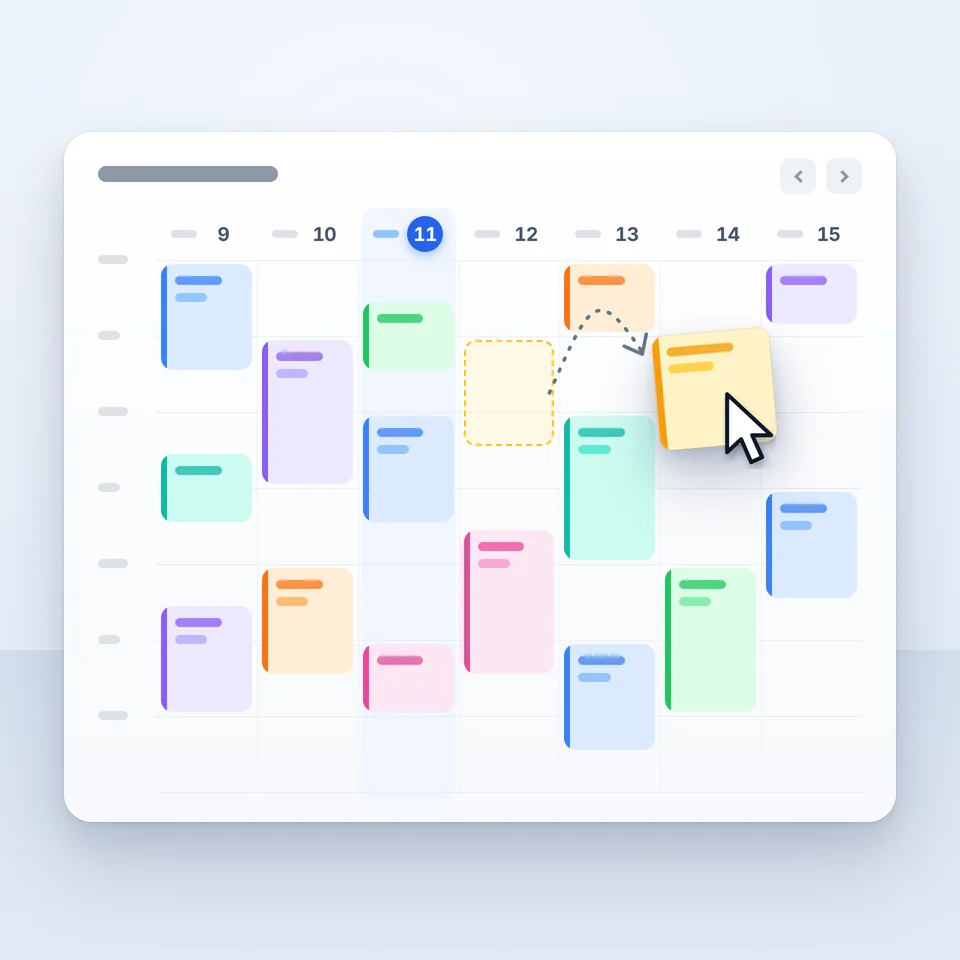
A free online weekly planner: drag time blocks onto a Mon-Sun grid, drop unscheduled tasks from the inbox, repeat weekly blocks, and read hours by category. Saved in your browser.

Goal and OKR tracker
A free online goal and OKR tracker: set objectives with deadlines and colours, add numeric or checkbox key results, check in with notes, and watch weighted progress and status. Saved in your browser.

Habit tracker
A free online habit tracker: add daily or weekly habits, tick off days in a week or month grid, and watch streaks, completion and a heatmap. Saved in your browser.
Ready to try it?
Open PictorX in your browser — no install, no credit card required to start.
Go to Editor