
Jump search
Jump search is how you look for a page in a book without a table of contents: flip ahead a chunk at a time, glancing at the page numbers, and once you have gone too far, leaf back through the last chunk. On a sorted list it needs far fewer comparisons than checking every value.

The idea
In a sorted list, the last value of a block tells you whether the target can be in that block at all: if it is smaller than the target, every value in the block is smaller too. So there is no need to look inside. Check the last value of each block in turn, skipping whole blocks, until one is not smaller than the target. Then the target can only be in that block: scan it from its start.
An example
Search 2, 5, 8, 12, 16, 23, 38, 56, 72, 91 for 23, with blocks of 3. The first block ends with 8, which is smaller, so skip it. The second block ends with 23, which is not smaller, so 23 can only be in 12, 16, 23. Scanning it gives 12, 16 and then 23: found after 5 comparisons, where linear search needs 6 and binary search 3. Searching for 40, the block ends 8, 23 and 72 lead to the block 38, 56, 72; 38 is smaller and 56 already larger, so 40 is not there: 5 comparisons again.
Why √n
With blocks of m values, finding the right block takes at most about n/m comparisons and scanning it at most m. Few, long jumps make the scan long; many short jumps make the jumping long. The sum n/m + m is smallest when both parts are equal, at m = √n, where it is about 2√n. For 40 values that means blocks of 6 and at most 13 comparisons; for a million values, blocks of 1,000 and about 2,000 comparisons.
Where it fits
Binary search needs fewer comparisons, about log₂ n. But binary search jumps back and forth all over the list, while jump search only moves forward and steps back once, to the start of one block. That made it attractive for data on tape or in a linked structure where going back is slow. Ben Shneiderman described it as jump searching in 1978. The same idea of splitting into √n blocks, often called square-root decomposition, appears in many other algorithms.

Explore it
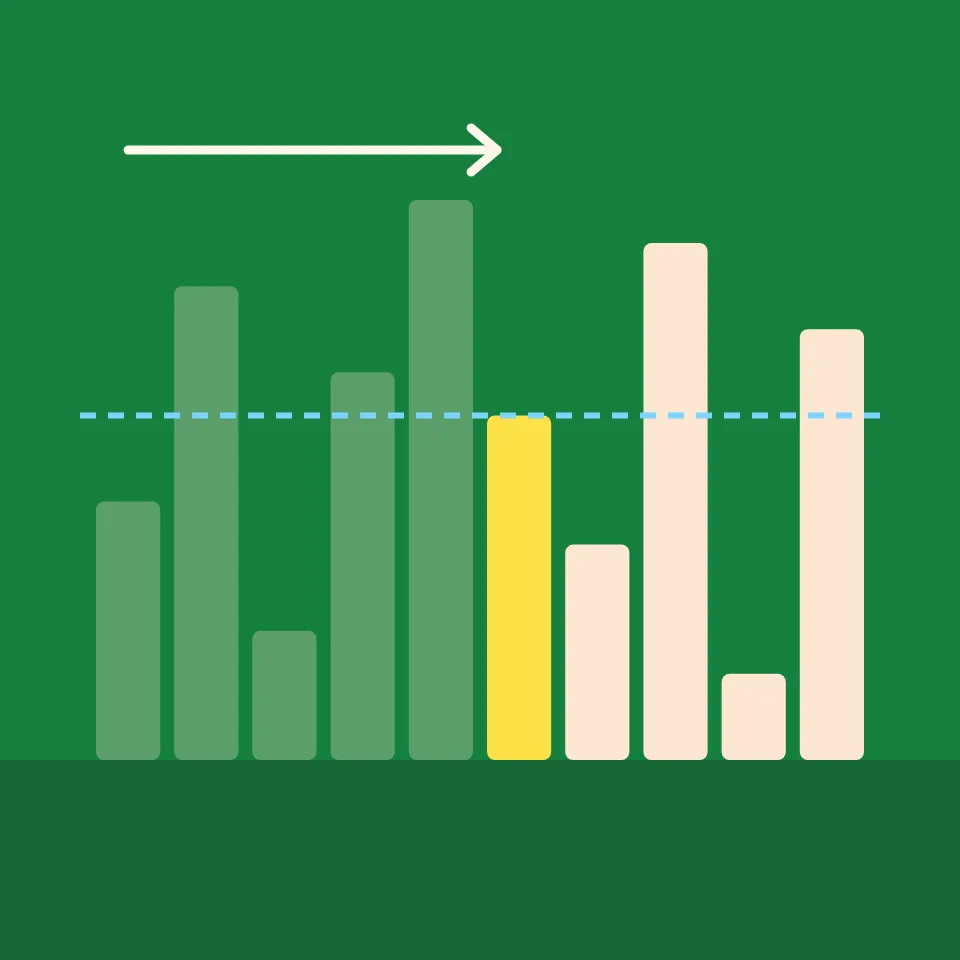
Open the app, choose a value in Search for, and press Step. Each jump highlights the last value of a block; skipped blocks fade, and the block that can hold the target is shaded while it is scanned. Change Jump size from √n to 2 or 8 with 40 bars and watch the balance between jumps and scanning shift.
Frequently asked questions
What is the time complexity of jump search?
O(√n) with blocks of √n values: at most about 2√n comparisons. It needs O(1) extra memory and a sorted list.
What is the difference between jump search and binary search?
Binary search halves the remaining part each time and needs about log₂ n comparisons, but moves back and forth. Jump search skips forward in fixed steps and scans one block, needs about 2√n comparisons, and only steps back once.
Can the scan in the last block use binary search instead?
Yes. Searching the block with binary search cuts the scan from m comparisons to about log₂ m. The jumps still cost n/m, so larger blocks then pay off.
Does jump search need a sorted list?
Yes. Skipping a block is only safe because its last value being smaller means every value in it is smaller. The app sorts an unsorted list first.
Related tools
Jump search
Watch jump search step by step. See it skip whole blocks of a sorted list, then scan the one block that can hold the target, and try different jump sizes.
Linear search
Watch linear search step by step. Choose a value to find, see the list checked one value at a time, and count the comparisons it takes to find it, or to learn it is not there.

Binary search
Watch binary search step by step. Choose a value, see each comparison with the middle value rule out half of the sorted list, and compare the count with linear search.

Interpolation search
Watch interpolation search step by step. See it estimate where the target should be from the values at both ends, change how the values are spread, and compare with binary search.

Exponential search
Watch exponential search step by step. See it look at places 1, 2, 4, 8 and so on until it passes the target, then binary-search the stretch it found.
Ready to try it?
Open PictorX in your browser — no install, no credit card required to start.
Try jump search