
Focus
25:00
Focus sounds timer
Start a focus period, then take a short or long break. Turn on rain, white, pink or brown noise, waves, fire or a fan, and set the volume. A log and a seven-day chart keep your sessions in view. Start a focus session, then take a short or long break. Mix rain, noise and other ambients generated in this browser. Everything is saved here; nothing is sent to a server.
How it works
- Set the length of focus, short break and long break, then start, pause, reset or skip a period.
- Mix rain, coloured noise and other ambients generated in this browser, and choose when they play.
- Follow today and all-time stats, a seven-day chart and a session log, and save JSON, PDF or an image.
Sessions you can hear
A ring counts down the current period. After a few focus sessions a longer break appears. Sounds are mixed with a master volume and a mute, and they play only while a session is running and only in the periods you allow.
Private and portable
Your settings, mix and log stay in this browser only and are saved as you work. Save as JSON to back them up or open them on another device, or export a PNG or PDF. Undo and redo cover settings, the mix and the log.
Frequently asked questions
Is the focus sounds timer free?
Yes. It is free, needs no account and works in any modern browser.
Where are my sessions stored?
In the local storage of this browser. Settings, the mix and the log are saved as you work. Nothing is uploaded. Use Save as JSON to make a backup and Open JSON to restore it.
Do I need audio files?
No. Rain, white, pink and brown noise, waves, fire and a fan are generated in this browser. Turn them on and set the volume for focus, for breaks, or for both.
What is the difference between white, pink and brown noise?
White noise has equal energy at every frequency and sounds like a hiss. Pink noise turns the high tones down, so it sounds softer, like steady rain. Brown noise drops them even more and sounds like a deep rumble. Turn each one on in the mix to hear which helps you focus.
Related tools
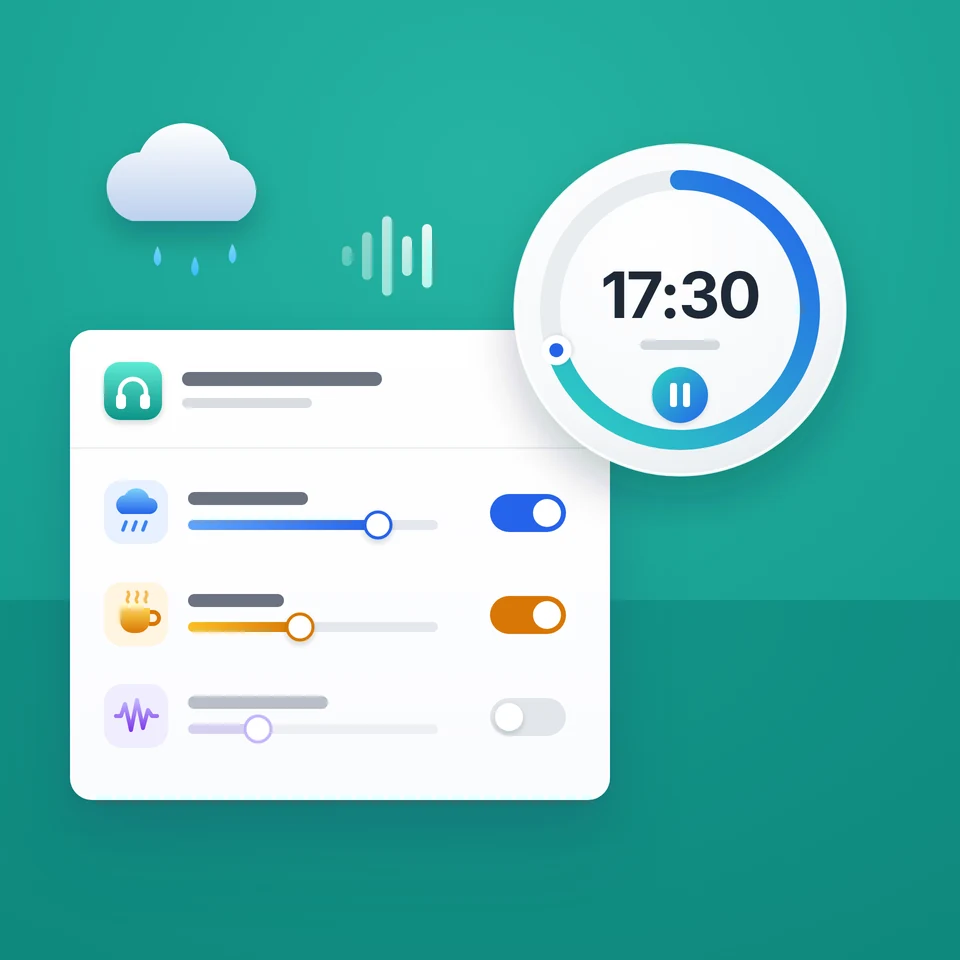
The story of the focus timer
Where the focus timer comes from: Francesco Cirillo's Pomodoro sessions, why short breaks help attention, and how coloured noise and rain can be mixed in the browser without leaving the machine.
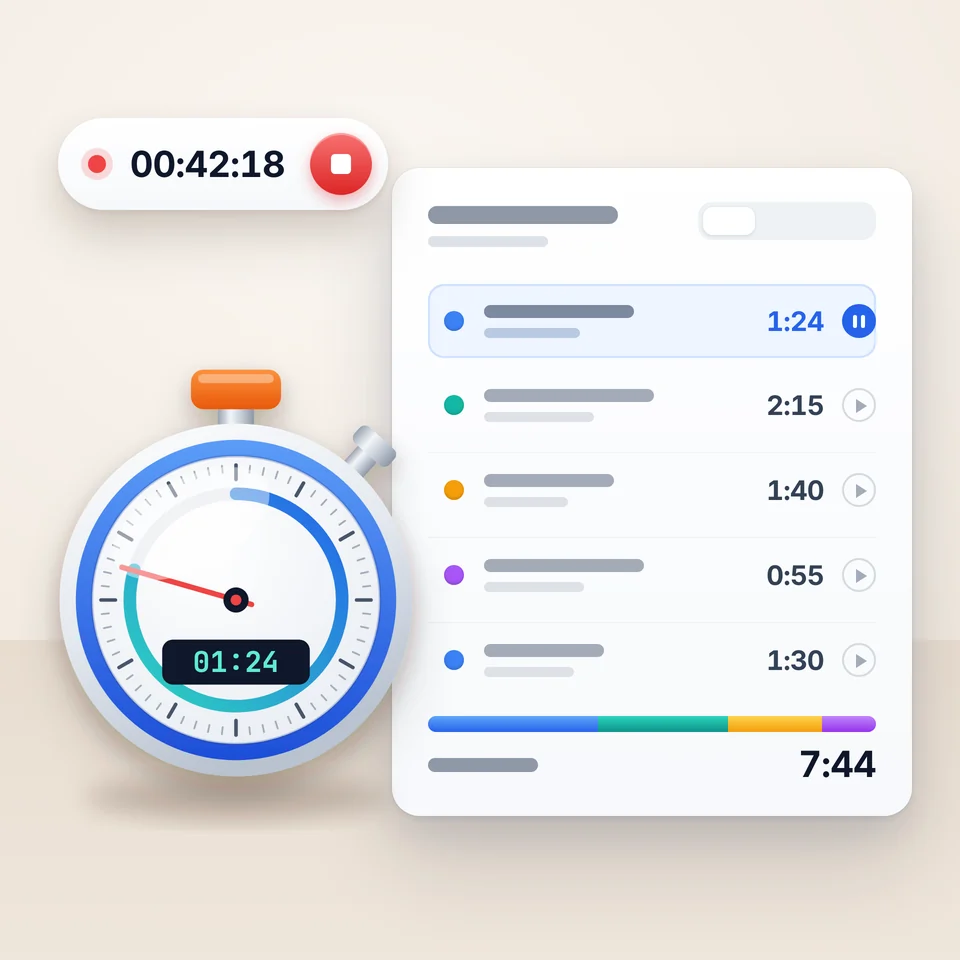
Time tracker
A free online time tracker: start and stop a timer on a project, add manual entries, and see a daily or weekly timesheet with totals and a bar chart. Saved in your browser.
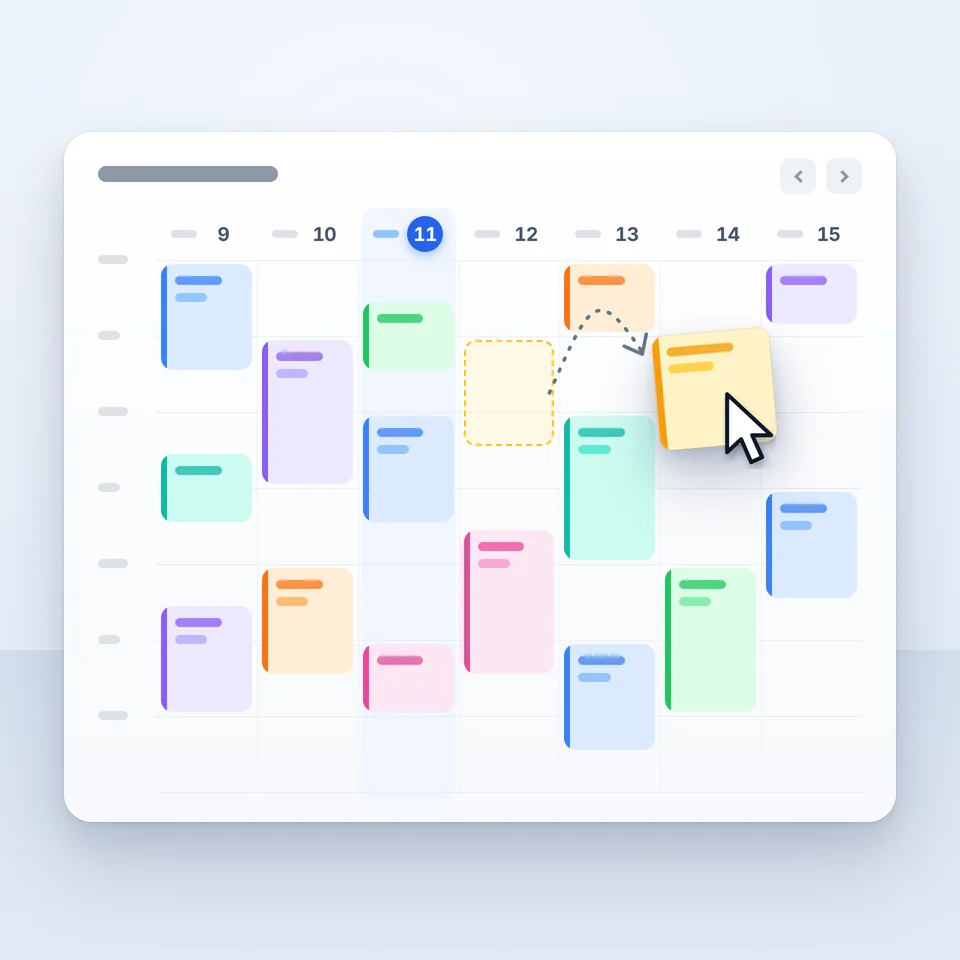
Weekly planner
A free online weekly planner: drag time blocks onto a Mon-Sun grid, drop unscheduled tasks from the inbox, repeat weekly blocks, and read hours by category. Saved in your browser.
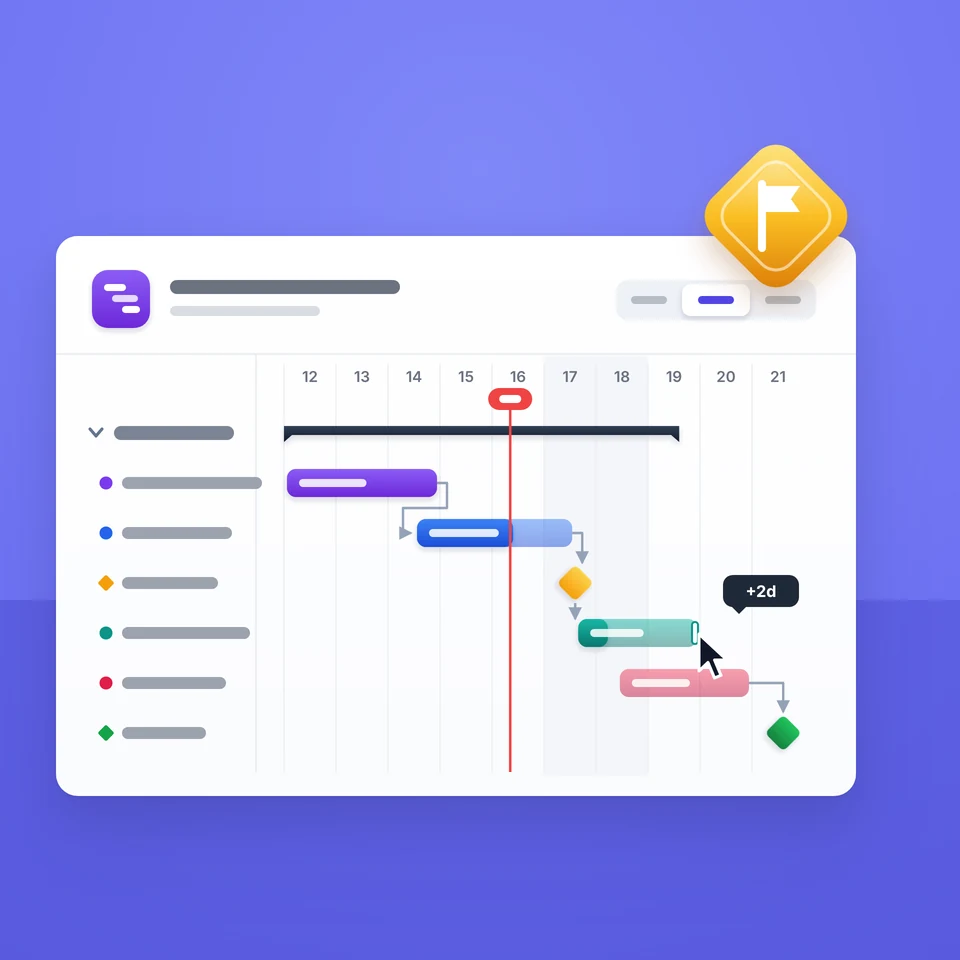
Gantt chart
A free online Gantt chart: plan tasks with start and end dates or a duration, group them, mark milestones, set progress and dependencies, and zoom by day, week or month. Saved in your browser.
Ready to try it?
Open PictorX in your browser — no install, no credit card required to start.
Go to Editor