
Compression demonstrator
How can a file get smaller without losing a single letter? By noticing that it repeats itself. Paste a text or pick an example and watch three classic methods at work: LZ77 points back to text that came earlier, LZW learns a dictionary of strings as it reads, and run-length encoding counts runs of the same character. Every method is decompressed again to show that nothing was lost, and a chart compares them with ZIP and with the entropy limit. Type or paste a text, or pick an example, and choose a method. LZ77 replaces repeats by references to earlier text: click a highlighted part to see what it copies. LZW builds a dictionary of strings as it reads and sends their numbers. RLE squeezes runs of the same character. The chart compares every method with ZIP and with the entropy limit, and the app decompresses the result again to check that nothing was lost.
How it works
- Type or paste a text, or choose an example: a paragraph, a song with a chorus, a row of pixels, a data table, random letters or DNA.
- Choose LZ77, LZW or RLE. For LZ77, set how far back it may look, and click a highlighted reference to see the earlier text it copies.
- Compare the sizes in the tiles and the chart with ZIP and with the entropy limit; the check below the text confirms that decompressing gives back the original.
Repeats are the key
Lossless compression works because real data repeats itself. LZ77 keeps a window of the text it has just read; whenever the next characters already occurred in that window, it writes a short reference, go back so far and copy so many characters, instead of the characters themselves. A reference costs a fixed number of bits however long the copy, so long and frequent repeats save the most. LZW gets the same effect differently: it builds a dictionary of every new string it meets and from then on sends the string's number.
Why some data will not shrink
A method that makes some files smaller must make others larger: there are fewer short files than long ones, so they cannot all get shorter. Compression wins on data with patterns, such as text, tables and simple images, and loses on data without them. Random letters, encrypted data and files that are already compressed give the methods nothing to point back to, and the output comes out as large as the input, or larger. Run-length encoding shows this most clearly: on text without runs it doubles the size.
Frequently asked questions
What is the difference between lossless and lossy compression?
Lossless compression gives back exactly the original, bit for bit; it is needed for text, programs and data, and this demonstrator shows lossless methods only. Lossy compression, as in JPEG photos, MP3 music and video, throws away detail people hardly notice and gets much smaller files, but the original cannot be recovered.
How does ZIP compress files?
ZIP and gzip use deflate, which first runs LZ77 with a window of 32 KB and then writes the literals and references with Huffman codes, short codes for common values and long ones for rare values. That second step is why ZIP usually beats the plain LZ77 shown here, which spends a fixed number of bits on every token.
Can LZ77 go below the entropy?
The entropy shown counts the characters one at a time, without context. LZ77 and LZW use context, because a reference copies a whole stretch of earlier text, so on repetitive text they can beat that number by far. They can never beat the true entropy of the source, which takes all context into account.
Why do the sizes differ from a real ZIP file?
The demonstrator counts only the bits of the encoded data. A real ZIP file adds headers, the file name, a checksum and the Huffman tables, which make very small files larger rather than smaller.
Is my text sent anywhere?
No. Every method, including the ZIP comparison, runs in your browser, and your text stays in this browser's local storage.
Related tools
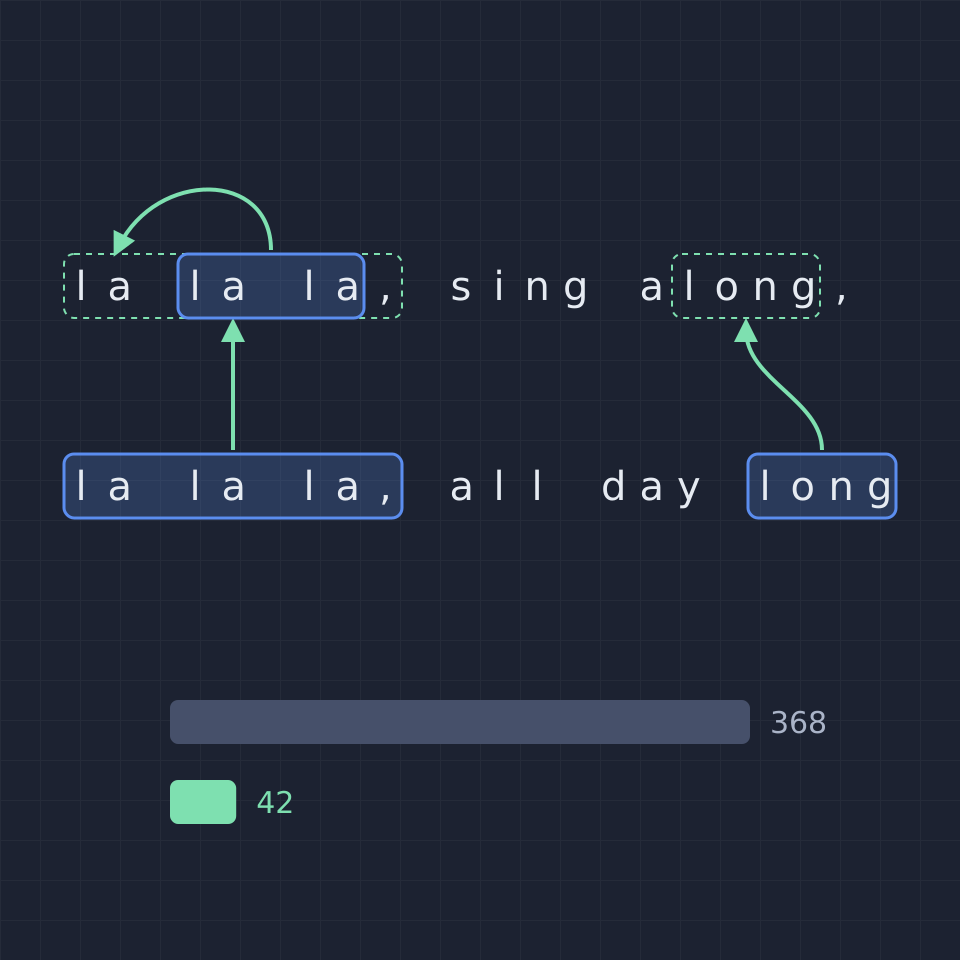
Data compression explained
How lossless data compression works: run-length encoding, the LZ77 sliding window, the LZW dictionary, deflate in ZIP and PNG, why random data cannot be compressed, and how the entropy sets the limit.
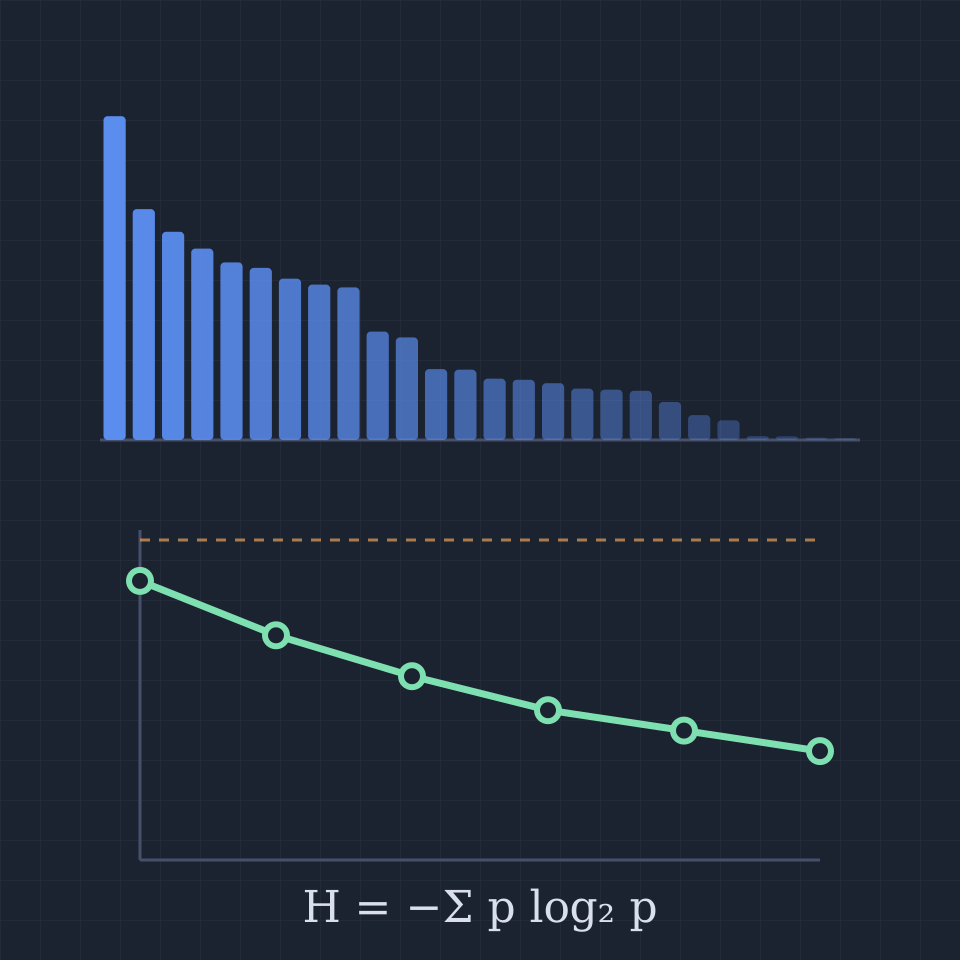
Entropy calculator
Calculate the Shannon entropy of any text in bits per character, word or byte. See each symbol's probability and surprise, the total information against the stored size, and how context and ZIP compression lower it.
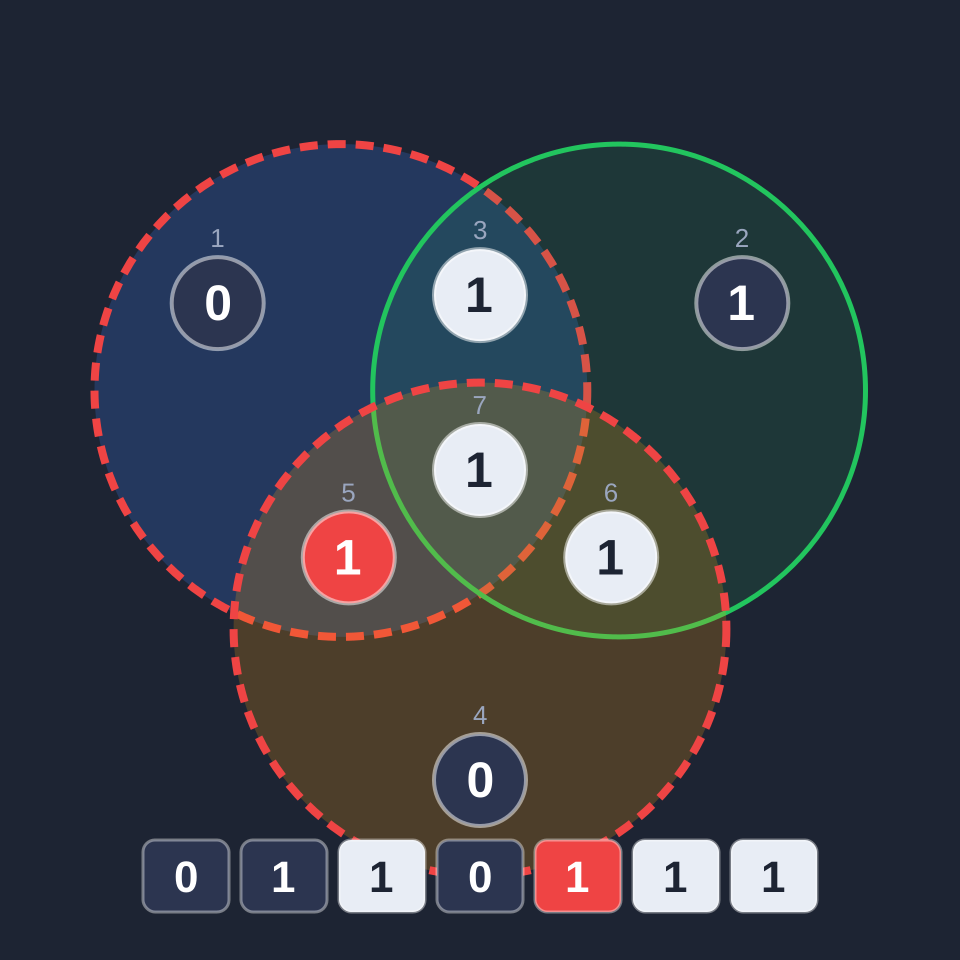
Error-correcting code simulator
Flip bits in a Hamming (7,4) codeword and watch three parity circles find and fix the error. Detect double errors with an extra parity bit, and send text through a noisy channel with and without the code.
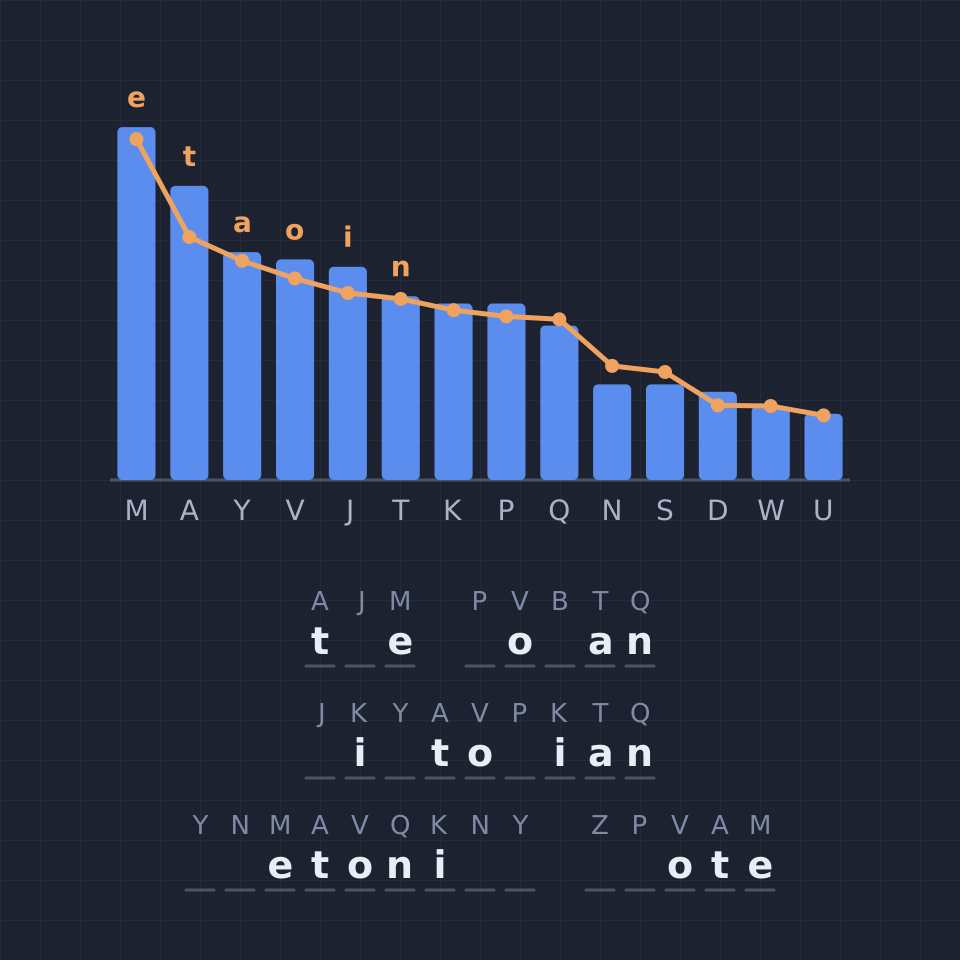
Frequency analysis tool
Break a substitution cipher with frequency analysis: compare letter counts with English or six other languages, use common pairs and short words as clues, fill in the key, and watch a hill-climbing solver crack it.
Hash function playground
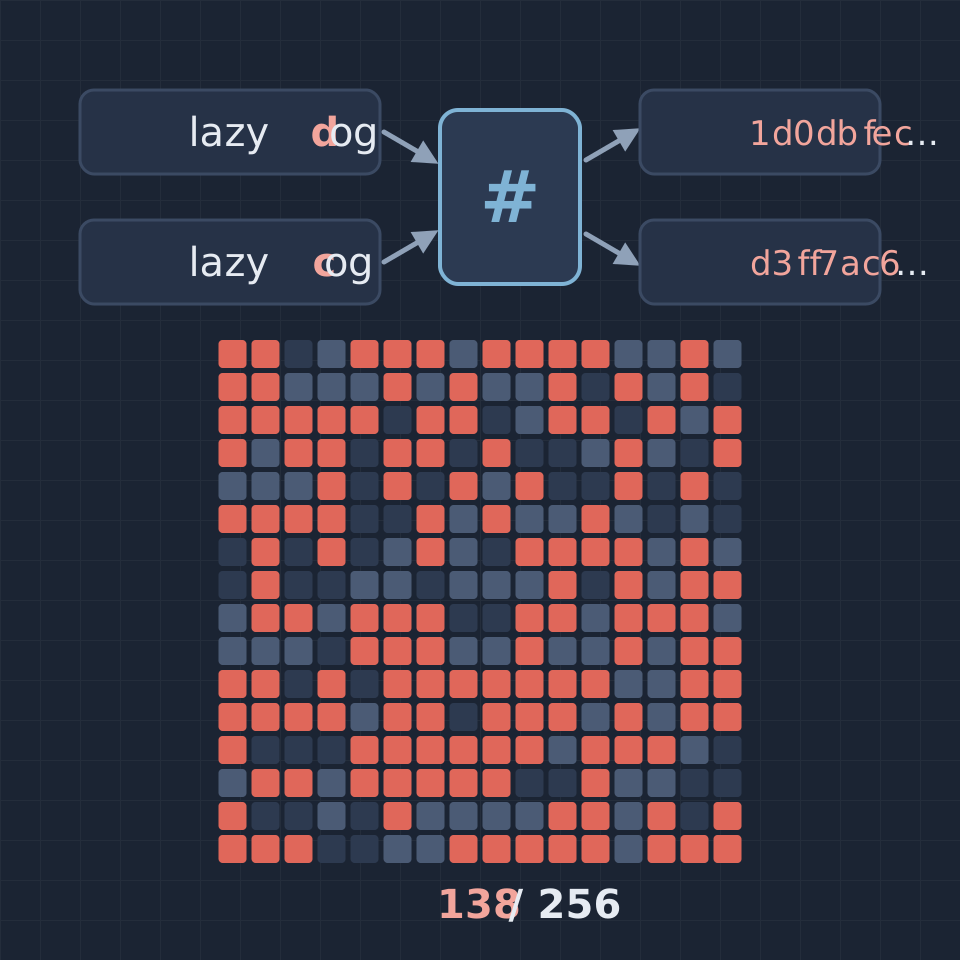
Hash any text with SHA-256, SHA-512, SHA-1, MD5 and CRC-32, change one character and watch half the digest bits flip, test the avalanche effect, and find collisions on short digests with the birthday attack.
Caesar cipher cracker
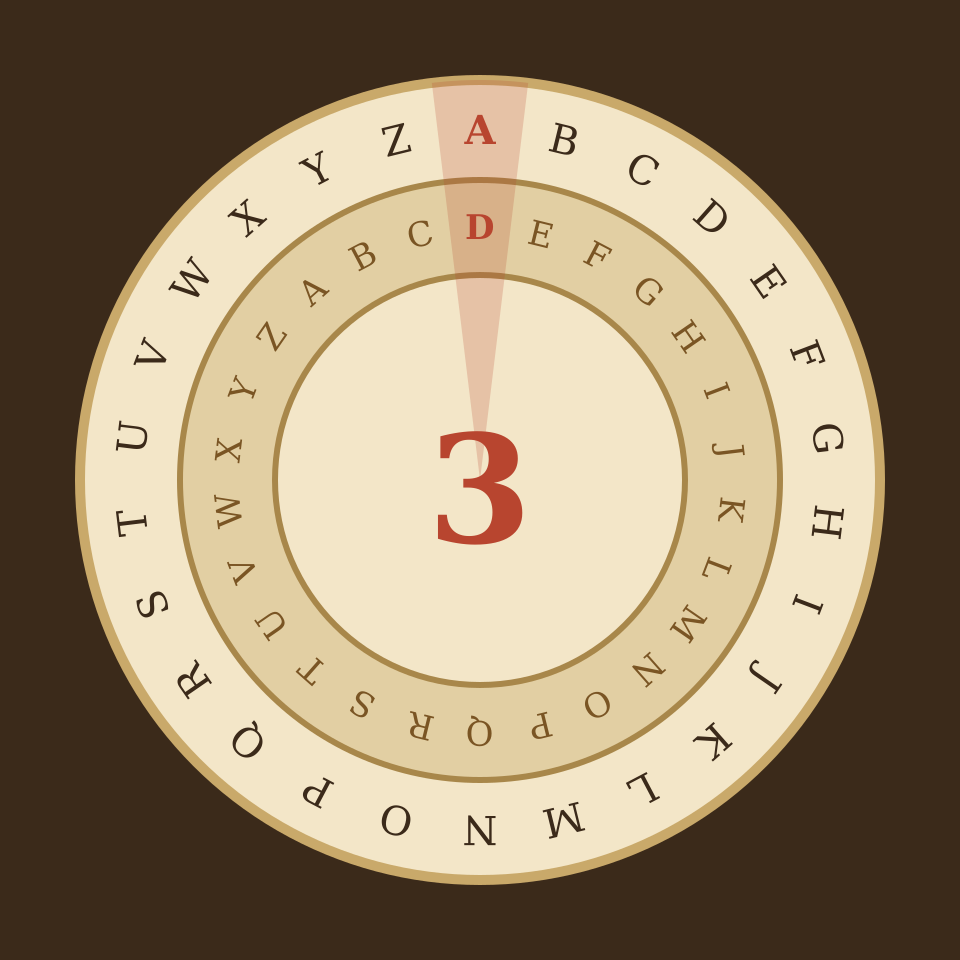
Encrypt and decrypt with a Caesar shift or ROT13, turn the cipher wheel, and crack any Caesar message without the key: all 26 shifts ranked by letter frequencies in seven languages.
Ready to try it?
Open PictorX in your browser — no install, no credit card required to start.
Go to Editor