
Data compression explained
Every web page you load, every ZIP file and every PNG image has been compressed: made smaller without losing a single bit, and unpacked again on arrival. The methods behind it are surprisingly simple. They look for things that repeat, and say "same as before" instead of saying it again. How far that idea goes, and where it stops, is one of the neatest stories in computer science.
Lossless and lossy
Compression comes in two kinds. Lossless compression gives back exactly the original, which is essential for text, programs, spreadsheets and anything where one wrong bit matters. Lossy compression, used for photos, music and video, throws away detail that people barely perceive and reaches far smaller sizes, but the original is gone for good. This page and the demonstrator are about lossless compression, which works by finding and removing redundancy: the parts of the data that could have been predicted.
Run-length encoding
The simplest method replaces a run of identical symbols by a count and the symbol: twelve white pixels become 12W. Fax machines, early bitmap formats and the PCX image format used it, because scanned pages and simple drawings are full of long runs. On ordinary text it is useless, even harmful: runs are rare, and writing a count for every single letter doubles the size. Run-length encoding still lives on inside other methods, for runs of zeros left after a first transformation.
LZ77: pointing back
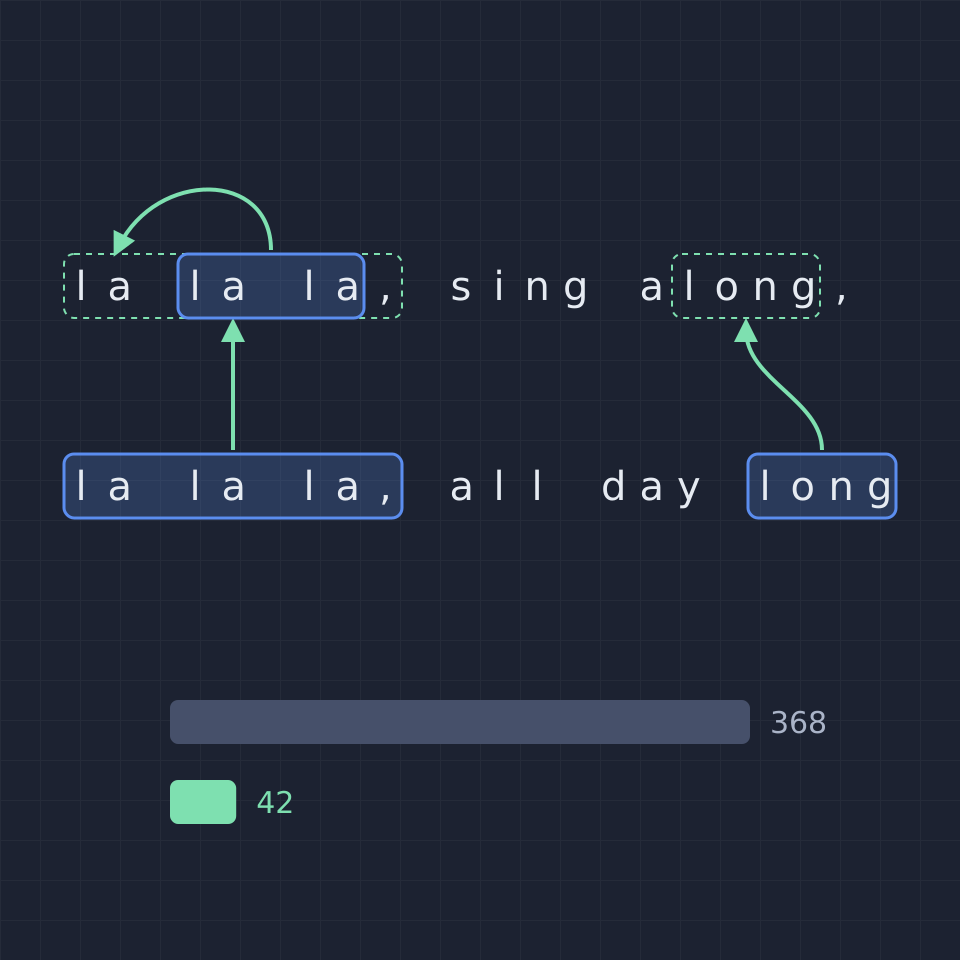
In 1977 Abraham Lempel and Jacob Ziv, two researchers at the Technion in Israel, published a method that changed the field. The encoder keeps a window of the text it has just processed. If the next characters already occurred in the window, it writes a pair: how far back the earlier copy starts and how long it is. Otherwise it writes the character itself. The decoder needs no dictionary at all, only the text it has already rebuilt. A reference may even overlap the text it produces, so a run of 100 identical letters is one letter and one reference.

LZW: learning a dictionary
Lempel and Ziv's second method, LZ78, builds a dictionary instead of looking back in a window. Terry Welch's 1984 refinement, LZW, starts with all 256 byte values and, at every step, sends the number of the longest string it already knows and adds that string plus the next character as a new entry. The decoder rebuilds the same dictionary from the numbers alone. LZW was fast and simple, and it went into the Unix compress command, the GIF image format and TIFF files, until patents on it caused a long dispute in the 1990s.
Deflate, ZIP and beyond
Phil Katz's deflate method, introduced with PKZIP 2 in 1993, combines LZ77 with Huffman coding: after finding the repeats, it gives the most common literals, lengths and distances the shortest bit codes. Deflate is used in ZIP, gzip, PNG images and the compression of web pages, and it is the method the demonstrator measures with the browser's own compressor. Newer methods such as Zstandard, Brotli and xz use bigger windows, smarter matching and more precise entropy coding, and squeeze typical files a further 10 to 30%.
Why not everything can shrink
No method can make every file smaller. There are 2ⁿ files of n bits but only 2ⁿ − 1 files shorter than that, so if a method shrank all of them, two would end up the same and could not both be restored: the pigeonhole principle. Every compressor therefore enlarges some inputs, usually random-looking data such as encrypted files, already compressed files and noise. That is also a test of randomness: data that no compressor can shrink looks random.
The entropy limit
Claude Shannon showed in 1948 that the entropy of a source is the smallest possible average number of bits per symbol for any lossless code. Counted letter by letter, English text has an entropy of about 4 bits per letter, half of the 8 bits it is stored in. Methods that use context, such as LZ77, go below that single-letter figure on repetitive text, because a reference stands for a whole stretch at once. The best modern compressors, which predict each letter from everything before it, get English down to under 2 bits per letter.

Explore it
Open the compression demonstrator to run LZ77, LZW and run-length encoding on a paragraph, a song with a chorus, a row of pixels, a data table, random letters or DNA, or on your own text. Click any LZ77 reference to see what it copies, watch the LZW dictionary grow, and compare all methods with ZIP and the entropy limit.
Frequently asked questions
What does a compression ratio of 3 : 1 mean?
That the original is three times as large as the compressed version, so the compressed file takes a third of the space and saves two thirds. Text typically reaches 2 : 1 to 4 : 1 with ZIP; data with much repetition, such as log files, often far more.
Why does compressing a ZIP file again not help?
The first pass already removed the repeats, and its output looks nearly random. A second pass finds nothing to point back to and only adds its own overhead, so the file stays the same size or grows slightly.
Why is a bigger LZ77 window better?
A bigger window lets the encoder find repeats that lie further back, such as a chorus that returns after several verses. The price is that each distance takes more bits to write and that searching takes longer, which is why deflate stops at 32 KB and newer methods allow megabytes.
Is compression the same as encryption?
No. Compression makes data smaller and anyone can undo it; encryption makes data unreadable without a key. They are often combined, and then the data must be compressed first: encrypted data looks random and can no longer be compressed.
Related tools
Compression demonstrator
See lossless compression at work on your own text: LZ77 references, the LZW dictionary and run-length encoding, compared with ZIP and the entropy limit, and decompressed again to prove nothing is lost.
Entropy calculator
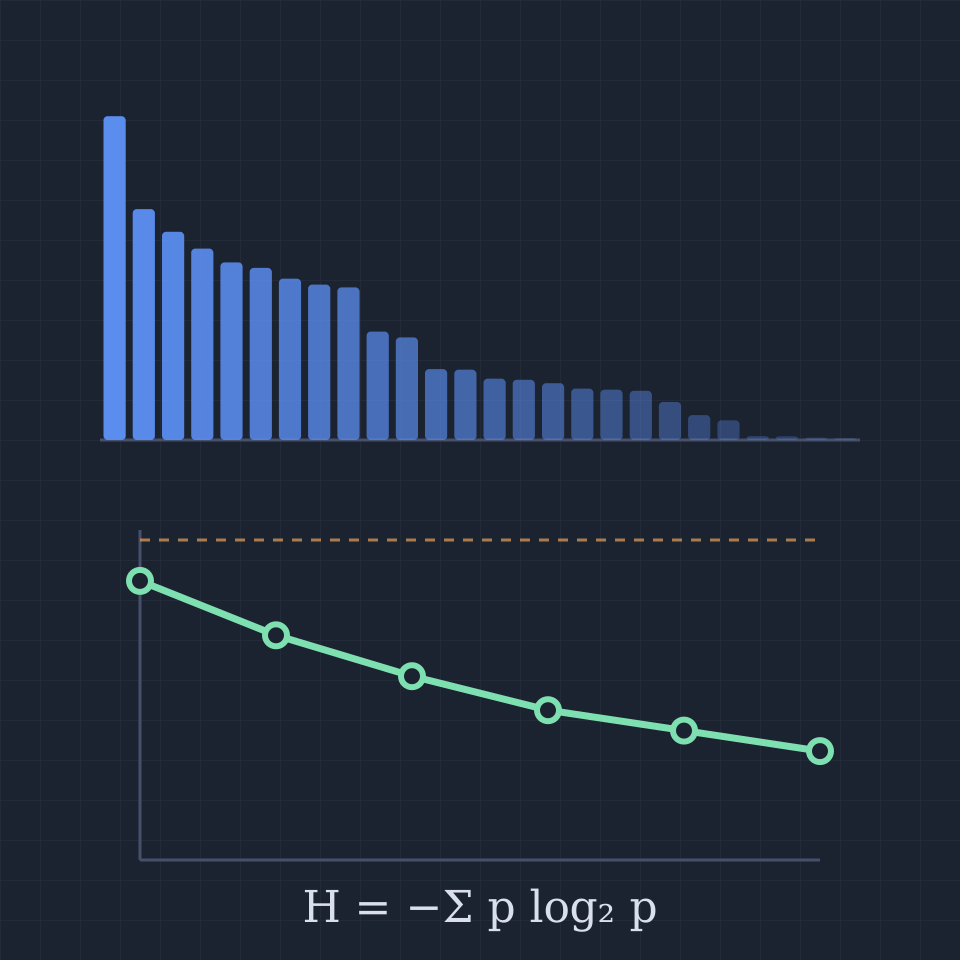
Calculate the Shannon entropy of any text in bits per character, word or byte. See each symbol's probability and surprise, the total information against the stored size, and how context and ZIP compression lower it.
Error-correcting code simulator
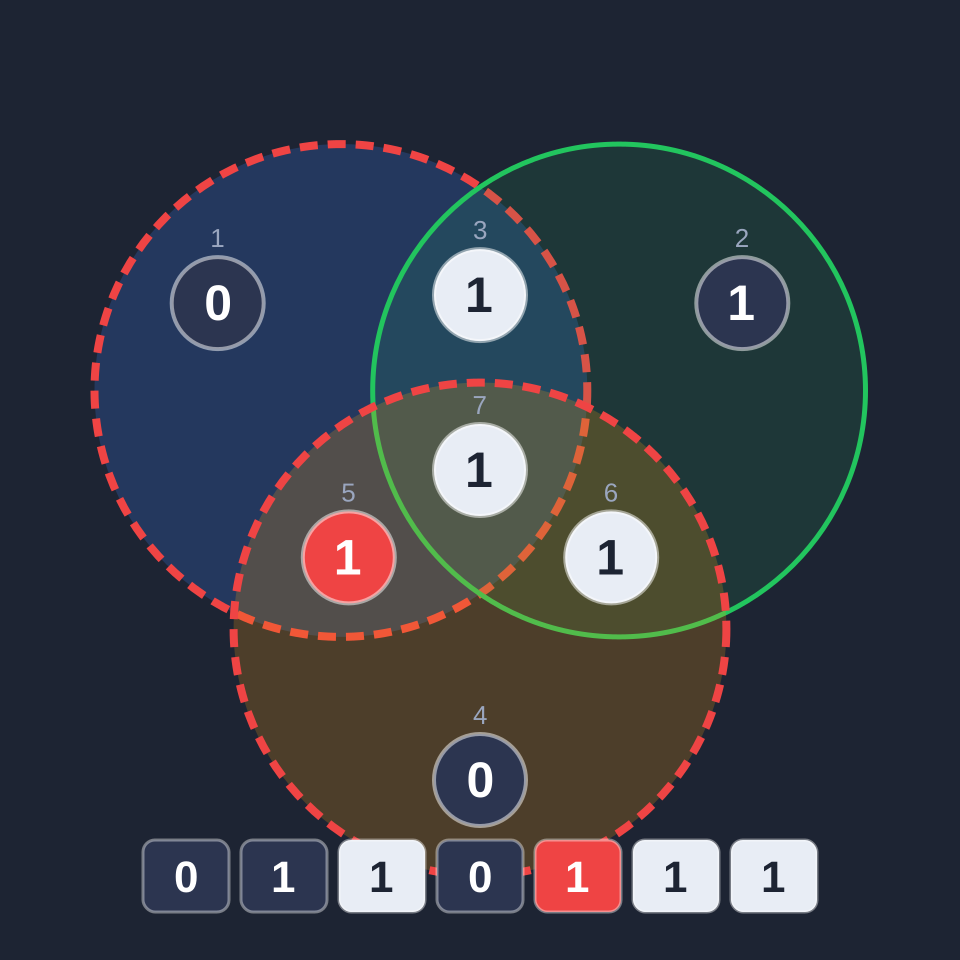
Flip bits in a Hamming (7,4) codeword and watch three parity circles find and fix the error. Detect double errors with an extra parity bit, and send text through a noisy channel with and without the code.
Hash function playground
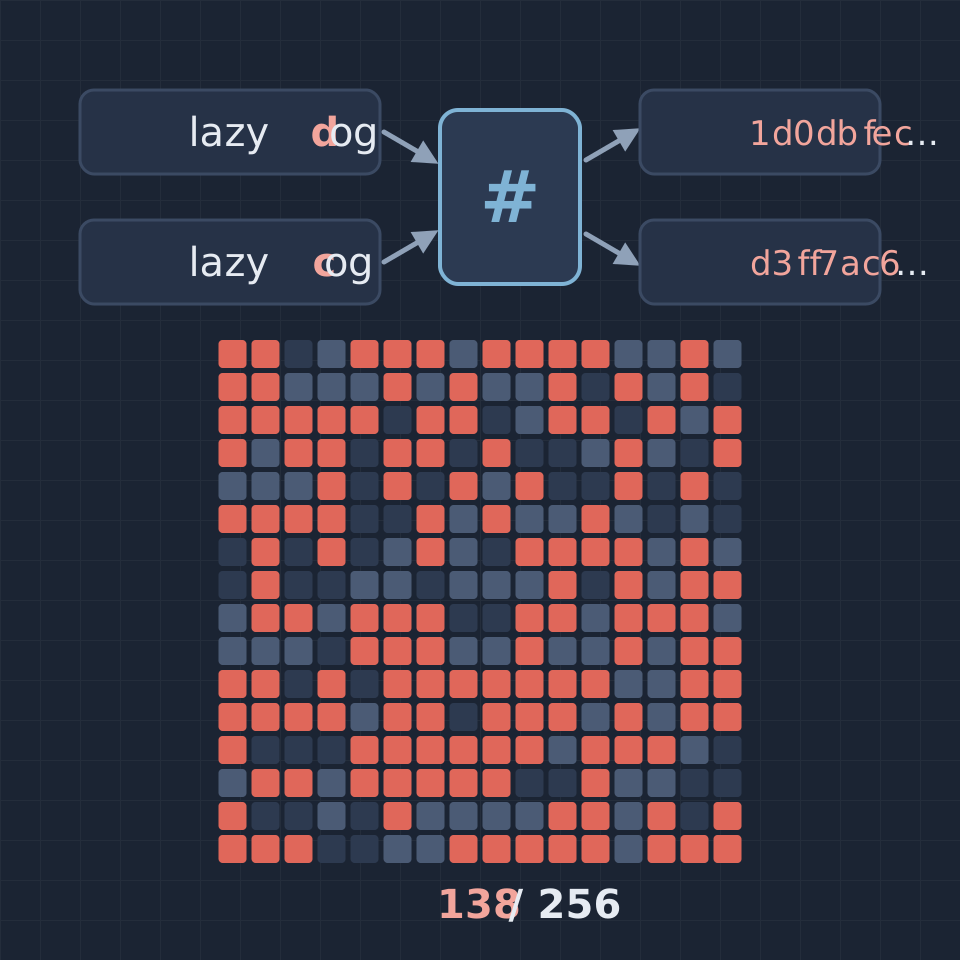
Hash any text with SHA-256, SHA-512, SHA-1, MD5 and CRC-32, change one character and watch half the digest bits flip, test the avalanche effect, and find collisions on short digests with the birthday attack.
Frequency analysis tool
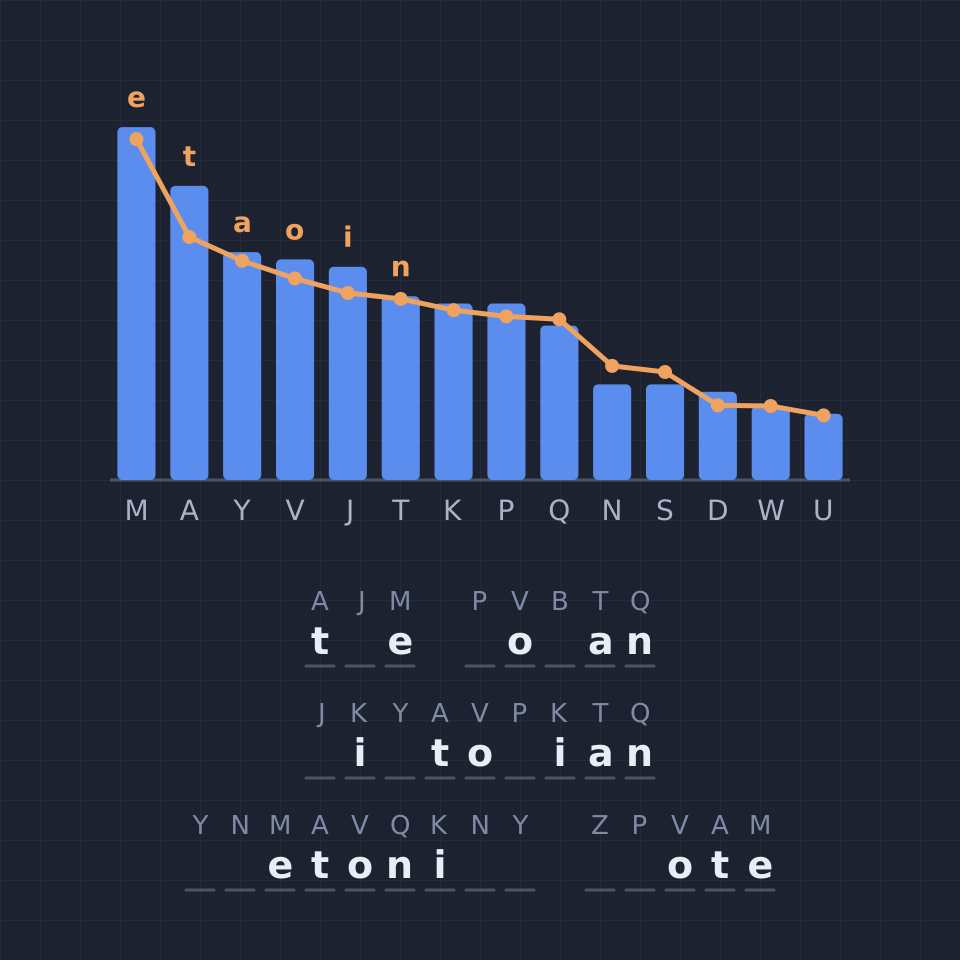
Break a substitution cipher with frequency analysis: compare letter counts with English or six other languages, use common pairs and short words as clues, fill in the key, and watch a hill-climbing solver crack it.
Ready to try it?
Open PictorX in your browser — no install, no credit card required to start.
Open the compression demonstrator