
Graffiti Wall
Spray, tag e colature su un muro di mattoni. Randomizza, sposta i tag, annulla e salva in PNG. Spray tags and drips on a brick graffiti wall — or let Auto-spray go wild.
Come funziona
- Apri PictorX nel browser e avvia un nuovo progetto o carica un’immagine.
- Usa Graffiti Wall per modellare il risultato, poi perfezionarlo con gli altri strumenti dell’editor.
- Continua a modificare, esporta il lavoro o trasforma il risultato nel tuo prossimo design.
Come Graffiti Wall si inserisce nel tuo flusso di lavoro
Spray, tag e colature su un muro di mattoni. PictorX tiene la funzione accanto a foto, livelli, tipografia e strumenti di design, così passi dall’idea al grafico finito senza cambiare applicazione.
Crea di più con Graffiti Wall
Parti da una modifica mirata, valuta il risultato nel contesto e continua a iterare. Combina Graffiti Wall con altri strumenti PictorX per social, presentazioni, layout di stampa o progetti personali.
Domande frequenti
Is Graffiti Wall free to try?
Yes. Open PictorX in a modern browser to try Graffiti Wall as part of the free editing workflow.
Do I need to install software for Graffiti Wall?
No. PictorX runs in your browser, so you can start creating without a desktop software install.
How do I get started with Graffiti Wall?
Open an image or create a new design in PictorX, select Graffiti Wall, then adjust the result while viewing the rest of your composition.
Can I combine Graffiti Wall with other PictorX tools?
Yes. Use Graffiti Wall alongside layers, selections, text, filters, and other PictorX editing tools to finish your design in one workflow.
Strumenti correlati

Generatore di lettere ritagliate da rivista
Trasforma le parole in lettere ritagliate da rivista. Mescola i font o usane uno, poi scarica un PNG. Nulla viene caricato.
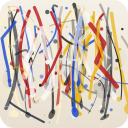
Pollock Painter
Dipingi gocce in stile Jackson Pollock nel browser. Pennelli gestuali, Auto-Pollock, tavolozze ed esportazione PNG — niente viene caricato.
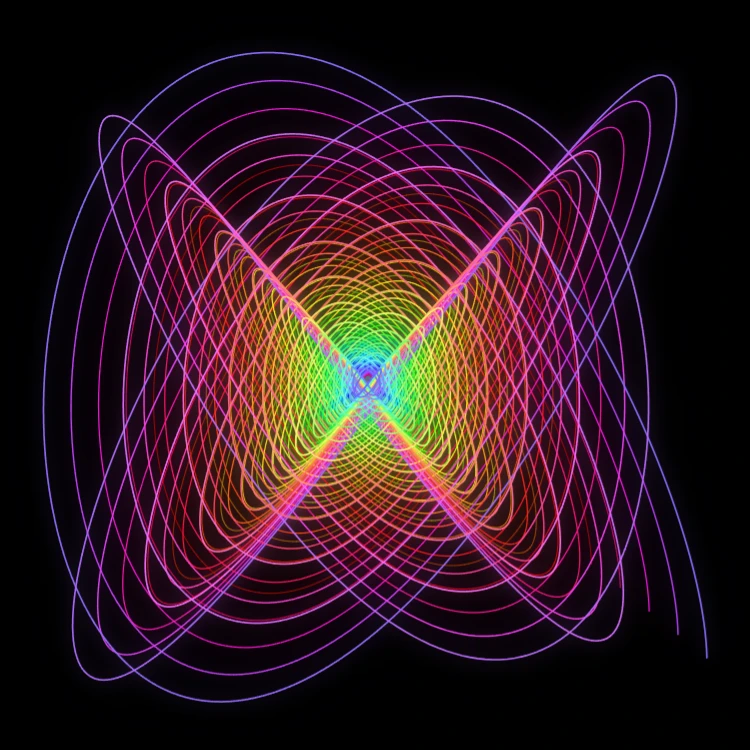
Pendolo pittore
Dipingi curve di Lissajous smorzate nel browser—il classico pendolo di Blackburn. Regola rapporti di frequenza, fasi e smorzamento, anima il tratto e salva un PNG. Nulla viene caricato.

Spirografo
Disegna ipotrocoidi ed epitrocoidi nel browser. Regola R, r e offset della penna, anima, randomizza e salva un PNG. Nulla viene caricato.
Pronto a provarlo?
Apri PictorX nel tuo browser: nessuna installazione, nessuna carta di credito richiesta per iniziare.
Vai all'editor