
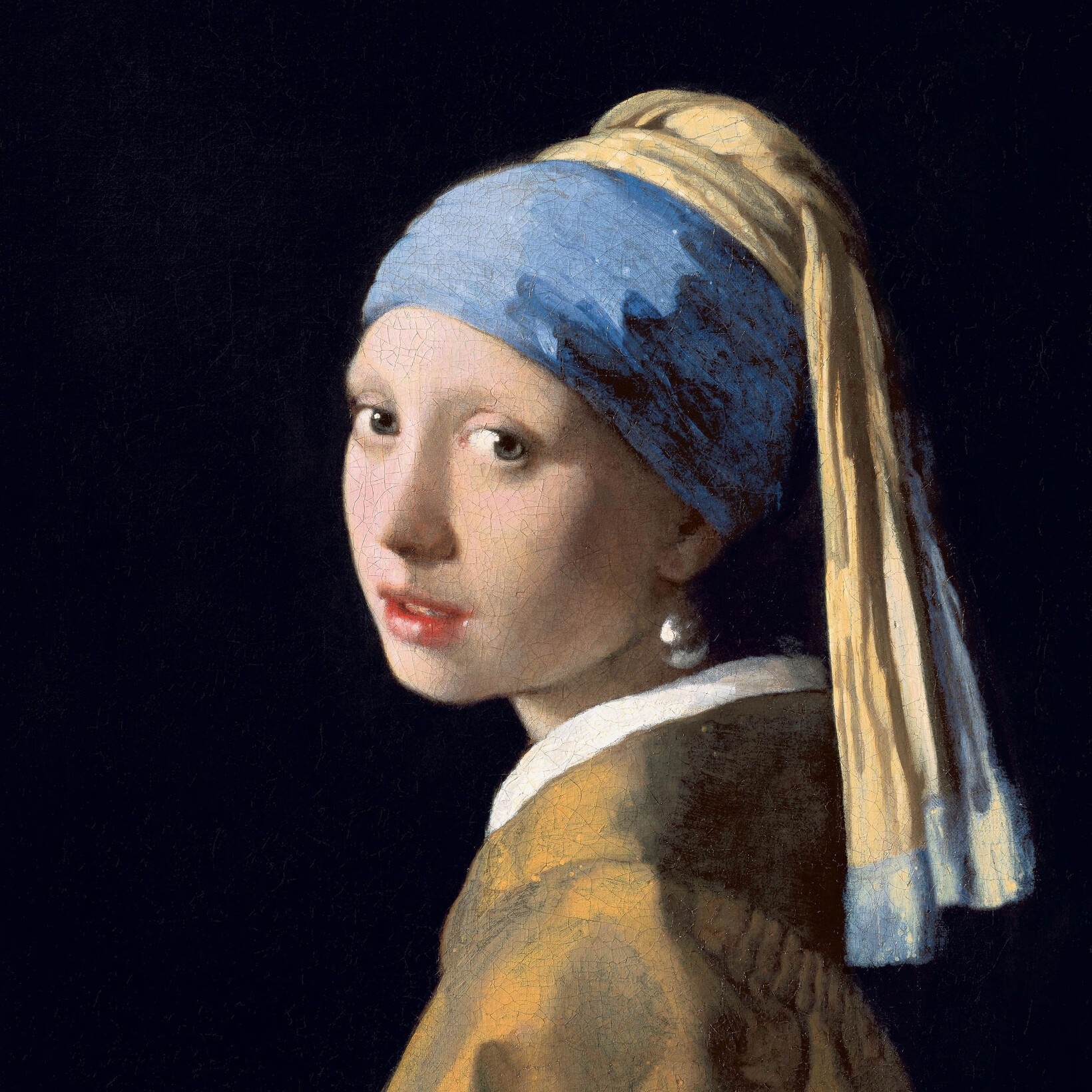
Чорно-білі ефекти
Turn a photo black and white without leaving the browser. PictorX includes Grayscale, Threshold, Dots, Squares, Ordered Dithering, Error Diffusion (Floyd-Steinberg, Burkes, Stucki), and Mezzotint. Set strength, threshold, cell size, angle, grain, and foreground/background colors—or make the background transparent—then keep editing with layers and type in the same workspace. Спробуйте чорно-білий вигляд нижче або відкрийте власне зображення.
Як це працює
- Open this page and try a black-and-white look on the sample, or open your own photo.
- Switch looks—grayscale, threshold, dots, squares, ordered dithering, error diffusion, mezzotint—and tune strength, threshold, cell size, grain, and colors.
- Save the result, or keep editing with layers, text, and other effects in PictorX.
More than a grayscale slider
Grayscale keeps every tone. The other looks flatten a photo into two colors: a high-contrast threshold, a newspaper-style dot or square screen, Bayer ordered dithering, error-diffusion dithering (Floyd-Steinberg, Burkes, Stucki), or mezzotint grain (Fine, Medium, Coarse). Foreground and background can stay black and white or any two colors, and the background can be transparent for a PNG cutout.
Print looks that stay editable
Apply a look in the browser, then keep going in the same project—crop, type, stickers, or another filter. Cell size and angle change how coarse the screen feels; softness on Threshold blends the cut instead of a hard edge; Mezzotint Fine/Medium/Coarse sets the grain.
Стилі в цьому наборі
Поширені запитання
Які чорно-білі образи можна спробувати?
«Відтінки сірого», «Поріг», «Крапки», «Квадрати», «Упорядкований дизеринг», «Дифузія помилки» (Floyd-Steinberg, Burkes і Stucki) та «Мецо-тинто».
Чи це те саме, що відтінки сірого?
Ні. «Відтінки сірого» зберігають повний діапазон сірого. Ці образи зводять фотографію до двох кольорів — або до дизерингової суміші цих двох кольорів.
Чи можна використати інші кольори, крім чорного й білого?
Так. Задайте для переднього плану й тла будь-які два кольори або зробіть тло прозорим, щоб отримати PNG.
Чи працюють ці фільтри в браузері?
Так. PictorX застосовує їх у вашому браузері, після чого можна продовжити редагування із шарами, текстом та іншими ефектами.
Схожі інструменти
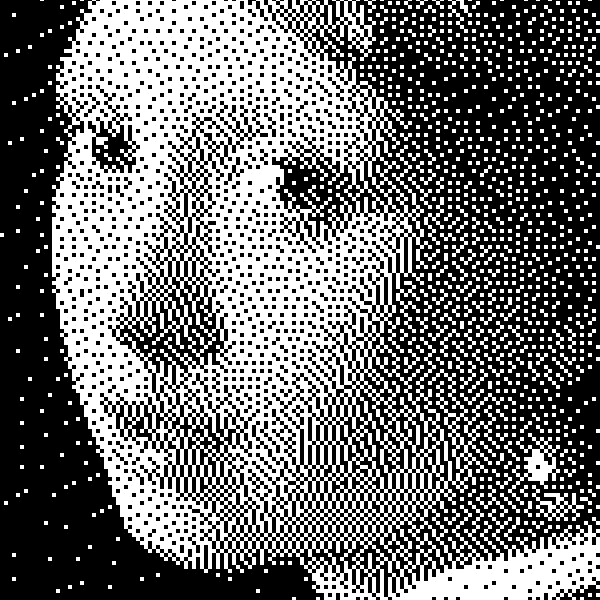
Чорно-біле
Як працюють чорно-білі двотонові зображення? Порогове відсікання, упорядкований дизеринг Байєра, дифузія похибки за Флойдом — Стейнбергом, растри меццо-тинто і коли що застосовувати.
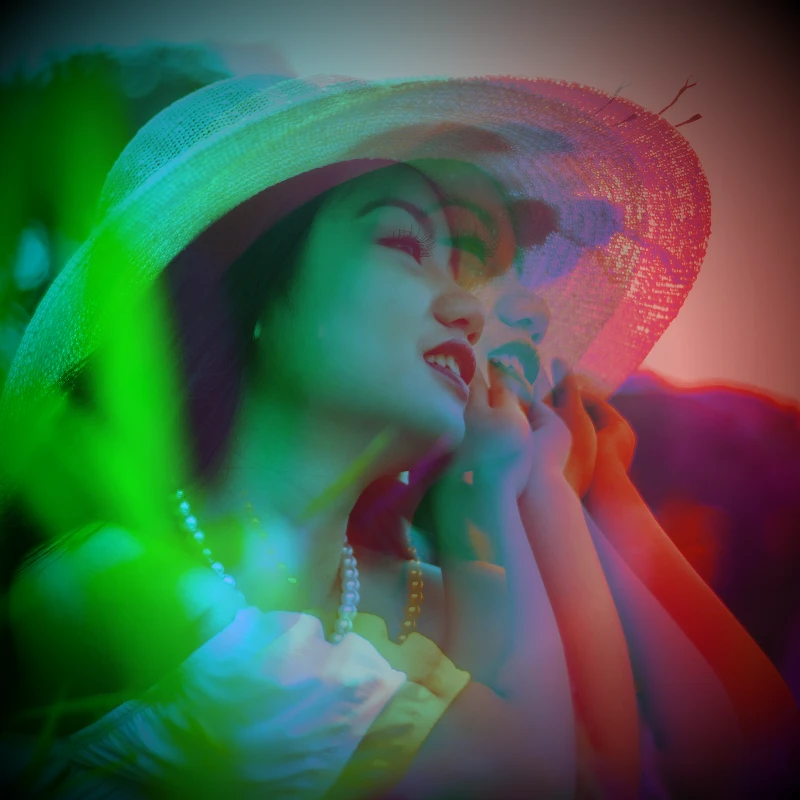
Колірні ефекти
Перефарбовуйте фото за допомогою Ефекти → Колір: неонові контури, теплові карти, дво- й триколірні палітри.
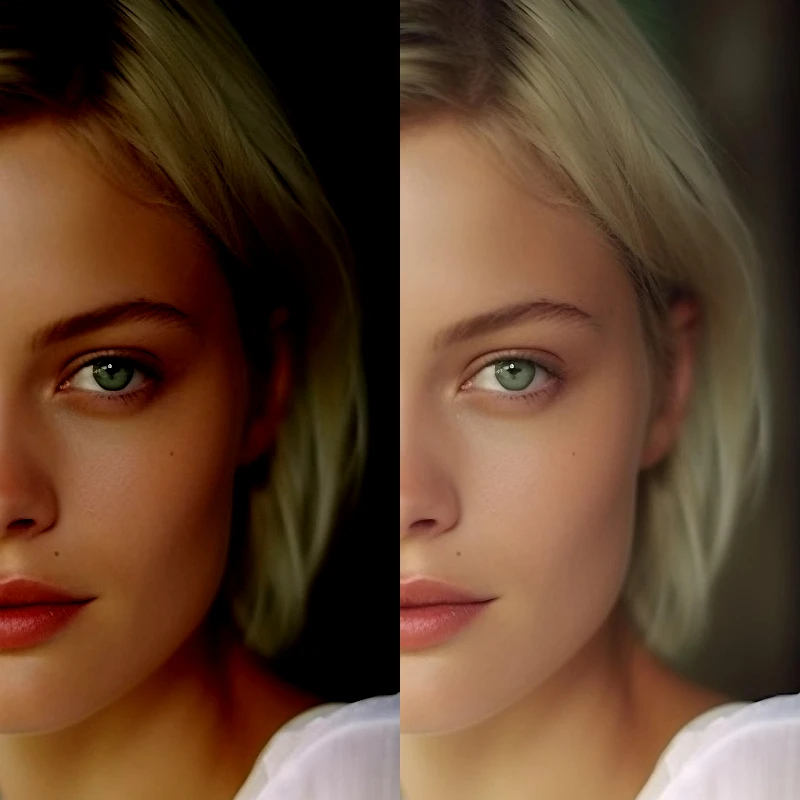
Коригування
Виправляйте експозицію й колір за допомогою Зображення → Скоригувати.
Ефекти пікселізації
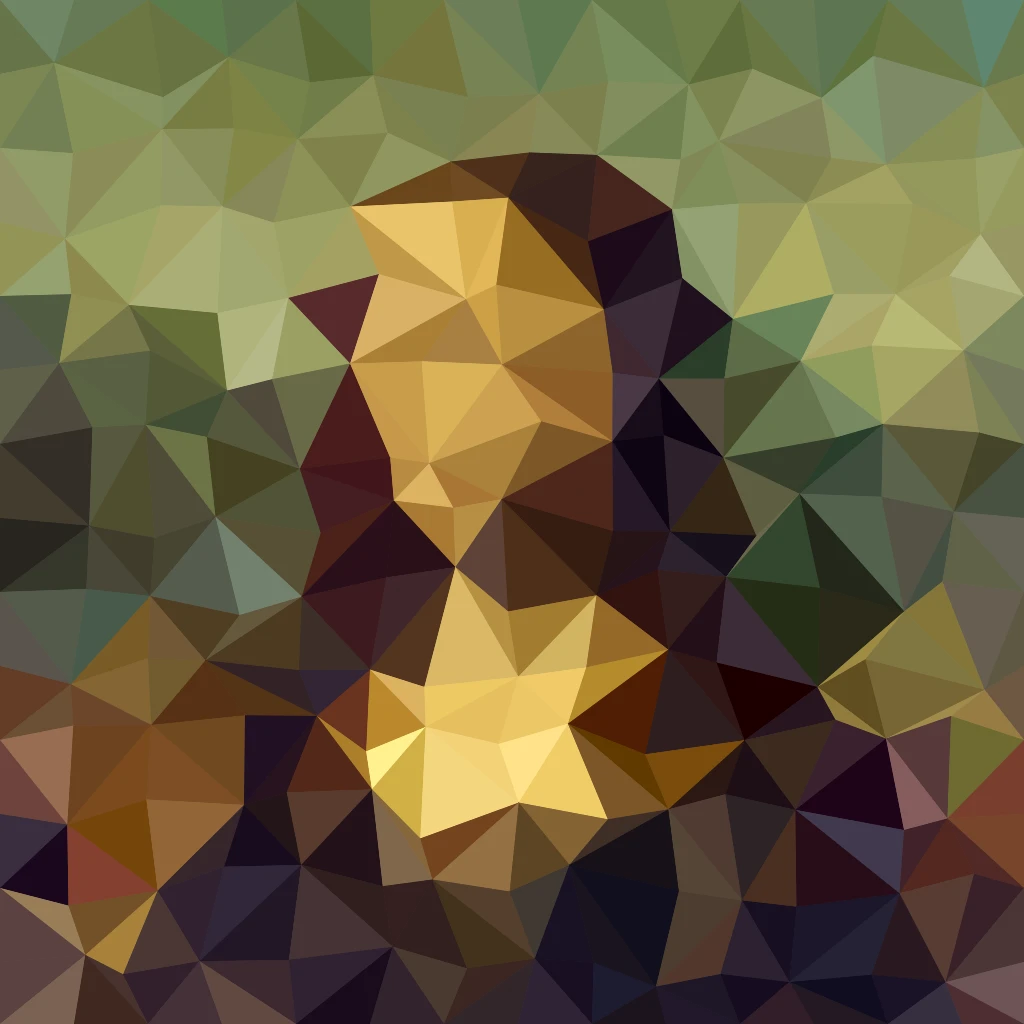
Перетворюйте фото на мозаїчні плитки, шестикутники, кристали, low-poly графіку, растрові крапки та ретропалітри аркадних ігор.
Вінтажні ефекти
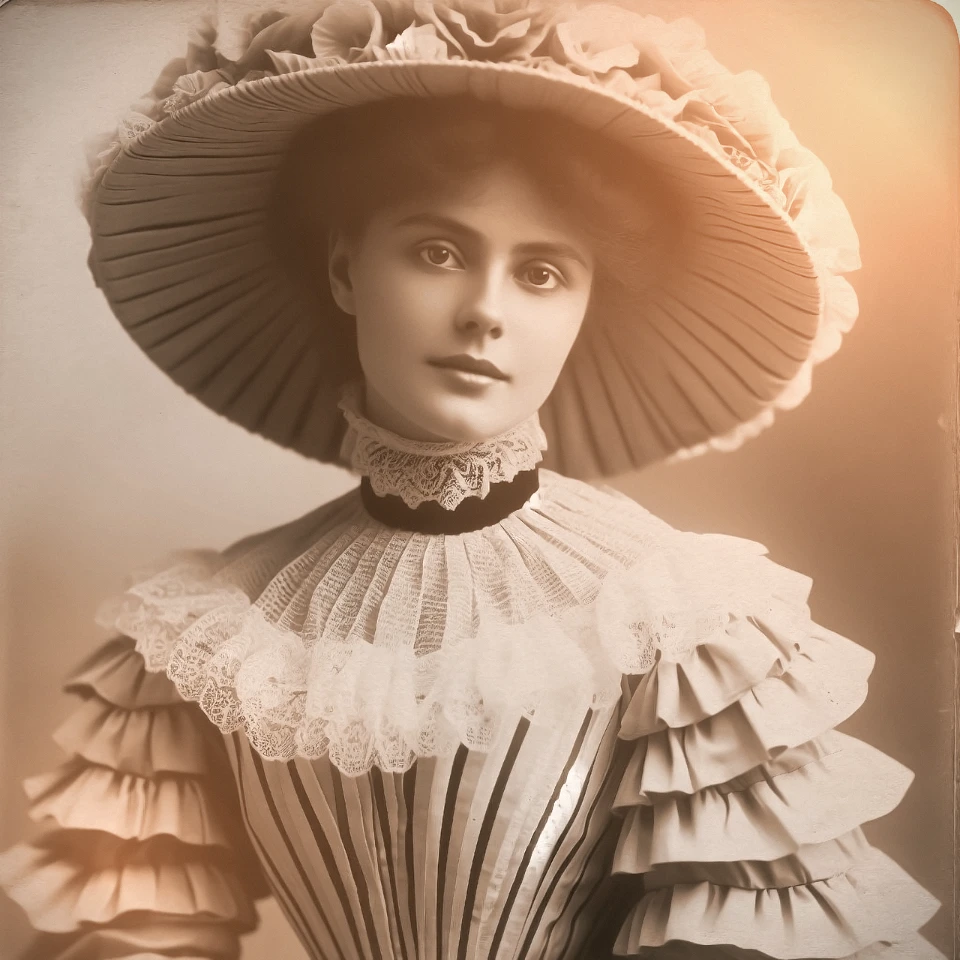
Застосовуйте просто в браузері відтінки сірого, сепію, Holga, вицвілий Polaroid, Kodachrome, крос-процес, Lomo, Super 8, засвітку та інші вінтажні плівкові стилі.
Готові спробувати?
Відкрийте PictorX у браузері — без встановлення і без кредитної картки.
Перейти до редактора