
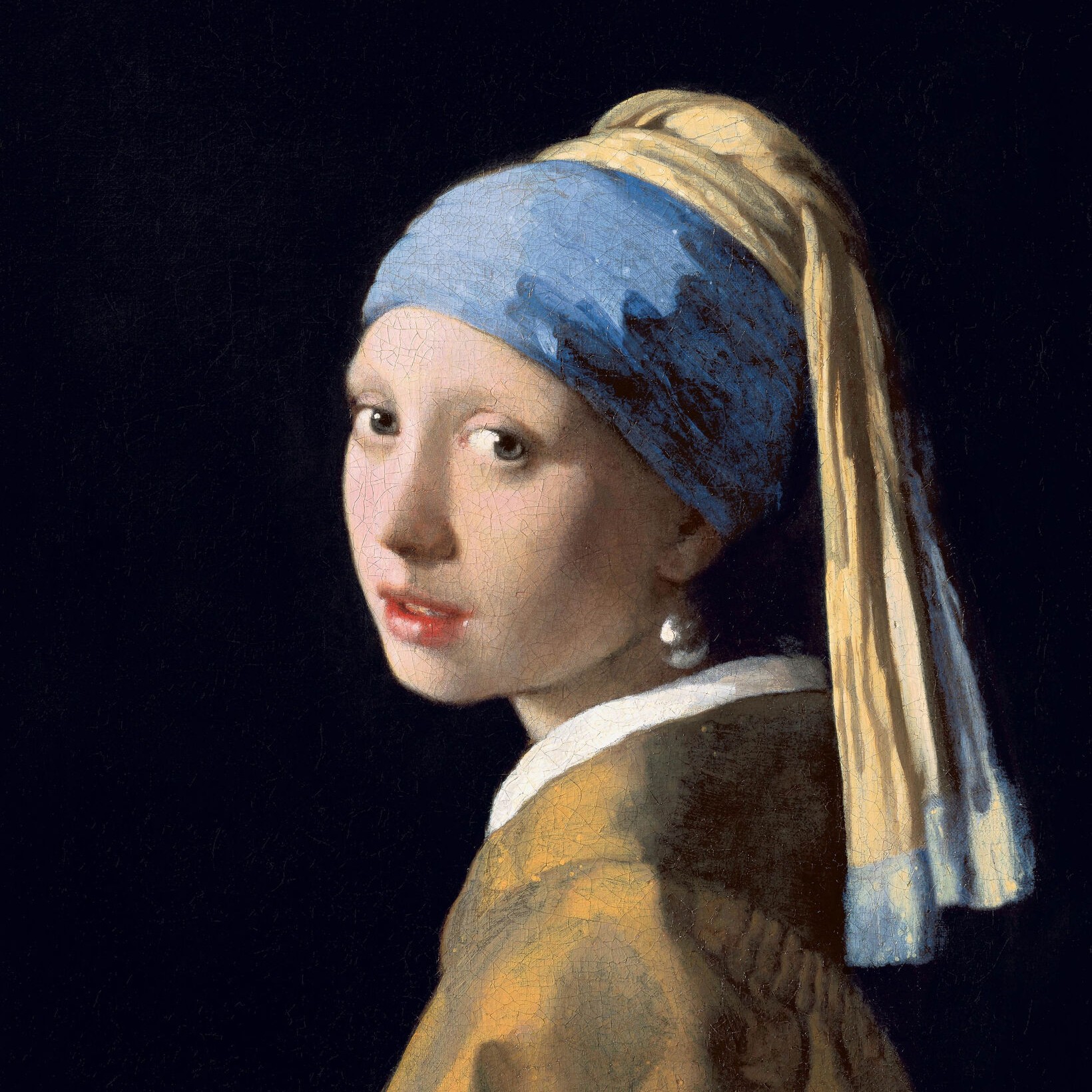
아르데코 사진 필터
In the 1920s and 1930s Art Deco gave the machine age its glamour: sunbursts and zigzags, stepped skyscrapers, polished chrome, black lacquer and gold. This filter brings that look to your photo: airbrushed poster tones with rays and speed lines, Lempicka's glossy planes, fine gold engraving on black, or a chrome finish, all framed with ziggurat corners and chevrons. All processed on-device. 사진을 아르데코로 — 카상드르 포스터, 렘피카 초상, 개츠비 금빛, 유선형 크롬 — 스타일과 팔레트를 고른 뒤 광택과 장식을 조절하세요.
작동 원리
- Open PictorX in your browser and load a photo — portraits work best.
- Choose Art Deco, then pick a Style (Poster, Lempicka, Gatsby, Chrome, Lalique, Lacquer, Marquetry or Terrazzo) and a Palette, and adjust Line Weight, Ornament, Detail, Gloss and Frame.
- Export the result, or keep editing with layers and other effects in the same workspace.
Four Art Deco looks in one filter
Poster follows A. M. Cassandre's travel posters: a few airbrushed tones, sunburst rays behind the subject and speed lines along the bottom. Lempicka follows Tamara de Lempicka's portraits, with glossy, high-contrast planes in front of a city of stepped skyscrapers. Gatsby engraves the subject in fine gold lines on black, over rows of gold fans, with a sunburst crown like the top of the Chrysler Building. Chrome turns the photo into polished Streamline Moderne metal, with groups of three speed lines.
Glass, lacquer, wood and stone
Four more styles follow the luxurious materials of Art Deco. Lalique turns the subject into frosted, opalescent moulded glass, raised from a clear fluted panel and lit from behind, like René Lalique's glass panels. Lacquer follows Jean Dunand's screens: black and red lacquer, crushed-eggshell inlay in the lightest tones, fine gold lines and a sun of gold leaf laid in squares. Marquetry cuts the subject from ebony, rosewood, walnut and maple by tone, like a cabinet by Émile-Jacques Ruhlmann, on a sunburst of book-matched veneer. Terrazzo turns the photo into a lobby floor of stone chips set in coloured cement, divided by brass strips into the subject's tones and into rings and rays around it.
Geometry, gloss and gold
Line Weight sets the outlines; Ornament controls the number of rays, skyscrapers, fans, speed lines, steps and chevrons; Detail sets the number of tones and the fineness of the engraving; and Gloss blends the airbrushed steps, adds shine to Lempicka's planes and polish to the gold and chrome. Palette chooses the colours—Period for each style's own, Photo to keep your hues, Gold, Jade or Rose—and Frame adds the stepped geometric border. In the material styles, Line Weight sets the gold lines, wood stringing and brass strips; Ornament the glass fluting, gold leaf, veneer wedges and floor pattern; Detail the size of the eggshell pieces, wood pieces and stone chips; and Gloss the shine of the glass, lacquer, wood and floor.
Privacy and keep editing
Processing stays in your browser—photos are not uploaded to PictorX servers for this filter. After Art Deco, continue with layers, text, Art Nouveau, Pop Art, Cubism, or export.
자주 묻는 질문
What does the Art Deco filter do?
It turns a photo into one of eight Art Deco looks: a Cassandre-style poster, a glossy Lempicka portrait, Gatsby gold engraving on black, Streamline chrome, Lalique glass, Dunand lacquer, Ruhlmann marquetry or a terrazzo floor, framed with stepped corners and chevrons. It is built from your photo, not a copy of any museum work. Style, Palette, Line Weight, Ornament, Detail, Gloss and Frame shape the look.
What was Art Deco?
A style of design and architecture of the 1920s and 1930s, named after the 1925 Paris Exposition of Decorative Arts. It used bold geometry—sunbursts, zigzags, chevrons and stepped forms—luxurious materials and the sleek lines of the machine age.
How is Art Deco different from Art Nouveau?
Art Nouveau (about 1890–1910) is curving and organic, based on plants. Art Deco (1920s–1930s) is geometric and streamlined, with straight lines, symmetry and machine-age shapes.
What photos work best?
Portraits with one clear subject, which the filter cuts out and sets against rays, skyscrapers, fans or speed lines. Buildings and still lifes also work, especially in the Gatsby and Chrome styles.
관련 도구
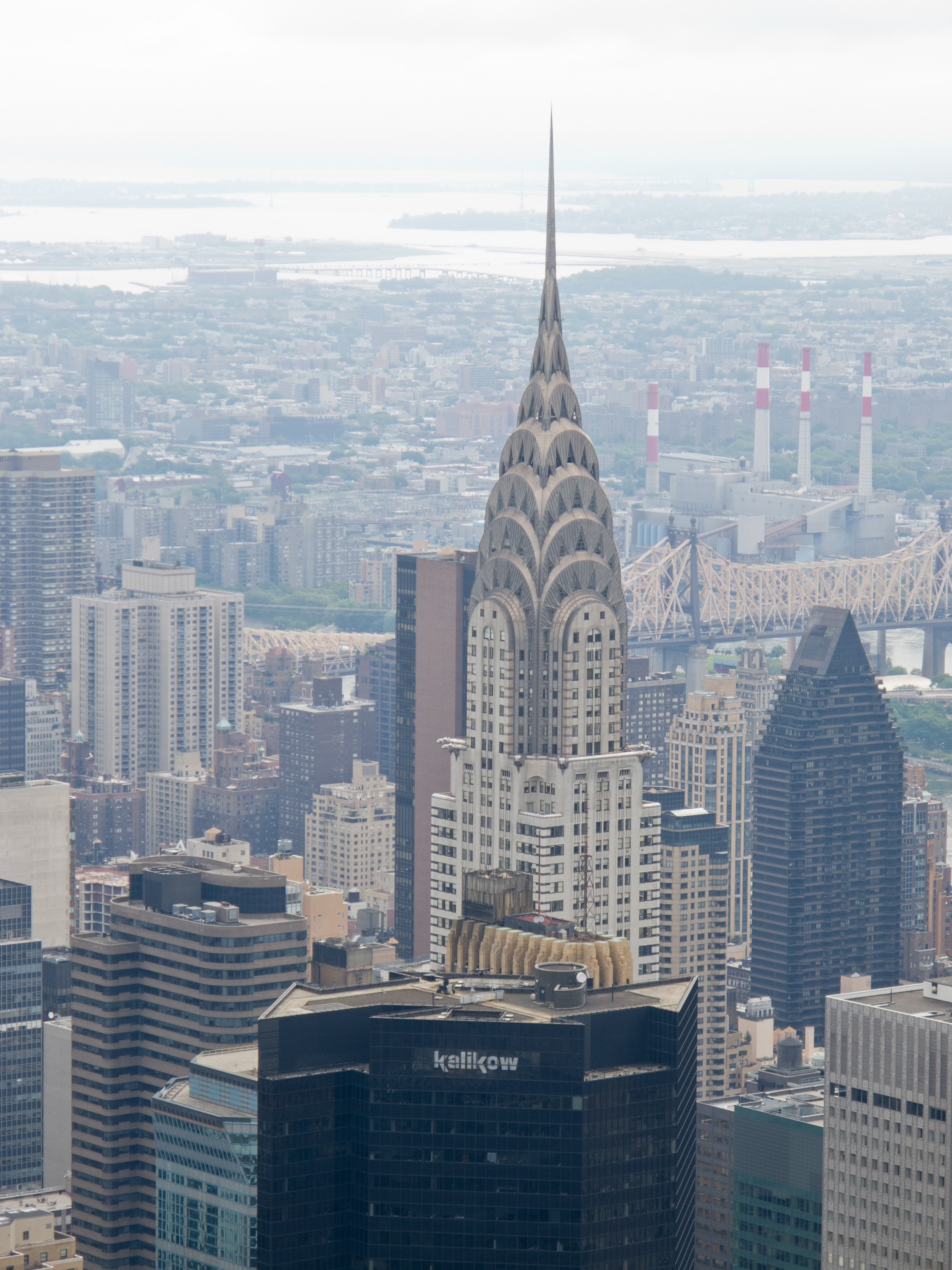
아르데코
아르데코 짧은 안내: 1925년 파리 박람회와 이름의 유래, 카상드르의 포스터, 타마라 드 렘피카, 크라이슬러 빌딩과 마천루의 시대, 재즈 시대의 사치와 장식, 유선형 모던, 양식의 끝과 부활, 그리고 PictorX에서 체험할 수 있는 디지털 오마주.
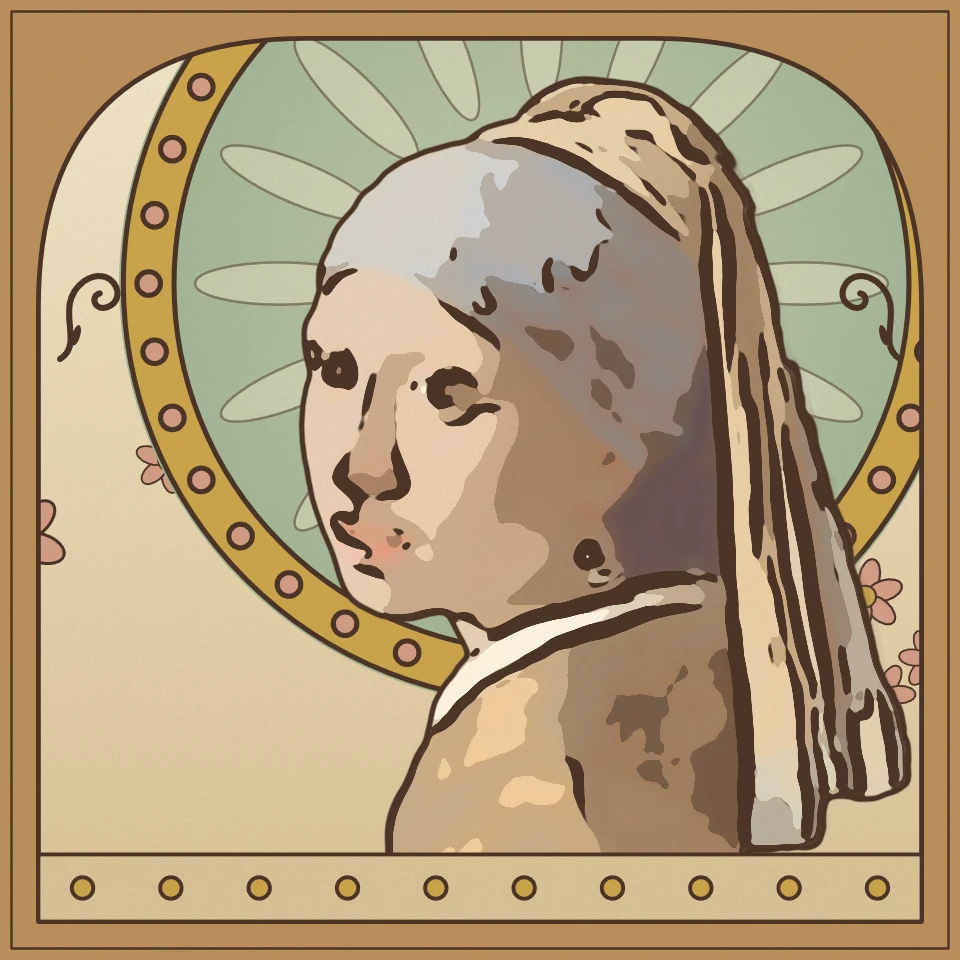
아르누보 사진 필터
브라우저에서 사진을 아르누보로: 후광과 아치형 액자의 무하 포스터, 클림트의 금박 모자이크, 티파니 스테인드글라스, 채찍 곡선의 비어즐리 흑백 잉크.
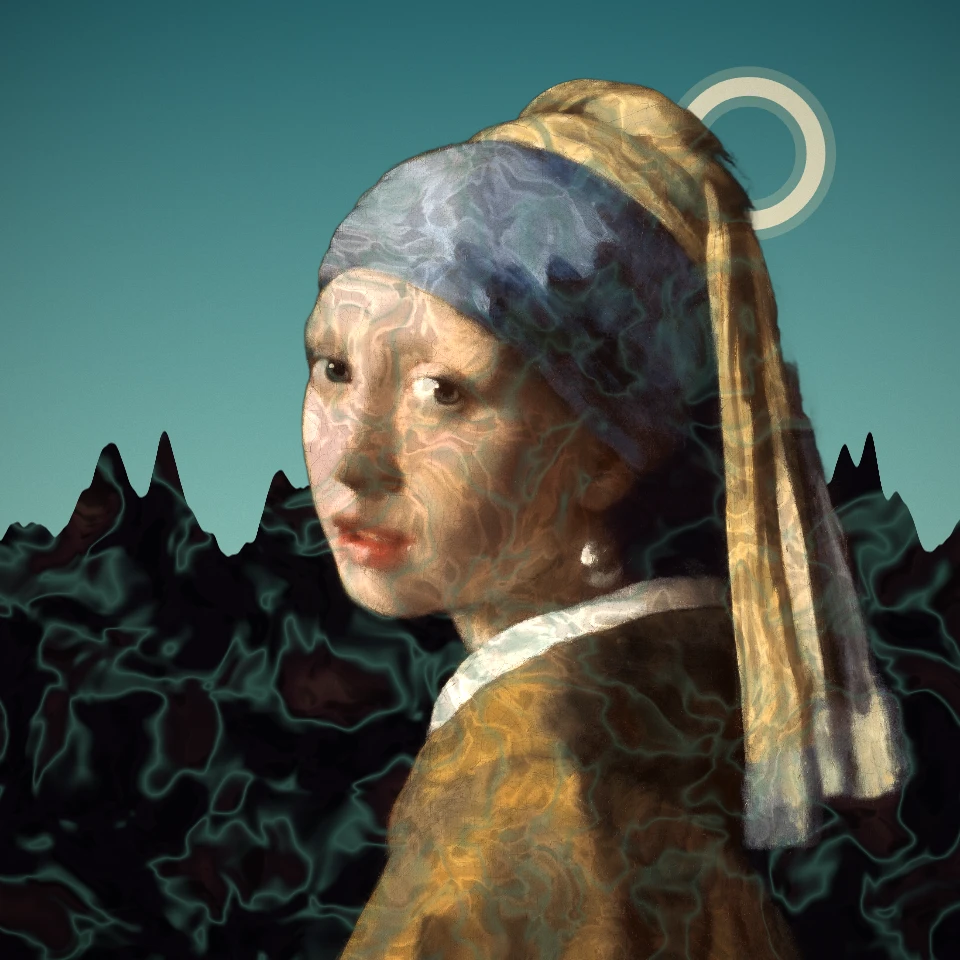
초현실주의 사진 필터
사진을 초현실주의의 꿈으로 바꿔 보세요: 데 키리코의 텅 빈 광장, 에른스트의 데칼코마니, 우아한 시체, 탕기의 끝없는 평원, 바로의 탑, 또는 만 레이의 솔라리제이션. 달리와 마그리트는 각자의 효과가 있습니다.
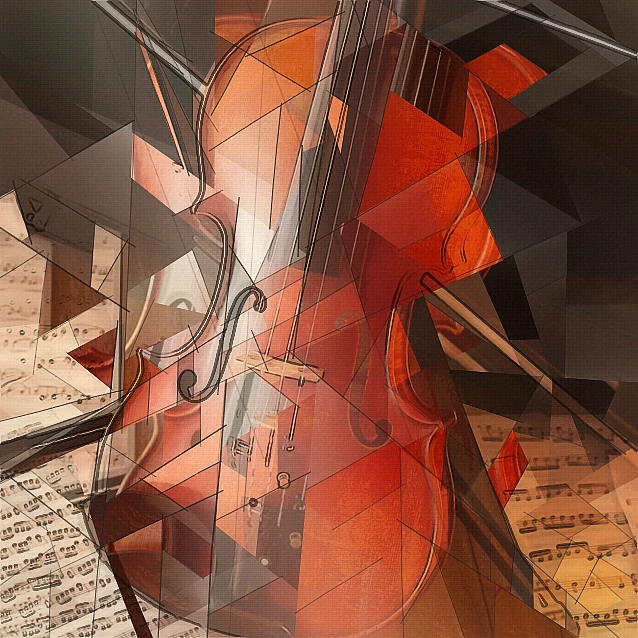
입체파 사진 필터 - 기하학적 면
브라우저에서 사진을 분석적 입체파에서 영감을 받은 기하학적 면으로 바꾸세요. 면 크기, 원근, 평면화, 윤곽, 대비를 조절하세요.
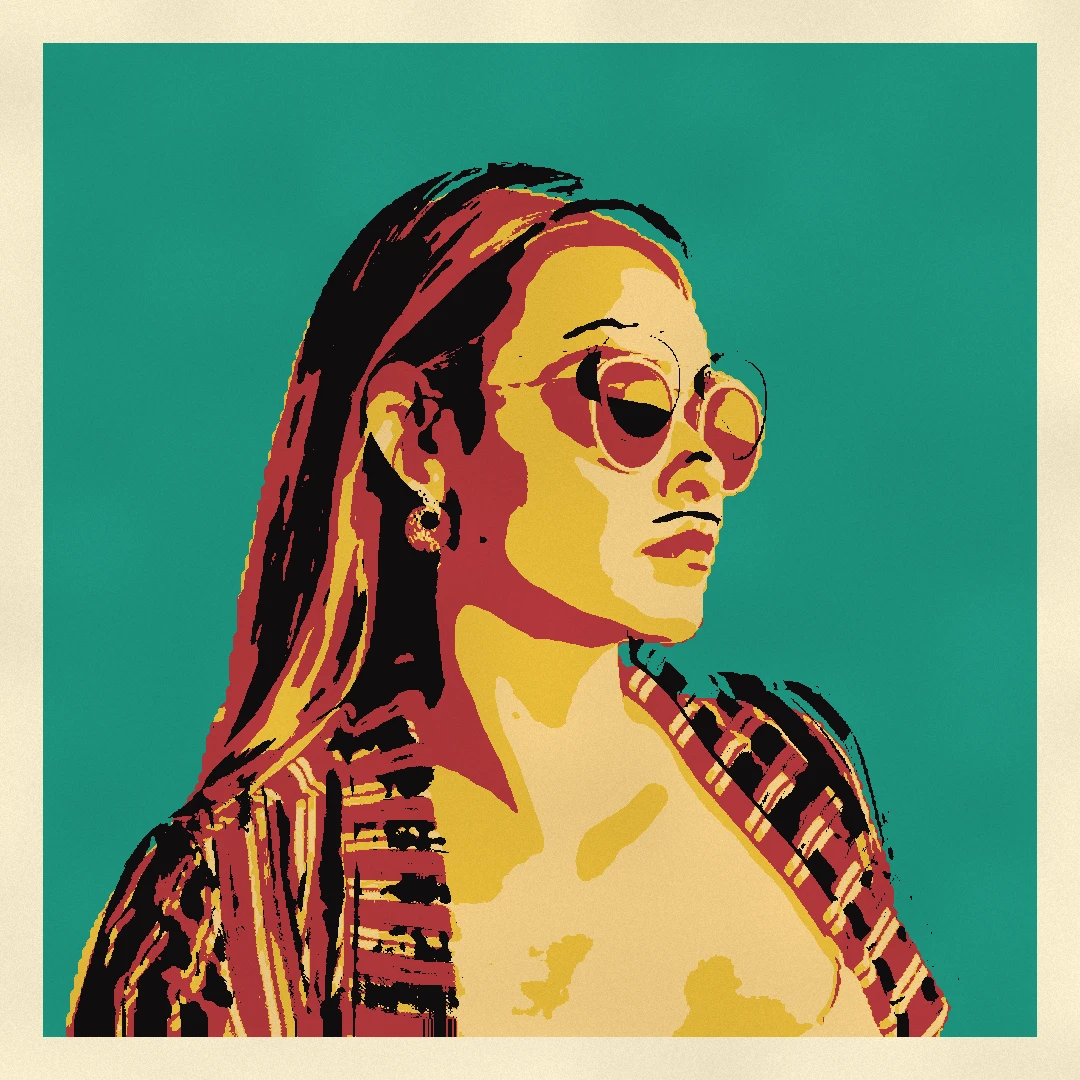
팝아트 사진 필터
브라우저에서 사진을 팝아트로 바꾸세요: 벤데이 도트와 WHAAM! 폭발이 있는 리히텐슈타인 만화, 워홀 실크스크린 그리드, CMYK 하프톤, 리소 2도, 팝 스티커. 아무것도.
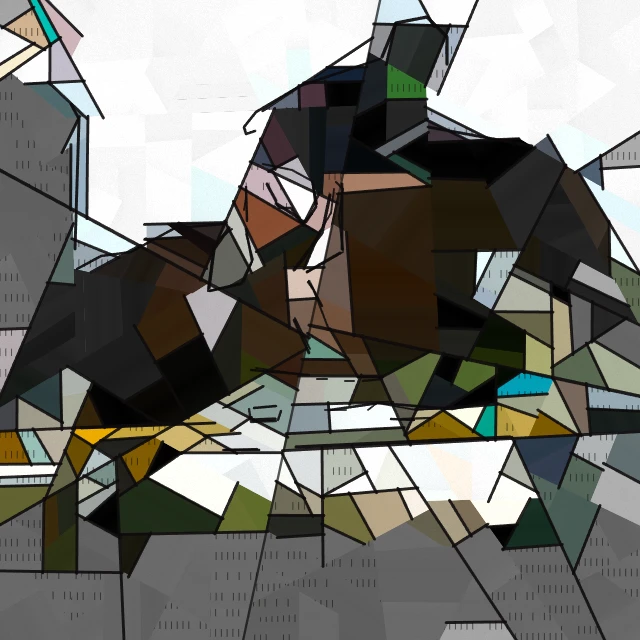
피카소 사진 필터 - 청색 시대, 장밋빛 시대, 조각난 초상
브라우저에서 사진을 파블로 피카소 스타일의 그림으로 바꿉니다. 청색 시대, 장밋빛 시대, '우는 여인'의 조각난 초상, 또는 '게르니카'의 흑백 파편. PictorX 서버에는 아무것도.

예술적 효과
유화, 수채화, 연필, 코믹 잉크, 파스텔, 종이 컷아웃 및 기타 스튜디오 아트 룩으로 사진을 변형해 보세요.
시도해 볼 준비가 되셨나요?
브라우저에서 PictorX를 엽니다. 설치가 필요 없고 시작하는 데 신용 카드가 필요하지 않습니다.
편집자로 이동