
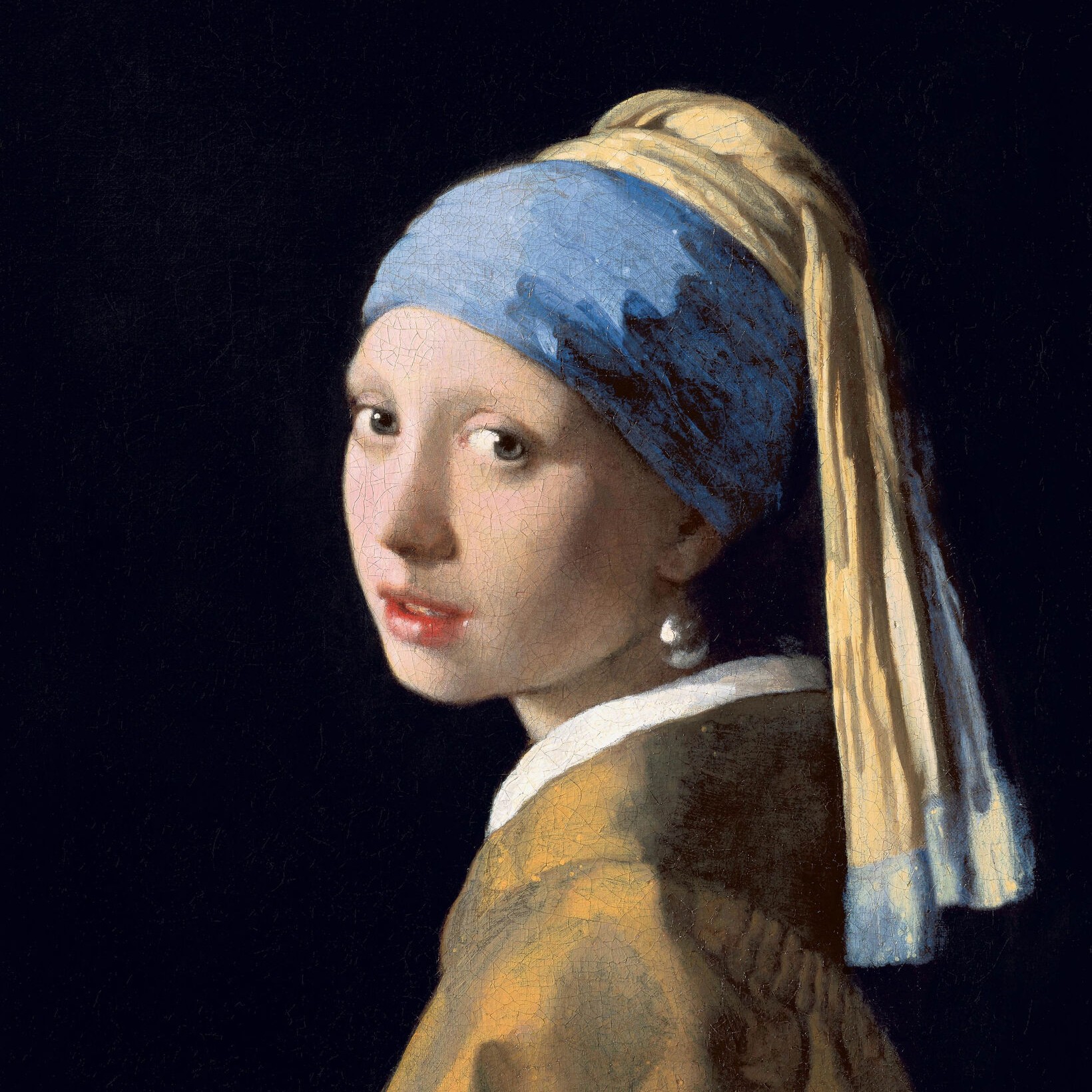
Biến ảnh thành Art Deco — áp phích Cassandre, chân dung Lempicka, vàng Gatsby hoặc crôm Streamline — chọn Phong cách và Bảng màu, rồi chỉnh Độ bóng và Hoa văn.
Bộ lọc ảnh Art Deco
In the 1920s and 1930s Art Deco gave the machine age its glamour: sunbursts and zigzags, stepped skyscrapers, polished chrome, black lacquer and gold. This filter brings that look to your photo: airbrushed poster tones with rays and speed lines, Lempicka's glossy planes, fine gold engraving on black, or a chrome finish, all framed with ziggurat corners and chevrons. All processed on-device. Biến ảnh thành Art Deco — áp phích Cassandre, chân dung Lempicka, vàng Gatsby hoặc crôm Streamline — chọn Phong cách và Bảng màu, rồi chỉnh Độ bóng và Hoa văn.
Cách nó hoạt động
- Open PictorX in your browser and load a photo — portraits work best.
- Choose Art Deco, then pick a Style (Poster, Lempicka, Gatsby, Chrome, Lalique, Lacquer, Marquetry or Terrazzo) and a Palette, and adjust Line Weight, Ornament, Detail, Gloss and Frame.
- Export the result, or keep editing with layers and other effects in the same workspace.
Four Art Deco looks in one filter
Poster follows A. M. Cassandre's travel posters: a few airbrushed tones, sunburst rays behind the subject and speed lines along the bottom. Lempicka follows Tamara de Lempicka's portraits, with glossy, high-contrast planes in front of a city of stepped skyscrapers. Gatsby engraves the subject in fine gold lines on black, over rows of gold fans, with a sunburst crown like the top of the Chrysler Building. Chrome turns the photo into polished Streamline Moderne metal, with groups of three speed lines.
Glass, lacquer, wood and stone
Four more styles follow the luxurious materials of Art Deco. Lalique turns the subject into frosted, opalescent moulded glass, raised from a clear fluted panel and lit from behind, like René Lalique's glass panels. Lacquer follows Jean Dunand's screens: black and red lacquer, crushed-eggshell inlay in the lightest tones, fine gold lines and a sun of gold leaf laid in squares. Marquetry cuts the subject from ebony, rosewood, walnut and maple by tone, like a cabinet by Émile-Jacques Ruhlmann, on a sunburst of book-matched veneer. Terrazzo turns the photo into a lobby floor of stone chips set in coloured cement, divided by brass strips into the subject's tones and into rings and rays around it.
Geometry, gloss and gold
Line Weight sets the outlines; Ornament controls the number of rays, skyscrapers, fans, speed lines, steps and chevrons; Detail sets the number of tones and the fineness of the engraving; and Gloss blends the airbrushed steps, adds shine to Lempicka's planes and polish to the gold and chrome. Palette chooses the colours—Period for each style's own, Photo to keep your hues, Gold, Jade or Rose—and Frame adds the stepped geometric border. In the material styles, Line Weight sets the gold lines, wood stringing and brass strips; Ornament the glass fluting, gold leaf, veneer wedges and floor pattern; Detail the size of the eggshell pieces, wood pieces and stone chips; and Gloss the shine of the glass, lacquer, wood and floor.
Privacy and keep editing
Processing stays in your browser—photos are not uploaded to PictorX servers for this filter. After Art Deco, continue with layers, text, Art Nouveau, Pop Art, Cubism, or export.
Hỏi thường xuyên
What does the Art Deco filter do?
It turns a photo into one of eight Art Deco looks: a Cassandre-style poster, a glossy Lempicka portrait, Gatsby gold engraving on black, Streamline chrome, Lalique glass, Dunand lacquer, Ruhlmann marquetry or a terrazzo floor, framed with stepped corners and chevrons. It is built from your photo, not a copy of any museum work. Style, Palette, Line Weight, Ornament, Detail, Gloss and Frame shape the look.
What was Art Deco?
A style of design and architecture of the 1920s and 1930s, named after the 1925 Paris Exposition of Decorative Arts. It used bold geometry—sunbursts, zigzags, chevrons and stepped forms—luxurious materials and the sleek lines of the machine age.
How is Art Deco different from Art Nouveau?
Art Nouveau (about 1890–1910) is curving and organic, based on plants. Art Deco (1920s–1930s) is geometric and streamlined, with straight lines, symmetry and machine-age shapes.
What photos work best?
Portraits with one clear subject, which the filter cuts out and sets against rays, skyscrapers, fans or speed lines. Buildings and still lifes also work, especially in the Gatsby and Chrome styles.
Công cụ liên quan
Art Deco
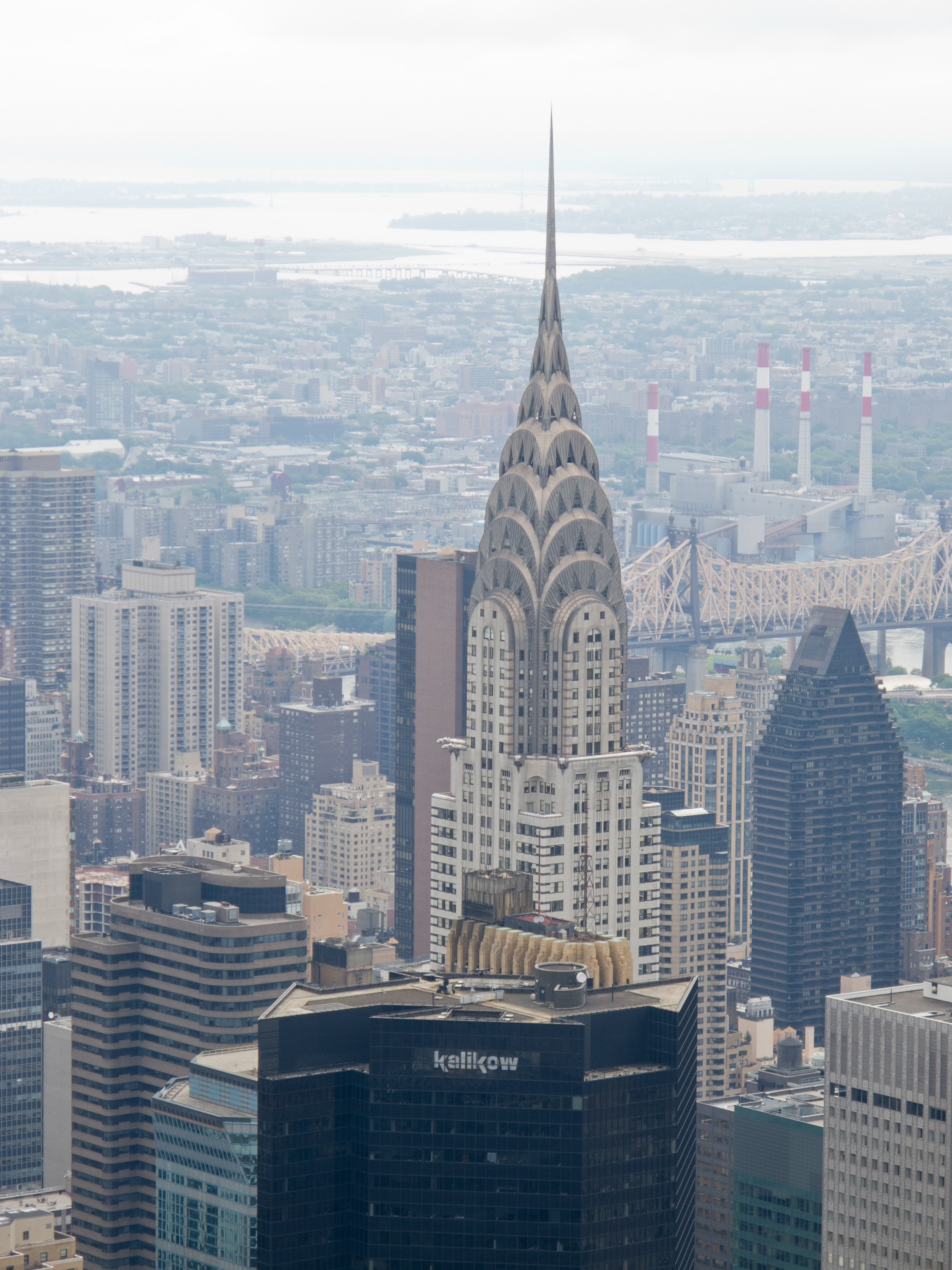
Hướng dẫn ngắn về Art Deco: triển lãm Paris 1925 và nguồn gốc cái tên, áp phích của Cassandre, Tamara de Lempicka, tòa nhà Chrysler và thời đại nhà chọc trời, sự xa hoa và trang trí của thời đại jazz, Streamline Moderne, sự kết thúc của phong cách và sự hồi sinh, cùng một lời tri ân số bạn có thể thử trong PictorX.
Bộ lọc ảnh Tân nghệ thuật
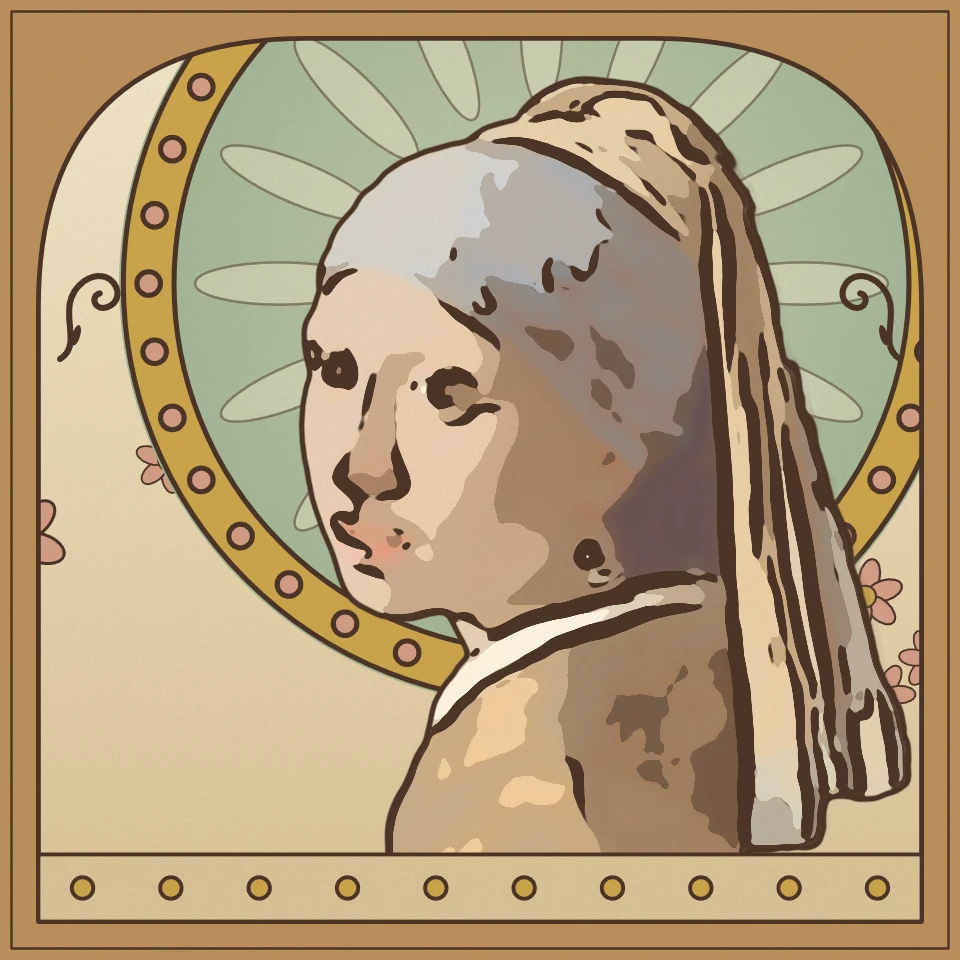
Biến ảnh thành Tân nghệ thuật ngay trong trình duyệt: áp phích Mucha với vầng hào quang và khung vòm, tranh khảm vàng lá của Klimt, kính màu Tiffany hoặc mực trắng đen của Beardsley với những đường roi quất.
Bộ lọc ảnh Chủ nghĩa siêu thực
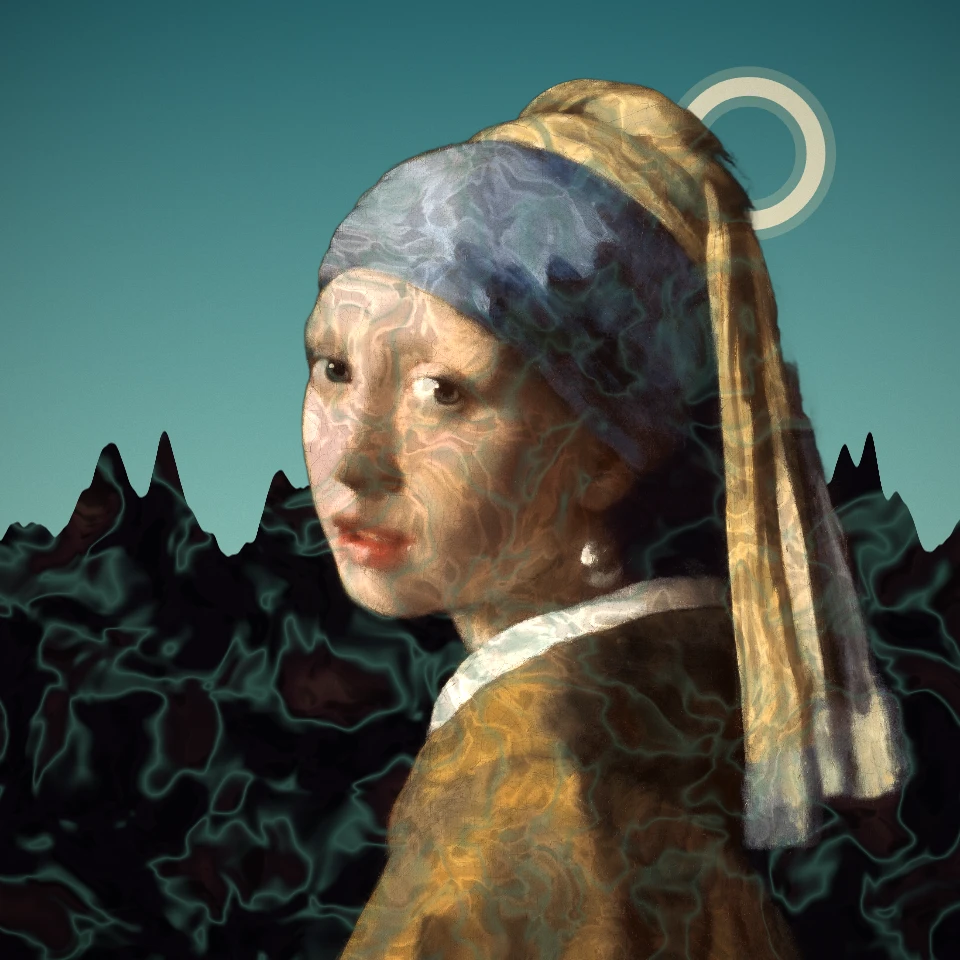
Biến bức ảnh thành một giấc mơ siêu thực: quảng trường vắng của De Chirico, decalcomania của Ernst, xác chết tinh tế, đồng bằng bất tận của Tanguy, ngọn tháp của Varo hay hiệu ứng đảo sáng của Man Ray. Dalí và Magritte có hiệu ứng riêng.
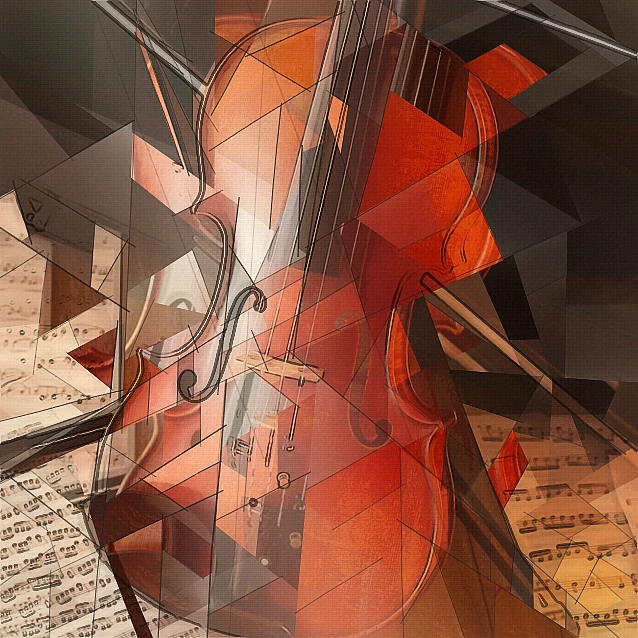
Bộ lọc ảnh lập thể - mặt hình học
Biến ảnh thành các mặt hình học lấy cảm hứng từ Lập thể phân tích trong trình duyệt. Chỉnh kích thước mặt, phối cảnh, làm phẳng, đường viền và tương phản.
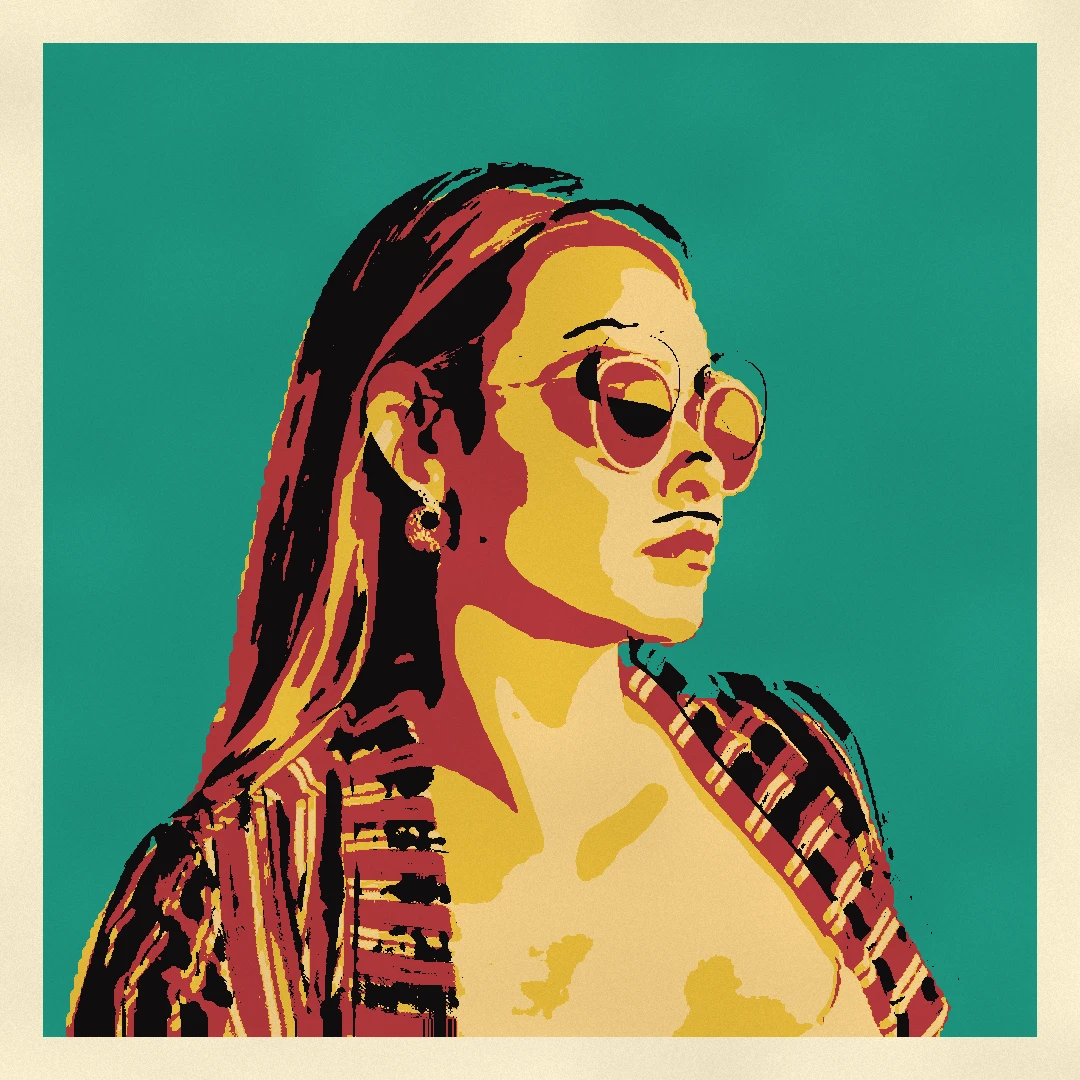
Bộ lọc ảnh Pop Art
Biến ảnh thành pop art ngay trên trình duyệt: truyện tranh kiểu Lichtenstein với chấm Ben-Day và khung nổ WHAAM!, lưới in lụa kiểu Warhol, bán sắc CMYK, in hai màu Riso và nhãn dán pop.
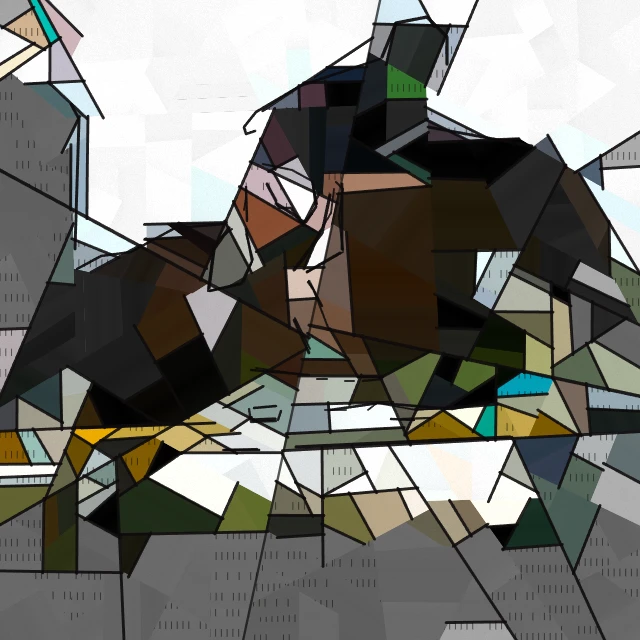
Bộ lọc ảnh Picasso - Thời kỳ Xanh, Thời kỳ Hồng và chân dung vỡ mảnh
Biến ảnh thành tranh phong cách Pablo Picasso ngay trong trình duyệt: Thời kỳ Xanh, Thời kỳ Hồng, chân dung vỡ mảnh của Người đàn bà khóc hoặc những mảnh vỡ đen trắng của Guernica.

Hiệu ứng nghệ thuật
Biến hình bằng sơn dầu, màu nước, bút chì, mực truyện tranh, bánh xe, giấy cắt giấy, và các tác phẩm nghệ thuật khác.
Sẵn sàng thử chưa?
Mở PictorX trong trình duyệt của bạn — không cài đặt, không cần thiết thẻ tín dụng để khởi động.
Tới bộ sửa