
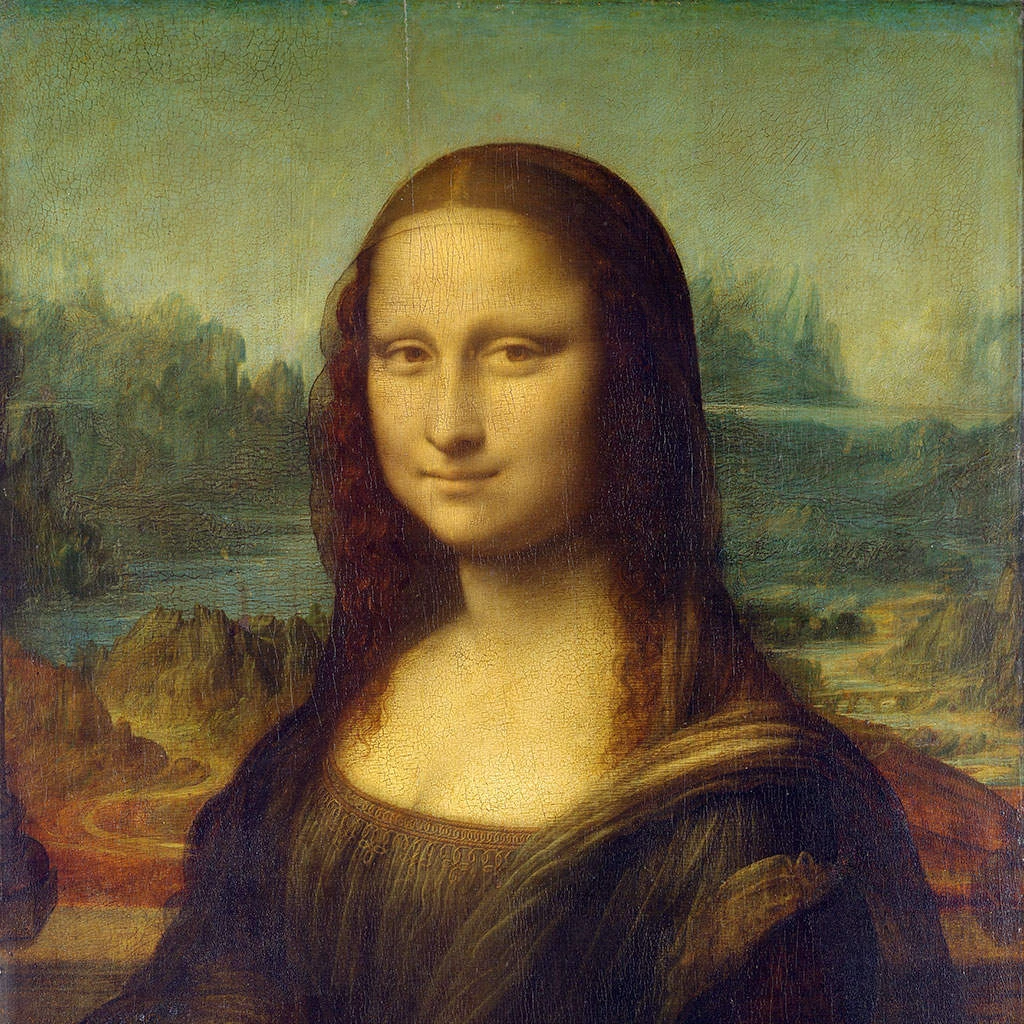
피카소 사진 필터 - 청색 시대, 장밋빛 시대, 조각난 초상
Picasso changed style more often than any other great painter. This filter follows him through four of his periods: it keeps your photo's light and dark in the melancholy blues or tender pinks of his early years, or breaks it into angular shards seen from shifting viewpoints, with flat colour and heavy black lines, as in his portraits of 1937. All processed on-device. 사진을 피카소의 청색 시대나 장밋빛 시대로 바꾸거나 '우는 여인'과 '게르니카'처럼 조각내세요. 스타일을 고른 뒤 모양 크기와 왜곡을 조절하세요.
작동 원리
- Open PictorX in your browser and load a photo — portraits work especially well.
- Choose Picasso, then pick a Style (Blue Period, Rose Period, Weeping Woman or Guernica) and a Palette, and adjust Shape Size, Distortion, Line Work, Color Intensity and Canvas Texture. Turn on Remove background to isolate the subject first.
- Export the painting, or keep editing with layers and other effects in the same workspace.
Four periods in one filter
Blue Period keeps the photo's light and dark but paints everything in deep, cold blues with dark contours, as Picasso did around 1901–1904. Rose Period does the same in warm pinks, ochres and terracotta, as in his circus paintings of 1904–1906. Weeping Woman fractures the picture into angular shards of vivid, arbitrary colour outlined in black, after his portraits of 1937, and Guernica uses the same shards in black, white and greys with newspaper-like hatching.
Shards, viewpoints and distortion
In the fractured styles, every shard is cut with straight lines along the photo's own colour boundaries, and Distortion shifts some shards as if seen from another angle—the idea of showing several viewpoints at once that Picasso and Braque developed in Cubism. Shape Size sets how large the shards are; Line Work sets the weight of the black outlines and drawn features. For Cubism's own facets, see the Cubism filter.
Privacy and keep editing
Processing stays in your browser—photos are not uploaded to PictorX servers for this filter. After Picasso, continue with layers, text, Cubism, Matisse, Kandinsky, or export.
자주 묻는 질문
What does the Picasso filter do?
It turns a photo into a painting in the manner of Pablo Picasso—Blue Period, Rose Period, or the fractured portraits of the Weeping Woman and Guernica—built from your photo, not a copy of a museum painting. Style, Palette, Shape Size, Distortion, Line Work, Color Intensity and Remove background shape the look.
Is this a real Picasso?
No. It is a digital homage for your own photos. Picasso's own works are in museums such as the Musée Picasso in Paris, the Museu Picasso in Barcelona and the Museo Reina Sofía in Madrid, home of Guernica.
What photos work best?
Portraits with a clear face suit every style; Blue and Rose Period also suit quiet figures and still lifes, while Weeping Woman and Guernica need a subject with strong light and dark.
How is this different from the Cubism filter?
Cubism rebuilds a photo in the analytic and synthetic facets of 1908–1914. Picasso adds his other periods—Blue and Rose—and the bold, black-outlined shards of his later portraits.
관련 도구
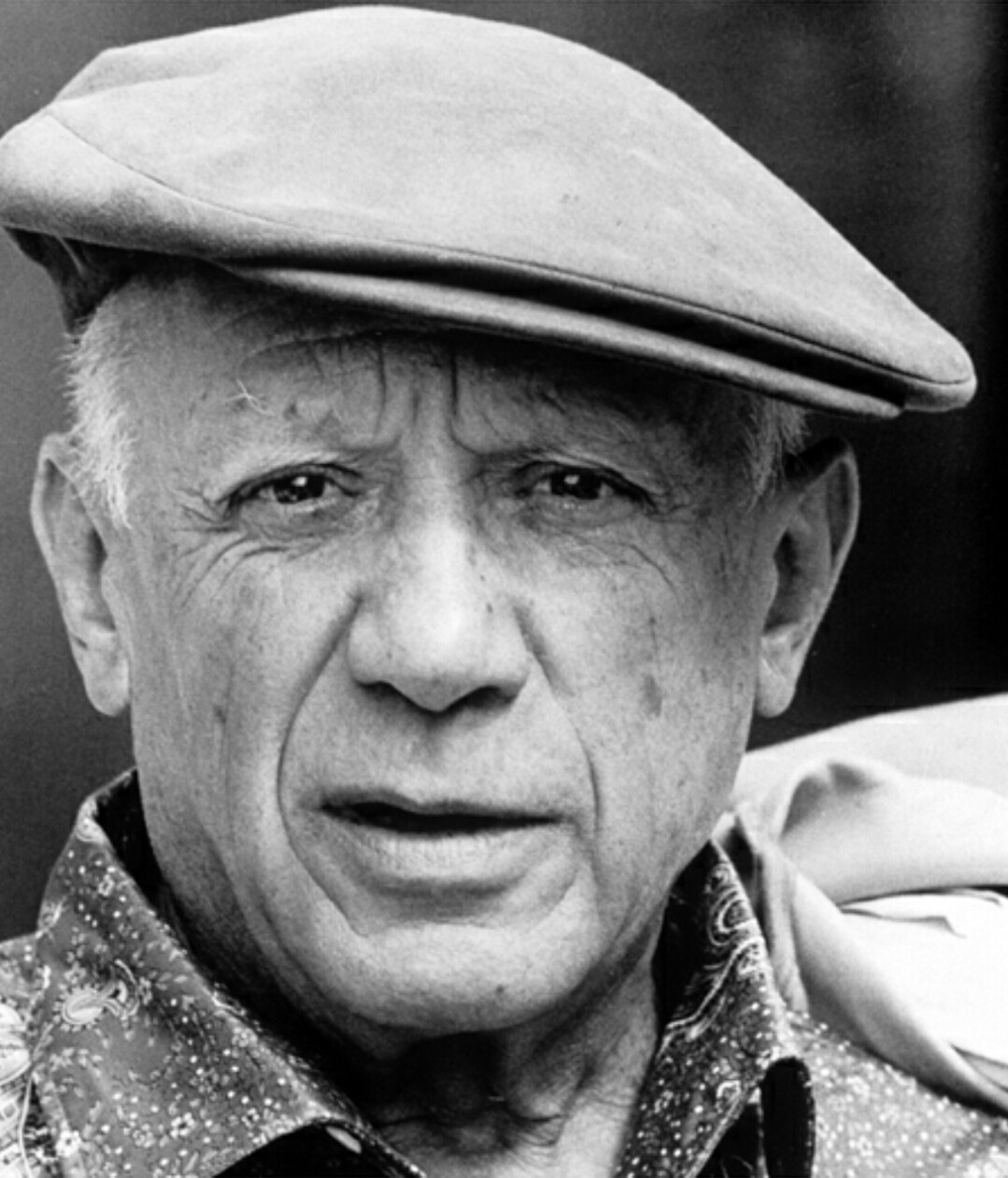
파블로 피카소
파블로 피카소에 대한 짧은 안내: 말라가의 신동, 청색 시대와 장밋빛 시대, '아비뇽의 처녀들'과 브라크와 함께한 입체주의, '게르니카'와 '우는 여인', 끝없는 변신, 그리고 PictorX에서 체험할 수 있는 디지털 오마주.
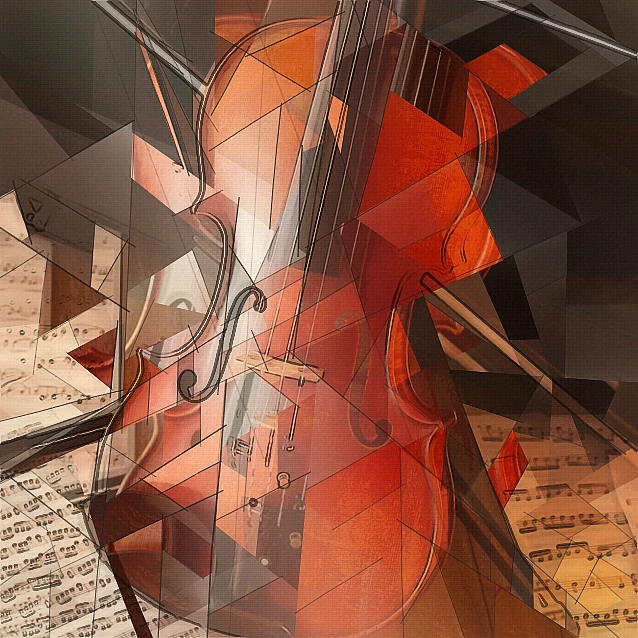
입체파 사진 필터 - 기하학적 면
브라우저에서 사진을 분석적 입체파에서 영감을 받은 기하학적 면으로 바꾸세요. 면 크기, 원근, 평면화, 윤곽, 대비를 조절하세요.
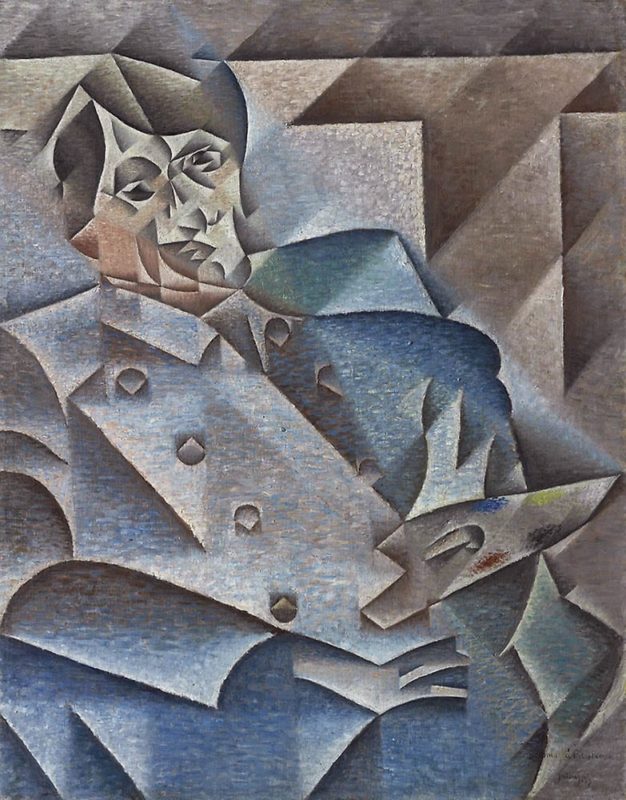
입체파
입체파 짧은 안내: 피카소와 브라크, 분석적·종합적 입체파, 분절된 평면, 다중 시점, PictorX에서 체험할 수 있는 디지털 오마주.
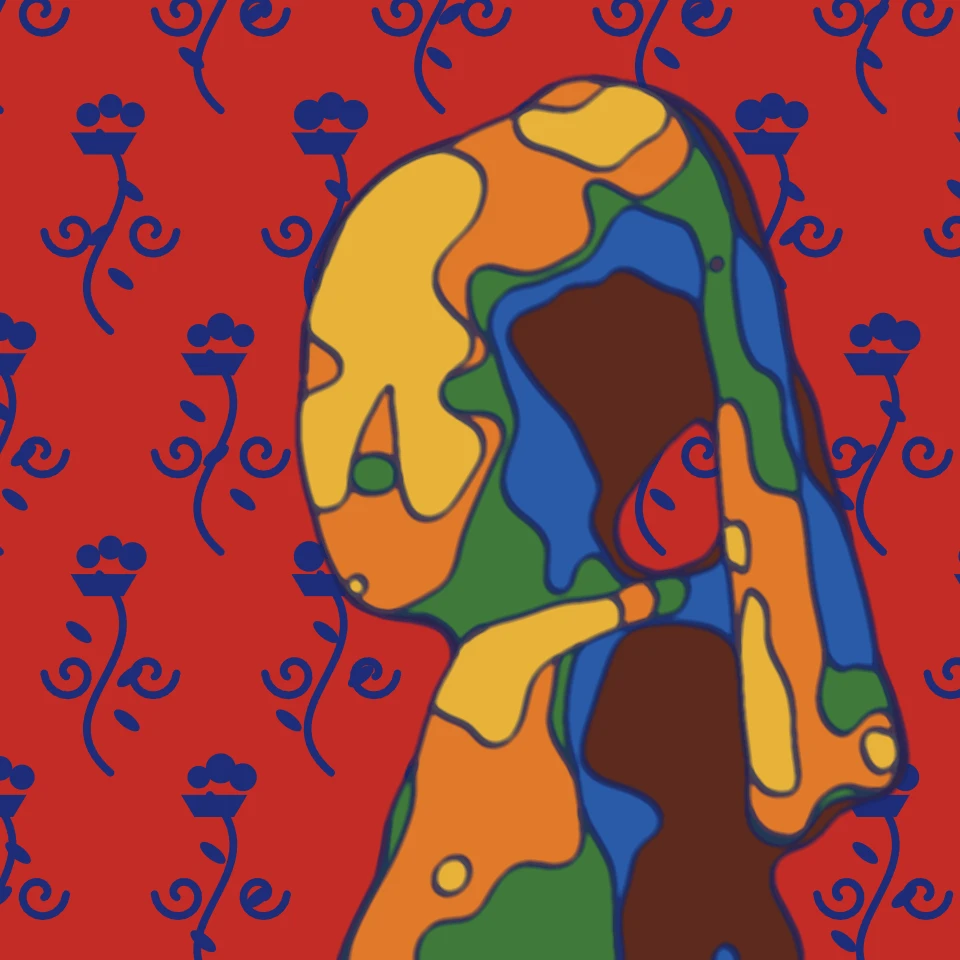
마티스 사진 필터 - 컷아웃, 야수파 색채, 선
브라우저에서 사진을 앙리 마티스 스타일로 바꿉니다. '재즈'와 '푸른 누드' 같은 컷아웃, 선명한 야수파 색채, 푸른 아라베스크의 '붉은색의 조화', 흐르는 듯한 선 드로잉. PictorX 서버에는 아무것도.
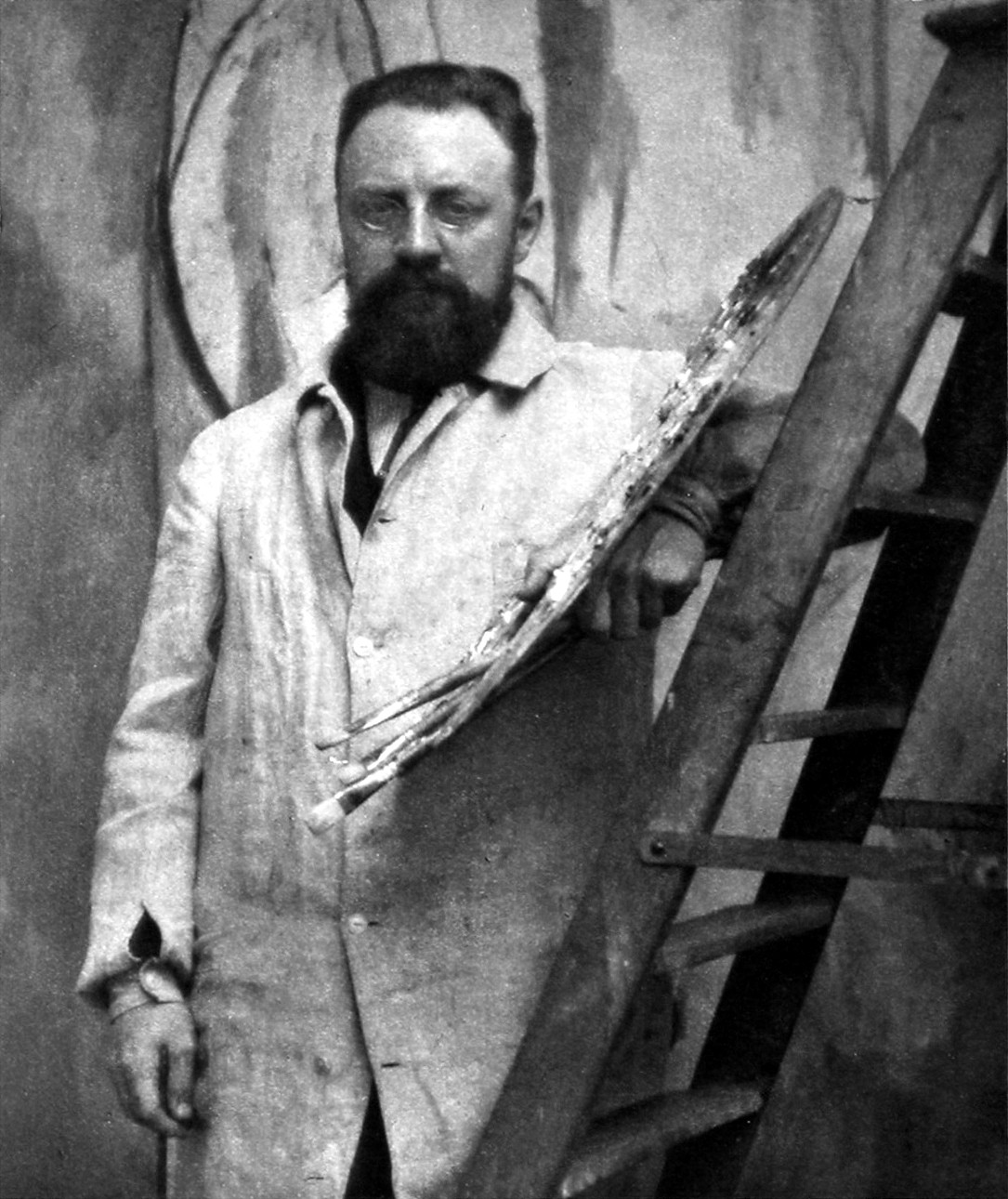
앙리 마티스
앙리 마티스 간단 가이드: 법률 사무원에서 화가로, 1905년의 야수파, '붉은색의 조화'와 '춤', 니스 시절, 선 드로잉, 컷아웃의 '가위로 그리기', 그리고 PictorX에서 체험할 수 있는 디지털 오마주.
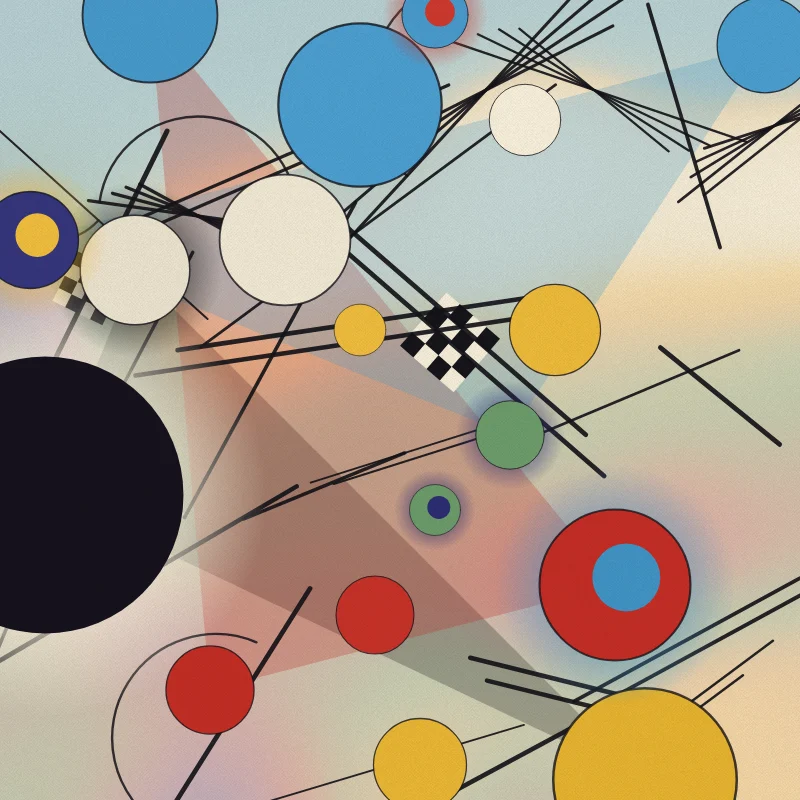
칸딘스키 사진 필터 - 원, 선, 색
브라우저에서 사진을 바실리 칸딘스키 스타일의 추상화로 바꿉니다. '컴포지션 VIII'의 원과 선, 동심원이 있는 사각형, 검은 바탕의 '몇 개의 원', 자유로운 '즉흥'. PictorX 서버에는 아무것도.

예술적 효과
유화, 수채화, 연필, 코믹 잉크, 파스텔, 종이 컷아웃 및 기타 스튜디오 아트 룩으로 사진을 변형해 보세요.
시도해 볼 준비가 되셨나요?
브라우저에서 PictorX를 엽니다. 설치가 필요 없고 시작하는 데 신용 카드가 필요하지 않습니다.
편집자로 이동