
The story of the shift rota
A rota is a grid of people and days. Each cell is a shift: a named block of hours, often early, late or night. The point is to see the week at a glance, count the hours, and notice when two shifts for the same person overlap.
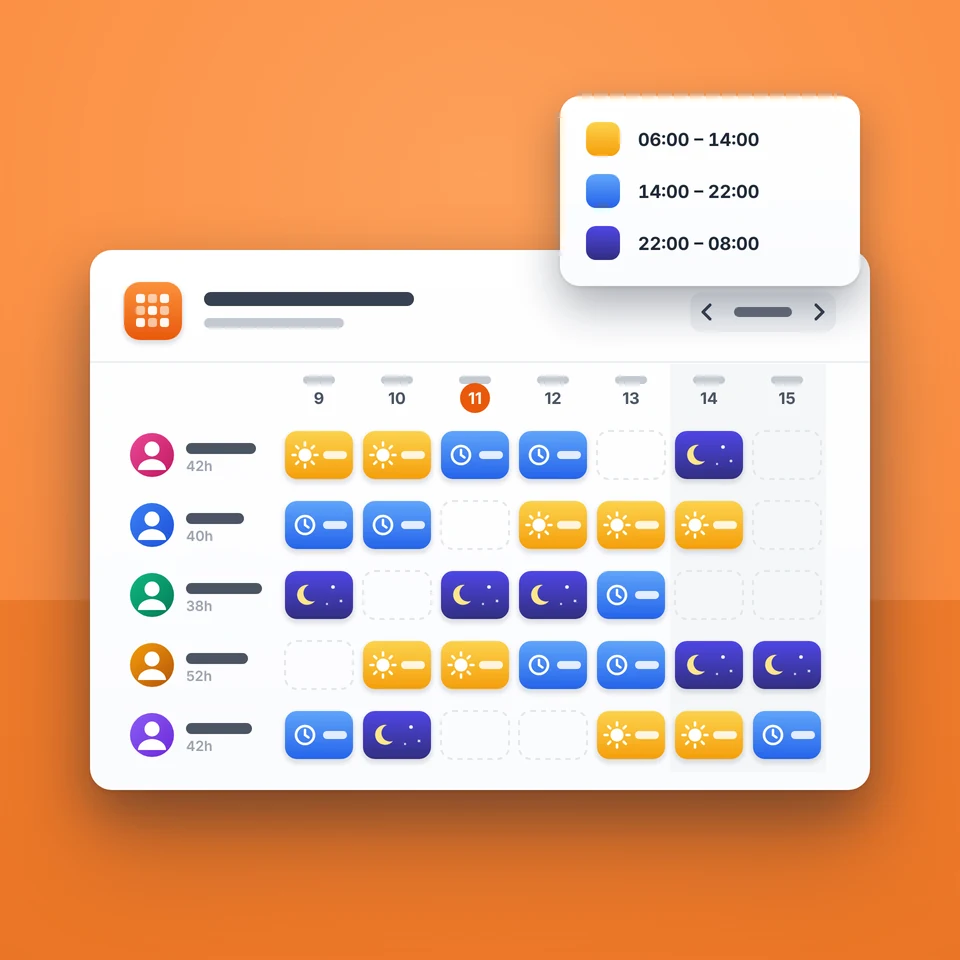
Bells, wards and a grid
Shift work is older than the spreadsheet. Factories, railways and hospitals had to say who was present in which hours. A rota (or roster) puts those answers on a grid so a manager, a colleague or the person on the shift can read the week as a picture, not only as a list.
Early, late and night
A shift type is a named pattern: a start, an end, and a colour. Night work often crosses midnight, so the hours have to wrap. Placing the same type on several days keeps the pattern regular, and a new type can cover a split or a short cover shift.
Hours and conflicts
Hours totaled per person are how a rota stays fair and legal. A conflict is two shifts for the same person whose times overlap, including an overnight shift that runs into the next morning. Copying a week is a way to repeat a pattern that already works.
A private roster
A rota held in your own browser is enough for a small team or a household. Export JSON to move it, or a PNG or PDF for a copy you can share. Nothing needs to leave the machine unless you choose to save a file.
Frequently asked questions
How do I place a shift?
Add staff and shift types, select a type, then click a cell. Click the same type again to remove it. A person can have more than one shift on the same day if the times do not overlap.
What counts as a conflict?
Two shifts for the same person on the same date whose times overlap. Shifts that only meet at the boundary, such as an early shift ending when a late shift starts, are not a conflict. Overnight shifts are included.
Is my rota sent to a server?
No. Staff, shift types and the grid stay in the local storage of this browser and are saved as you work. Use Save as JSON for a backup, or export a PNG or PDF.
Related tools
Shift/rota planner
A free online shift and rota planner: add staff and shift types, place shifts on a week or month grid, see hours totals and conflict warnings, and copy a week. Saved in your browser.
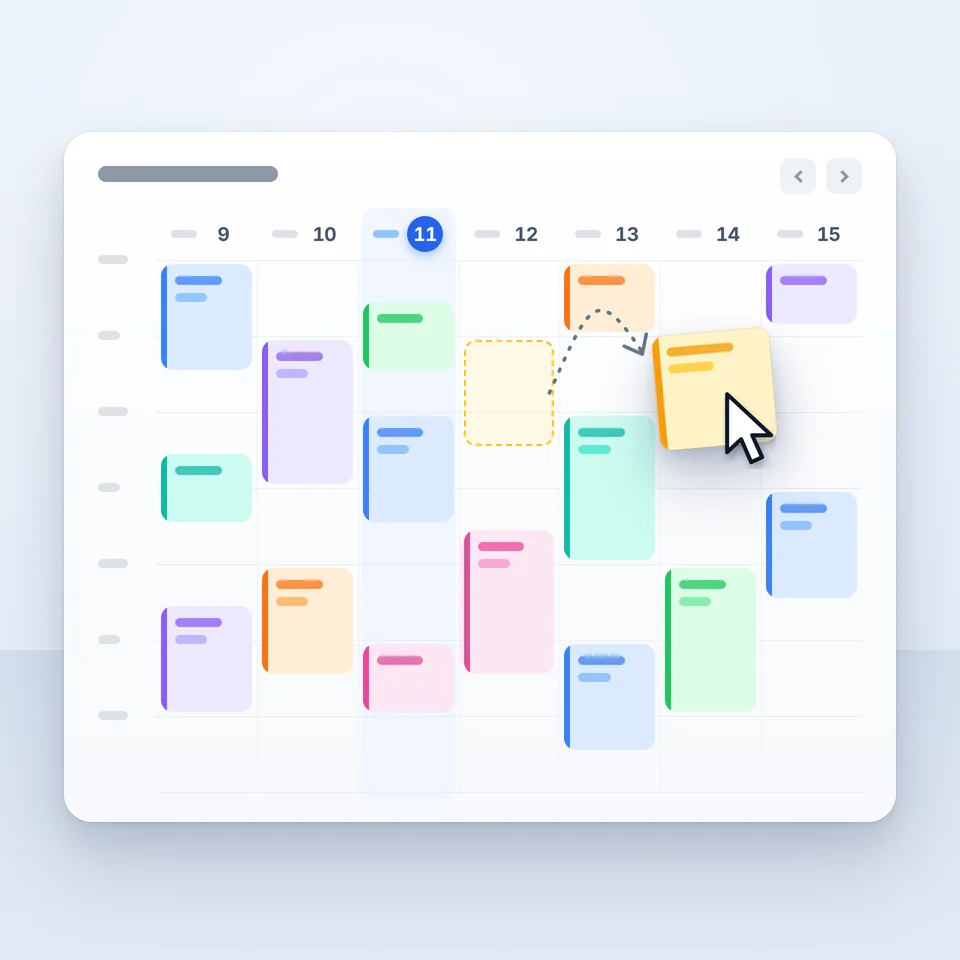
Weekly planner
A free online weekly planner: drag time blocks onto a Mon-Sun grid, drop unscheduled tasks from the inbox, repeat weekly blocks, and read hours by category. Saved in your browser.
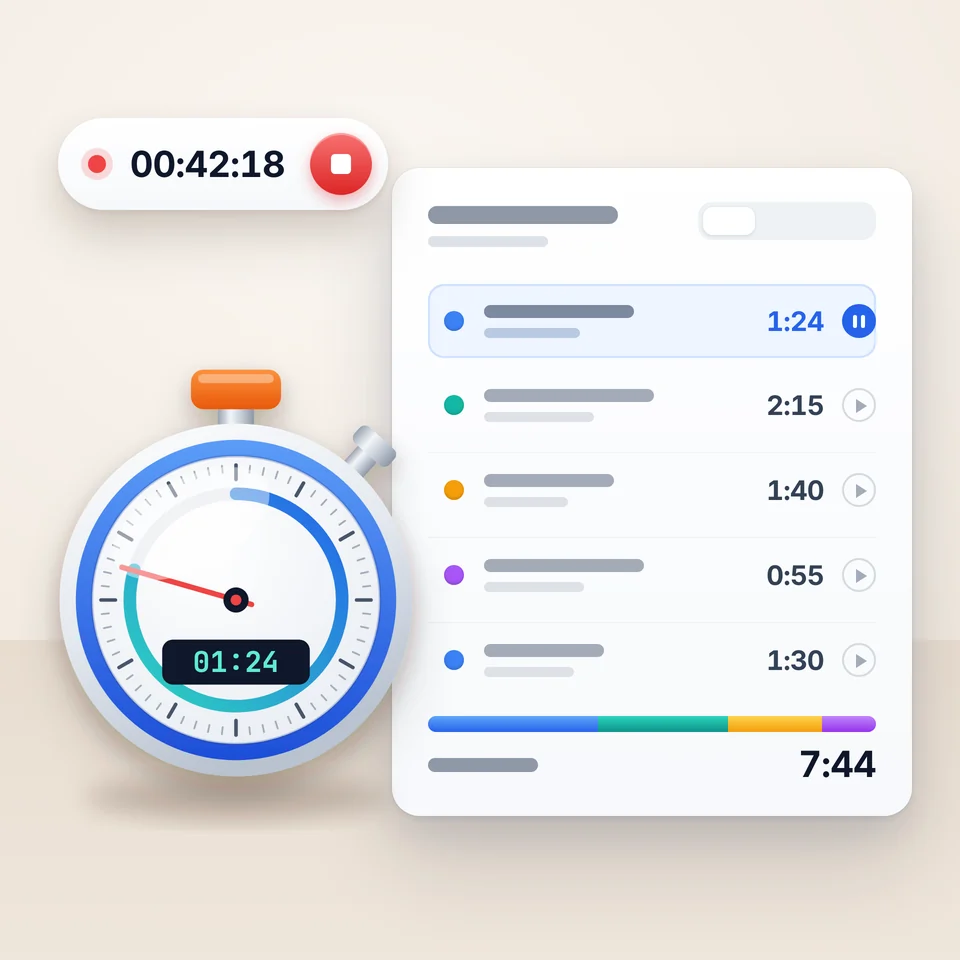
Time tracker
A free online time tracker: start and stop a timer on a project, add manual entries, and see a daily or weekly timesheet with totals and a bar chart. Saved in your browser.
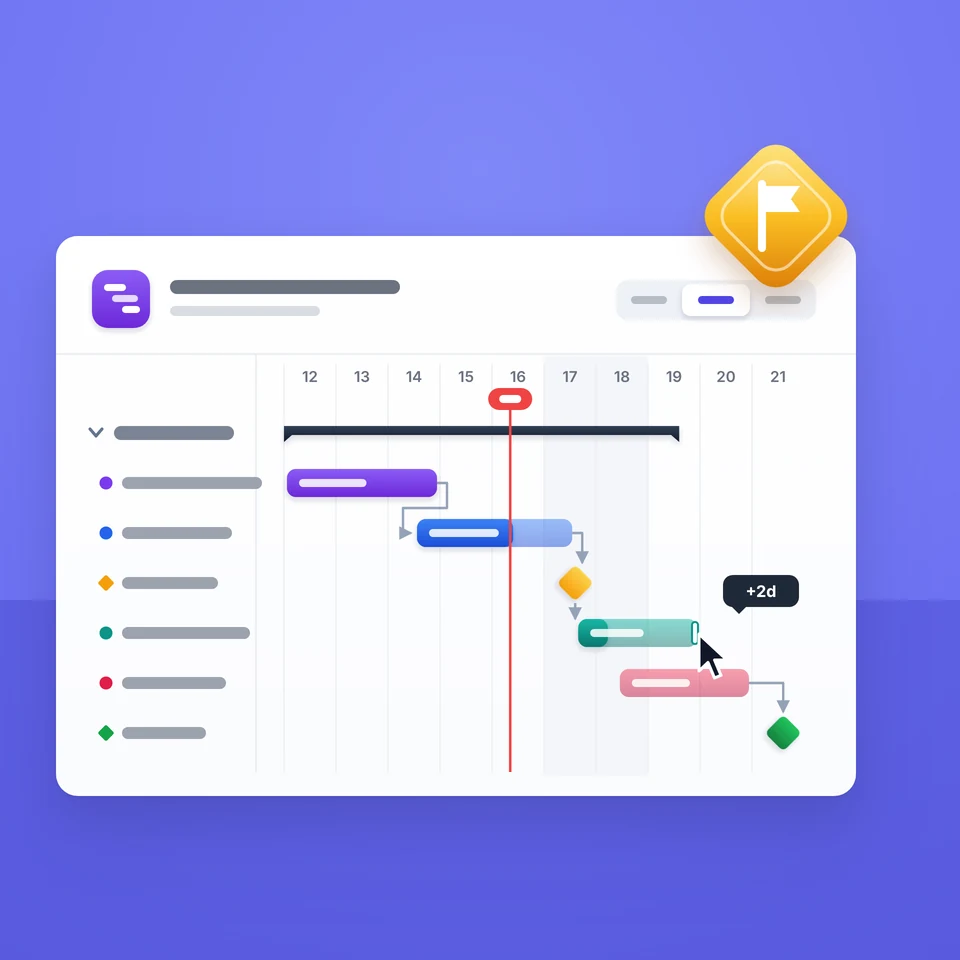
Gantt chart
A free online Gantt chart: plan tasks with start and end dates or a duration, group them, mark milestones, set progress and dependencies, and zoom by day, week or month. Saved in your browser.
Ready to try it?
Open PictorX in your browser — no install, no credit card required to start.
Open the shift/rota planner