
2048
Slide all the tiles in one direction. When two tiles with the same number touch, they merge into one with double the value. After every move a new tile appears. Reach the 2048 tile to win, then keep going for a higher score. Use the arrow keys or swipe to slide the tiles. Equal tiles merge into one.
How it works
- Pick a board size. 4 x 4 is the classic game, 3 x 3 is tight and 6 x 6 is relaxed.
- Use the arrow keys, WASD or a swipe to slide every tile. Equal tiles merge and add to your score.
- Use Undo to take back your last move. The game ends when the board is full and nothing can merge.
How merging works
Each tile can merge only once per move. If a row holds 2, 2, 2 and 2, sliding left gives 4 and 4, not 8. A new tile, usually a 2 and sometimes a 4, appears in a random empty cell after every move.
A simple strategy
Keep your highest tile in one corner and build a chain of falling values along one edge. Avoid the move that pulls the big tile out of its corner, and keep the row next to it full so it cannot be pushed away.
Undo and best score
Undo takes back one move, so a single slip does not ruin a long game. Your best score is saved in your browser separately for each board size.
Frequently asked questions
Can I keep playing after 2048?
Yes. When you reach 2048 you can choose Keep going and aim for 4096 and beyond.
Does it work on a phone?
Yes. Swipe up, down, left or right on the board to slide the tiles.
Is it free?
Yes. 2048 on PictorX is free, runs in your browser and needs no sign-up.
Related tools
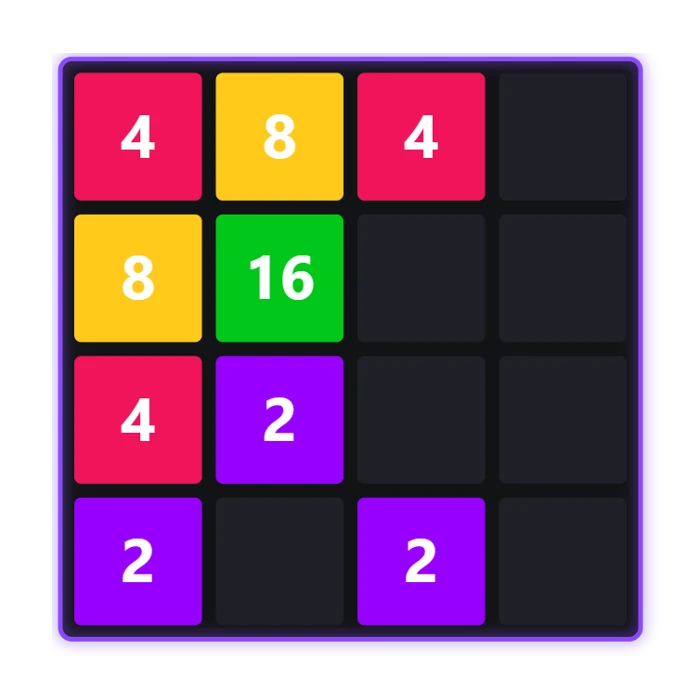
About 2048 - history, rules and strategy
How does 2048 work? Where the sliding puzzle comes from, the rules of sliding and merging powers of two, the corner strategy and why the board fills up so fast.
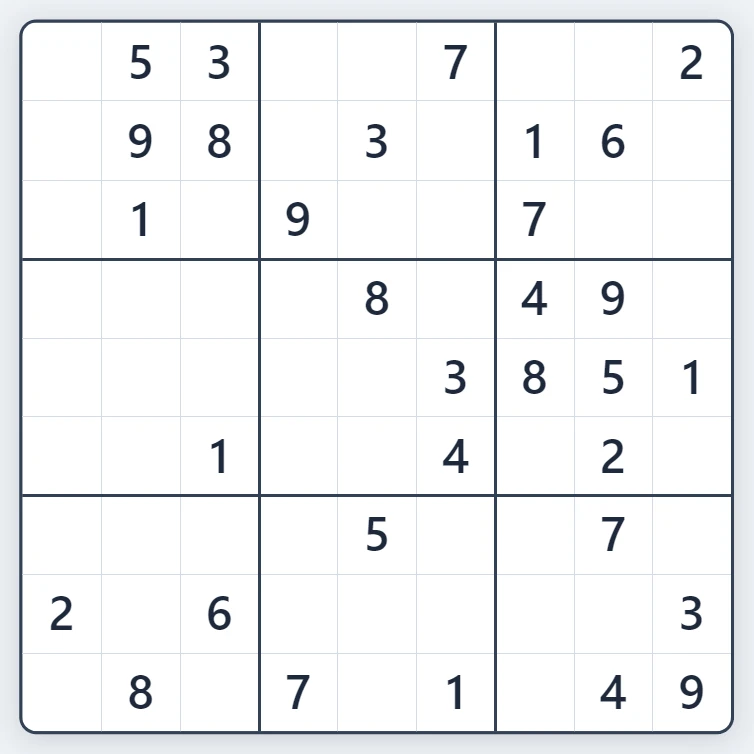
Sudoku
Play Sudoku free in your browser. Fresh puzzles with exactly one solution, four levels from Easy to Expert, pencil notes, hints, mistake highlighting and undo.
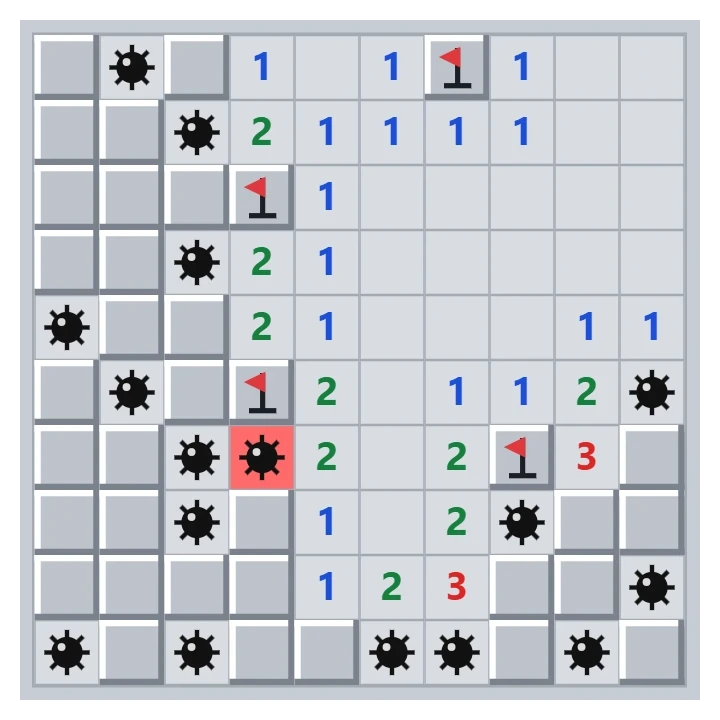
Minesweeper
Play classic Minesweeper free in your browser. Beginner, Intermediate, Expert or a custom field, a safe first click, flags, chording and best times.
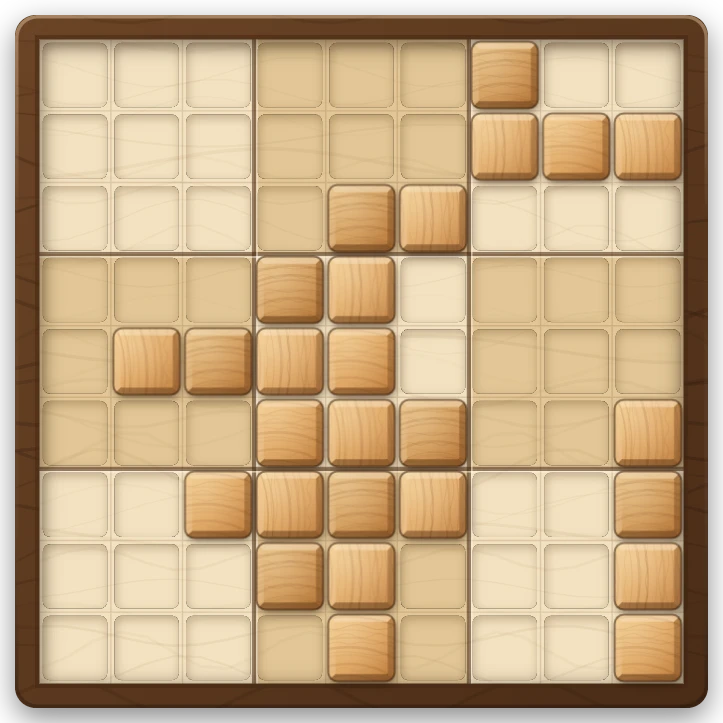
Wood Block Sudoku Puzzle
Play Wood Block Sudoku free in your browser. Drag wooden pieces onto a 9x9 board and clear rows, columns and 3x3 boxes. Combos, streaks, a holder slot and no time limit.
Ready to try it?
Open PictorX in your browser — no install, no credit card required to start.
Go to Editor