
Free wedding invitation maker
Set the tone for your day with a custom invite. Start from an elegant layout in PictorX, personalize names and details, and export for print or digital RSVPs.
How it works
- Choose a template or blank canvas that matches your wedding style.
- Update names, date, venue, and dress code typography.
- Export a print-ready file or a digital image for messaging apps.
Print and digital invitations
For print, keep critical text inside safe margins and export high resolution. For digital invites, a vertical story-friendly size works well for phones. You can adapt one design into both formats by duplicating the page and adjusting the canvas.
Matching suite pieces
Reuse fonts and colors for save-the-dates, menus, and thank-you cards. PictorX layers and templates help you keep a cohesive suite without redesigning each piece from zero.
Typography tips for formal invites
Pair one expressive display face with a readable body font. Give lines room to breathe, center or carefully align columns, and proof every date and spelling before you send files to a printer.
Frequently asked questions
Can I print invitations at home?
Yes. Export a high-quality image or PDF-ready graphic and use card stock suitable for your printer.
Can I send a digital invitation?
Yes. Export a vertical, phone-friendly image for messaging apps, or adapt the same design for print by keeping text inside safe margins.
Can I match menus and save-the-dates?
Yes. Reuse fonts and colors across suite pieces so save-the-dates, menus, and thank-you cards feel like one set.
What should I proof before printing?
Check every date, spelling, and venue line, then print one proof on the paper you plan to use.
Related tools
Free flyer maker
Create printable and digital flyers free with PictorX. Event, sale, and festival templates—edit text and photos in your browser.
Free business card maker
Create a business card free online with PictorX. Design both sides, export print-ready graphics, and keep your brand consistent.
Free menu maker
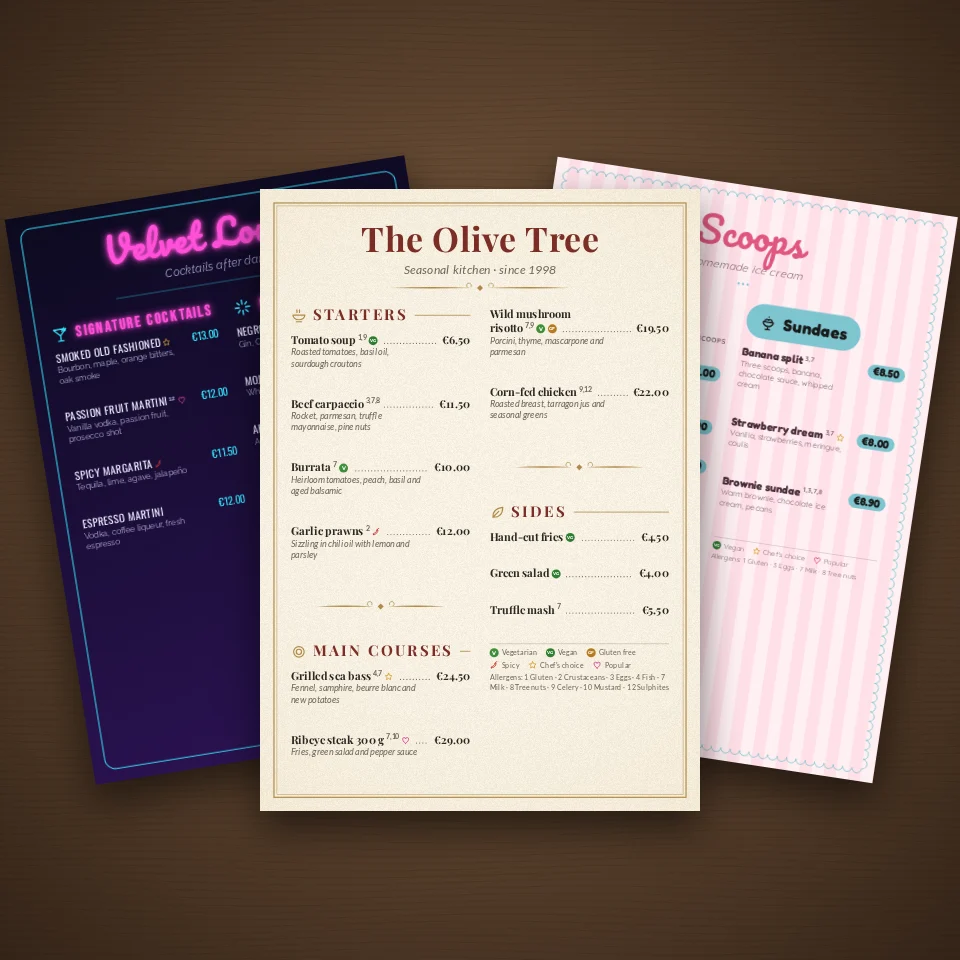
Design restaurant, café, bar, wine, cocktail, ice cream and bakery menus online. Templates, dotted price leaders, allergens, photos and QR codes. Export a print-ready PDF, PNG or HTML.
Ready to try it?
Open PictorX in your browser — no install, no credit card required to start.
Design an invitation