
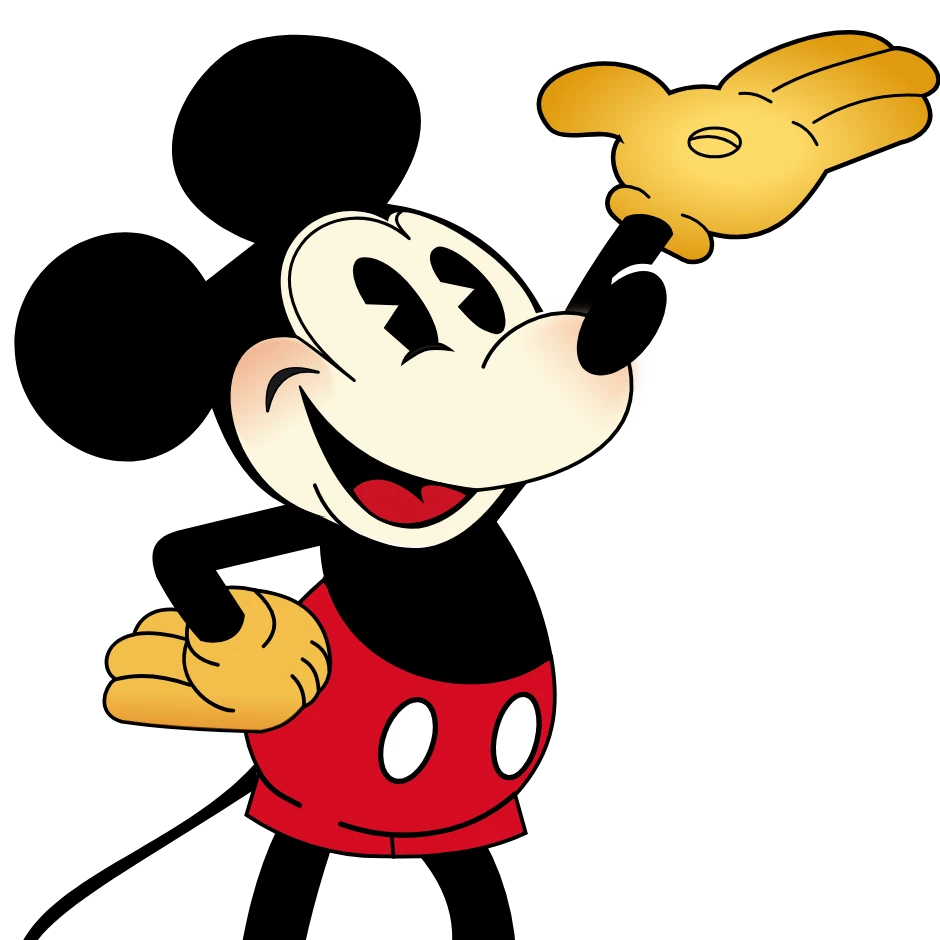
Choose a Style in the properties panel, or open your own picture.
Andy Warhol photo filter
In 1960s New York, Andy Warhol turned fame, advertising, and everyday icons into high art. At The Factory he silkscreened Marilyn Monroe into electric color grids, repeated soup cans and dollar signs until they felt both sacred and mass-produced, and proved that a portrait could be as bold as a billboard. The Andy Warhol photo filter in Pictorx channels that same pop-art energy: open Effects → Warhol to transform a photo into Marilyn-style color tiles, Ten Marilyns grids, Che and Mao poster looks, Dollar Sign, Guns, Speed Skater, Brooklyn Bridge, and more. Tune tile count, spacing, contrast, and palettes until your image feels like it just left the Factory—ideal for portraits, products, album covers, and social graphics that want that unforgettable Warhol punch. Choose a Style in the properties panel, or open your own picture.
How it works
- Open PictorX in your browser and start a new project or load an image.
- Use Andy Warhol photo filter to shape the result, then refine it with the surrounding editor tools.
- Keep editing, export your work, or turn the result into your next design.
How Andy Warhol photo filter fits your workflow
Channel Andy Warhol’s Factory energy—bold color grids, repeated icons, and pop-art portraits that feel like silkscreen posters. PictorX keeps the feature alongside your photos, layers, typography, and design tools, so you can move from an idea to a finished graphic without switching applications.
Create more with Andy Warhol photo filter
Start with one focused change, review the result in context, and keep iterating. Combine Andy Warhol photo filter with other PictorX tools when you need a polished image for social media, a presentation, a print layout, or a personal project.
Frequently asked questions
What is an Andy Warhol effect?
Your photo printed like a Warhol silkscreen: flat colour shapes, a black ink layer that slips out of register, and paper showing through. Try the grids, such as Marilyn, Jackie and Flowers, or single works such as Gold Marilyn, Diamond Dust, Camouflage, Rorschach, Cow Wallpaper and the commissioned portrait.
Can I repeat the same face in different colors?
Yes. The grid looks print your photo in rows and columns, each print in its own colours and slightly off register, like a real silkscreen run. Width, Height and Gap set the grid.
How is this different from Pop Art effects?
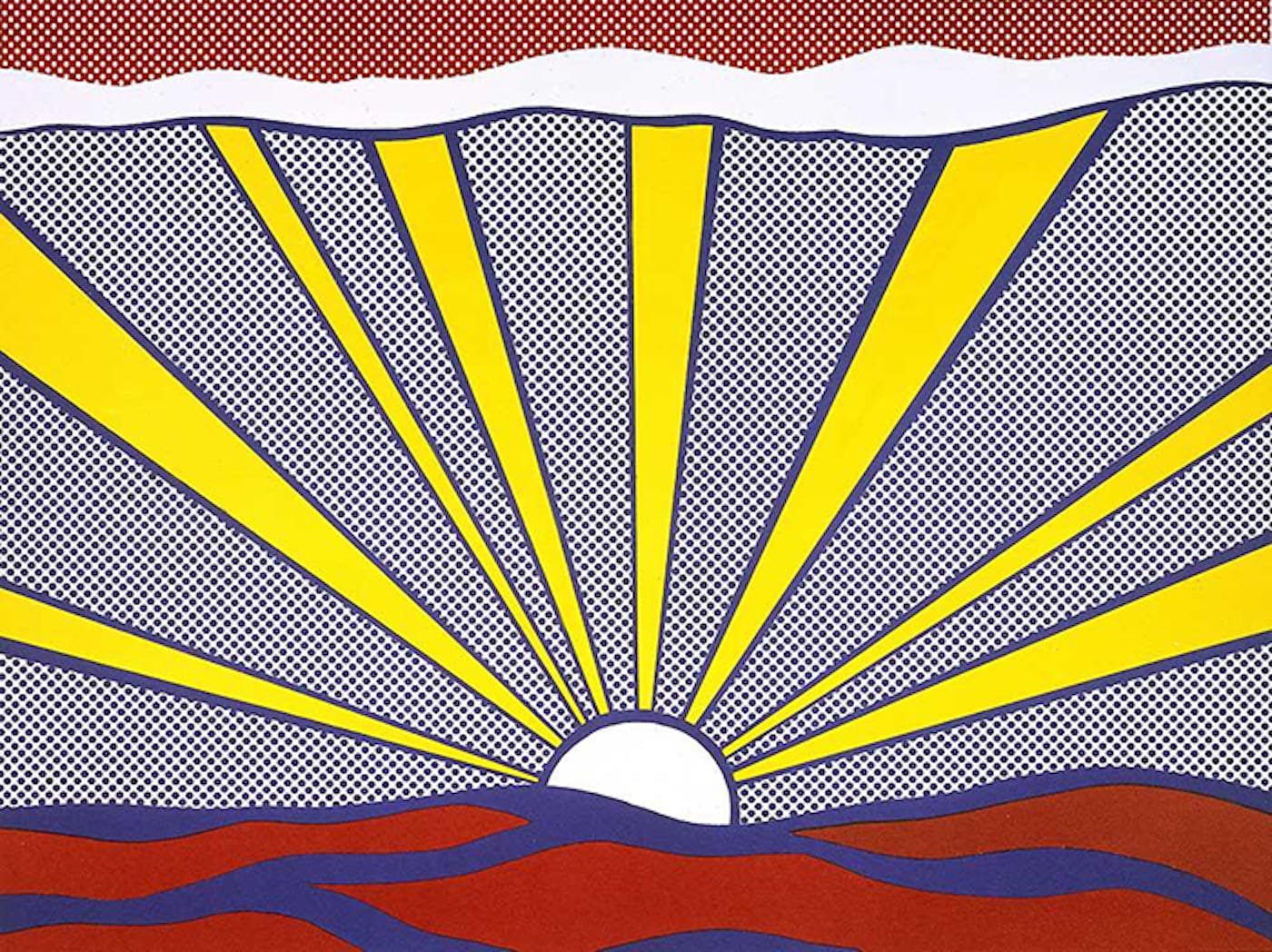
Warhol is the repeated-icon grid. Pop Art also includes comic dots, Lichtenstein, and stencil looks.
What source photo works best?
A clear face or object on a simple background posters more cleanly.
Does my photo leave my device?
No. Every Warhol look is printed in your browser.
Related tools
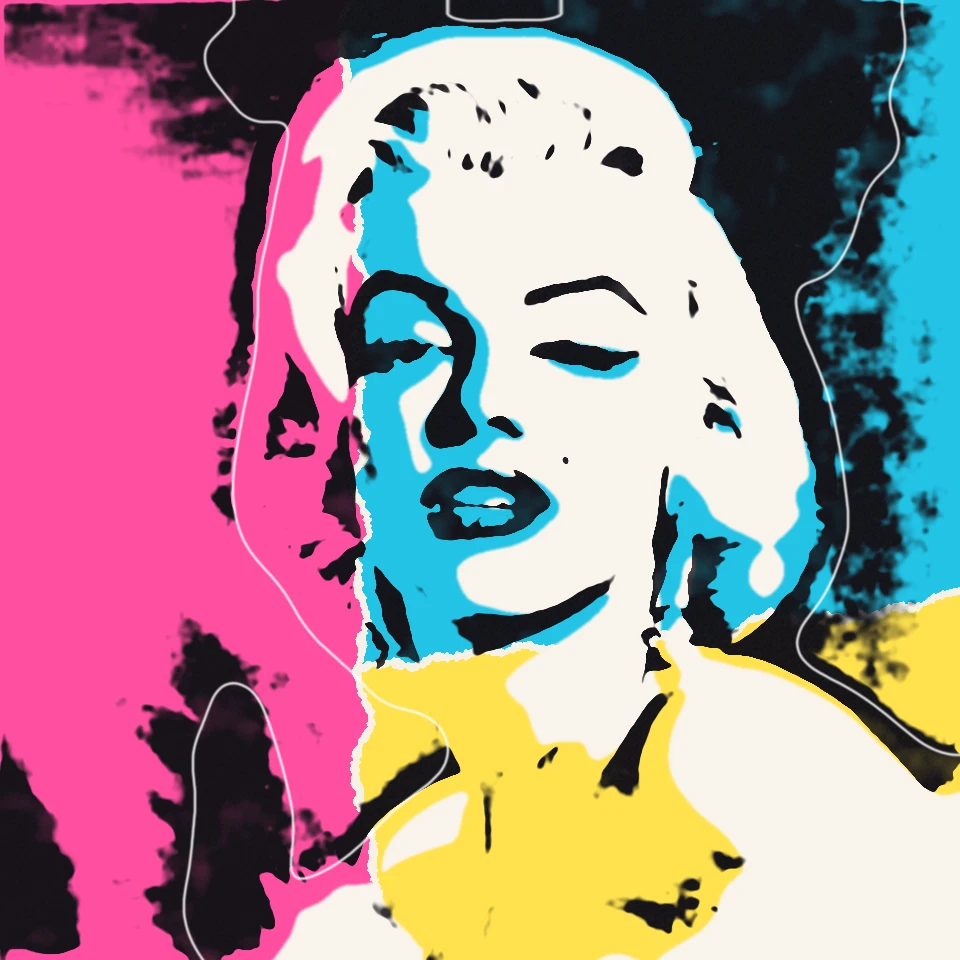
Andy Warhol Prints
Channel Andy Warhol’s Factory energy—bold color grids, repeated icons, and pop-art portraits that feel like silkscreen posters.
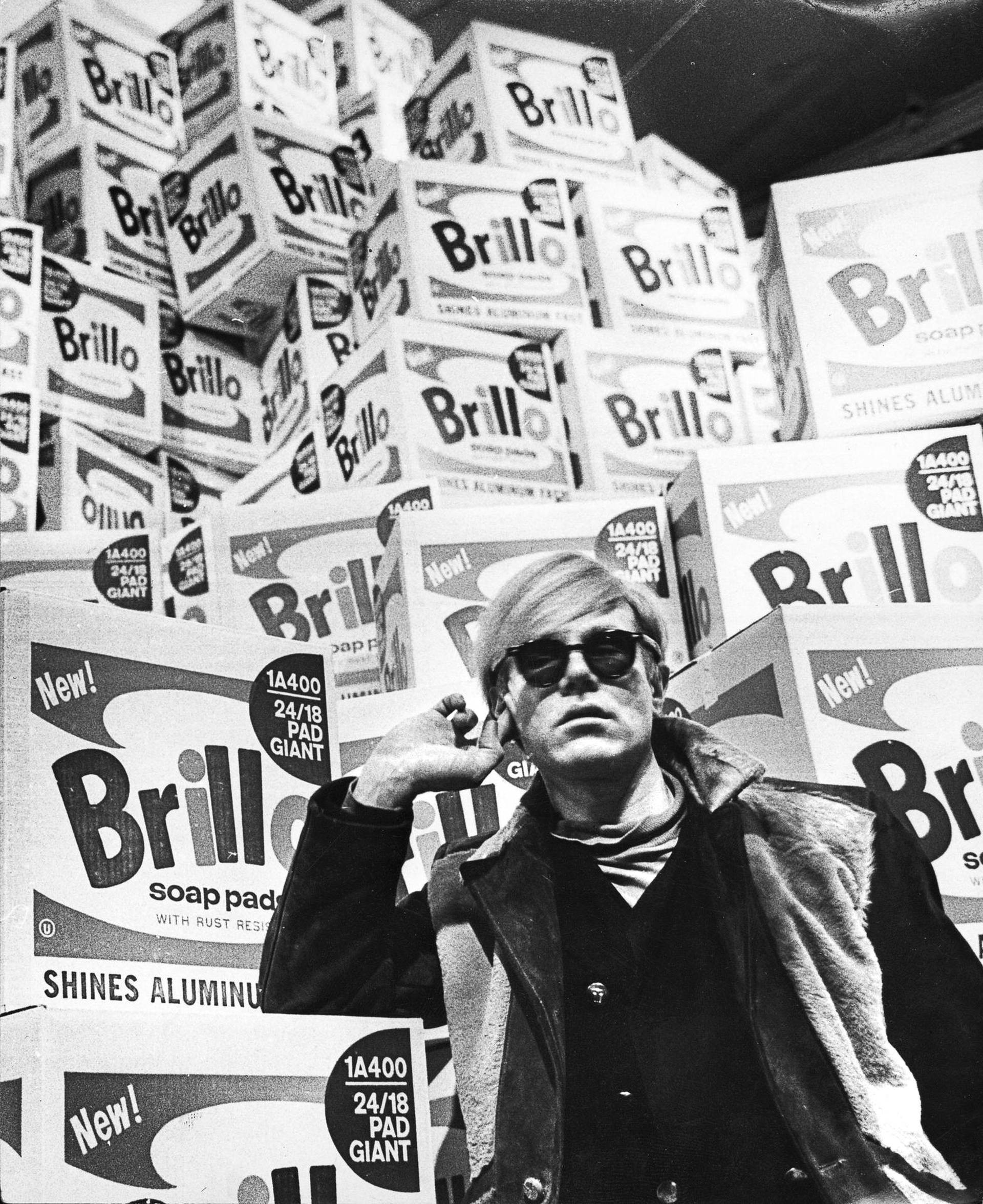
Andy Warhol
The story of Andy Warhol: Pittsburgh, The Factory, Campbell's Soup, Marilyn, the 1968 shooting, Interview magazine, and the museum in Pittsburgh.
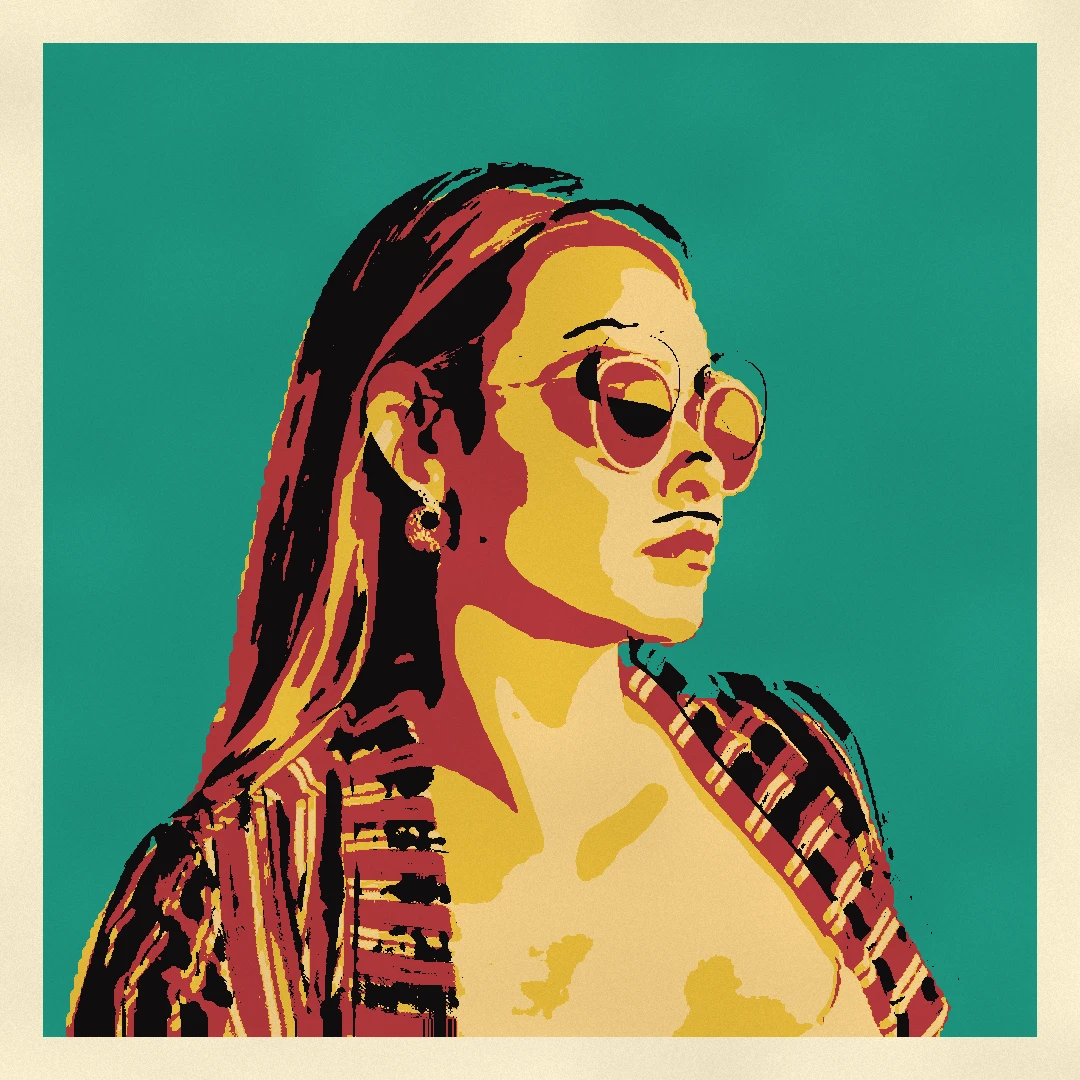
Pop Art photo filter
Turn a photo into pop art in your browser: retro posters, neon stencils, street collages, paint splashes, WPAP facets and palette-knife paintings, plus classic comics, silkscreen grids, halftones and Riso.
Pop Art
Learn how Pop Art turned advertising, comics, and consumer products into art—Andy Warhol, Roy Lichtenstein, silkscreen, and the rise of mass culture.
Ready to try it?
Open PictorX in your browser — no install, no credit card required to start.
Go to Editor