
Team generator
Type the names of the players, the class or the colleagues and divide them into random teams in one click. Choose how many teams you want or how many people go in each team; everyone ends up in exactly one team, and team sizes never differ by more than one. The shuffle comes from the secure random generator of your browser, so nobody can steer who plays with whom. Type one name per line, choose the number of teams or the number of people per team, and press Make teams, or the space bar. Everyone ends up in exactly one team, and team sizes differ by at most one. Your names and the last teams are kept in this browser only.
How it works
- Type the names, one per line, or paste a list separated by commas.
- Choose Number of teams or People per team and set how many.
- Press Make teams or the space bar. Press it again for new teams, copy them or save them as a PDF or JSON.
Fair and balanced
The names are shuffled with crypto.getRandomValues and dealt out one by one, like cards, so team sizes differ by at most one and every split into teams of those sizes is equally likely. With People per team the app makes as few teams as hold everyone: 10 people in teams of 4 become teams of 4, 3 and 3, not 4, 4 and 2.
For sports, school and work
Make teams for football, volleyball or a pub quiz, divide a class into groups for a project, or split colleagues into breakout groups. Each team has its own colour and number, and the list of names is kept in your browser, so the next round of teams is one click away.
Frequently asked questions
Is the team generator free?
Yes. It is free, needs no account and works in any modern browser. Your names and the last teams are stored only in this browser.
Why are some teams one person bigger?
When the number of people cannot be divided evenly, some teams get one person more. The names are dealt out in turn, so the difference is never more than one.
Can I make teams of a fixed size?
Yes. Choose People per team and enter the size. The app makes as few teams as hold everyone and spreads the people evenly over them, so no team is left with only one or two people.
Related tools
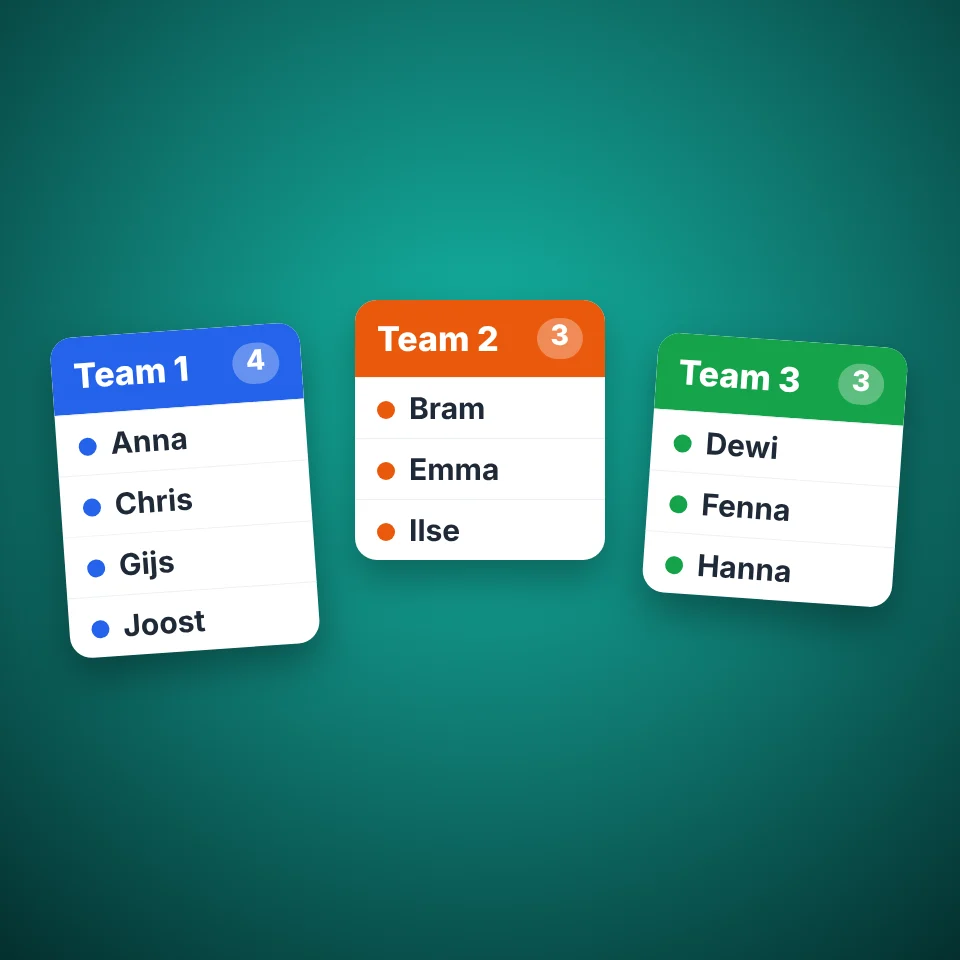
How to make fair teams
How do you make fair teams? Picking teams by captains or by chance, dealing names like cards, and why random groups work well in class and at work.
Draw lots
Draw lots online: pick names from a hat for a raffle or an order, or let everyone draw someone else's name for Sinterklaas or Secret Santa, hidden until each person looks. Fair and free.
Random generator
Draw a random number from 1 to 10, 1 to 100 or any range, roll dice, draw playing cards, flip a coin or draw lots for a raffle or Secret Santa. Fair, free and with a history of your results.
Decision wheel
A free decision wheel: spin a wheel of your own options with weights and colors, get a fair random result, keep a spin history and save lists such as yes or no, dinner or numbers 1 to 10.
Ready to try it?
Open PictorX in your browser — no install, no credit card required to start.
Go to Editor