
Banksy Street Art
En schablon-street-art-studio. Öppna ett foto, skär en hård, mjuk eller grunge-schablon, lägg den på tegel eller din vägg, spraya och droppa. Spara PNG — ingenting laddas upp. Turn a photo into stencil street art — pick a wall, then spray and drip.
Hur det fungerar
- Open this page and try the sample, or open your own photo.
- Pick a stencil look and a wall, then tune contrast, spray, and drips.
- Save a PNG, or keep editing with layers and type in the PictorX editor.
A street-art studio, not a single filter
The existing Banksy effect is one stencil look. This mini-app is a playground: three stencil cuts, ten walls (or your own photo), and spray and drip like the Graffiti Wall. The photo keeps its original aspect ratio. It is inspired by stencil street art, not a copy of any copyrighted work.
Walls, spray, and instant share
Brick, concrete, plaster, metal, wood, a garage door, or a weathered urban wall sit under the stencil. Drag to spray, add drips, shift the stencil shadow, then save a PNG. Processing stays on your device.
Ofta ställda frågor
What does Banksy Street Art do?
It turns a photo into a high-contrast stencil and composites it on a street wall, with spray and drips.
Is this a copy of Banksy’s artworks?
No. It is a stencil street-art style inspired by the look of cutouts and spray paint—not a copy of any copyrighted piece.
How is this different from the Banksy filter or Graffiti Wall?
The Banksy filter is one effect. Graffiti Wall is a spray-and-tag playground. This mini-app combines both: your photo becomes the stencil, then you pick a wall and paint on top.
Do my photos leave my device?
No. Stencil conversion, walls, and spray run in your browser. Nothing is uploaded to PictorX servers.
Relaterade verktyg

Graffitivägg
Sprayfärg, taggar och droppar på en tegelvägg i webbläsaren. Slumpa, ångra och spara PNG — gratis på PictorX.
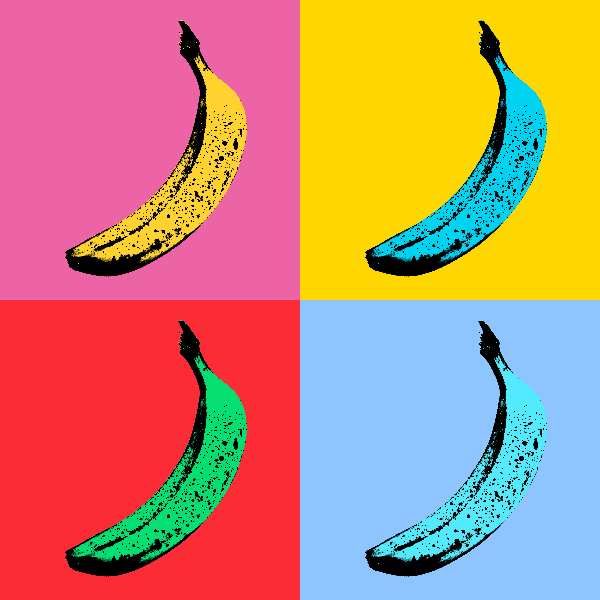
Pop Art effekter
Förvandla foton till djärva Pop Art affischer-neon rutnät, komiska prickar, risograf bläck, Lichtenstein, Banksy stenciler och mer. Använd PictorX gratis i din webbläsare utan programinstallation krävs.
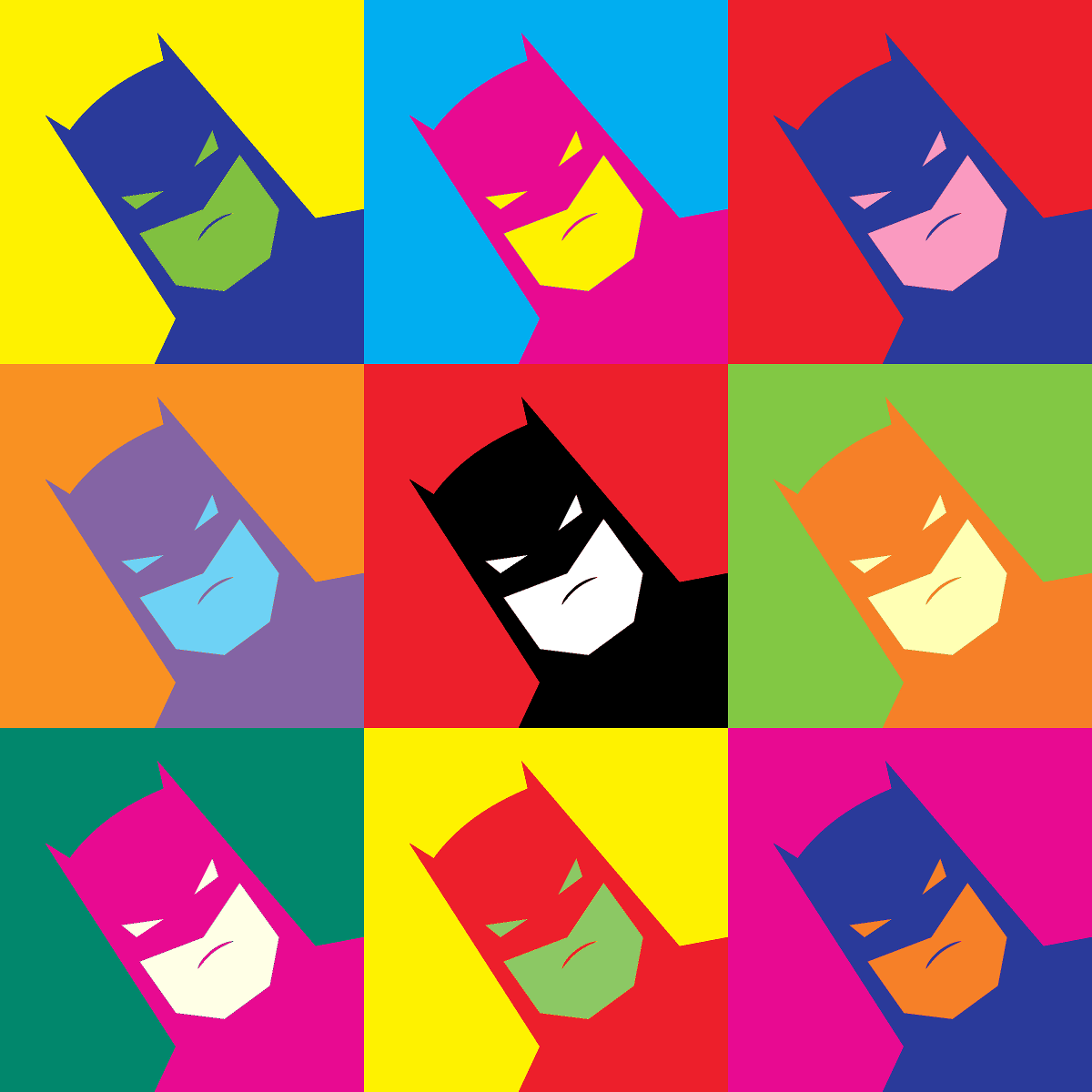
Andy Warhol effekter
Kanal Andy Warhols Factory-energi -bold färgrutnät, upprepade ikoner och pop-art porträtt som känns som silkscreen affischer. Använd PictorX gratis i din webbläsare utan programinstallation krävs.
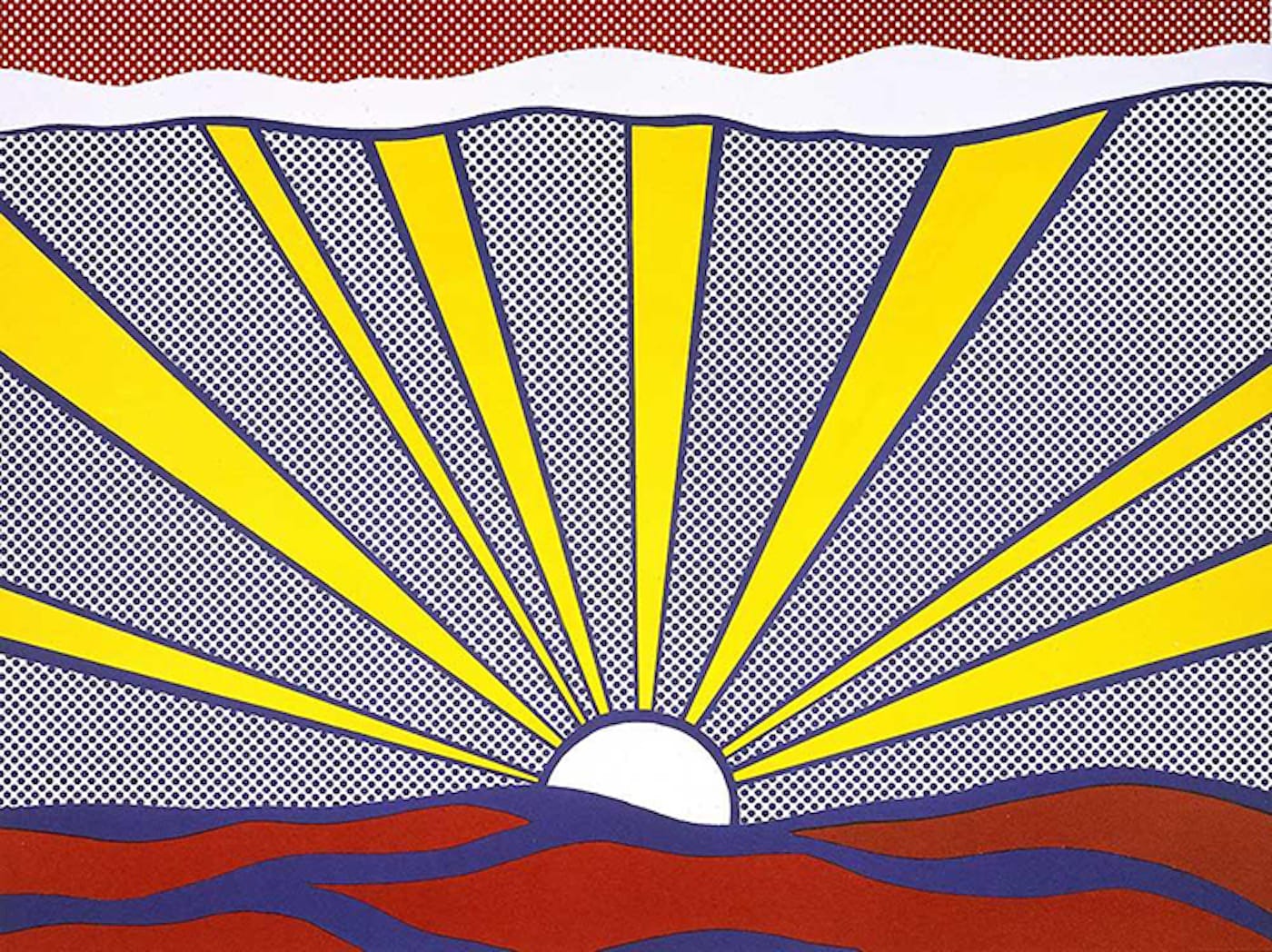
Pop Art
Lär dig hur Pop Art förvandlade reklam, serier och konsumentprodukter till konst -Andy Warhol, Roy Lichtenstein, silkscreen och uppkomsten av masskultur.
Pollock Painter
Måla droppar i Jackson Pollock-stil i webbläsaren. Gestpenslar, Auto-Pollock, paletter och PNG-export — inget laddas upp.
Redo att prova det?
Öppna PictorX i din webbläsare - ingen installation, inget kreditkort krävs för att starta.
Gå till Editor