
Poster Maker
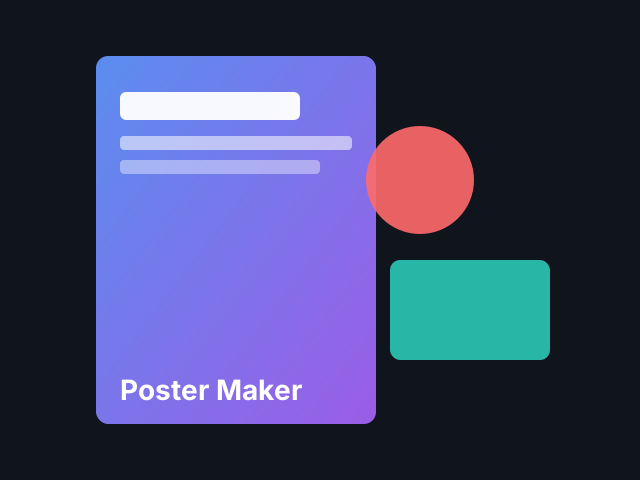
Design posters and flyers in the PictorX editor: pick a layout, add your photo or a stock photo, a pattern background, shapes and editable text.
它是如何运作的
- Open PictorX in your browser and start a new project or load an image.
- Use Poster Maker to shape the result, then refine it with the surrounding editor tools.
- Keep editing, export your work, or turn the result into your next design.
How Poster Maker fits your workflow
Design posters and flyers in the PictorX editor: pick a layout, add your photo or a stock photo, a pattern background, shapes and editable text. PictorX keeps the feature alongside your photos, layers, typography, and design tools, so you can move from an idea to a finished graphic without switching applications.
Create more with Poster Maker
Start with one focused change, review the result in context, and keep iterating. Combine Poster Maker with other PictorX tools when you need a polished image for social media, a presentation, a print layout, or a personal project.
常见问题
Is Poster Maker free to try?
Yes. Open PictorX in a modern browser to try Poster Maker as part of the free editing workflow.
Do I need to install software for Poster Maker?
No. PictorX runs in your browser, so you can start creating without a desktop software install.
How do I get started with Poster Maker?
Open an image or create a new design in PictorX, select Poster Maker, then adjust the result while viewing the rest of your composition.
Can I combine Poster Maker with other PictorX tools?
Yes. Use Poster Maker alongside layers, selections, text, filters, and other PictorX editing tools to finish your design in one workflow.
相关工具

杂志剪贴字母生成器
把输入的文字变成杂志剪贴字母。可混合或锁定字体,随机颜色和大小,下载 PNG。不会上传。

贴纸拼贴
Make a sticker collage free online with PictorX. Open 1 to 8 photos, cut out each subject, wrap it as a sticker, then drag and resize on a transparent, solid, or gradient backdrop.

宝丽来拼贴
使用 PictorX 免费在线制作宝丽来拼贴。用不同照片填充大图、叠放、散落和德罗斯特版式。
渐变编辑器
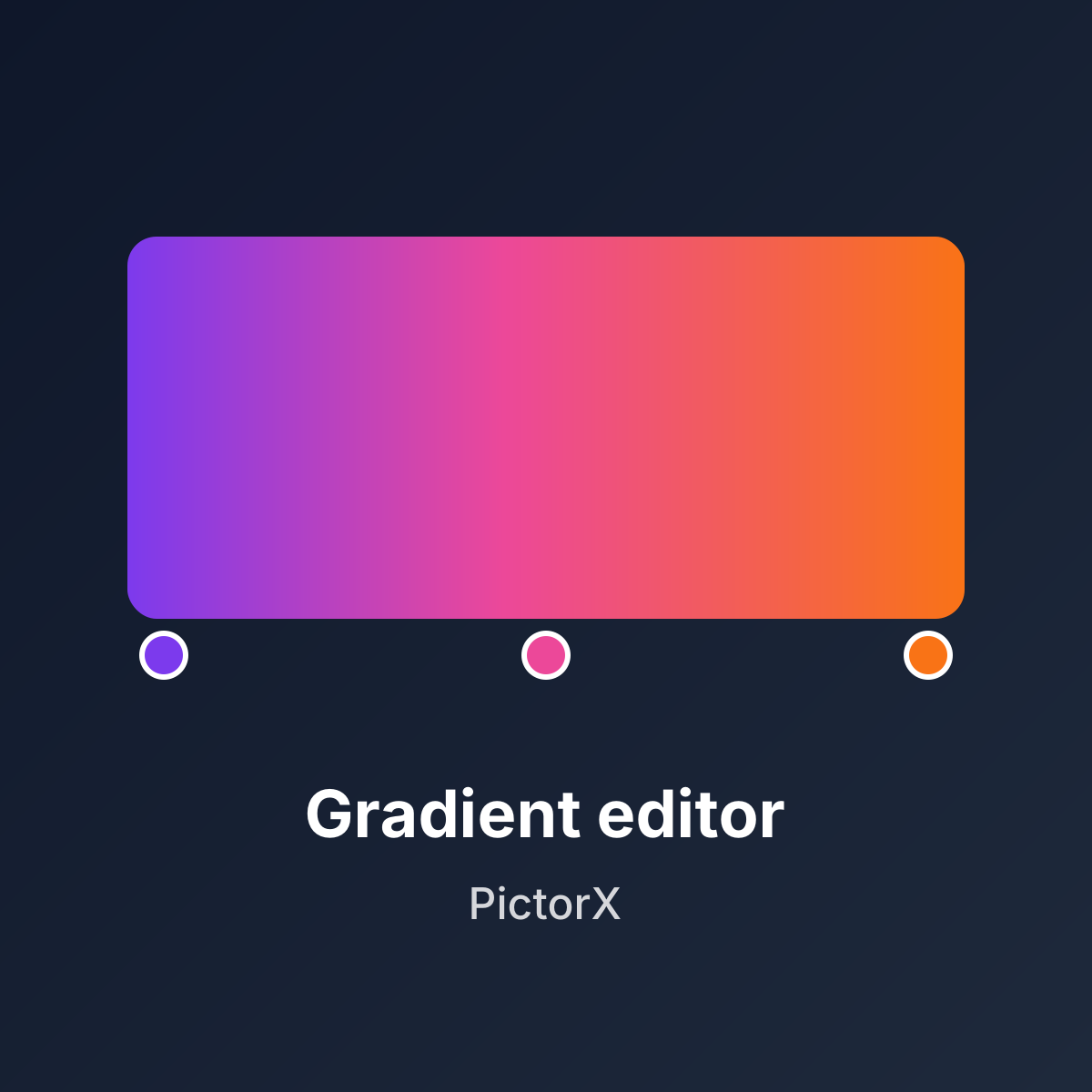
在浏览器中制作线性和径向 CSS 渐变。拖动色标、设置角度,并复制 CSS、HEX、RGB、HSL、HSV 或 CMYK。不会上传任何内容。
准备好尝试了吗?
在浏览器中打开 PictorX — 无需安装,无需信用卡即可启动。
Try Poster Maker