
How network packets work
A web page, a chat message and a video call all cross the Internet the same way: cut into small packets that travel one by one, each finding its own way from router to router. No line is reserved for you, nothing guarantees that a packet arrives, and yet the page appears complete and in order. The trick lies in the headers that every packet carries and in the rules, the protocols, that the two computers at the ends follow.
Why networks send packets
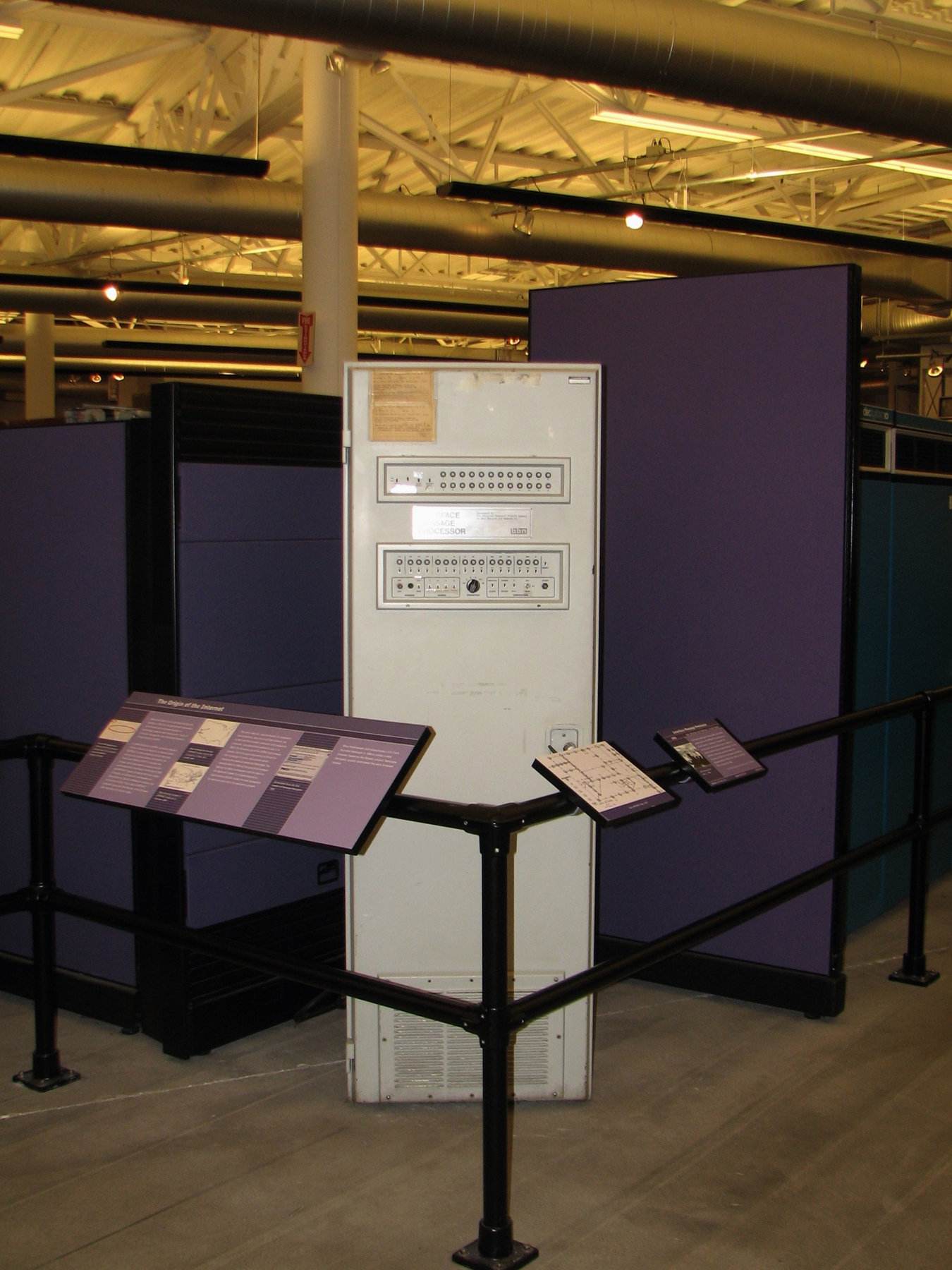
The old telephone network reserved a whole line for every call, even while nobody spoke. In the 1960s Paul Baran in the United States and Donald Davies in Britain proposed something else: cut every message into small blocks, give each block the address of its destination, and let the blocks share the lines, one after another. Davies called the blocks packets. A shared line is never idle while anyone has something to send, and when a line or a router fails, the packets simply take another way. The ARPANET tried the idea in 1969, and the Internet has worked that way ever since.
Headers inside headers
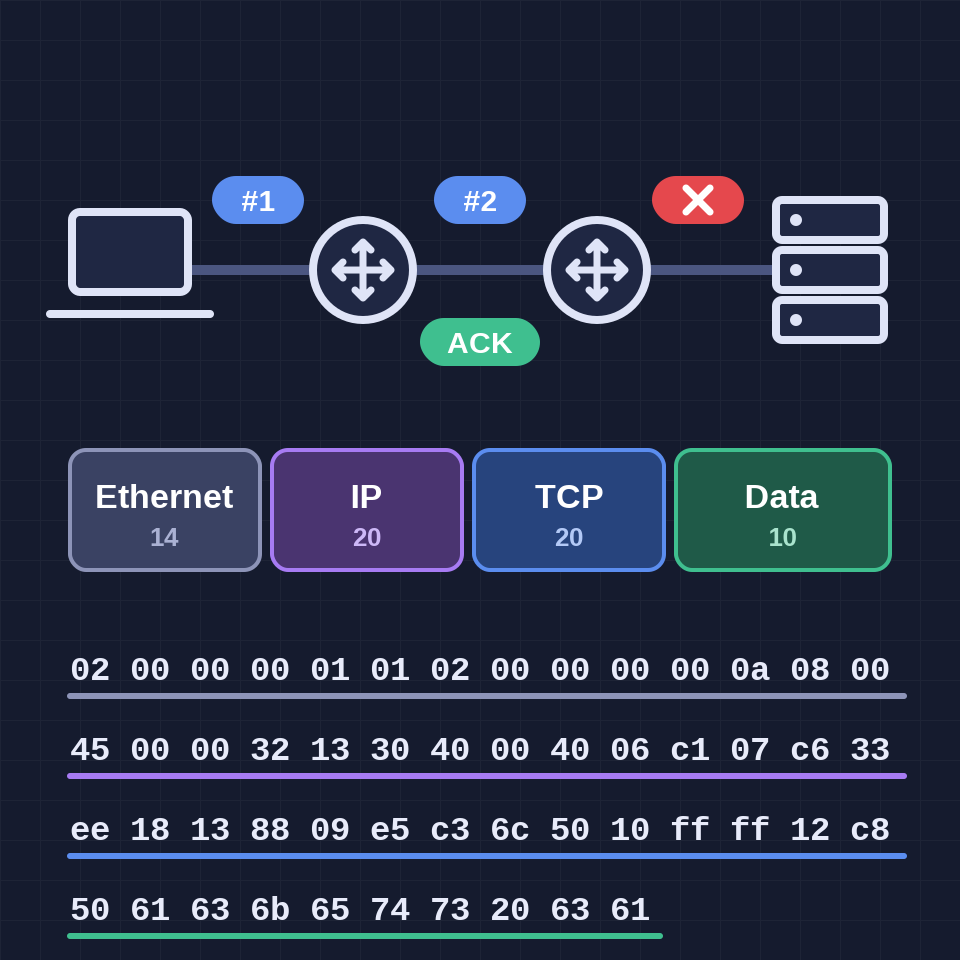
A packet is wrapped like a letter in an envelope in a mailbag. The sender first puts a TCP or UDP header in front of a piece of the message; it holds two port numbers, which say which program on each computer the data belongs to. In front of that goes the IP header with the addresses of the sending and the receiving computer. And in front of that goes an Ethernet header, or that of whatever kind of link comes next, with the hardware addresses of the two devices at the ends of that one cable. Each layer only reads its own header and treats the rest as cargo. A TCP segment in an IPv4 packet in an Ethernet frame carries 20 + 20 + 14 = 54 bytes of headers.
From router to router
A router has several network connections and a table that says which one leads towards which addresses. For every packet that comes in, it looks at the destination IP address, picks the next hop, and sends the packet on in a new frame: the IP addresses stay the same for the whole journey, the hardware addresses are replaced on every link. The router also lowers the time to live in the IP header by one and throws the packet away when it reaches zero, so that a packet caught in a loop cannot circle forever, and because the header changed it computes the header checksum again. That is all a router promises. If its queue is full, it drops the packet without telling anyone.
The three-way handshake
TCP, the Transmission Control Protocol, turns that unreliable delivery into a dependable stream of bytes. Before any data moves, the two sides open a connection with three packets. The client sends a segment with the SYN flag and a starting sequence number chosen at random. The server replies with SYN and ACK: its own starting number, and an acknowledgment of the client's. The client answers with ACK. Now each side has proof that the other receives what it sends, and both know the numbers the bytes will carry.
Sequence numbers and acknowledgments
TCP numbers every byte. The sequence number in a segment's header is the number of its first byte, so the receiver can put the segments in order whatever order they arrive in, and can tell a duplicate from something new. In return, the receiver sends acknowledgments: the acknowledgment number is the next byte it is still waiting for, which confirms everything before it. The sender does not wait for each acknowledgment before it sends the next segment. It keeps a window of several segments on their way at once, and slides the window forward as the acknowledgments come in.
When a packet is lost
The sender keeps a timer for the oldest segment that has not been acknowledged. If the timer runs out, the segment, or its acknowledgment, must have been lost, and the segment is sent again. Waiting for a timer is slow, so there is a second signal. Segments that arrive after a gap cannot move the acknowledgment number forward, so each of them triggers the same acknowledgment once more. When the sender sees three of these duplicate acknowledgments, it knows exactly which segment is missing and sends it again at once: a fast retransmission. Real TCP also takes a loss as a sign that the network is congested and slows down for a while.
UDP: send and hope
UDP, the User Datagram Protocol, adds almost nothing to IP: an 8-byte header with the two ports, a length and a checksum. There is no handshake, no numbering, no acknowledgment and no retransmission. A datagram that is lost stays lost, and the program has to cope. That sounds worse, but it is exactly what a video call, an online game or a DNS lookup wants: no waiting for a connection, and no stalling the stream for a packet that would arrive too late to be of use.
Closing the connection, and checking the bytes
When a side has nothing more to send, it sends a segment with the FIN flag, and the other side acknowledges it and sends a FIN of its own. Along the way every header is protected by a checksum: the bytes are added up as 16-bit numbers, any carry is added back in, and the result is inverted. The receiver adds everything up again, checksum included, and must get all ones; if not, a bit was flipped and the packet is thrown away, which TCP then treats like any other loss. A packet analyzer such as Wireshark shows all of this for real traffic: a list of packets, the fields of each header, and the raw bytes in hexadecimal.
Explore it
Open the network packet visualizer, type a message and press Play. Watch the handshake, the segments and their acknowledgments, and raise the packet loss to see timers run out and segments go a second time. Switch to UDP to see the same message arrive with holes in it. Then click a packet, point at a field to find its bytes, and step from link to link to see the hardware addresses, the time to live and the checksum change at every router.
Frequently asked questions
How big is a real packet?
On Ethernet, and so on most of the Internet, an IP packet is at most 1,500 bytes. Take off 20 bytes for the IPv4 header and 20 for the TCP header, and a segment carries up to 1,460 bytes of data. A photo of a few megabytes therefore crosses the network as several thousand packets.
What is the difference between a frame, a packet and a segment?
They are the names of the same data at different layers. A segment is a TCP header with a piece of the message; UDP calls its unit a datagram. A packet is that segment with an IP header in front. A frame is the packet with the header of one link, such as Ethernet, in front. In everyday use, packet covers all three.
What is a port number?
A number from 0 to 65,535 that says which program on a computer a packet is for, as a flat number does in an apartment building. Servers listen on well-known ports, such as 443 for secure web pages and 53 for DNS, and the client picks a free high number for its own end. The two addresses and the two ports together identify one connection.
Do packets always arrive in the order they were sent?
No. Packets of one connection can take different routes, and a retransmitted segment arrives long after the ones that followed it. IP delivers them as they come. TCP uses the sequence numbers to put the bytes back in order before it hands them to the program; with UDP the program has to sort that out itself.
Related tools
Network packet visualizer
Watch a message travel as packets from a client through routers to a server. See the TCP three-way handshake, acknowledgments, lost packets and retransmissions, compare TCP with UDP, and open every packet down to the bytes of its Ethernet, IP and TCP headers.
Error-correcting code simulator
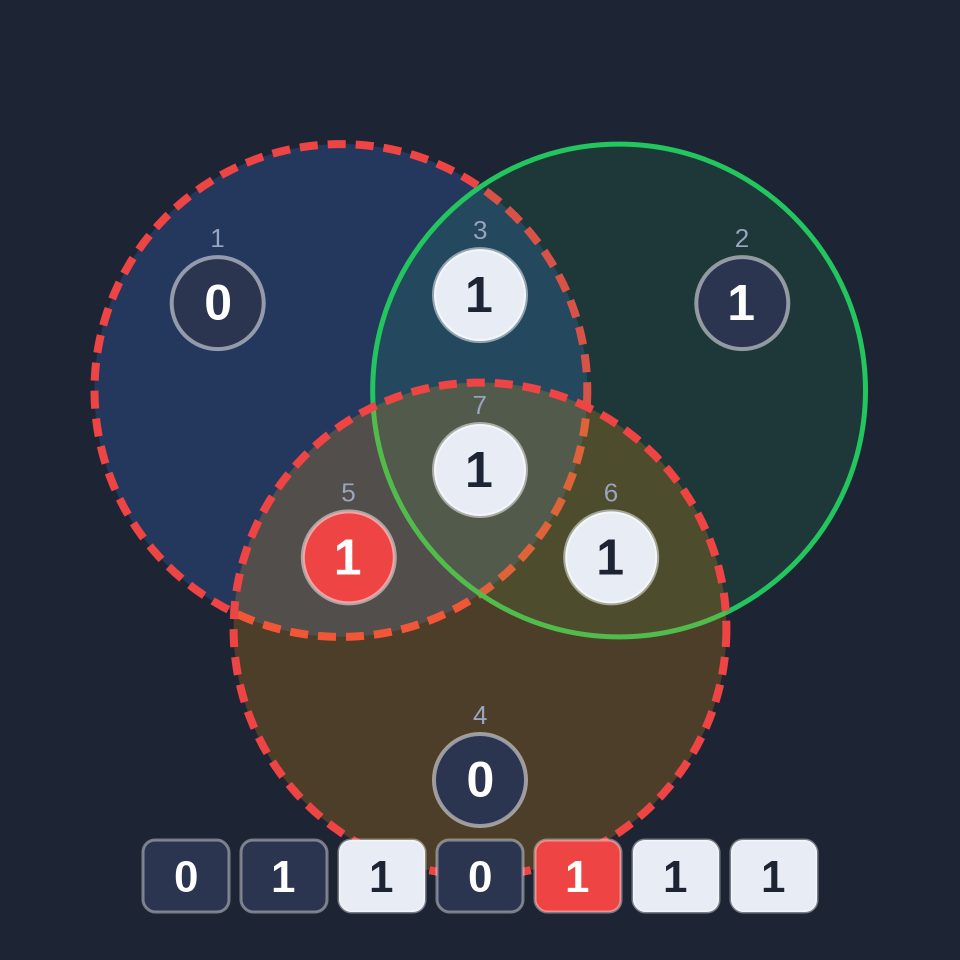
Flip bits in a Hamming (7,4) codeword and watch three parity circles find and fix the error. Detect double errors with an extra parity bit, and send text through a noisy channel with and without the code.
Hash function playground
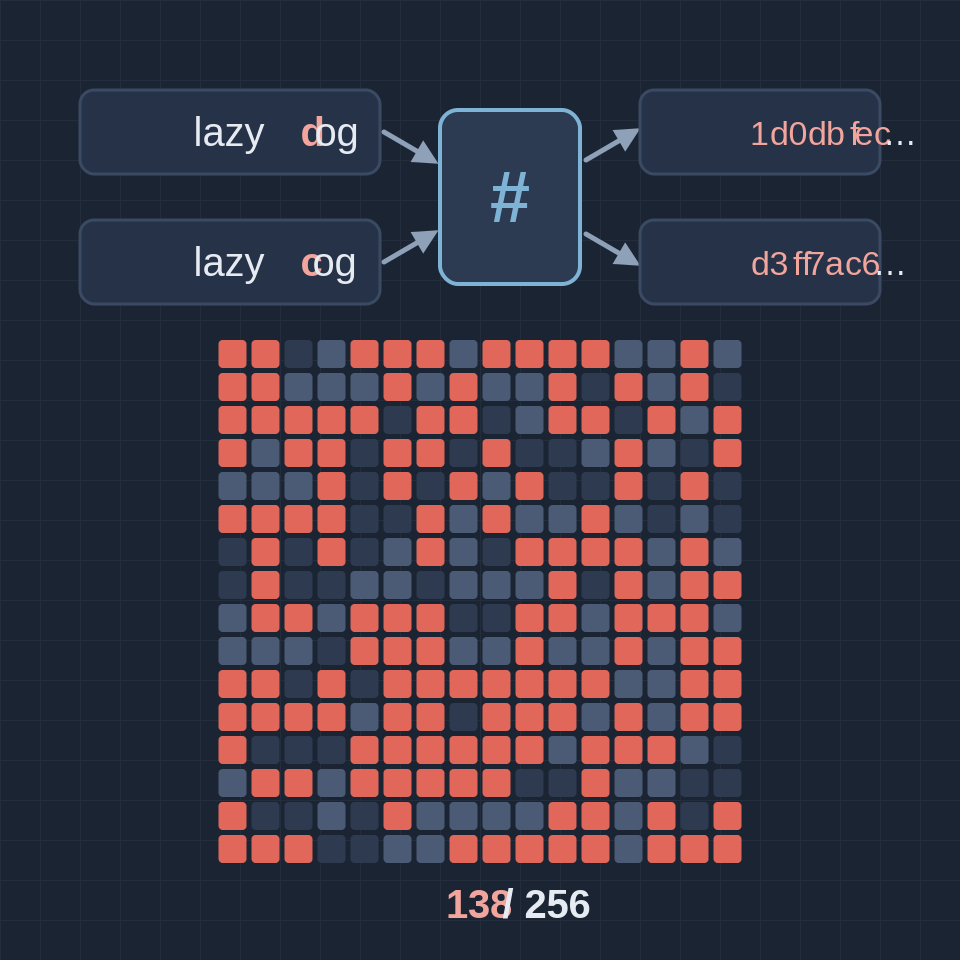
Hash any text with SHA-256, SHA-512, SHA-1, MD5 and CRC-32, change one character and watch half the digest bits flip, test the avalanche effect, and find collisions on short digests with the birthday attack.
Dijkstra's algorithm
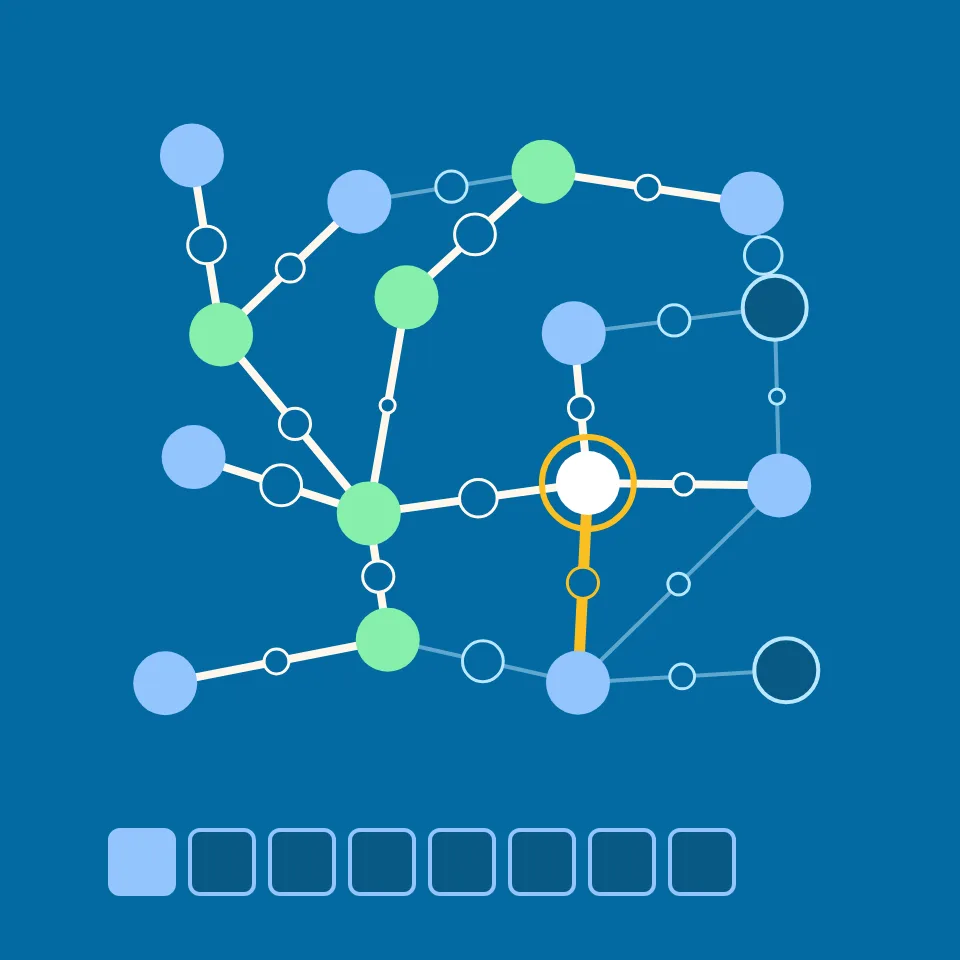
Watch Dijkstra's algorithm find shortest paths on a weighted graph. Pick a start and a goal, see the priority queue, and watch each distance drop until it is final.
Diffie-Hellman key exchange
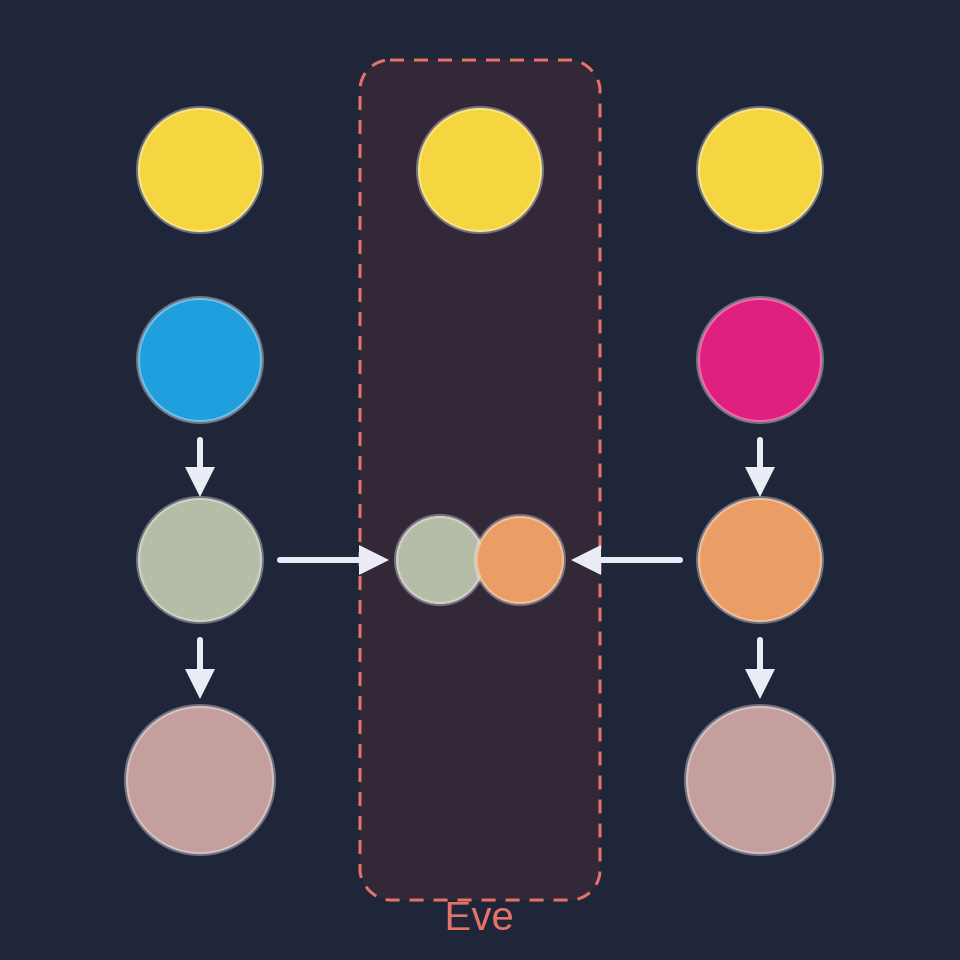
See how two people agree on a secret key in public: the Diffie-Hellman exchange step by step, as paint mixing and as gᵃ mod p, with Eve trying every exponent to break it.
Ready to try it?
Open PictorX in your browser — no install, no credit card required to start.
Open the network packet visualizer