
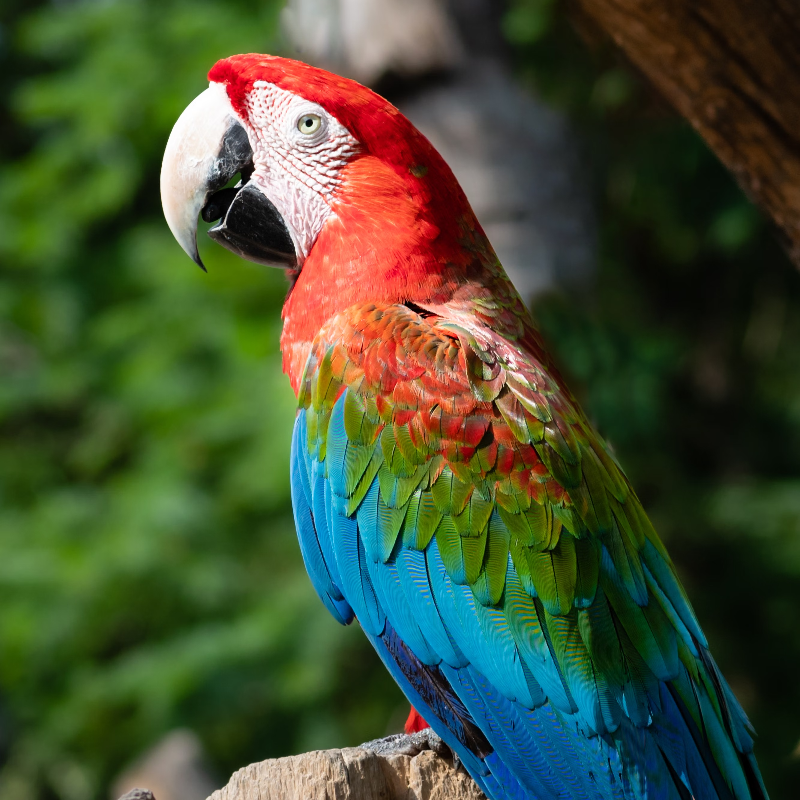
把照片变成综合媒介拼贴
Overlapping scraps each get a different studio treatment: purple and cyan halftones, newsprint, xerox, risograph pink, CMYK offset, threshold, and paint wash. Torn edges, polaroid frames, washi tape, and staples make the stack feel assembled. PictorX Mixed Media runs in the browser, then lets you keep editing with layers, text, and other effects. 在下方试一下综合媒介效果,或打开您自己的图片。
它是如何运作的
- Open PictorX in your browser and load a photo.
- Choose Mixed Media, then try Collage, Assemblage, or Zine and tune panels, tear, and intensity.
- Export the collage, or keep editing with layers and other effects in the same workspace.
Why the collage look works
Portraits, fashion shots, and bold products give each scrap a clear subject to texture. Tear frays the edges; intensity pushes how strongly each treatment replaces the photo; grain, tape, and borders add a studio-table finish.
Style, panels, tear, and circles
Style picks Collage, Strips, Blocks, Shards, Assemblage, or Zine. Panels sets how many scraps appear. Tear and intensity control edge distress and strength. Borders add tape, staples, and polaroid frames; Circles add hand-drawn studio rings.
常见问题
What does the Mixed Media filter do?
It rebuilds a photo as a collage of torn, stacked scraps—halftone, xerox, newsprint, risograph, and similar studio looks—optionally with tape, staples, polaroid frames, and hand-drawn circles.
What do Style and Tear change?
Style picks Collage, Strips, Blocks, Shards, Assemblage, or Zine. Tear frays the scrap edges; panels and intensity control how many pieces appear and how strong each treatment is.
What photos work best?
Portraits, fashion, and bold subjects with clear shapes. Busy backgrounds still work; they become part of each textured scrap.
Can I keep editing after applying Mixed Media?
Yes. Continue with layers, text, other artistic looks, or export from the same PictorX workspace.
相关工具

准备好尝试了吗?
在浏览器中打开 PictorX — 无需安装,无需信用卡即可启动。
前往编辑器