
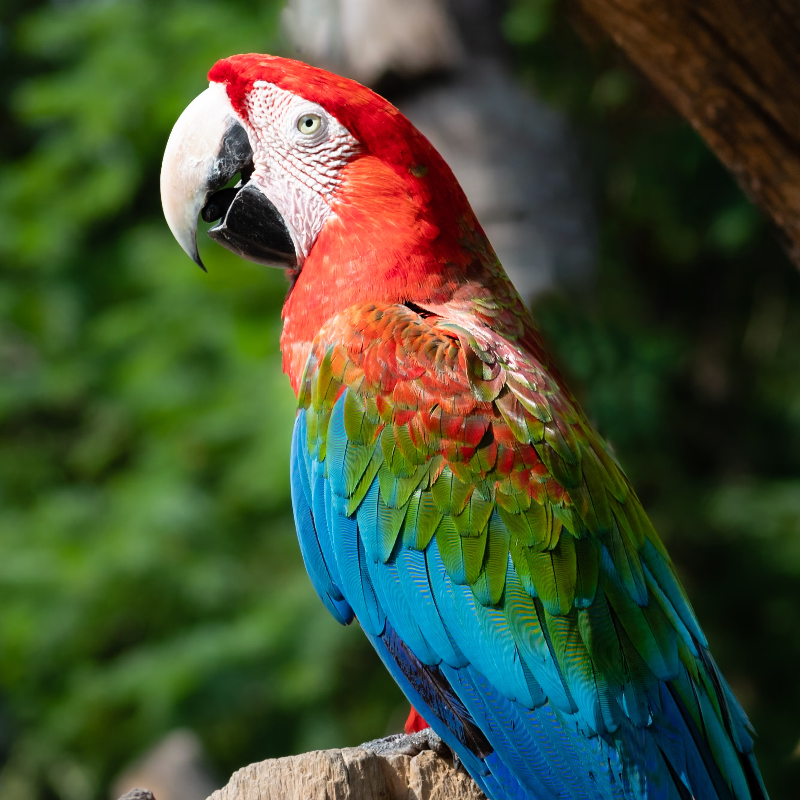
Probeer hieronder een Mixed Media-look, of open je eigen afbeelding.
Turn a photo into a mixed-media collage
Overlapping scraps each get a different studio treatment: purple and cyan halftones, newsprint, xerox, risograph pink, CMYK offset, threshold, and paint wash. Torn edges, polaroid frames, washi tape, and staples make the stack feel assembled. PictorX Mixed Media runs in the browser, then lets you keep editing with layers, text, and other effects. Probeer hieronder een Mixed Media-look, of open je eigen afbeelding.
Hoe het werkt
- Open PictorX in your browser and load a photo.
- Choose Mixed Media, then try Collage, Assemblage, or Zine and tune panels, tear, and intensity.
- Export the collage, or keep editing with layers and other effects in the same workspace.
Why the collage look works
Portraits, fashion shots, and bold products give each scrap a clear subject to texture. Tear frays the edges; intensity pushes how strongly each treatment replaces the photo; grain, tape, and borders add a studio-table finish.
Style, panels, tear, and circles
Style picks Collage, Strips, Blocks, Shards, Assemblage, or Zine. Panels sets how many scraps appear. Tear and intensity control edge distress and strength. Borders add tape, staples, and polaroid frames; Circles add hand-drawn studio rings.
Veelgestelde vragen
What does the Mixed Media filter do?
It rebuilds a photo as a collage of torn, stacked scraps—halftone, xerox, newsprint, risograph, and similar studio looks—optionally with tape, staples, polaroid frames, and hand-drawn circles.
What do Style and Tear change?
Style picks Collage, Strips, Blocks, Shards, Assemblage, or Zine. Tear frays the scrap edges; panels and intensity control how many pieces appear and how strong each treatment is.
What photos work best?
Portraits, fashion, and bold subjects with clear shapes. Busy backgrounds still work; they become part of each textured scrap.
Can I keep editing after applying Mixed Media?
Yes. Continue with layers, text, other artistic looks, or export from the same PictorX workspace.
Gerelateerde gereedschappen
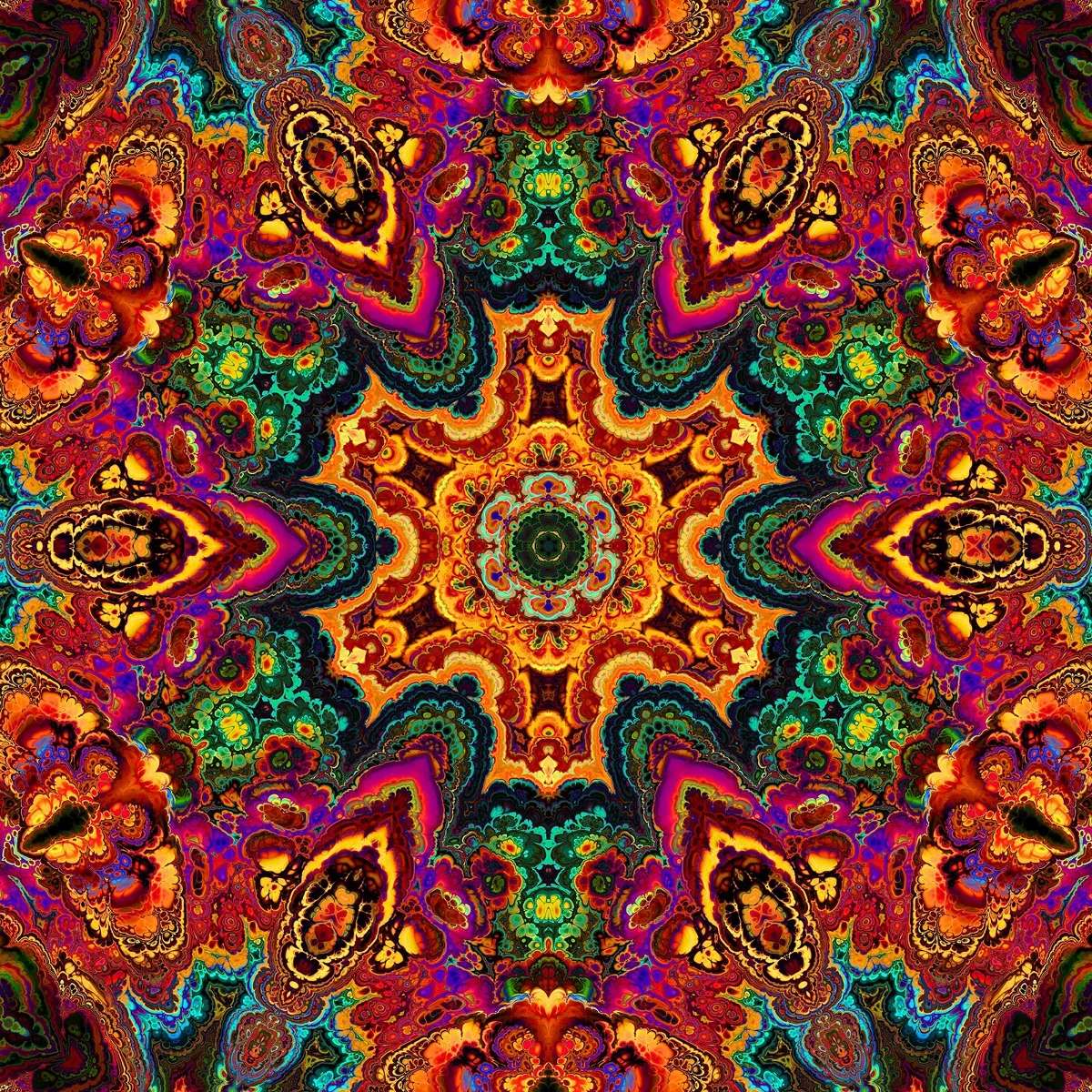
Caleidoscopen
Hoe caleidoscopen werken: Brewsters uitvinding, schuine spiegels, radiale symmetrie en digitale filters in PictorX.
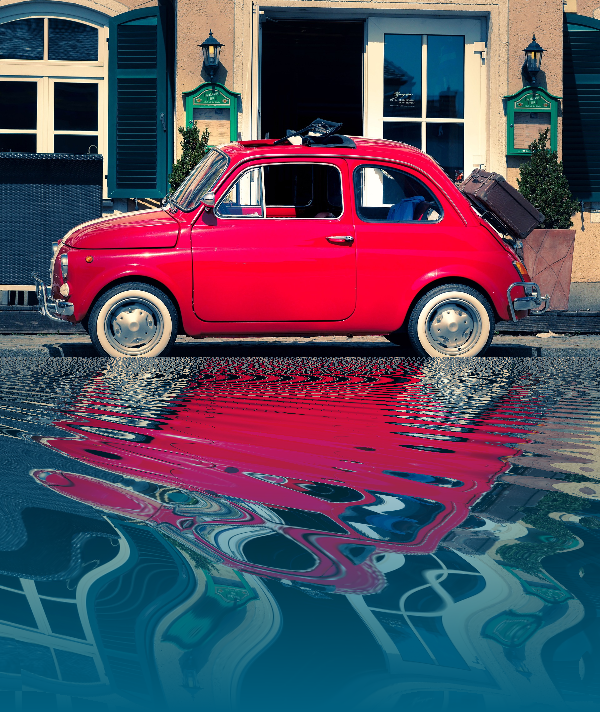
Reflectie-effecten
Spiegel-, tegel-, water-, natte vloer- en caleidoscooplooks die een foto omzetten in een weerspiegelde compositie. Gebruik PictorX gratis in uw browser en er is geen software-installatie vereist.

Spirograaf
Teken hypotrochoïden en epitrochoïden in je browser. Stel R, r en penoffset in, animeer, randomiseer en sla een PNG op. Niets wordt geüpload.
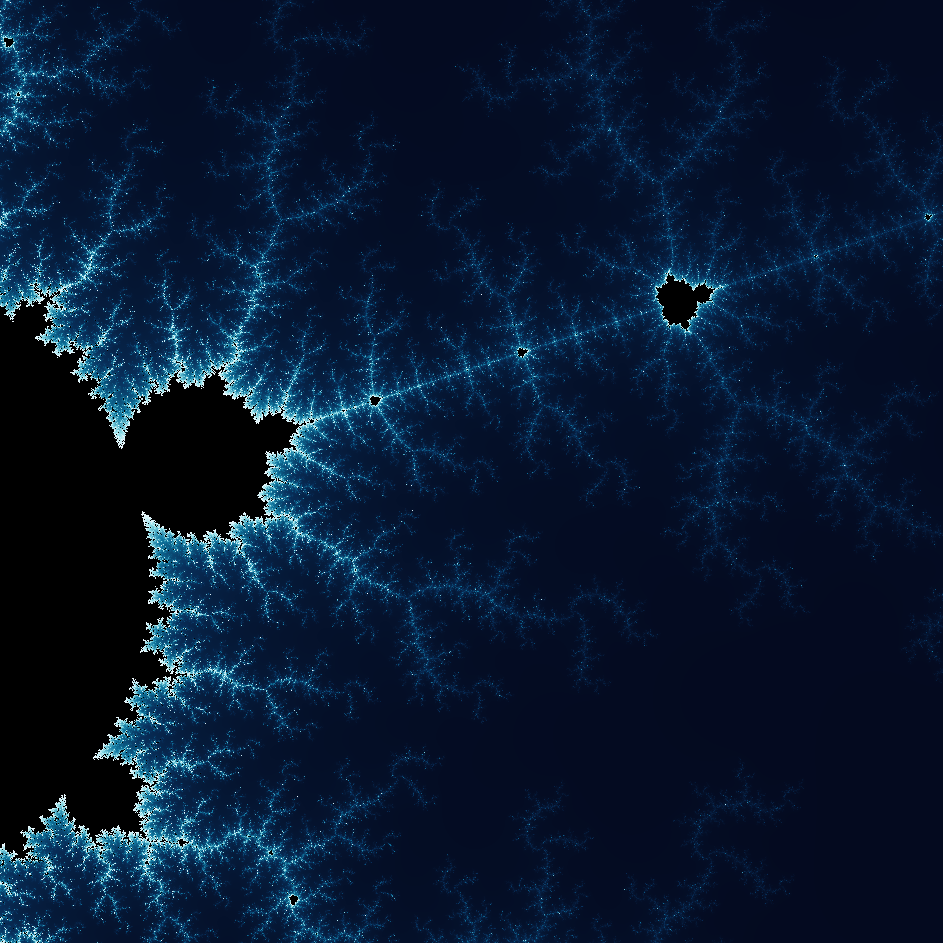
Ontdek de wonderlijke wereld van fractals
Ontdek de wonderlijke wereld van fractals. Fractals zijn complexe, gedetailleerde geometrische patronen die overal in de natuur voorkomen.
Klaar om het te proberen?
Open PictorX in uw browser - geen installatie, geen creditcard vereist om te starten.
Ga naar Editor