

아래에서 모자이크 스타일을 시험해 보거나 직접 사진을 여세요.
격자 모자이크 effect
Open a photo and apply 격자 모자이크 in PictorX. This look is part of 돌 모자이크—adjust the settings on this page, then keep editing with layers, text, and other effects in the same workspace. 아래에서 모자이크 스타일을 시험해 보거나 직접 사진을 여세요.
작동 원리
- Open this page and try 격자 모자이크 on the sample, or open your own photo.
- Tune the 격자 모자이크 settings, or switch to another look in 돌 모자이크.
- Save the result, or keep editing with layers, text, and other effects in PictorX.
What the 격자 모자이크 effect does
격자 모자이크 is one of the looks in PictorX 돌 모자이크. Apply it in your browser, then keep working in the same project—crop, type, or add another effect without starting over.
More looks in 돌 모자이크
This page opens 돌 모자이크 with 격자 모자이크 already selected. Switch looks on the demo to compare styles, or open the full 돌 모자이크 page to browse every option in the set.
Looks in this set
관련 도구
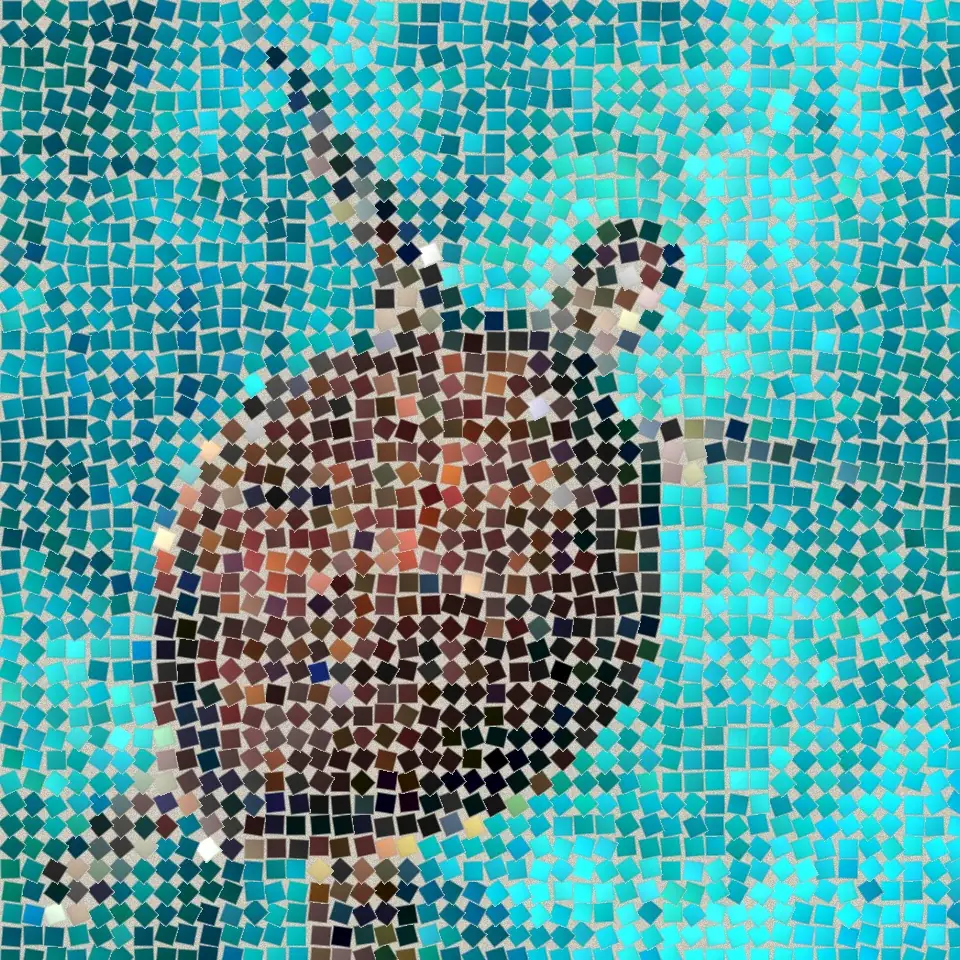
돌 모자이크
브라우저에서 사진을 진짜 돌 모자이크로 바꾸세요. 줄눈 속 사각형 돌이 로마 모자이크처럼 이미지의 가장자리를 따라 흐릅니다. 무료, 업로드 없음.
로마 모자이크 effect
Apply a 로마 모자이크 effect to photos free in your browser. Open the 돌 모자이크 tools, tune the look, and keep editing in PictorX. No install.
섬세한 모자이크 effect
Apply a 섬세한 모자이크 effect to photos free in your browser. Open the 돌 모자이크 tools, tune the look, and keep editing in PictorX. No install.
바닥 모자이크 effect
Apply a 바닥 모자이크 effect to photos free in your browser. Open the 돌 모자이크 tools, tune the look, and keep editing in PictorX. No install.
어두운 줄눈 effect
Apply a 어두운 줄눈 effect to photos free in your browser. Open the 돌 모자이크 tools, tune the look, and keep editing in PictorX. No install.
비잔틴 골드 effect
Apply a 비잔틴 골드 effect to photos free in your browser. Open the 돌 모자이크 tools, tune the look, and keep editing in PictorX. No install.
시도해 볼 준비가 되셨나요?
브라우저에서 PictorX를 엽니다. 설치가 필요 없고 시작하는 데 신용 카드가 필요하지 않습니다.
편집기로 이동