

下でモザイクのスタイルを試すか、自分の画像を開いてください。
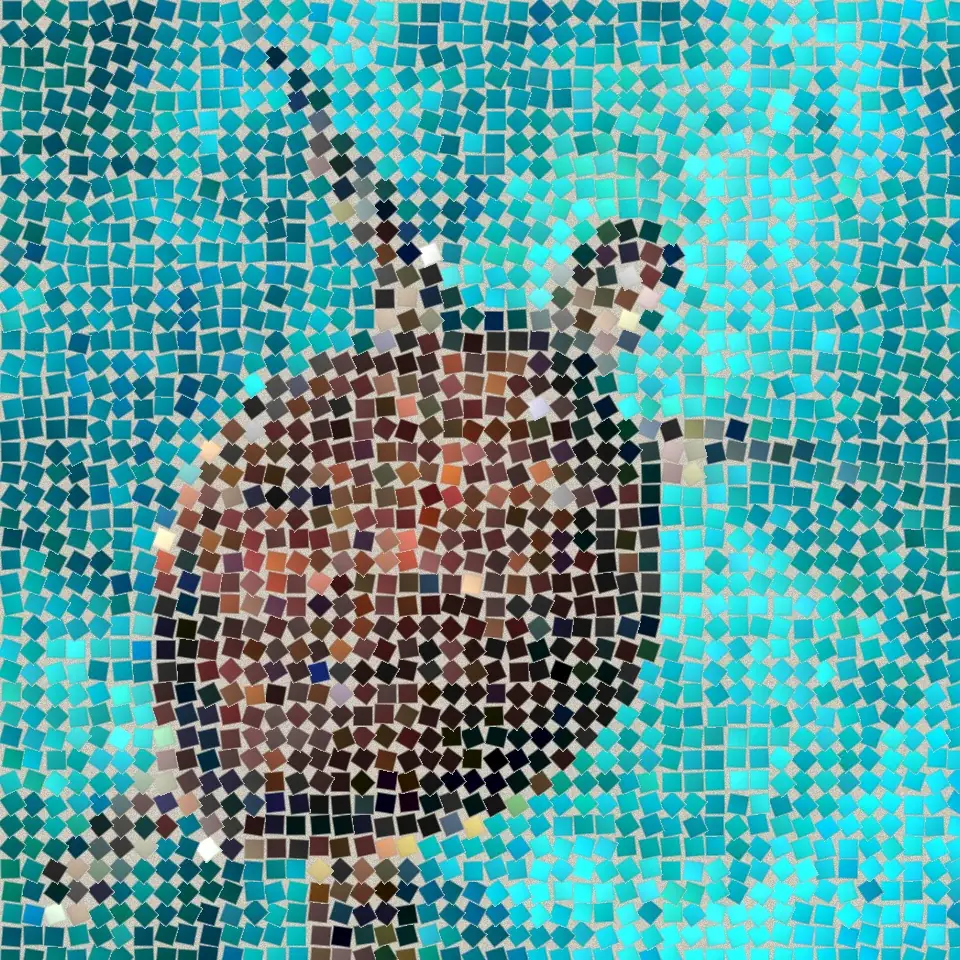
格子のモザイク effect
Open a photo and apply 格子のモザイク in PictorX. This look is part of 石のモザイク—adjust the settings on this page, then keep editing with layers, text, and other effects in the same workspace. 下でモザイクのスタイルを試すか、自分の画像を開いてください。
使い方
- Open this page and try 格子のモザイク on the sample, or open your own photo.
- Tune the 格子のモザイク settings, or switch to another look in 石のモザイク.
- Save the result, or keep editing with layers, text, and other effects in PictorX.
What the 格子のモザイク effect does
格子のモザイク is one of the looks in PictorX 石のモザイク. Apply it in your browser, then keep working in the same project—crop, type, or add another effect without starting over.
More looks in 石のモザイク
This page opens 石のモザイク with 格子のモザイク already selected. Switch looks on the demo to compare styles, or open the full 石のモザイク page to browse every option in the set.
Looks in this set
関連ツール
石のモザイク
ブラウザで写真を本物の石のモザイクに。目地に並んだ四角い石が、ローマのモザイクのように画像の輪郭に沿って流れます。無料、アップロード不要。
ローマのモザイク effect
Apply a ローマのモザイク effect to photos free in your browser. Open the 石のモザイク tools, tune the look, and keep editing in PictorX. No install.
細かいモザイク effect
Apply a 細かいモザイク effect to photos free in your browser. Open the 石のモザイク tools, tune the look, and keep editing in PictorX. No install.
床のモザイク effect
Apply a 床のモザイク effect to photos free in your browser. Open the 石のモザイク tools, tune the look, and keep editing in PictorX. No install.
暗い目地 effect
Apply a 暗い目地 effect to photos free in your browser. Open the 石のモザイク tools, tune the look, and keep editing in PictorX. No install.
ビザンチンゴールド effect
Apply a ビザンチンゴールド effect to photos free in your browser. Open the 石のモザイク tools, tune the look, and keep editing in PictorX. No install.
試してみますか?
ブラウザで PictorX を開きます。インストール不要、始めるのにクレジットカードも不要です。
エディターへ