

Prøv et mosaiklook nedenfor, eller åbn dit eget billede.
Gittermosaik effect
Open a photo and apply Gittermosaik in PictorX. This look is part of Stenmosaik—adjust the settings on this page, then keep editing with layers, text, and other effects in the same workspace. Prøv et mosaiklook nedenfor, eller åbn dit eget billede.
Sådan virker det
- Open this page and try Gittermosaik on the sample, or open your own photo.
- Tune the Gittermosaik settings, or switch to another look in Stenmosaik.
- Save the result, or keep editing with layers, text, and other effects in PictorX.
What the Gittermosaik effect does
Gittermosaik is one of the looks in PictorX Stenmosaik. Apply it in your browser, then keep working in the same project—crop, type, or add another effect without starting over.
More looks in Stenmosaik
This page opens Stenmosaik with Gittermosaik already selected. Switch looks on the demo to compare styles, or open the full Stenmosaik page to browse every option in the set.
Looks in this set
Relaterede værktøjer
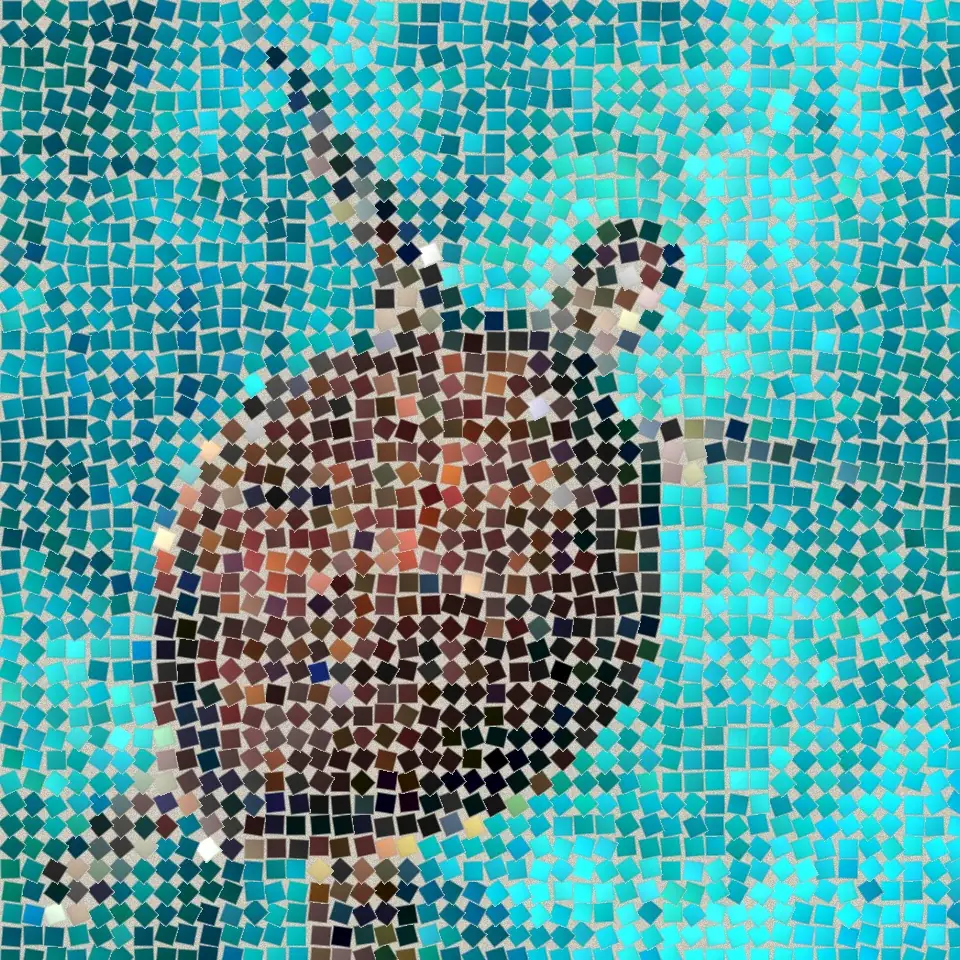
Stenmosaik
Gør et foto til en ægte stenmosaik i browseren: firkantede sten i fuger, der følger billedets kanter som en romersk mosaik. Gratis, uden upload.
Romersk mosaik effect
Apply a Romersk mosaik effect to photos free in your browser. Open the Stenmosaik tools, tune the look, and keep editing in PictorX. No install.
Fin mosaik effect
Apply a Fin mosaik effect to photos free in your browser. Open the Stenmosaik tools, tune the look, and keep editing in PictorX. No install.
Gulvmosaik effect
Apply a Gulvmosaik effect to photos free in your browser. Open the Stenmosaik tools, tune the look, and keep editing in PictorX. No install.
Mørke fuger effect
Apply a Mørke fuger effect to photos free in your browser. Open the Stenmosaik tools, tune the look, and keep editing in PictorX. No install.
Byzantinsk guld effect
Apply a Byzantinsk guld effect to photos free in your browser. Open the Stenmosaik tools, tune the look, and keep editing in PictorX. No install.
Er du klar til at prøve?
Åbn PictorX i din browser – ingen installation og intet kreditkort for at komme i gang.
Gå til Editor