
Dinding graffiti
Cat semprot, tag, dan tetesan di dinding bata. Acak, pindahkan tag, undo, dan simpan PNG. Spray tags and drips on a brick graffiti wall — or let Auto-spray go wild.
cara itu works
- Buka PictorX di browser Anda dan mulai baru proyek atau load gambar.
- Gunakan Dinding graffiti ke bentuk hasil, lalu sempurnakan itu dengan surrounding editor alat.
- biarkan pengeditan, ekspor Anda kerja, atau ubah hasil menjadi Anda berikutnya desain.
cara Dinding graffiti fits Anda alur kerja
Cat semprot, tag, dan tetesan di dinding bata. PictorX menyimpan fitur alongside Anda foto, lapisan, typography, dan desain alat, sehingga Anda dapat pindahkan dari idea ke selesai grafis tanpa berpindah aplikasi.
Buat lebih dengan Dinding graffiti
Mulai dengan satu focused ubah, ulasan hasil di context, dan biarkan iterating. gabungkan Dinding graffiti dengan lain PictorX alat saat Anda membutuhkan polished gambar untuk sosial media, presentasi, cetak tata letak, atau personal proyek.
Frequently asked questions
Is Graffiti Wall free to try?
Yes. Open PictorX in a modern browser to try Graffiti Wall as part of the free editing workflow.
Do I need to install software for Graffiti Wall?
No. PictorX runs in your browser, so you can start creating without a desktop software install.
How do I get started with Graffiti Wall?
Open an image or create a new design in PictorX, select Graffiti Wall, then adjust the result while viewing the rest of your composition.
Can I combine Graffiti Wall with other PictorX tools?
Yes. Use Graffiti Wall alongside layers, selections, text, filters, and other PictorX editing tools to finish your design in one workflow.
Related alat

Generator huruf guntingan majalah
Ubah kata menjadi huruf guntingan majalah. Campur font atau kunci satu, unduh PNG. Tidak ada yang diunggah.
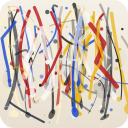
Pollock Painter
Lukis tetesan bergaya Jackson Pollock di browser. Kuas gestur, Auto-Pollock, palet, dan ekspor PNG — tidak ada yang diunggah.
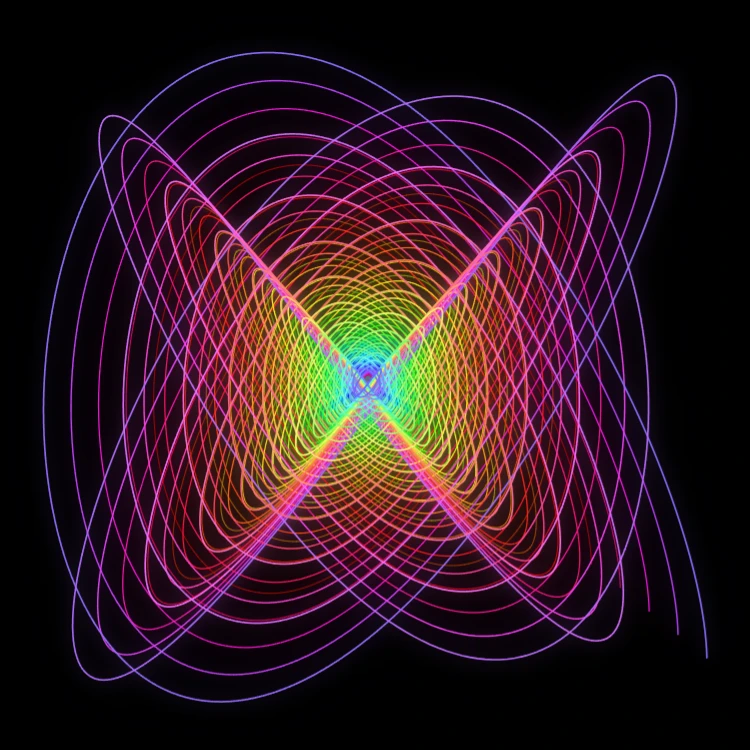
Pendulum lukis
Lukis kurva Lissajous teredam di browser—pendulum lukis Blackburn klasik. Atur rasio frekuensi, fase, dan redaman, animasikan jejak, dan simpan PNG. Tidak ada yang diunggah.

Spirograph
Gambar hipotrochoid dan epitrochoid di browser. Atur R, r, dan offset pena, animasikan, acak gaya, dan simpan PNG. Tidak ada yang diunggah.
Siap ke coba itu?
Buka PictorX di browser Anda — tidak instalasi, tidak credit kartu diperlukan ke mulai.
Ke Editor