
Mur de graffiti
Peinture spray, tags et coulures sur un mur de briques. Randomisez, déplacez les tags, annulez et enregistrez en PNG. Spray tags and drips on a brick graffiti wall — or let Auto-spray go wild.
Comment ça marche
- Ouvrez PictorX dans votre navigateur et démarrez un nouveau projet ou chargez une image.
- Utilisez Mur de graffiti pour façonner le résultat, puis affinez-le avec les autres outils de l’éditeur.
- Continuez à éditer, exportez votre travail ou transformez le résultat en prochain design.
Comment Mur de graffiti s’intègre à votre flux de travail
Peinture spray, tags et coulures sur un mur de briques. PictorX garde la fonctionnalité aux côtés de vos photos, calques, typographie et outils de design, pour passer d’une idée à un visuel fini sans changer d’application.
Créez davantage avec Mur de graffiti
Commencez par un changement ciblé, examinez le résultat dans son contexte et itérez. Combinez Mur de graffiti avec d’autres outils PictorX pour les réseaux sociaux, une présentation, un layout print ou un projet personnel.
Questions fréquemment posées
Is Graffiti Wall free to try?
Yes. Open PictorX in a modern browser to try Graffiti Wall as part of the free editing workflow.
Do I need to install software for Graffiti Wall?
No. PictorX runs in your browser, so you can start creating without a desktop software install.
How do I get started with Graffiti Wall?
Open an image or create a new design in PictorX, select Graffiti Wall, then adjust the result while viewing the rest of your composition.
Can I combine Graffiti Wall with other PictorX tools?
Yes. Use Graffiti Wall alongside layers, selections, text, filters, and other PictorX editing tools to finish your design in one workflow.
Outils associés

Générateur de lettres découpées magazine
Transformez un texte en lettres découpées style magazine. Mélangez les polices ou verrouillez-en une, puis téléchargez un PNG. Rien n’est envoyé.
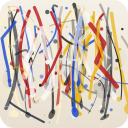
Pollock Painter
Peignez des gouttes façon Jackson Pollock dans le navigateur. Pinceaux gestuels, Auto-Pollock, palettes et export PNG — rien n’est envoyé.
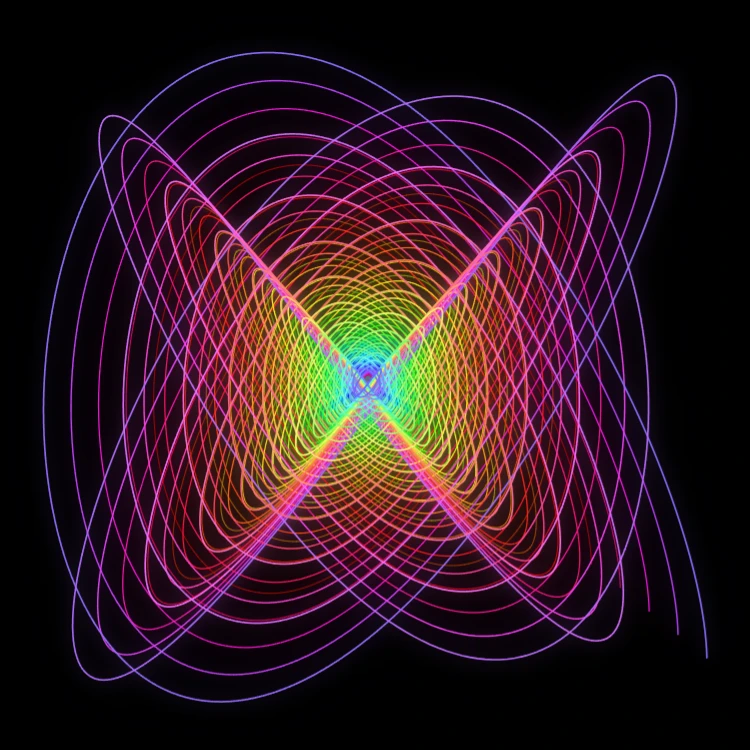
Pendule peintre
Peignez des courbes de Lissajous amorties dans le navigateur—le pendule peintre de Blackburn. Réglez rapports de fréquence, phases et amortissement, animez le trait et enregistrez un PNG. Rien n’est envoyé.

Spirographe
Tracez hypotrochoïdes et épitrochoïdes dans le navigateur. Réglez R, r et le décalage du stylo, animez, mélangez les styles et enregistrez un PNG. Rien n’est envoyé.
Prêt à l'essayer ?
Ouvrez PictorX dans votre navigateur – aucune installation, aucune carte de crédit requise pour démarrer.
Aller à l'éditeur