
Muro de graffiti
Spray, tags y chorreones en un muro de ladrillo. Aleatoriza, mueve tags, deshaz y guarda en PNG. Spray tags and drips on a brick graffiti wall — or let Auto-spray go wild.
como funciona
- Abre PictorX en el navegador y comienza un proyecto nuevo o carga una imagen.
- Usa Muro de graffiti para dar forma al resultado y luego afínalo con las demás herramientas del editor.
- Sigue editando, exporta tu trabajo o convierte el resultado en tu próximo diseño.
Cómo encaja Muro de graffiti en tu flujo de trabajo
Spray, tags y chorreones en un muro de ladrillo. PictorX mantiene la función junto a tus fotos, capas, tipografía y herramientas de diseño, para pasar de una idea a un gráfico terminado sin cambiar de aplicación.
Crea más con Muro de graffiti
Empieza con un cambio concreto, revisa el resultado en contexto y sigue iterando. Combina Muro de graffiti con otras herramientas PictorX para redes, presentaciones, impresión o proyectos personales.
Preguntas frecuentes
Is Graffiti Wall free to try?
Yes. Open PictorX in a modern browser to try Graffiti Wall as part of the free editing workflow.
Do I need to install software for Graffiti Wall?
No. PictorX runs in your browser, so you can start creating without a desktop software install.
How do I get started with Graffiti Wall?
Open an image or create a new design in PictorX, select Graffiti Wall, then adjust the result while viewing the rest of your composition.
Can I combine Graffiti Wall with other PictorX tools?
Yes. Use Graffiti Wall alongside layers, selections, text, filters, and other PictorX editing tools to finish your design in one workflow.
Herramientas relacionadas

Generador de letras recortadas de revista
Convierte texto en letras recortadas de revista. Mezcla fuentes o elige una y descarga un PNG. Nada se sube.
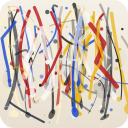
Pollock Painter
Pinta gotas al estilo Jackson Pollock en el navegador. Pinceles gestuales, Auto-Pollock, paletas y exportación PNG — no se sube nada.
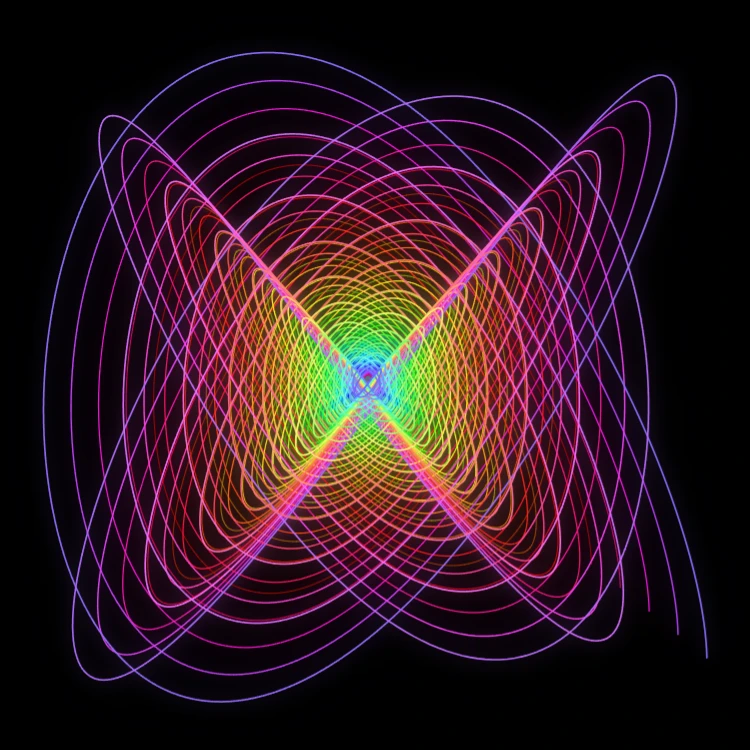
Péndulo pintor
Pinta curvas de Lissajous amortiguadas en el navegador—el clásico péndulo de Blackburn. Ajusta ratios de frecuencia, fases y amortiguación, anima el trazo y guarda un PNG. Nada se sube.

Espirógrafo
Dibuja hipotrocoides y epitrocoides en el navegador. Ajusta R, r y el desplazamiento del lápiz, anima, aleatoriza y guarda un PNG. Nada se sube.
¿Listo para probarlo?
Abra PictorX en su navegador: no requiere instalación ni tarjeta de crédito para comenzar.
Ir al editor