
Banksy Street Art
Uno studio di street art a stencil. Apri una foto, taglia uno stencil hard, soft o grunge, mettilo su mattoni o sul tuo muro, poi spray e colature. Salva PNG — nulla viene caricato. Trasforma una foto in street art stencil — scegli un muro, spruzza e cola.
Come funziona
- Open this page and try the sample, or open your own photo.
- Pick a stencil look and a wall, then tune contrast, spray, and drips.
- Save a PNG, or keep editing with layers and type in the PictorX editor.
A street-art studio, not a single filter
The existing Banksy effect is one stencil look. This mini-app is a playground: three stencil cuts, ten walls (or your own photo), and spray and drip like the Graffiti Wall. The photo keeps its original aspect ratio. It is inspired by stencil street art, not a copy of any copyrighted work.
Walls, spray, and instant share
Brick, concrete, plaster, metal, wood, a garage door, or a weathered urban wall sit under the stencil. Drag to spray, add drips, shift the stencil shadow, then save a PNG. Processing stays on your device.
Domande frequenti
What does Banksy Street Art do?
It turns a photo into a high-contrast stencil and composites it on a street wall, with spray and drips.
Is this a copy of Banksy’s artworks?
No. It is a stencil street-art style inspired by the look of cutouts and spray paint—not a copy of any copyrighted piece.
How is this different from the Banksy filter or Graffiti Wall?
The Banksy filter is one effect. Graffiti Wall is a spray-and-tag playground. This mini-app combines both: your photo becomes the stencil, then you pick a wall and paint on top.
Do my photos leave my device?
No. Stencil conversion, walls, and spray run in your browser. Nothing is uploaded to PictorX servers.
Strumenti correlati

Graffiti Wall
Spray, tag e colature su un muro di mattoni nel browser. Randomizza, annulla e salva PNG — gratis su PictorX.
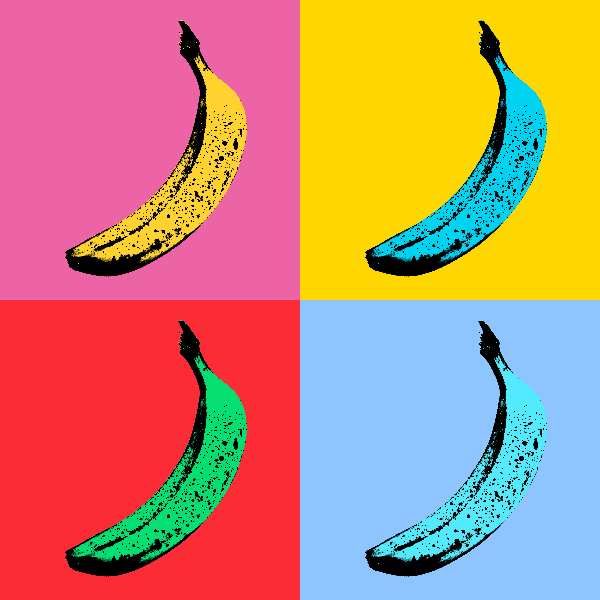
Effetti della Pop Art
Trasforma le foto in audaci poster Pop Art: griglie al neon, punti comici, inchiostri Risograph, Lichtenstein, stencil Banksy e altro ancora. Utilizza PictorX gratuitamente nel tuo browser senza che sia richiesta l'installazione di software.
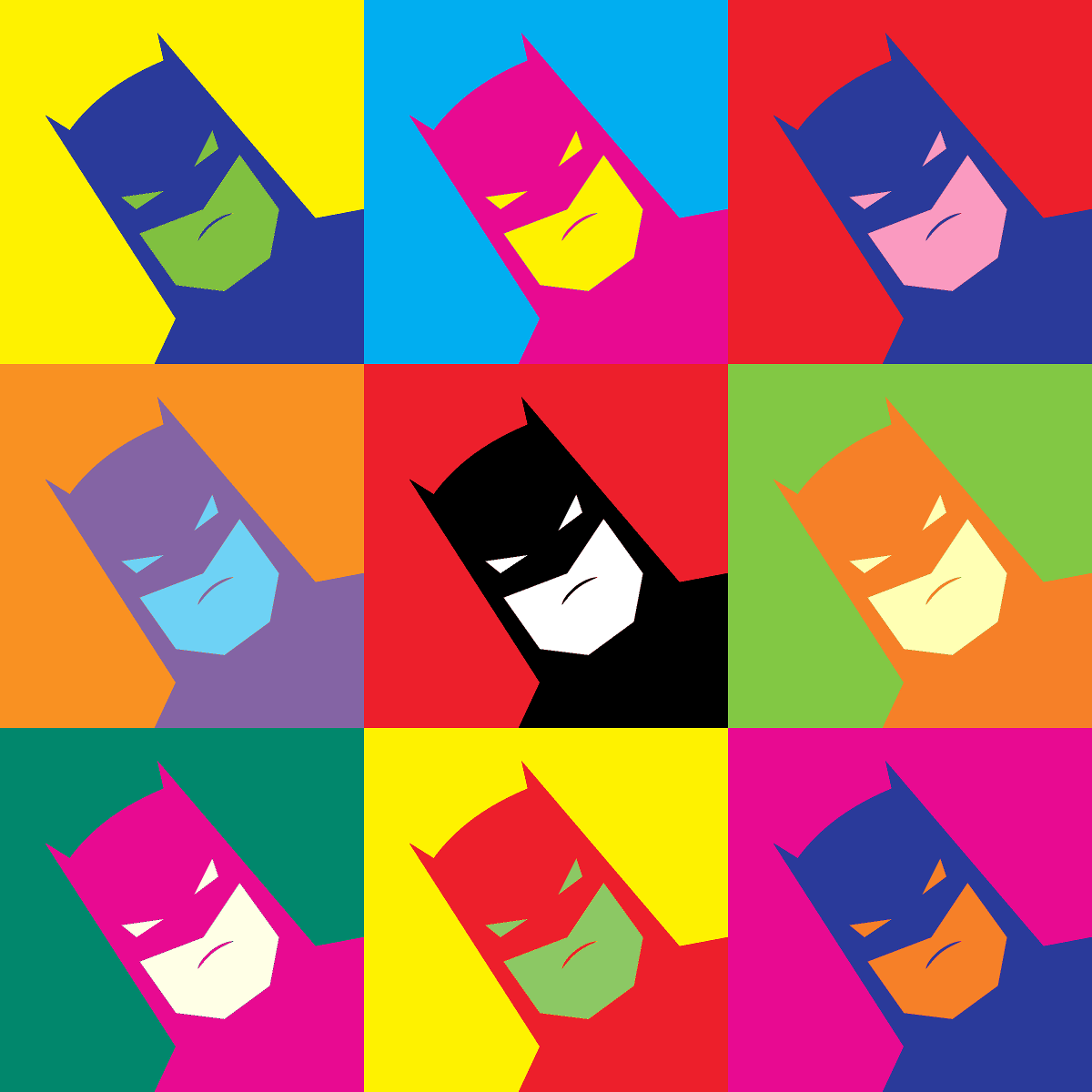
Effetti Andy Warhol
Trasmetti l'energia della Factory di Andy Warhol: griglie di colori audaci, icone ripetute e ritratti pop art che sembrano poster serigrafati. Utilizza PictorX gratuitamente nel tuo browser senza che sia richiesta l'installazione di software.
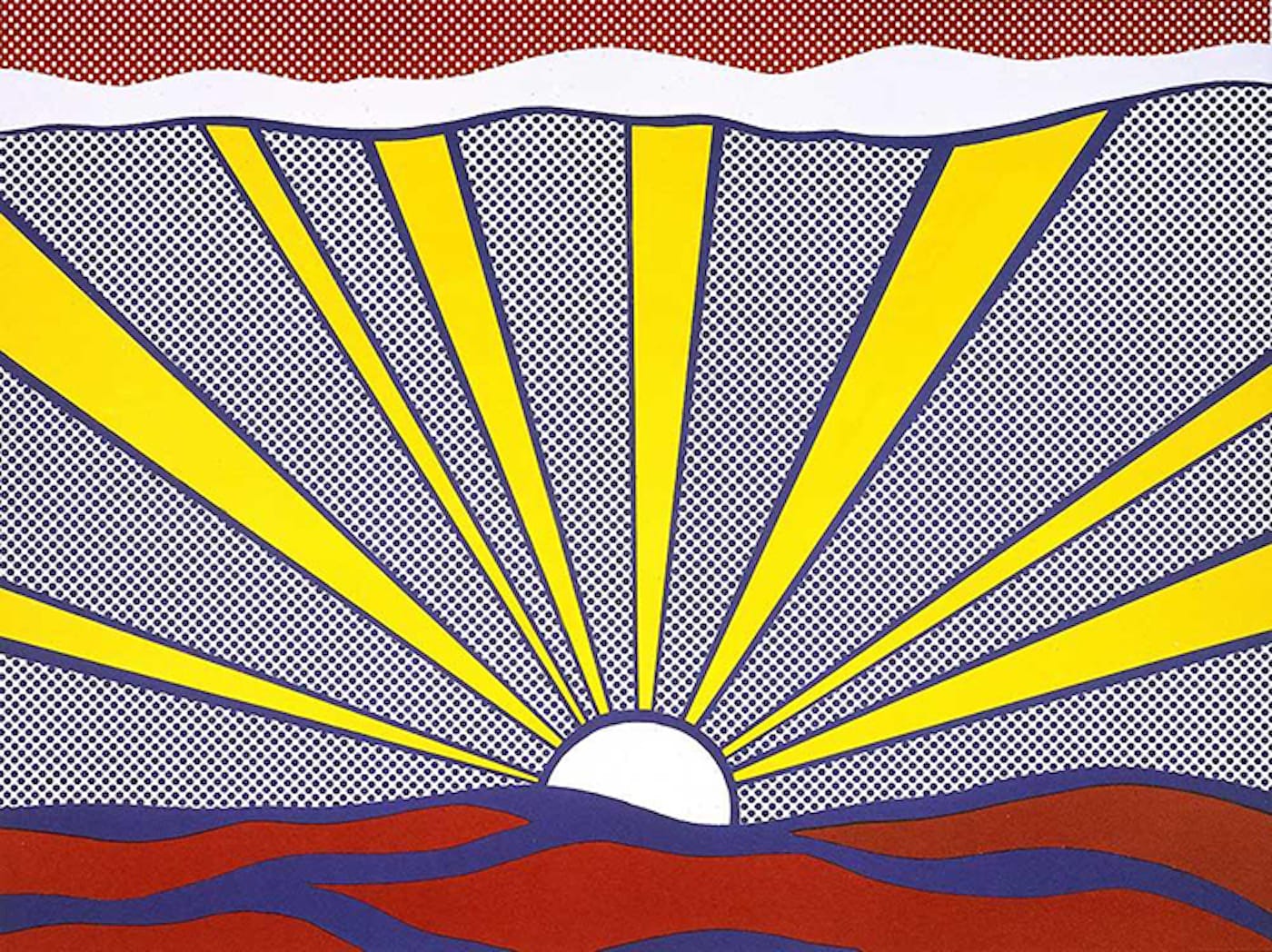
Pop Art
Scopri come la Pop Art ha trasformato pubblicità, fumetti e prodotti di consumo in arte—Andy Warhol, Roy Lichtenstein, la serigrafia e l’ascesa della cultura di massa.
Pollock Painter
Dipingi gocce in stile Jackson Pollock nel browser. Pennelli gestuali, Auto-Pollock, tavolozze ed esportazione PNG — niente viene caricato.
Pronto a provarlo?
Apri PictorX nel tuo browser: nessuna installazione, nessuna carta di credito richiesta per iniziare.
Vai all'editor