
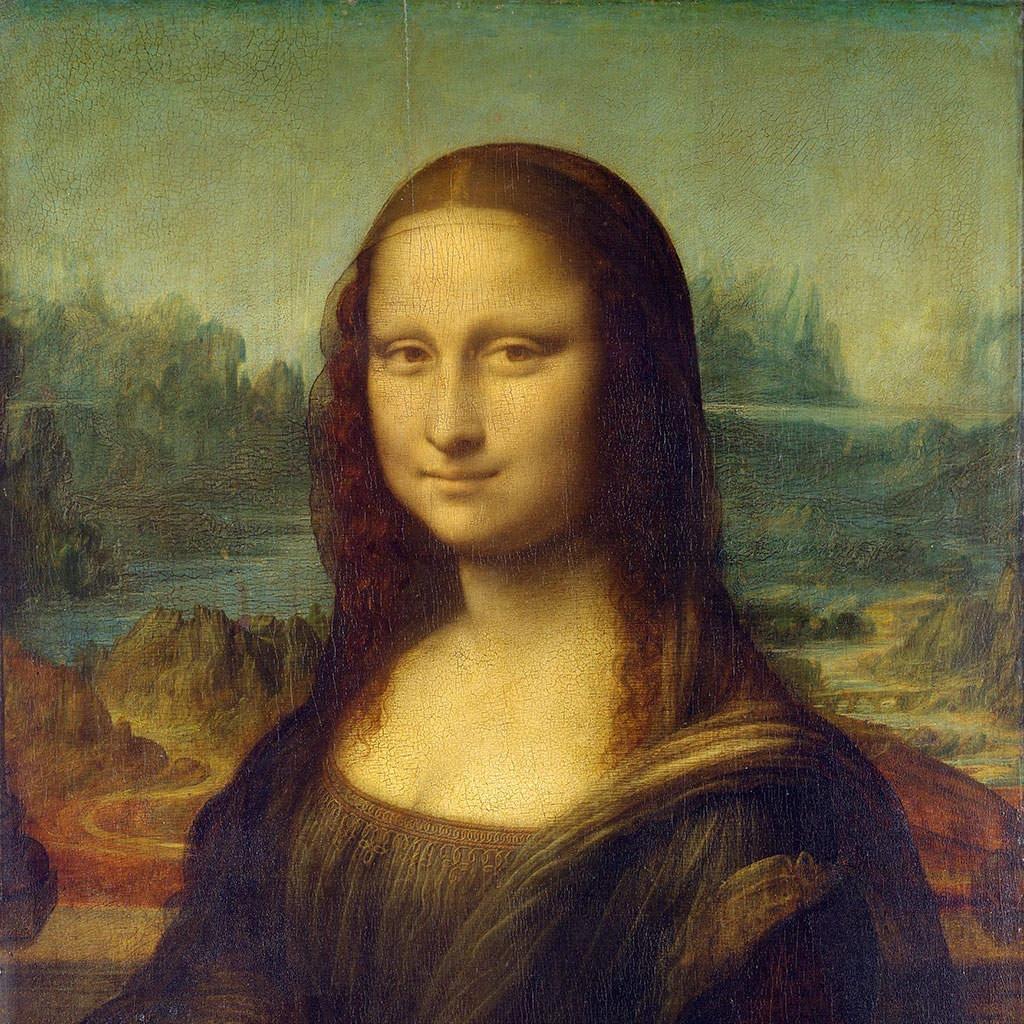
试试下方的像素化效果,或打开你自己的图片。
网点屏效果
Open a photo and apply 网点屏 in PictorX. This look is part of 像素化效果—adjust the settings on this page, then keep editing with layers, text, and other effects in the same workspace. 试试下方的像素化效果,或打开你自己的图片。
它是如何运作的
- Open this page and try 网点屏 on the sample, or open your own photo.
- Tune the 网点屏 settings, or switch to another look in 像素化效果.
- Save the result, or keep editing with layers, text, and other effects in PictorX.
What the 网点屏 effect does
网点屏 is one of the looks in PictorX 像素化效果. Apply it in your browser, then keep working in the same project—crop, type, or add another effect without starting over.
More looks in 像素化效果
This page opens 像素化效果 with 网点屏 already selected. Switch looks on the demo to compare styles, or open the full 像素化效果 page to browse every option in the set.
Looks in this set
常见问题
什么是网点屏效果?
网点屏模仿报纸用单色墨水印刷照片的方式:图像变成规则排列的网点,暗部网点大,亮部网点小或没有。从远处看,网点又会融合成不同深浅的灰色。
如何给照片加上网点屏?
在本页打开你的照片,点击“属性”。设置网点行的“角度”和“单元格大小”(3–100 px),然后点击“另存为图片”。单元格越大网点越明显,单元格越小保留的细节越多。
可以使用黑白以外的颜色吗?
可以。“颜色”设置网点的墨水色,“背景颜色”设置纸张颜色。例如,奶油色上的深蓝色带来复古印刷感,黑色上的白色则带来负片效果。
“网点屏”和“彩色半调”有什么区别?
“网点屏”只用一种墨水颜色,所以结果只有两种颜色。“彩色半调”把照片分离成青、品红、黄、黑四个不同角度的网点屏,就像彩色杂志印刷,因此保留原来的颜色。
网点屏的“角度”应该设为多少?
印刷厂传统上把单色墨水印在 45°,因为斜向排列的网点比水平排列的更不显眼。0° 会得到严格的网格感,默认的 15° 则是介于两者之间的轻微倾斜。
相关工具

像素化效果
将照片变成马赛克瓷砖、六边形、水晶、低多边形艺术、半色调点和复古街机调色板。
照片马赛克效果
免费在线把照片变成马赛克:将“大小”设为 1–400 px,添加“网格”或“圆点”,也可以试试“六边形”“晶格化”和“低多边形艺术”。保存为 PNG。
六边形 effect
Apply a 六边形 effect to photos free in your browser. Open the 像素化效果 tools, tune the look, and keep editing in PictorX. No install.
晶格化效果
在线让照片呈现水晶般的切面效果。“晶格化”把照片重绘为平涂色三角形组成的网格。设置单元格大小并保存图片。
用照片制作低多边形艺术
在线把照片变成低多边形艺术:平涂色的三角形、矩形或多边形,可选加上边缘线。可设置单元格大小、抖动和形状。
蒙德里安马赛克 effect
Apply a 蒙德里安马赛克 effect to photos free in your browser. Open the 像素化效果 tools, tune the look, and keep editing in PictorX. No install.
彩色半调 effect
Apply a 彩色半调 effect to photos free in your browser. Open the 像素化效果 tools, tune the look, and keep editing in PictorX. No install.

了解更多万花筒知识
万花筒如何运作?布儒斯特的发明及其希腊语名称、镜子如何形成图案、单元与远景万花筒,以及数字万花筒滤镜。
准备好尝试了吗?
在浏览器中打开 PictorX — 无需安装,无需信用卡即可启动。
前往编辑器