
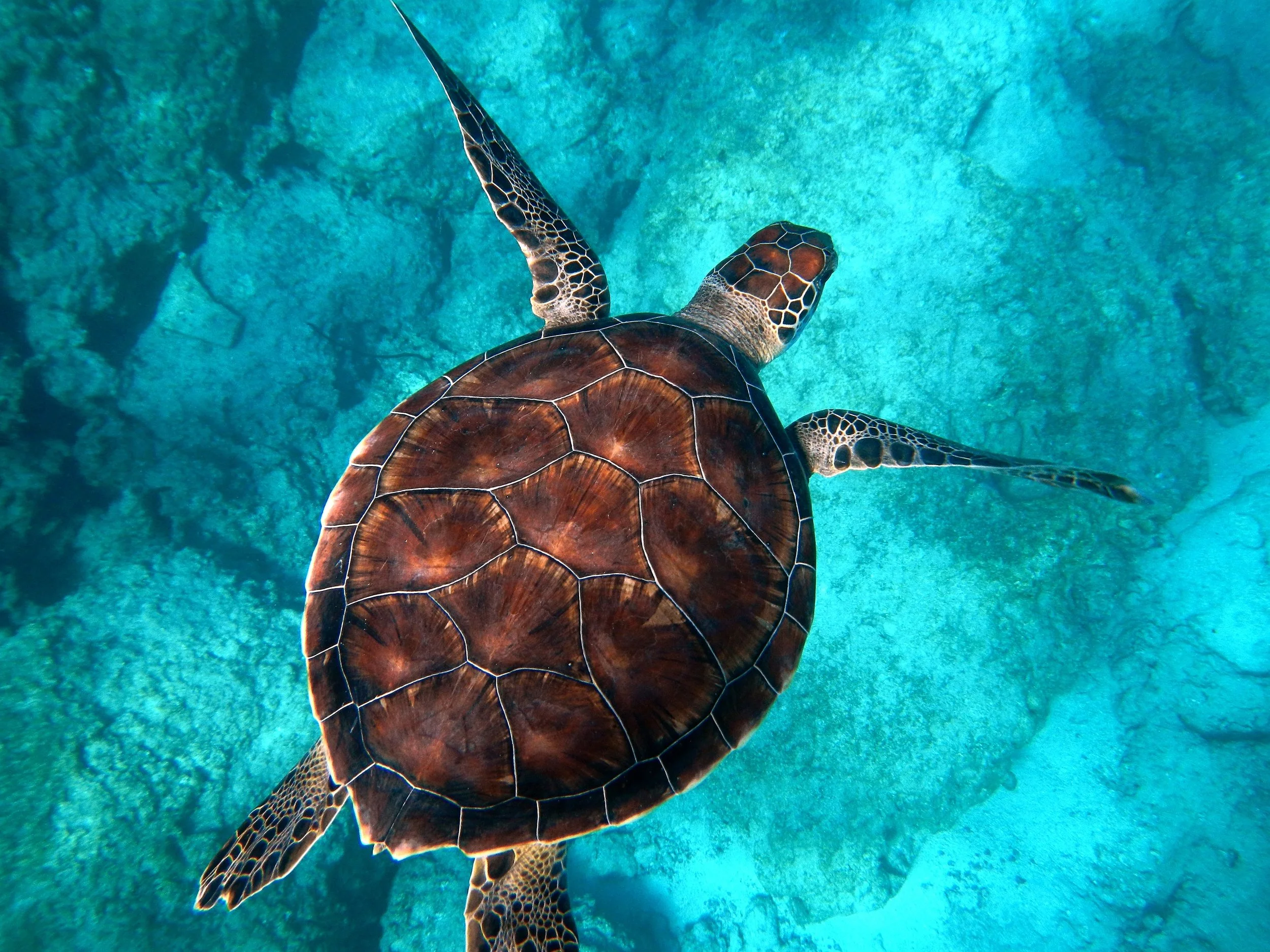
原住民点画
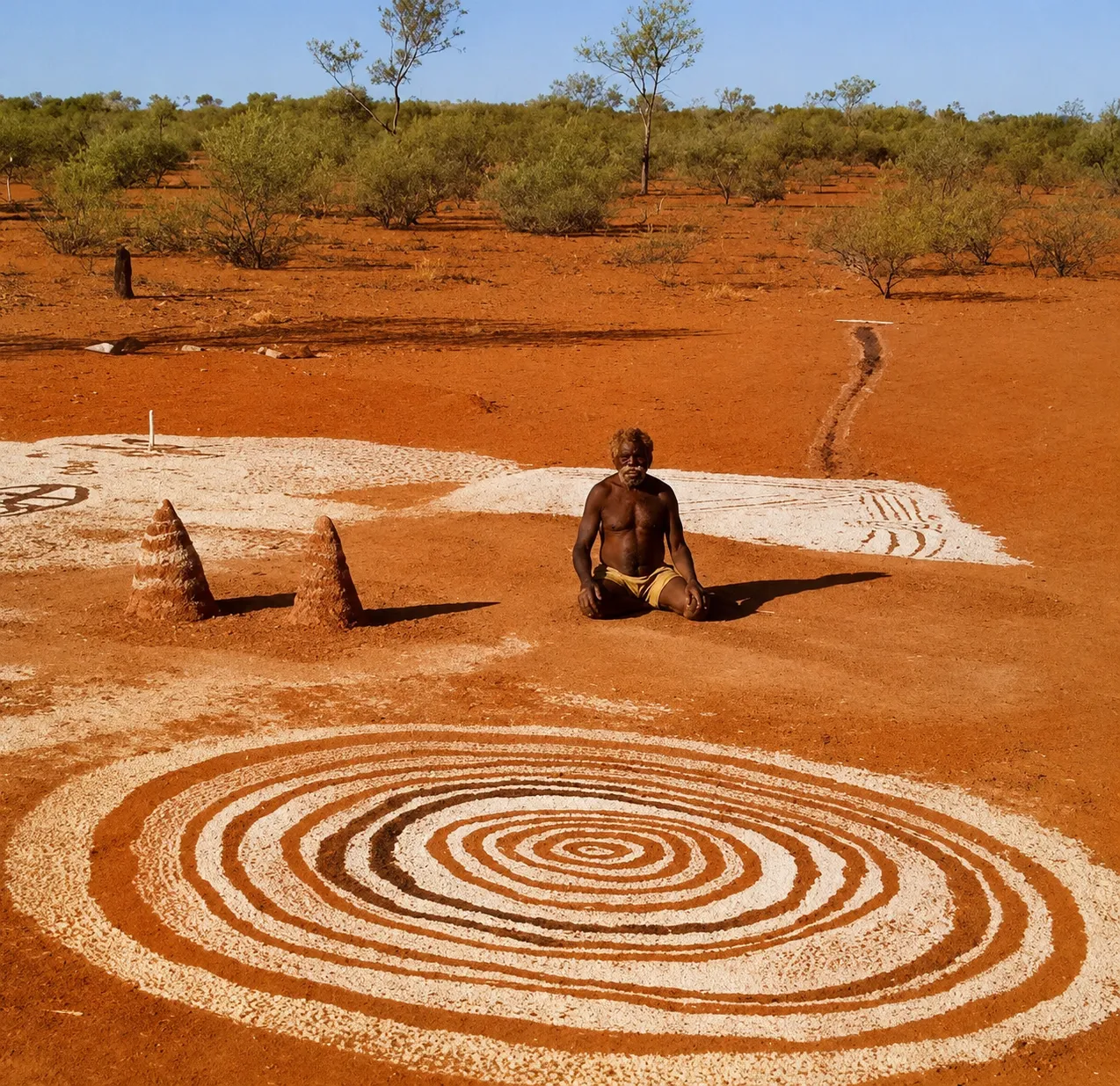
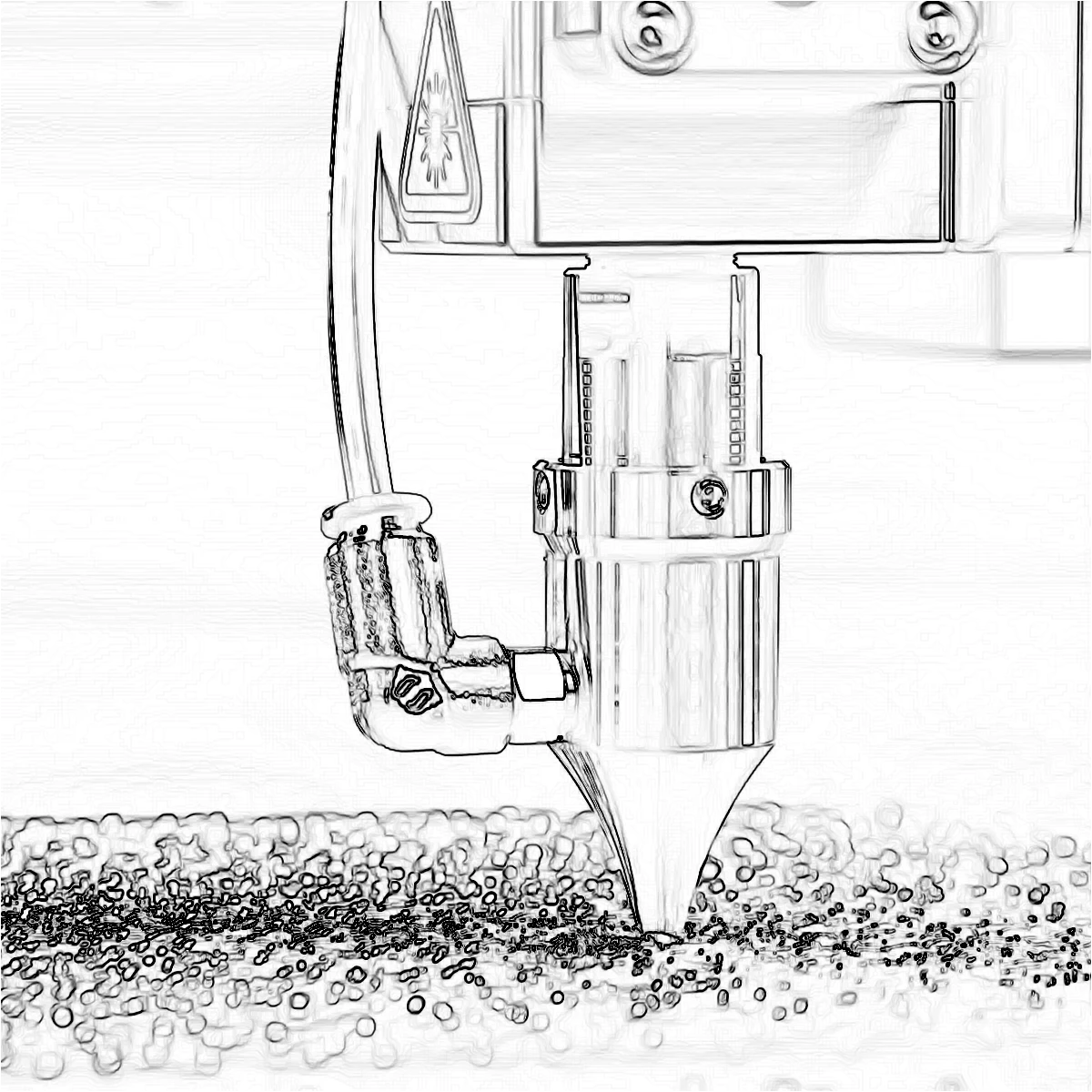
Canny 轮廓变成同心圆点,背景铺上从照片压平的色点。PictorX 原住民点画在浏览器中运行,然后您可以用图层、文字和其他效果继续编辑。 试试下方的原住民点画效果,或打开您自己的图片。
它是如何运作的
- Open PictorX in your browser and load a photo.
- Choose Aboriginal Art, then try dot size, outline colors, and whether inner dots are on.
- Export the dot painting, or keep editing with layers and other effects in the same workspace.
Why the dot-painting look works
Portraits, birds, animals, and landscapes with clear edges become a field of dots. Outline dots trace the subject; background dots pick flattened colors from each region, so a sky, a face, or a jacket reads as a color field instead of a photograph.
Dot size, outline colors, and inner dots
Dot size sets how large each circle is. Color 1 is the outer ring on edges; Color 2 is the optional inner dot. Background color fills gaps between dots. Turn Dots off for outline rings only. Transparent background keeps a clear PNG around the dots.
常见问题
原住民点画滤镜有什么作用?
它把照片做成点画。边缘圆点沿 Canny 轮廓排列;其余用从照片取样、颜色压平的圆点填满。
「圆点」和两种轮廓色有什么作用?
「圆点」会在边缘圆点上再画一个较小的内圆。颜色 1 是外环,颜色 2 是内圆。背景色填补圆点之间的空隙。
哪些照片效果最好?
主体清晰、颜色分明的照片最好——人像、鸟类、动物和风景。柔和、低对比的照片也能用,会变成更安静的色块。
应用原住民点画后还能继续编辑吗?
可以。在同一 PictorX 工作区继续用图层、文字、其他艺术效果,或直接导出。
相关工具


准备好尝试了吗?
在浏览器中打开 PictorX — 无需安装,无需信用卡即可启动。
前往编辑器