
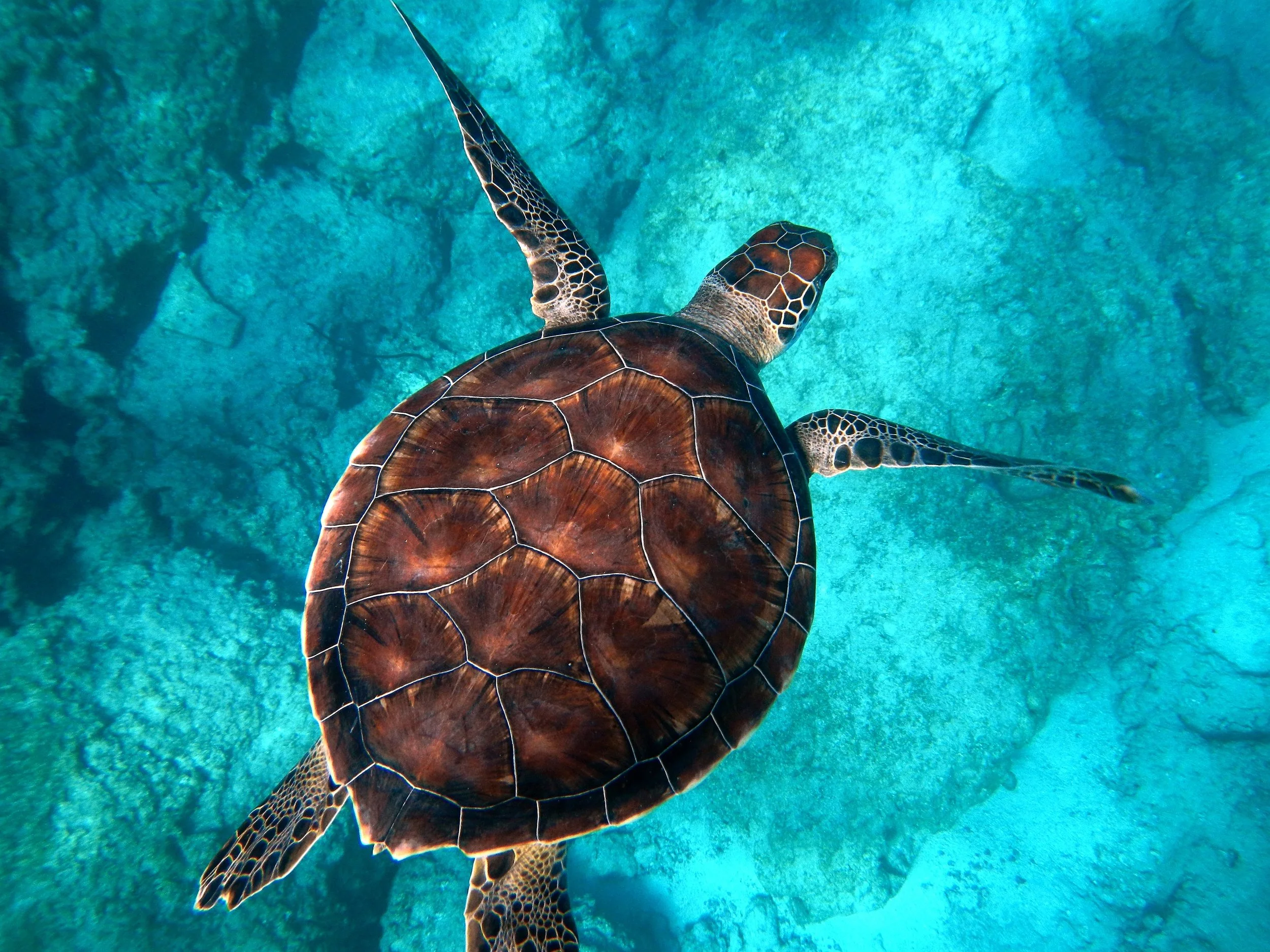
アボリジニのドットペインティング
Canny の輪郭は同心円の点になり、背景は写真から平坦化した色の点で埋まります。PictorX のアボリジニ・アートはブラウザで動き、レイヤー、テキスト、他の効果で編集を続けられます。 下のアボリジニ・アートを試すか、自分の写真を開いてください。
使い方
- Open PictorX in your browser and load a photo.
- Choose Aboriginal Art, then try dot size, outline colors, and whether inner dots are on.
- Export the dot painting, or keep editing with layers and other effects in the same workspace.
Why the dot-painting look works
Portraits, birds, animals, and landscapes with clear edges become a field of dots. Outline dots trace the subject; background dots pick flattened colors from each region, so a sky, a face, or a jacket reads as a color field instead of a photograph.
Dot size, outline colors, and inner dots
Dot size sets how large each circle is. Color 1 is the outer ring on edges; Color 2 is the optional inner dot. Background color fills gaps between dots. Turn Dots off for outline rings only. Transparent background keeps a clear PNG around the dots.
よくある質問
アボリジニ・アートフィルターは何をしますか?
写真をドットペインティングにします。輪郭の点は Canny の線を追い、残りは写真から色を減らした点で埋まります。
ドットと2つの輪郭色は何をしますか?
ドットは輪郭の点に小さな内側の円を足します。色1は外側の輪、色2はその内側の円。背景色は点の隙間を埋めます。
どの写真が一番向いていますか?
色がはっきりした被写体—ポートレート、鳥、動物、風景。コントラストの低い柔らかい写真も使え、静かな色面になります。
アボリジニ・アートのあと編集を続けられますか?
はい。同じ PictorX ワークスペースでレイヤー、テキスト、他のアート風、または書き出しを続けられます。
関連ツール
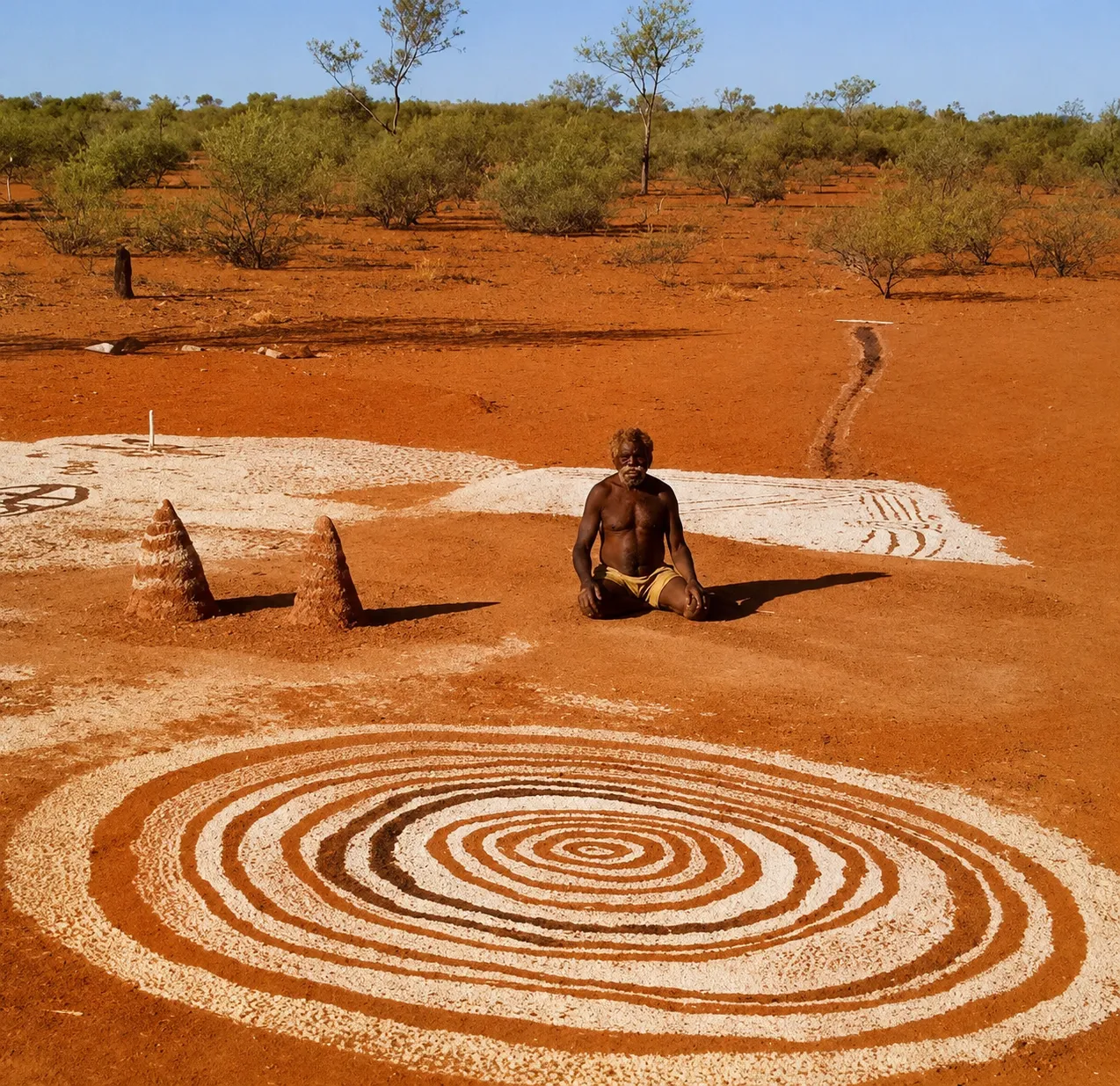
アボリジナル・アートについてもっと見る
アボリジナル・アートがカントリー、物語、法をどう地図にするか。岩絵とオーカーからパプニャのドットペインティングまで。PictorXで敬意あるデジタルなオマージュを試せます。

芸術的効果
油絵、水彩、鉛筆、コミックインク、パステル、切り絵などのスタジオアートの見た目で写真を変えます。
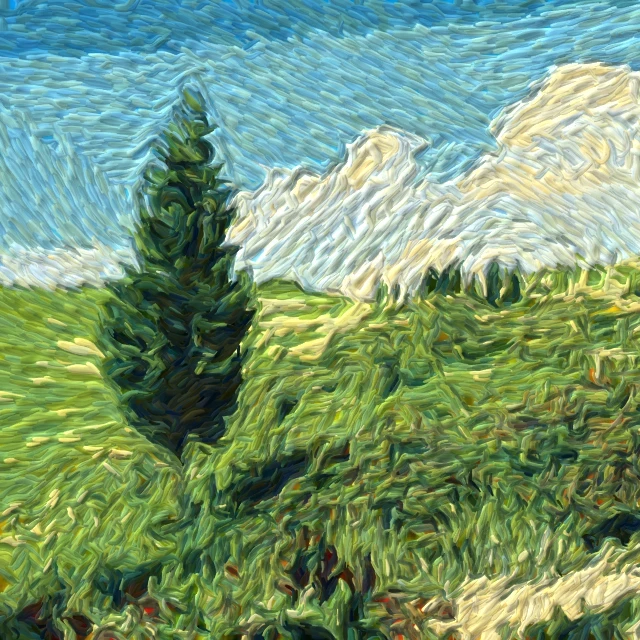
写真をゴッホの筆触で描く
ブラウザで写真を『星月夜』風の渦巻く筆触に。ゴッホのインパストへのデジタルなオマージュであり、美術館の複製ではありません。
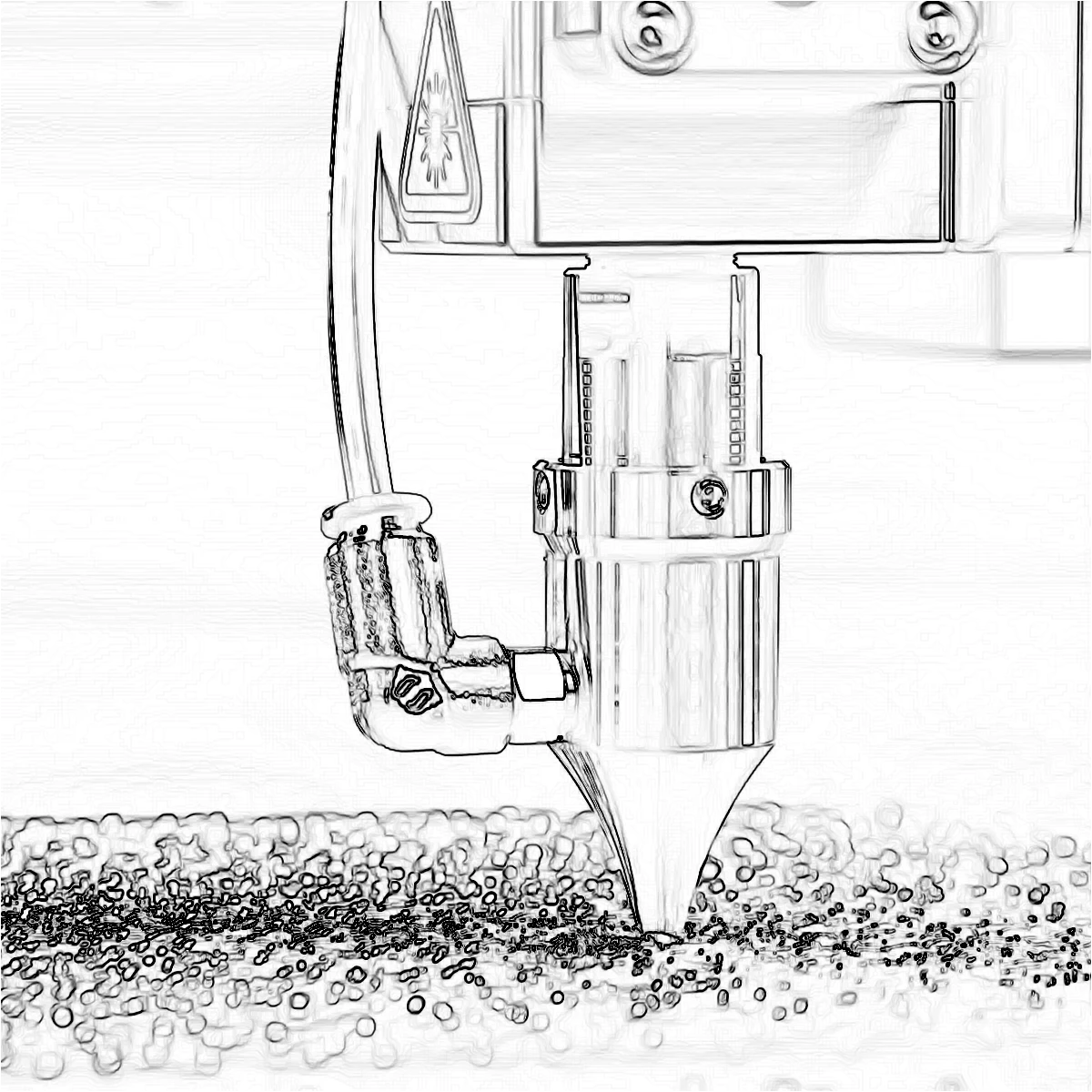
エッジ効果
Canny、Sobel、Laplace、Find Edges、Glowing Edges、XDoG、Morphological Gradient で輪郭をたどる、写真を線画にするクラシックな検出器です。

ピクセル化効果
写真をモザイクタイル、六角形、結晶、ローポリアート、ハーフトーンの点、レトロアーケードパレットに変えます。
試してみますか?
ブラウザで PictorX を開きます。インストール不要、始めるのにクレジットカードも不要です。
エディターへ